
Booking a 𝗽𝗼𝗱𝗰𝗮𝘀𝘁 𝗶𝗻𝘁𝗲𝗿𝘃𝗶𝗲𝘄 𝘀𝘁𝘂𝗱𝗶𝗼 𝗶𝗻 𝗗𝘄𝗮𝗿𝗸𝗮


About the center
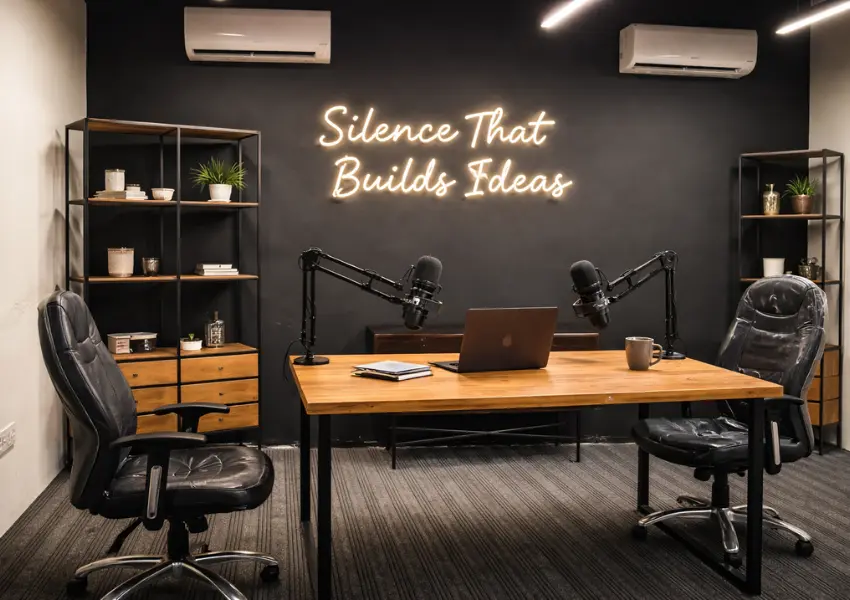
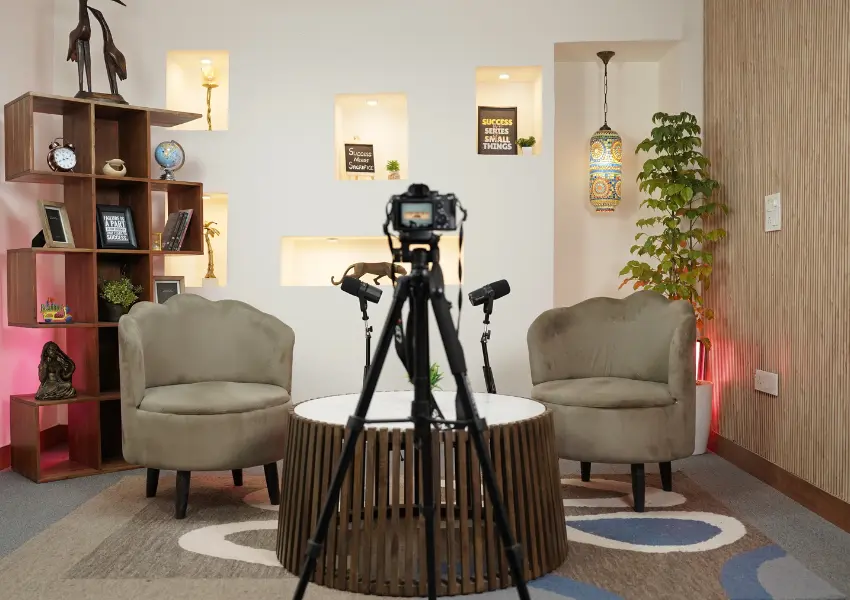
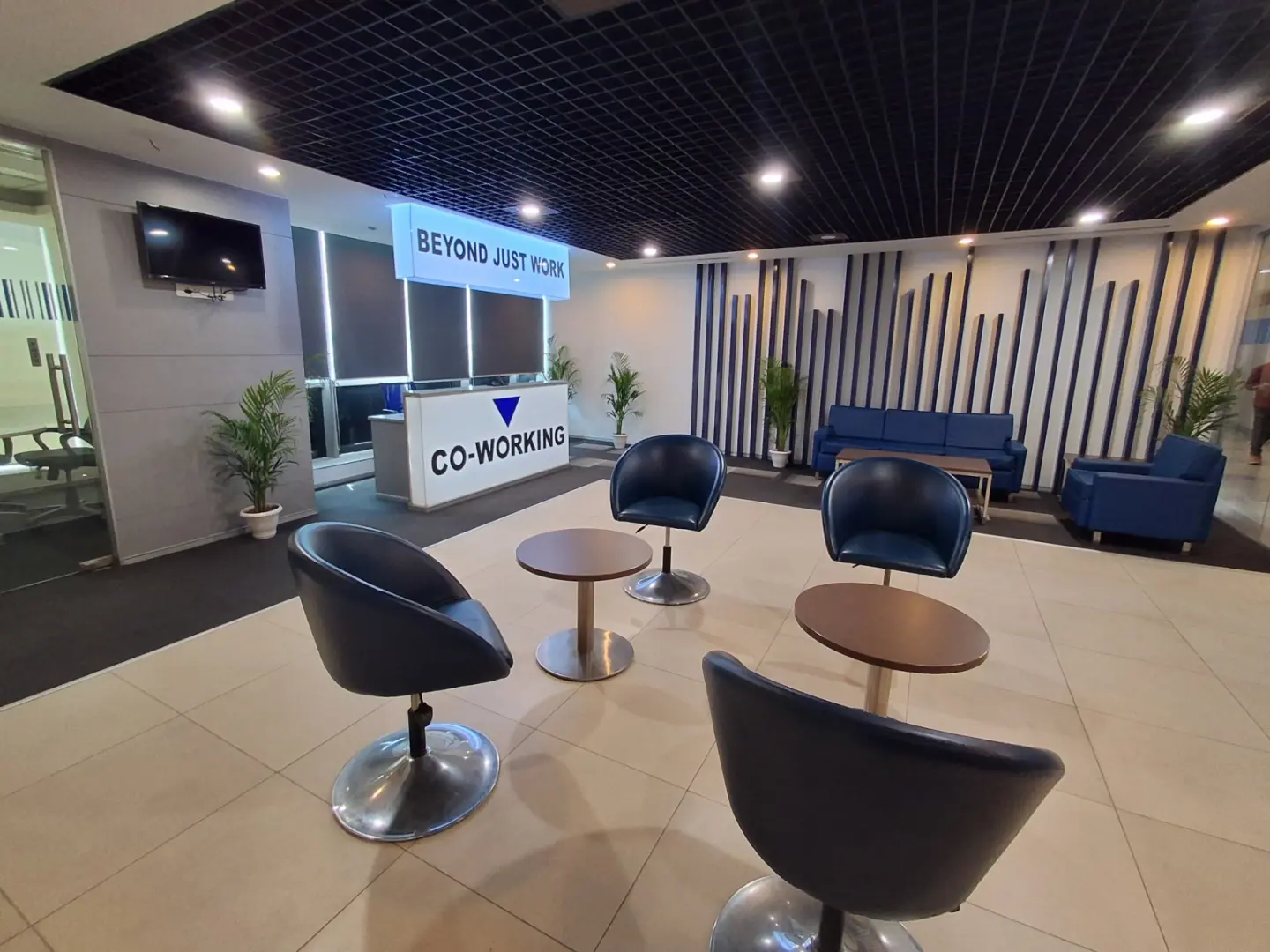
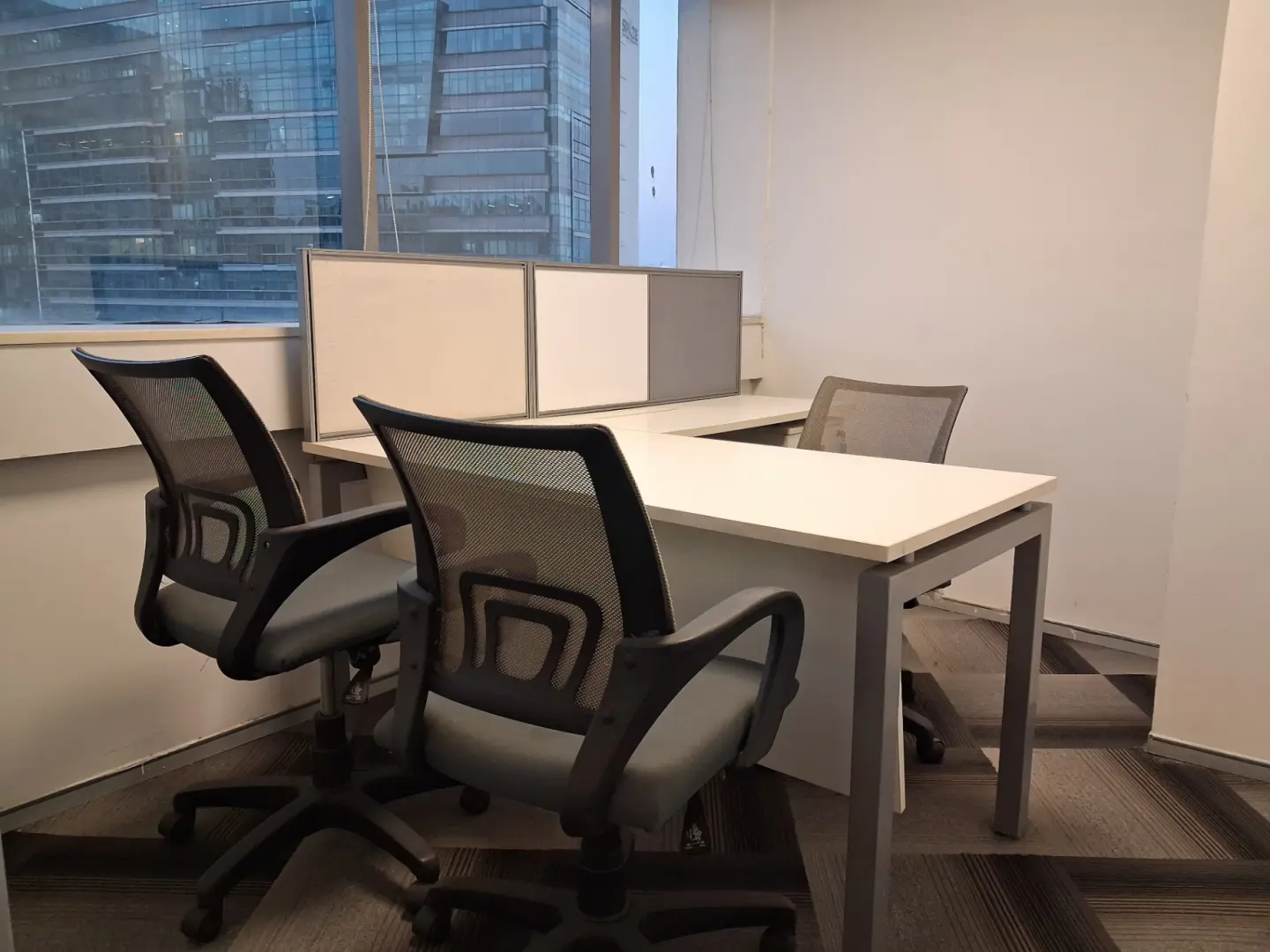
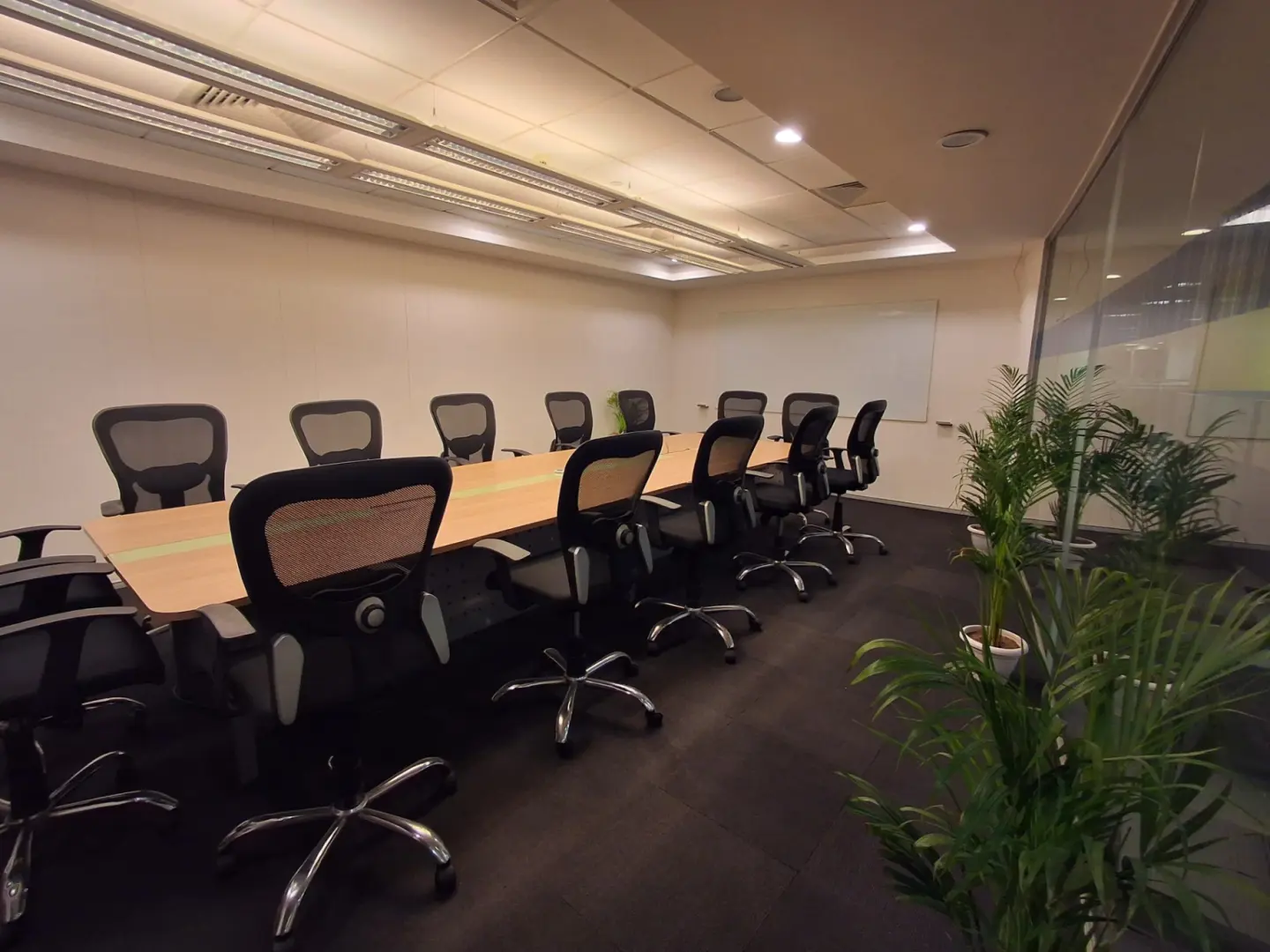
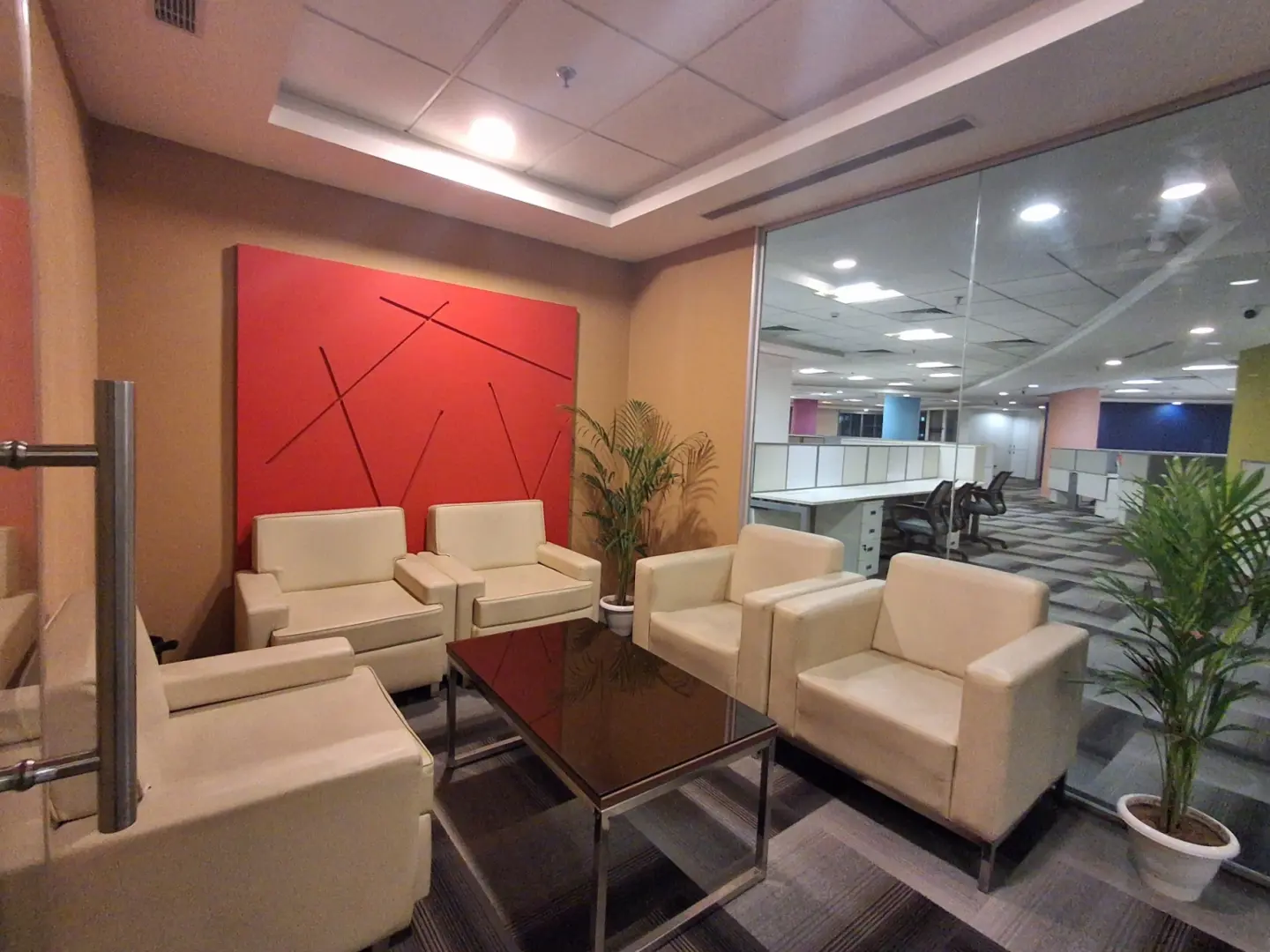
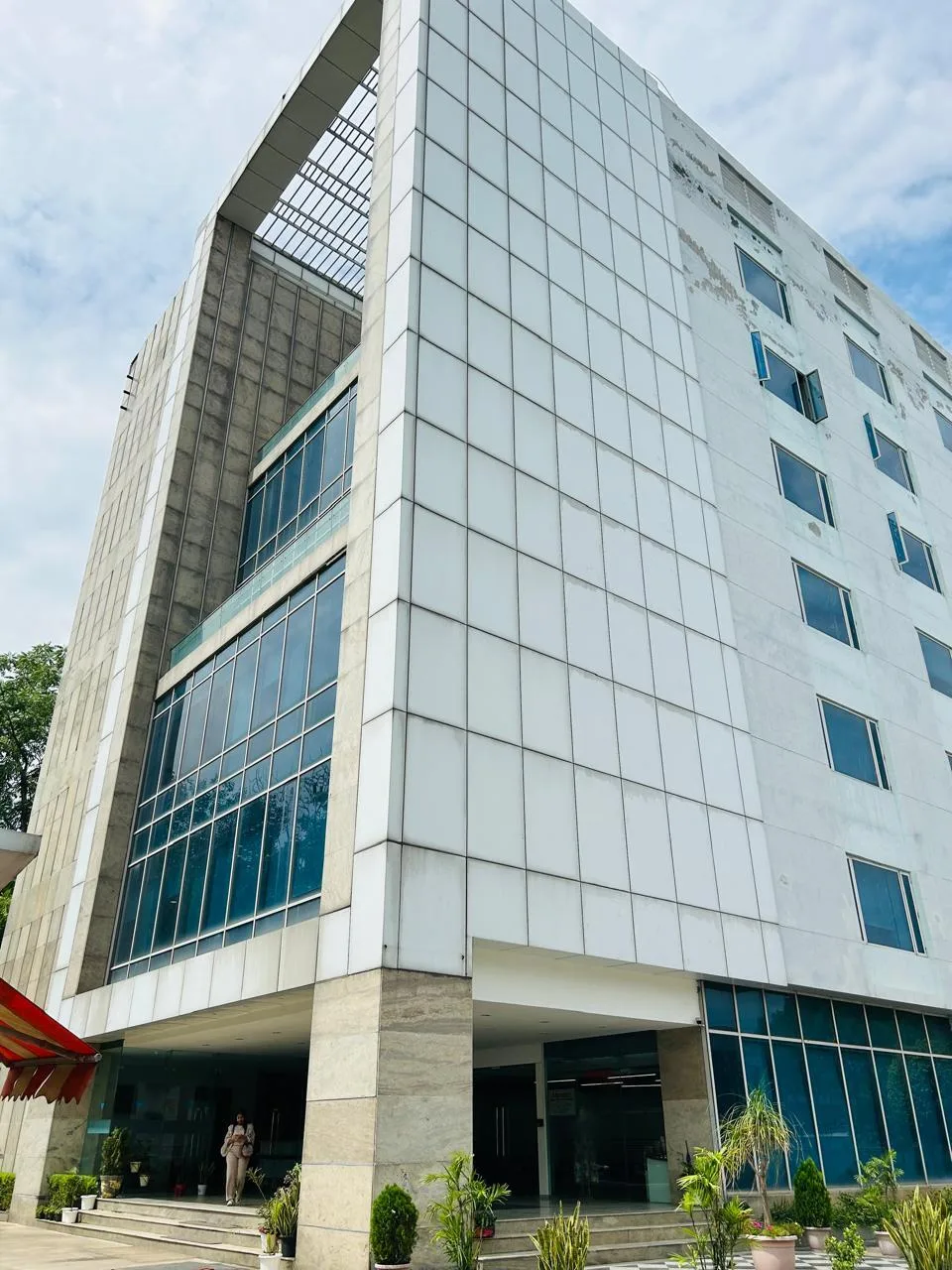
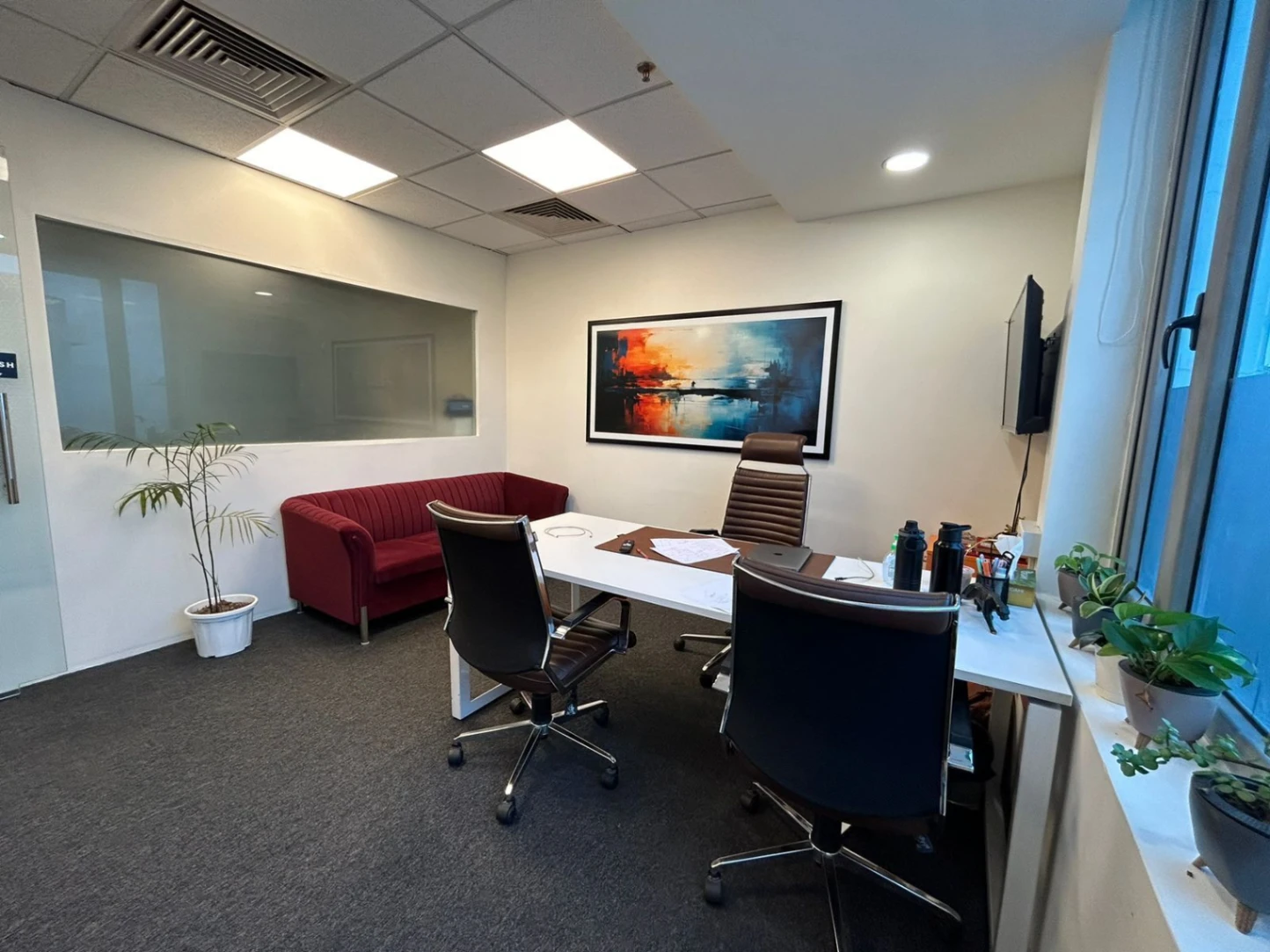
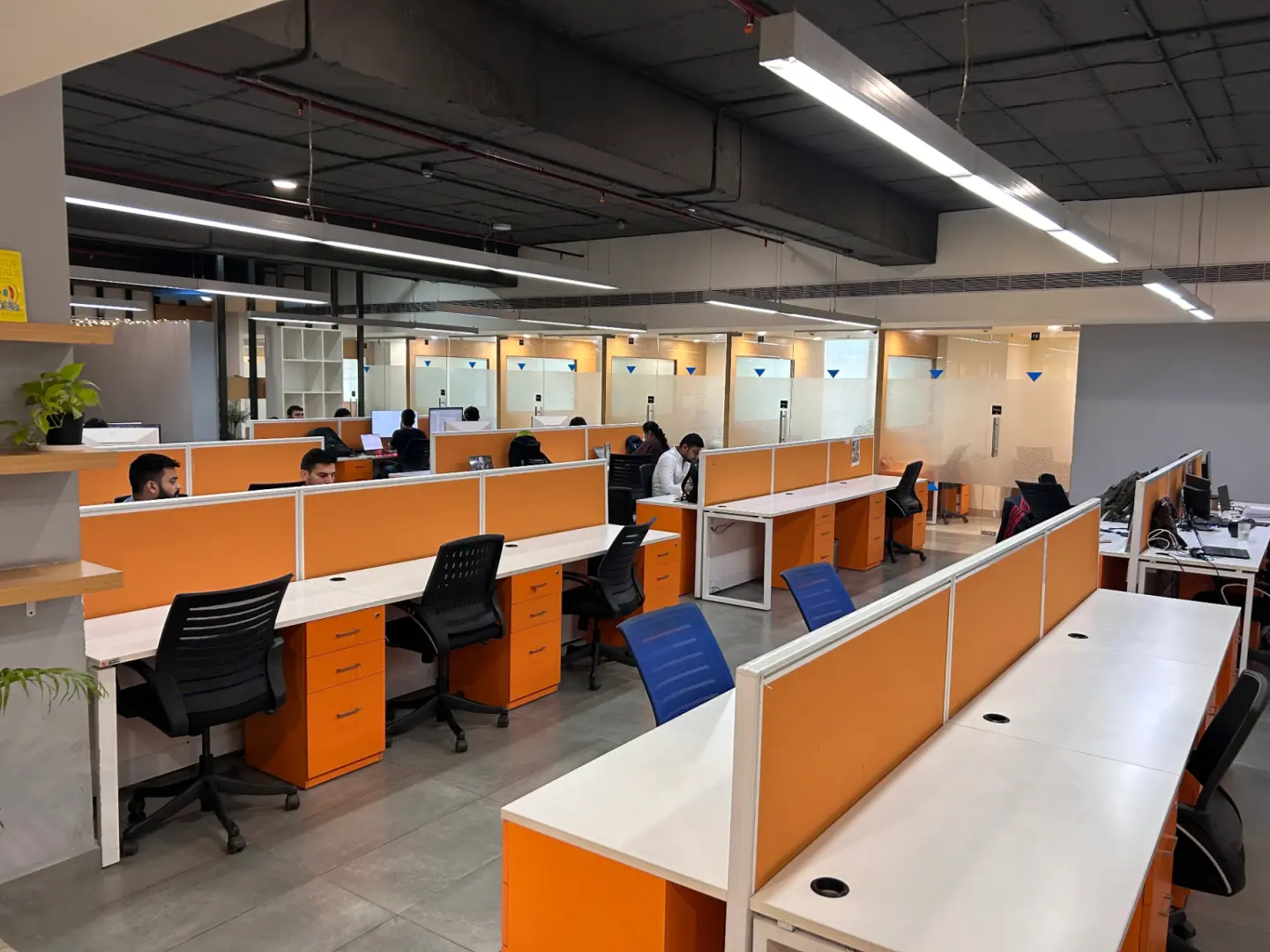
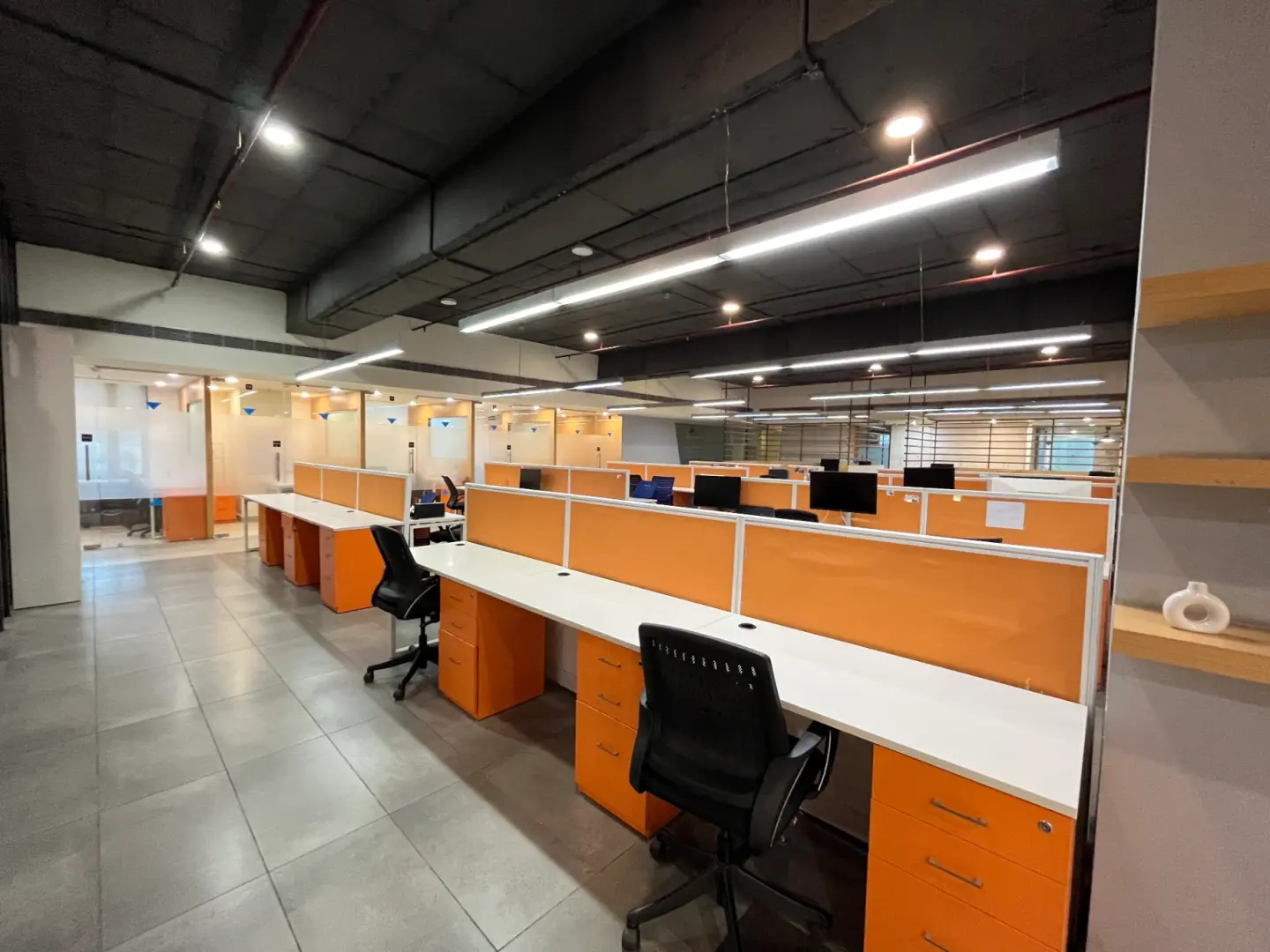
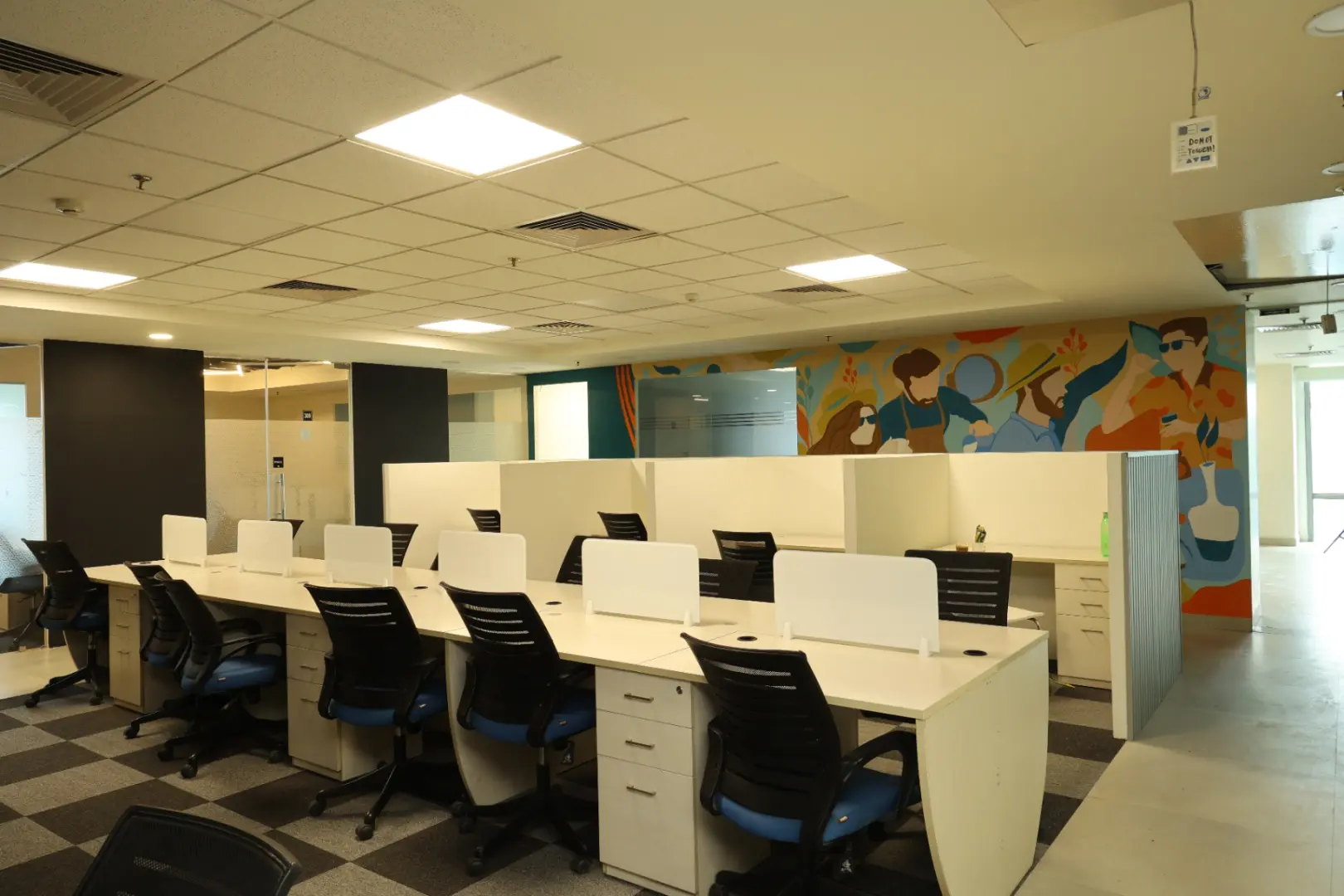
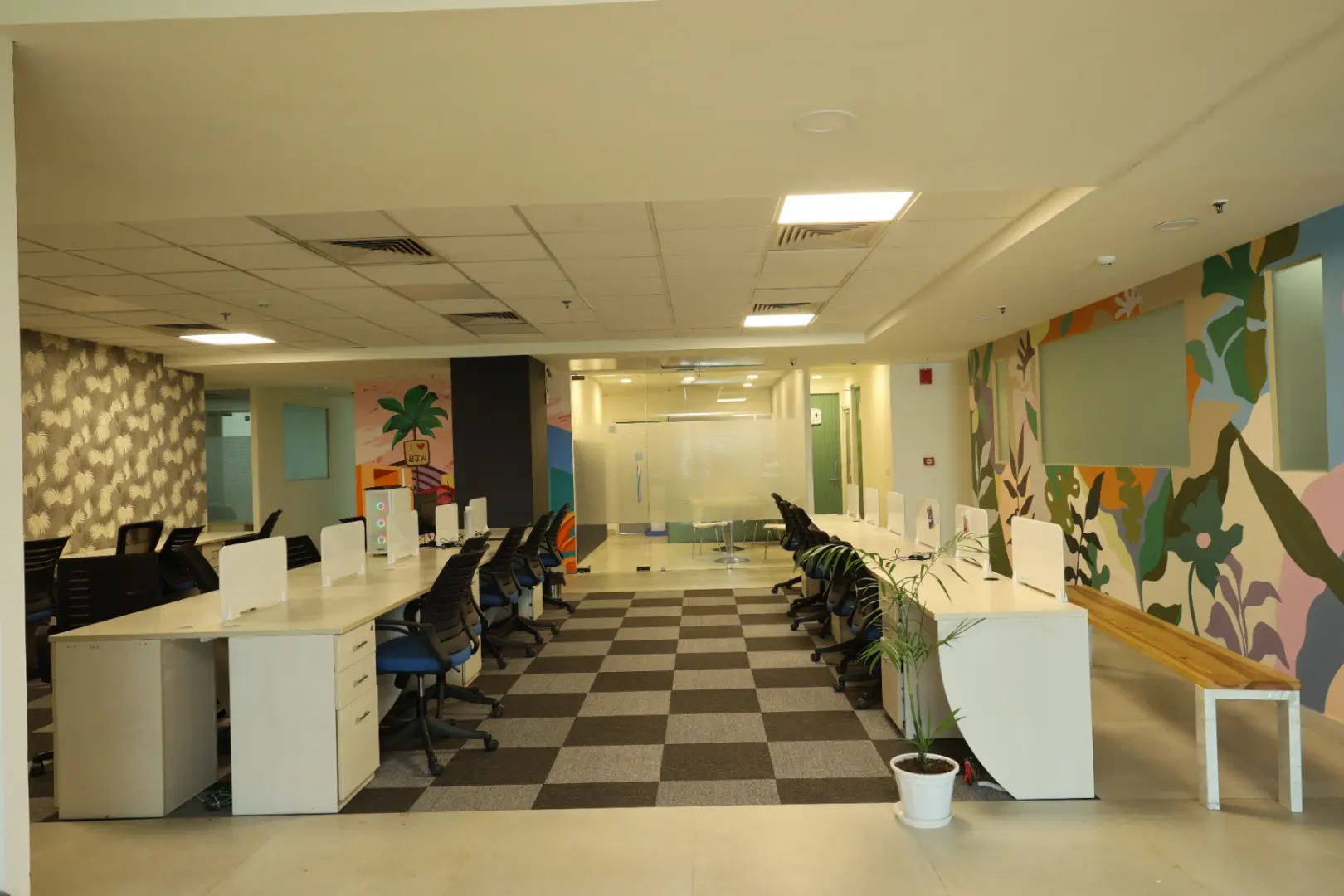
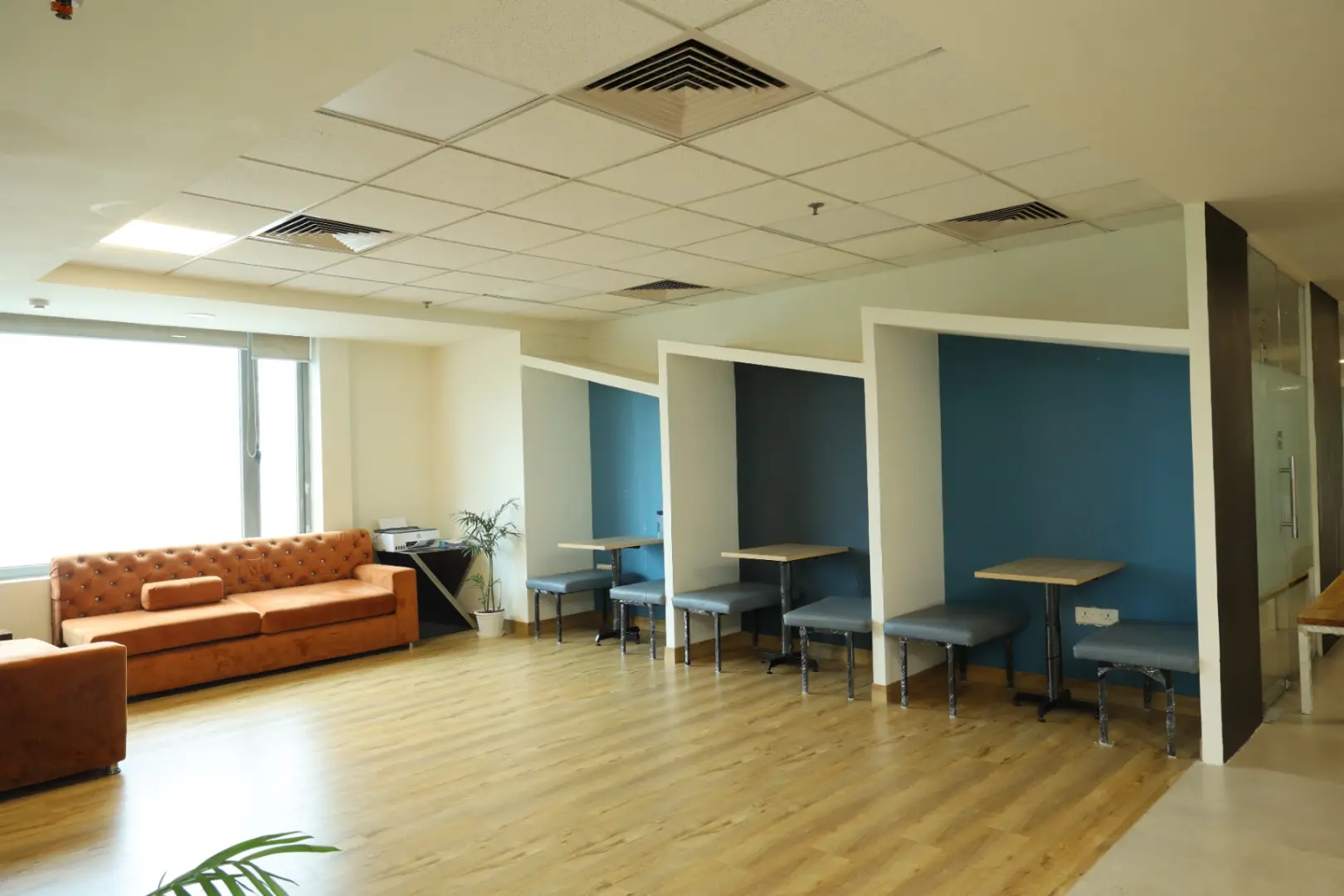
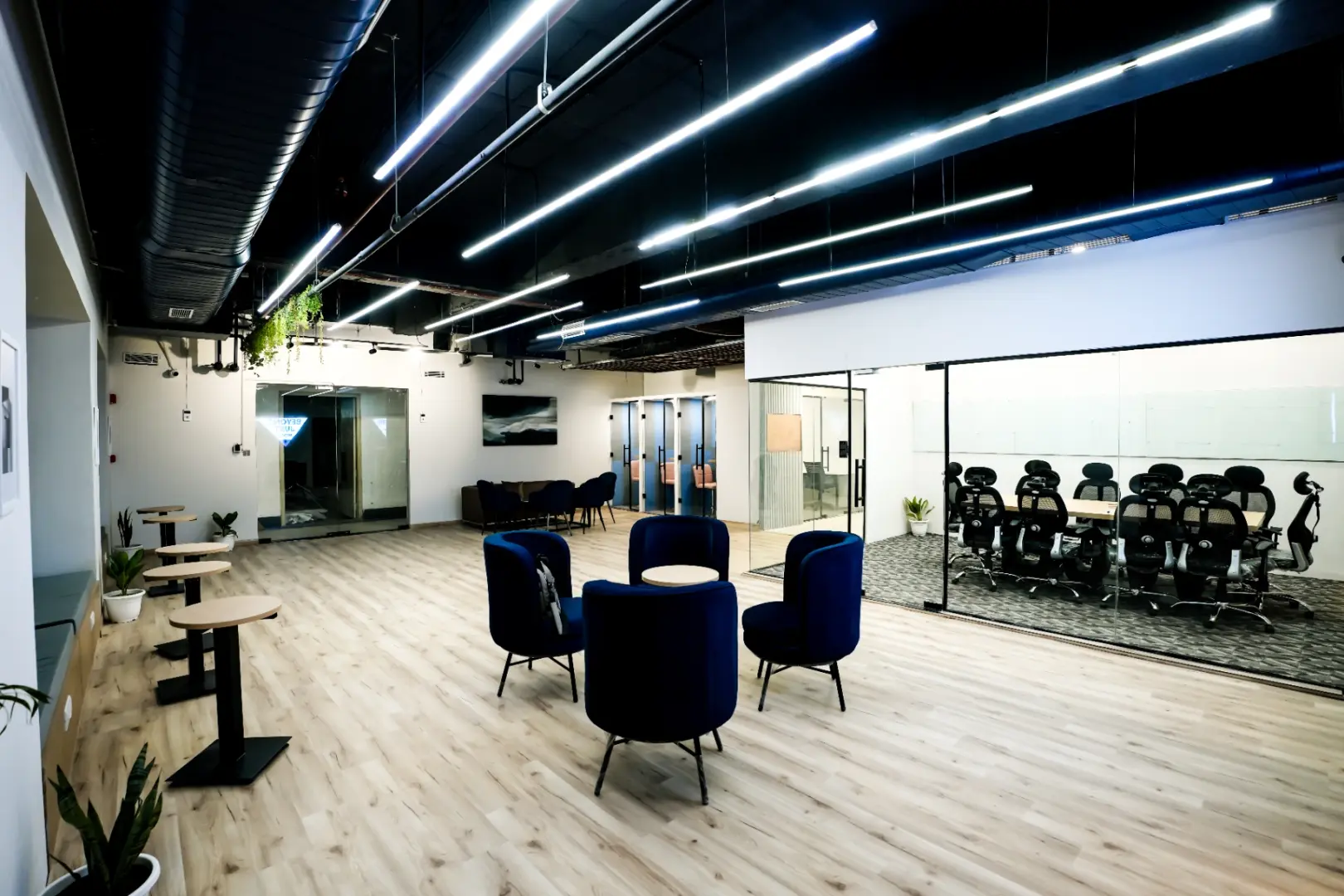
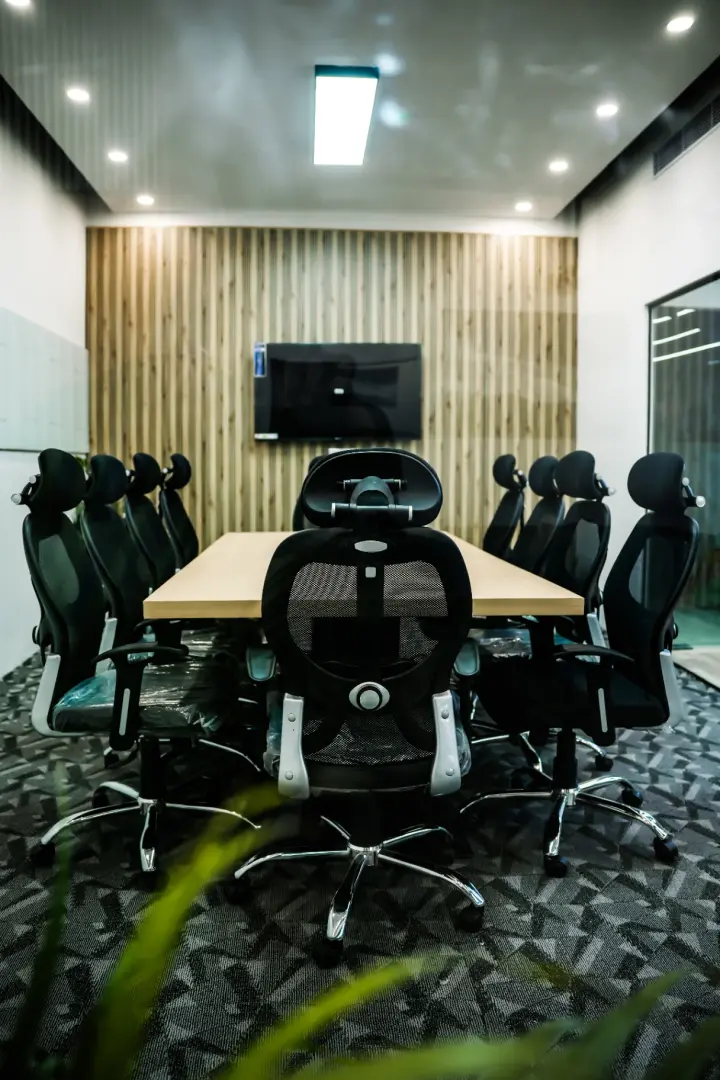
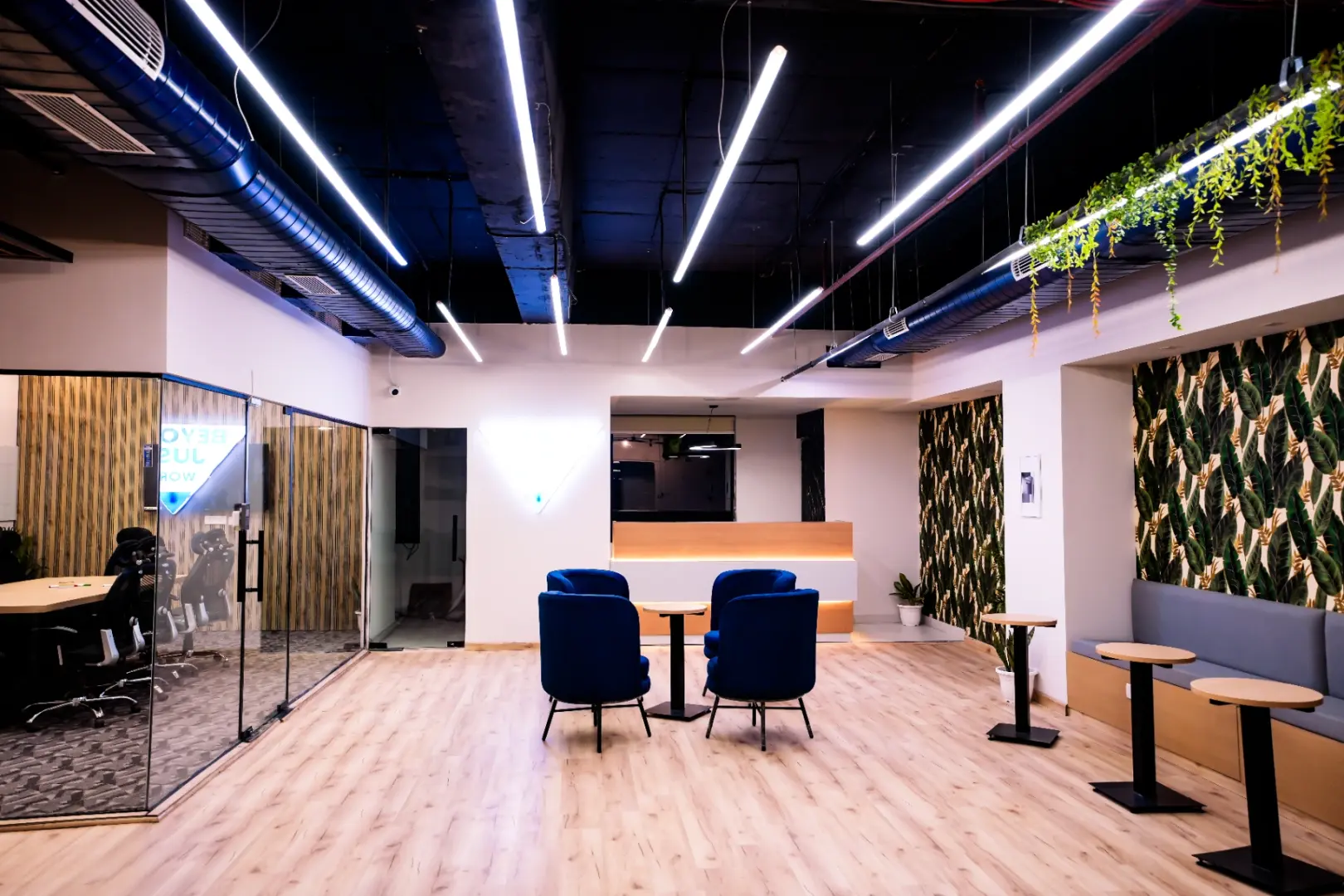
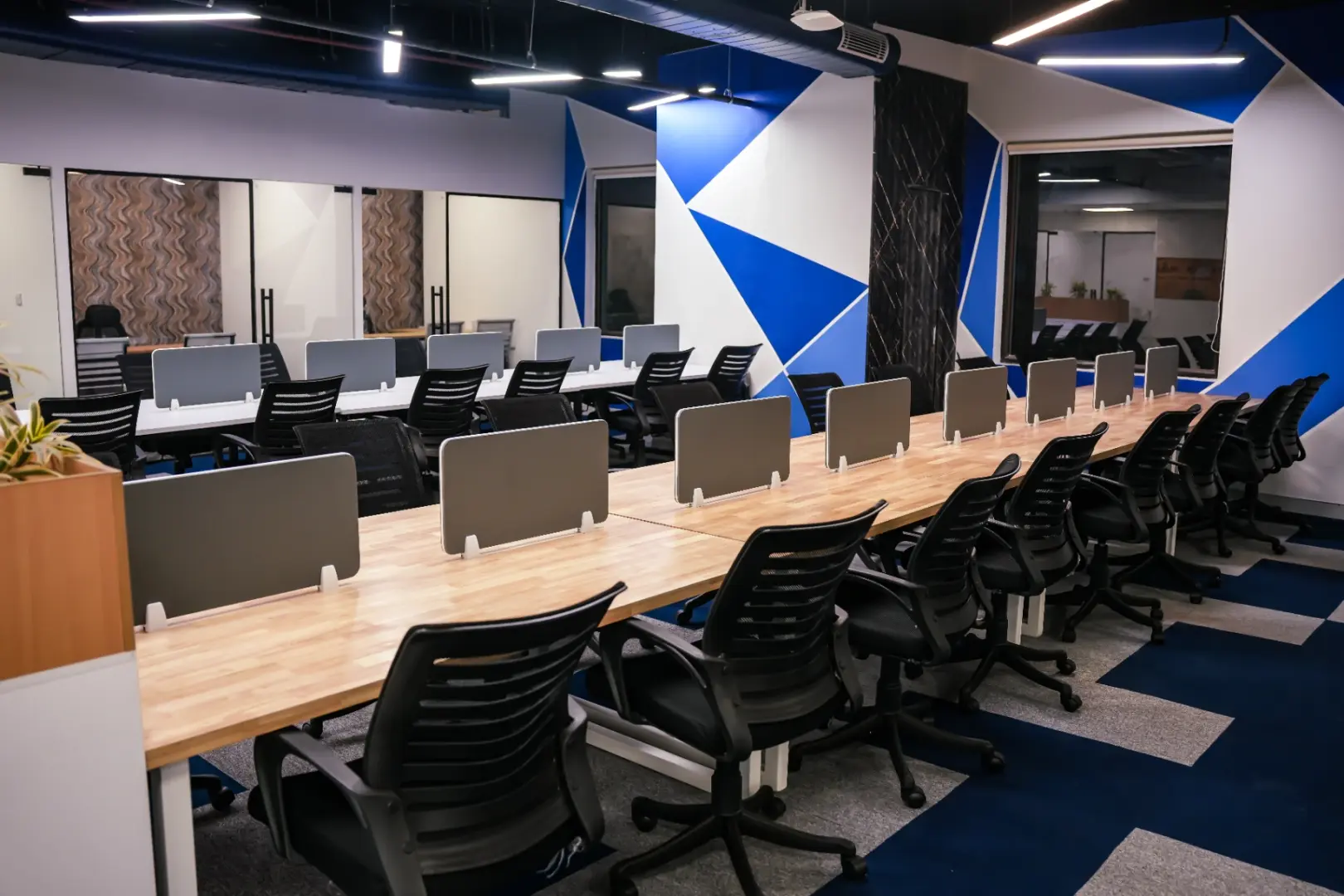
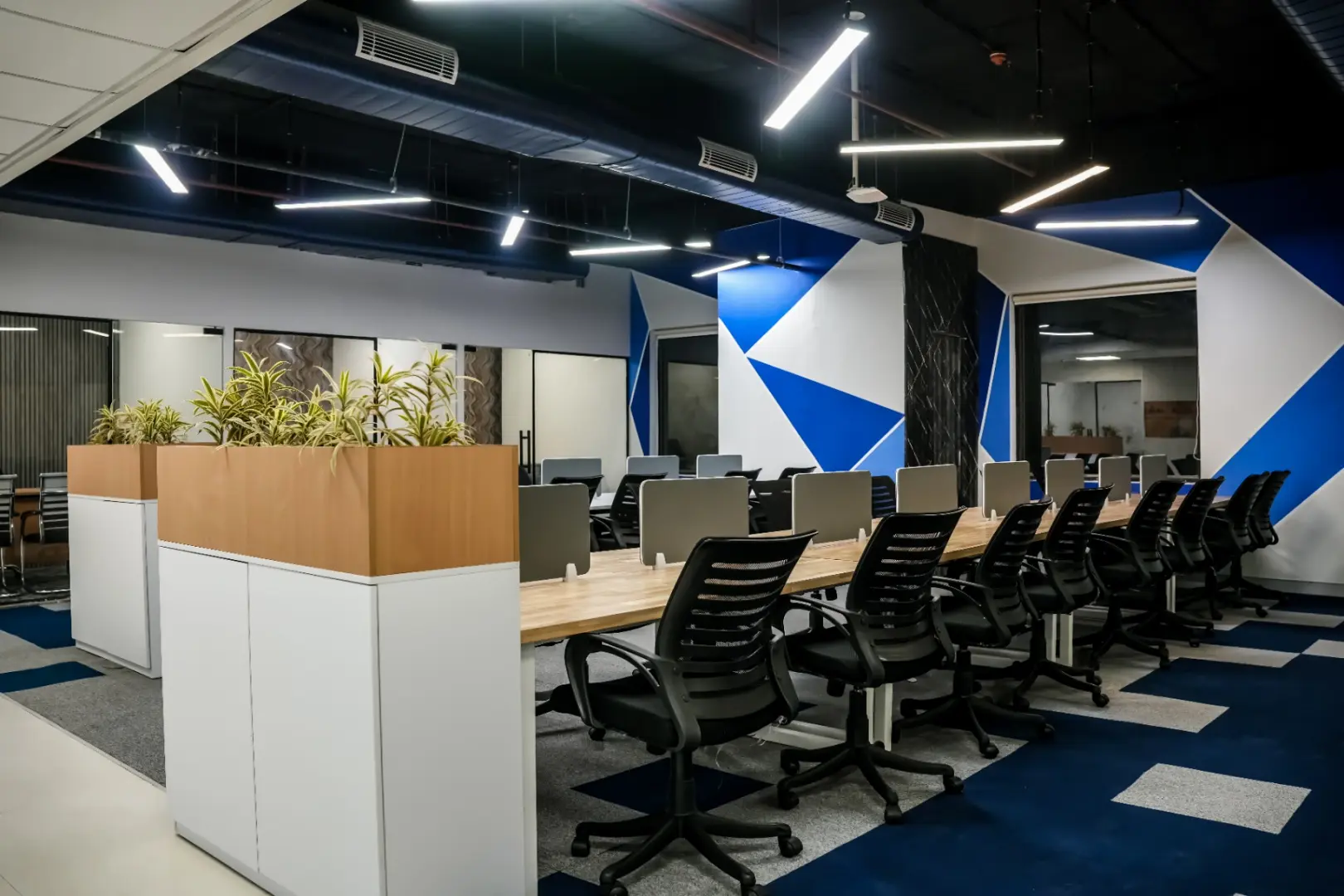
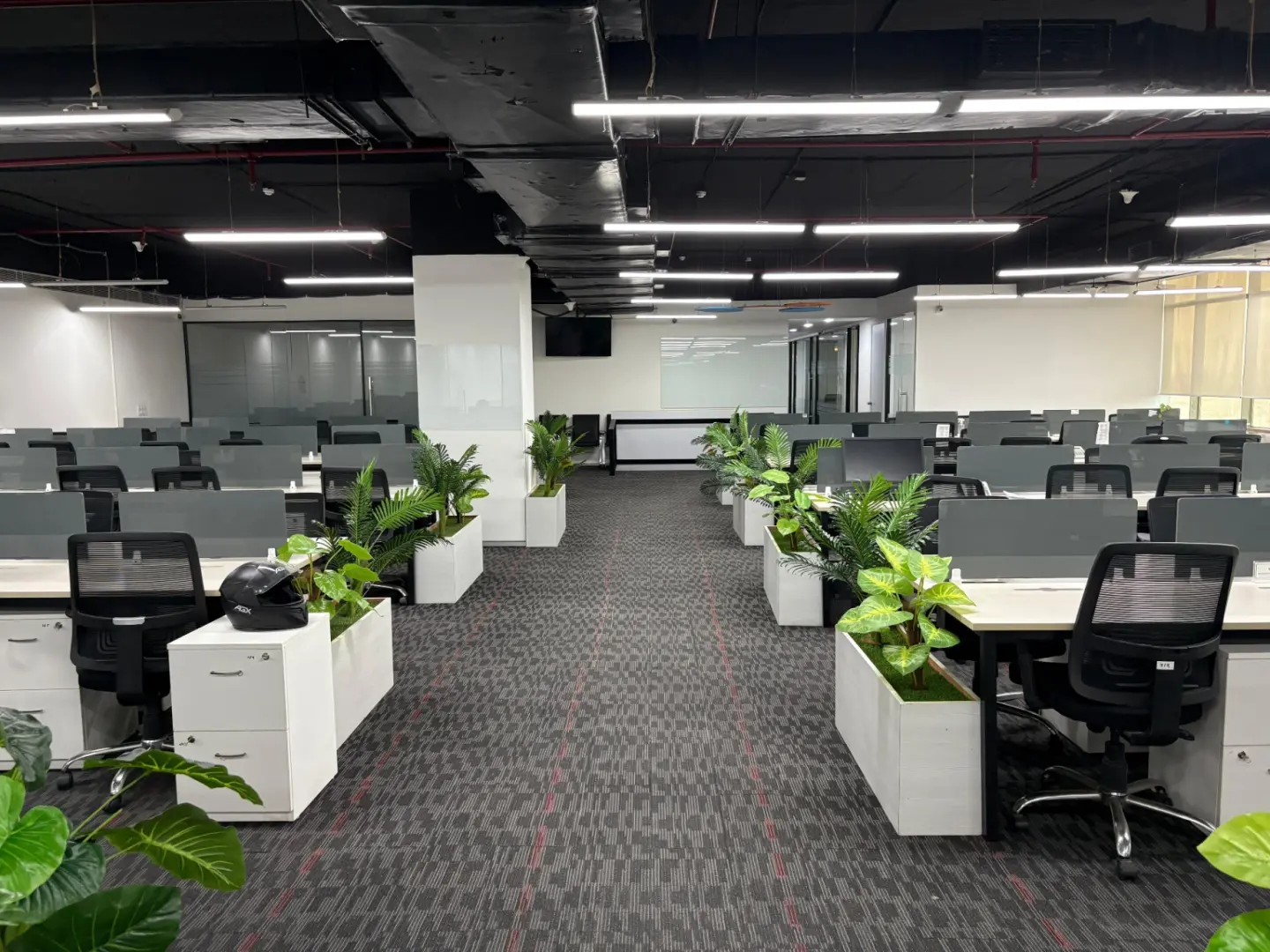
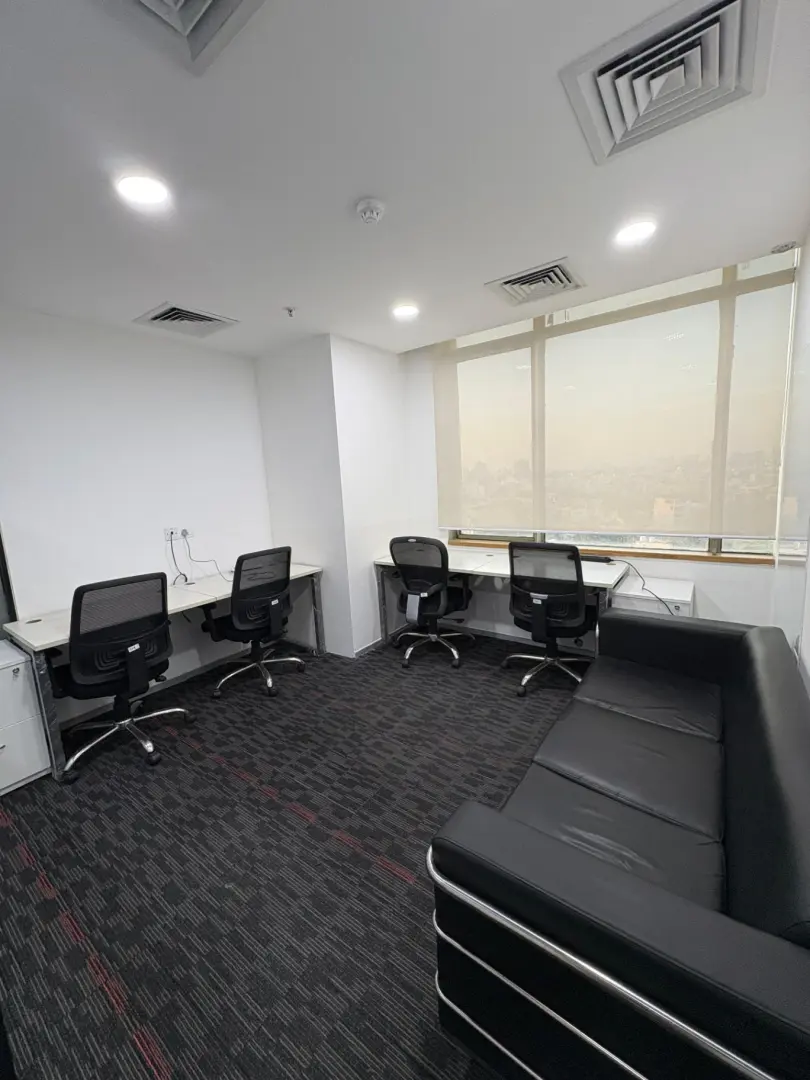
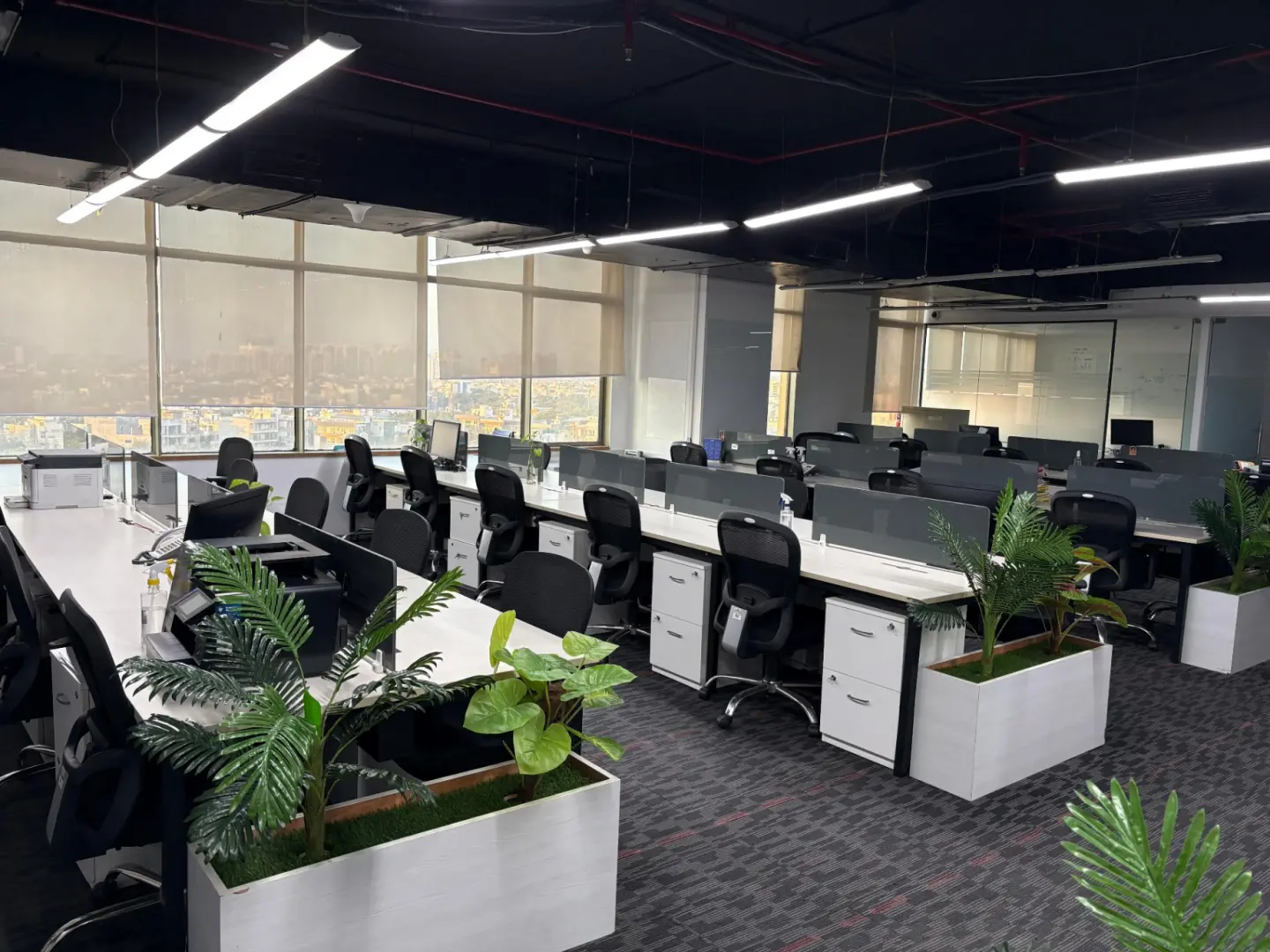
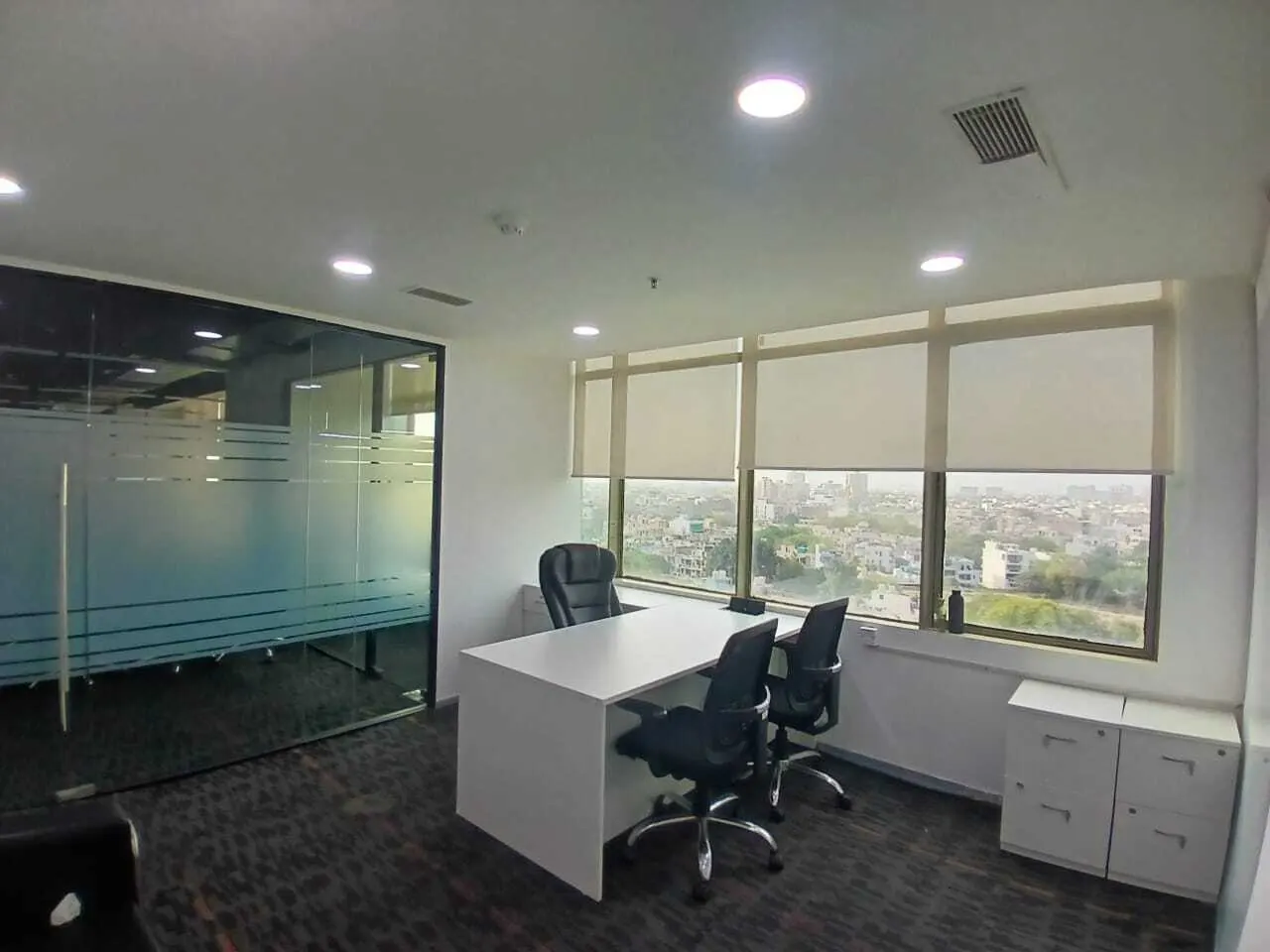
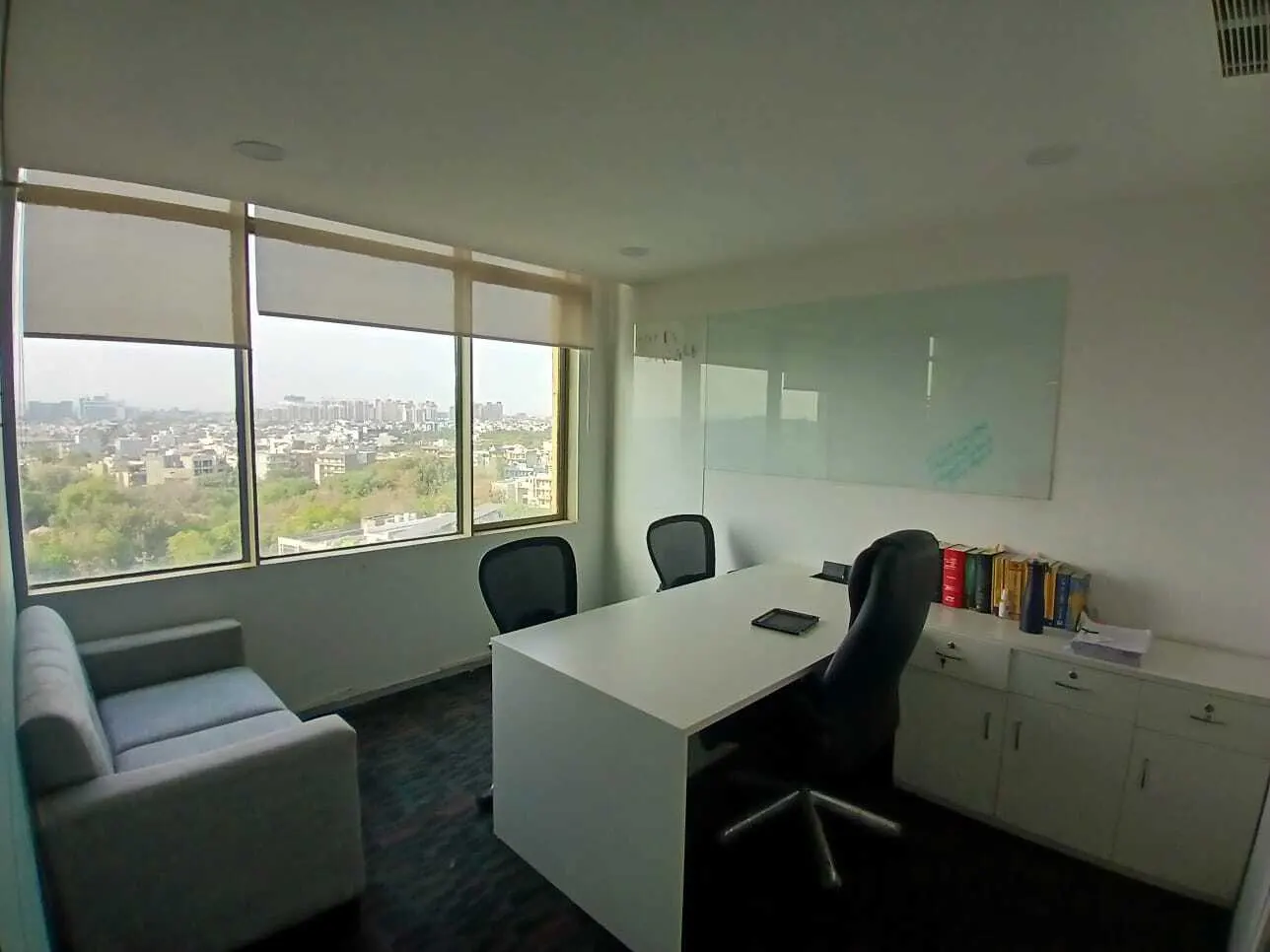
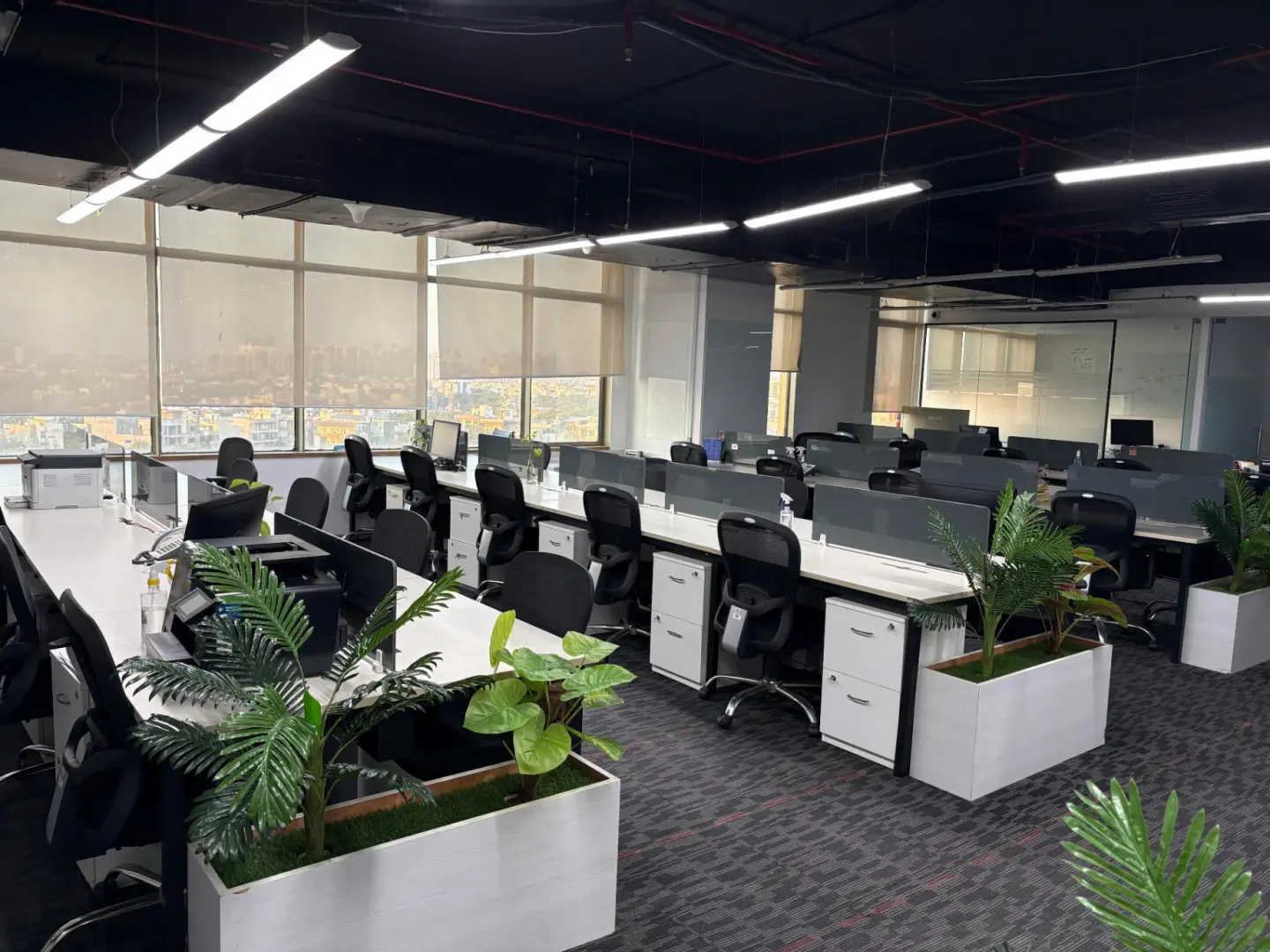
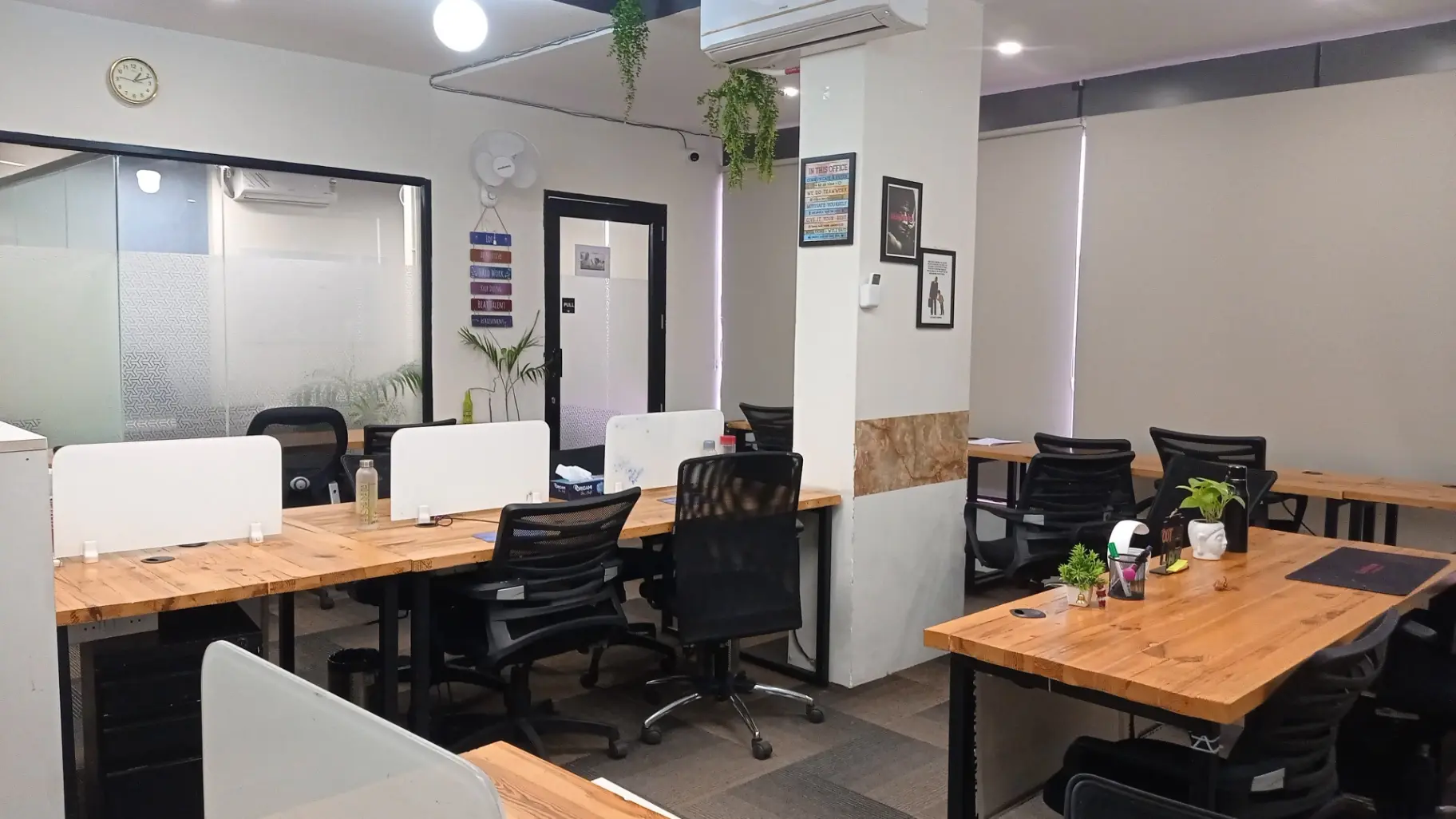
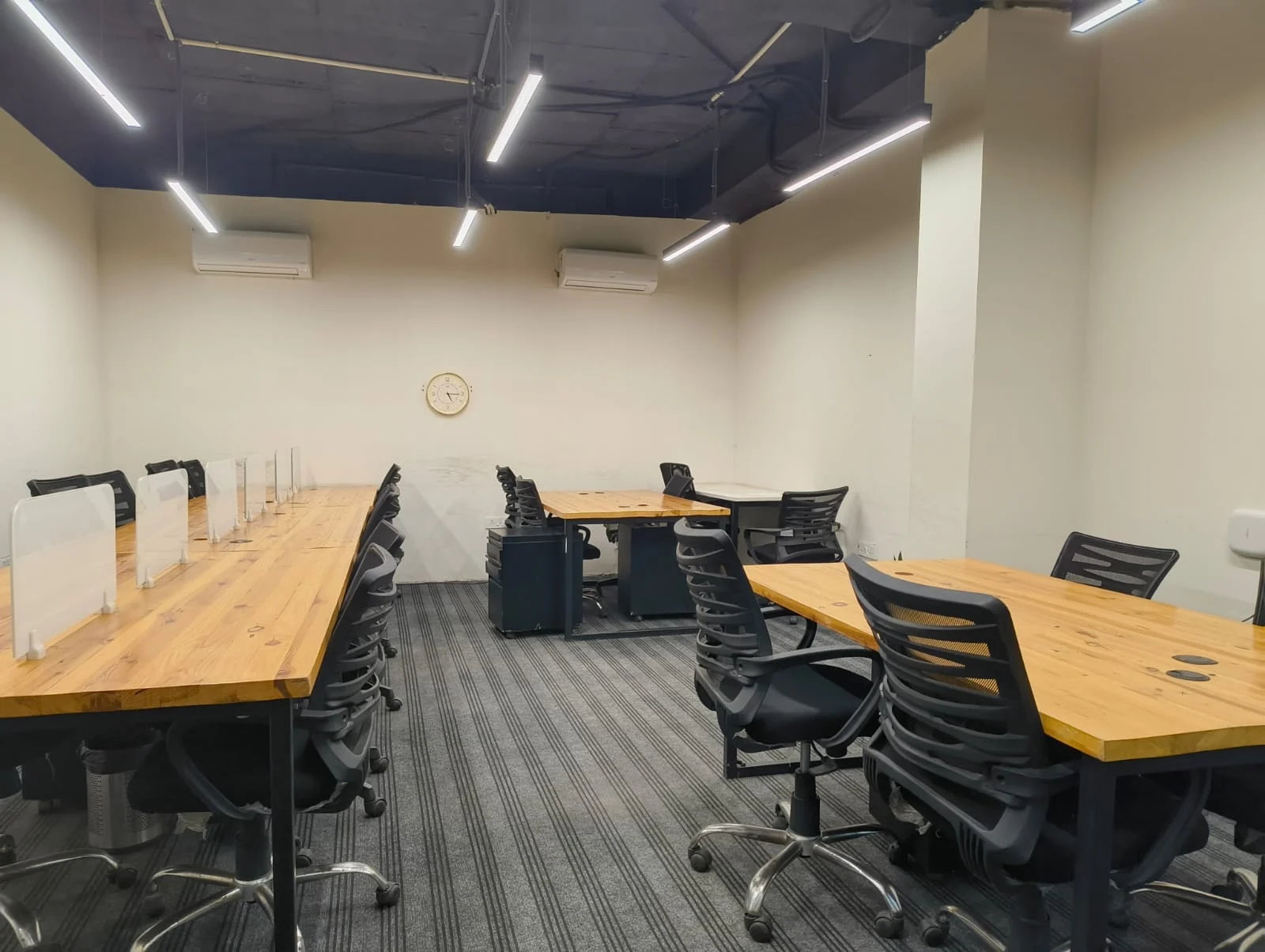
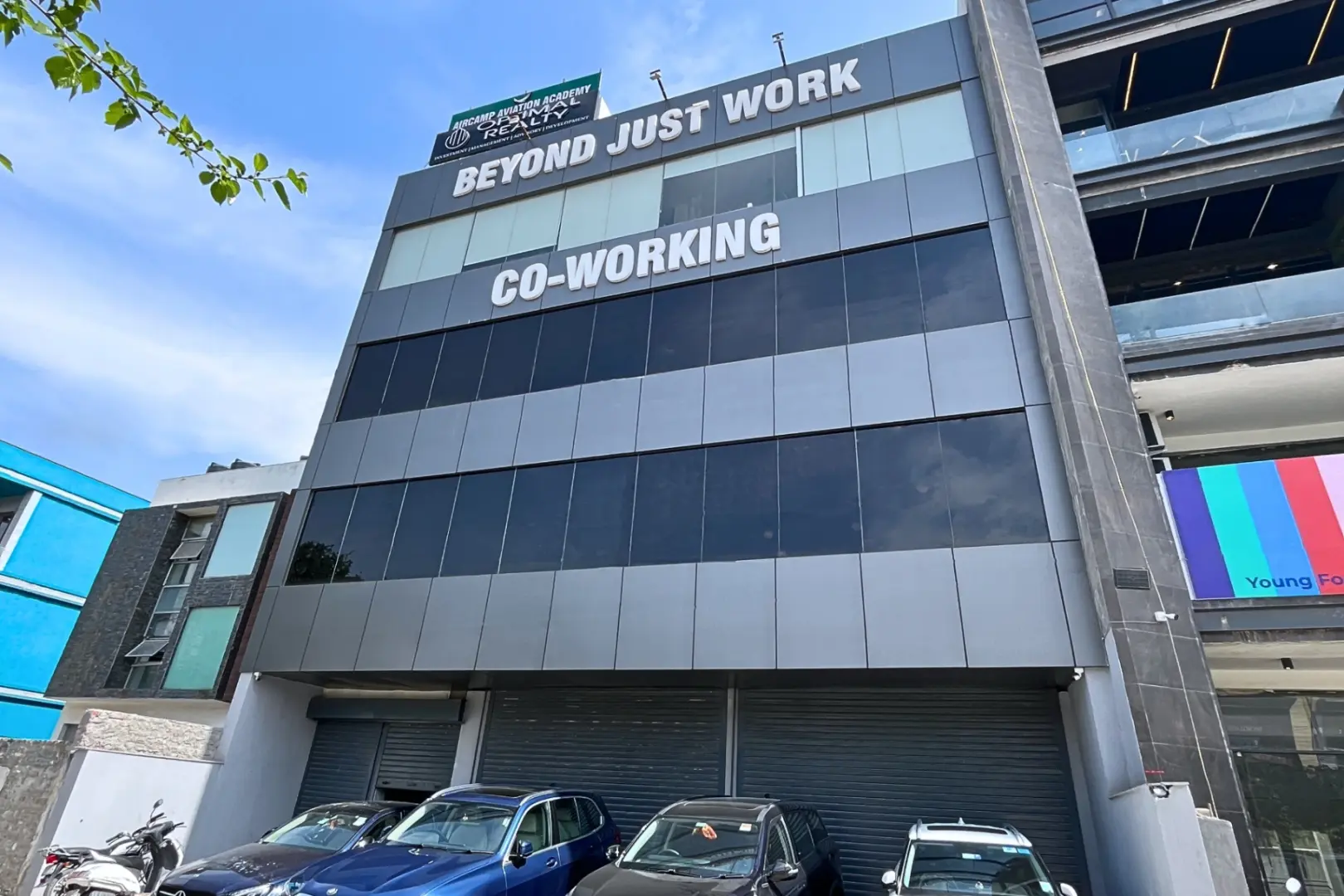
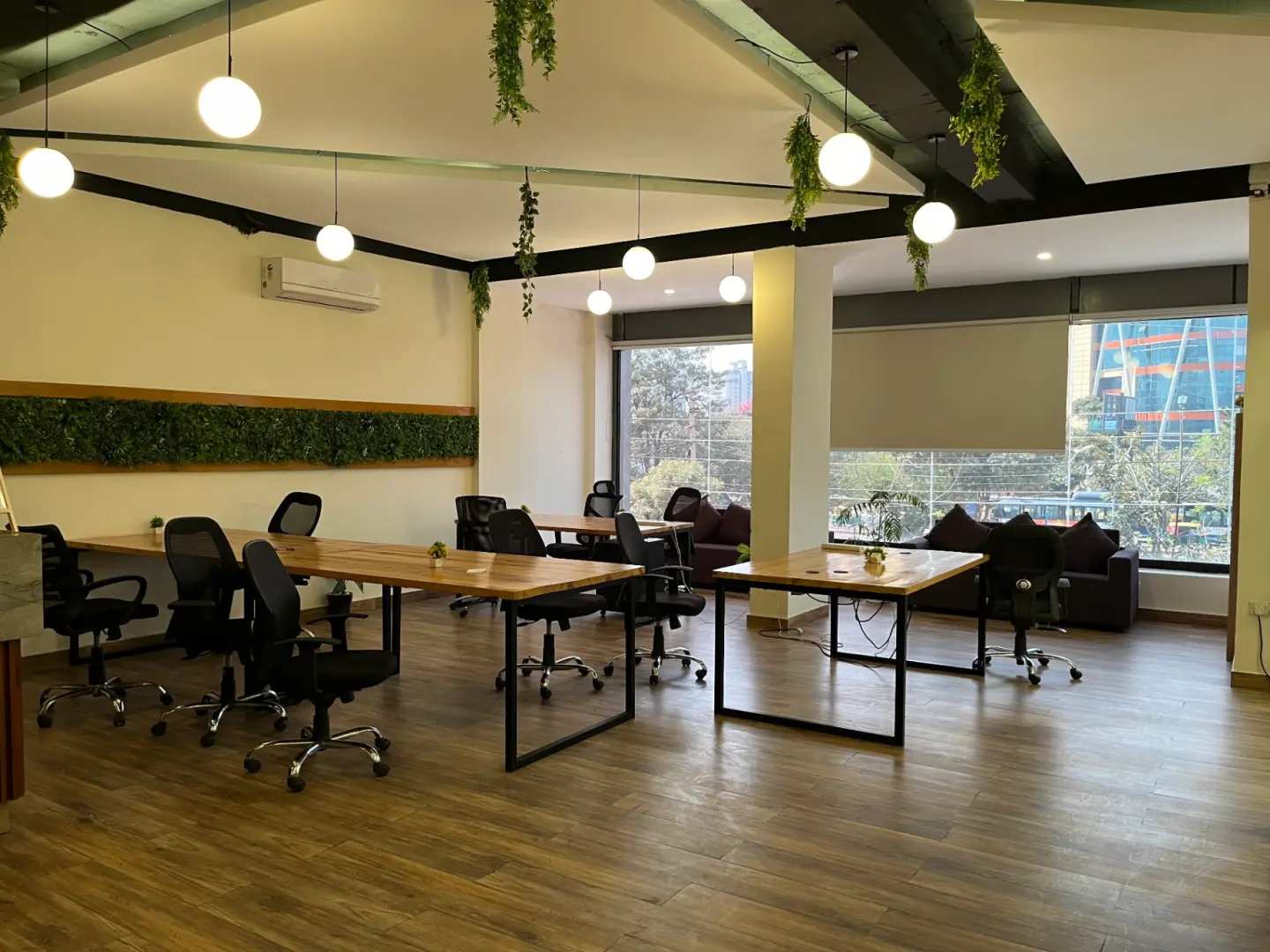
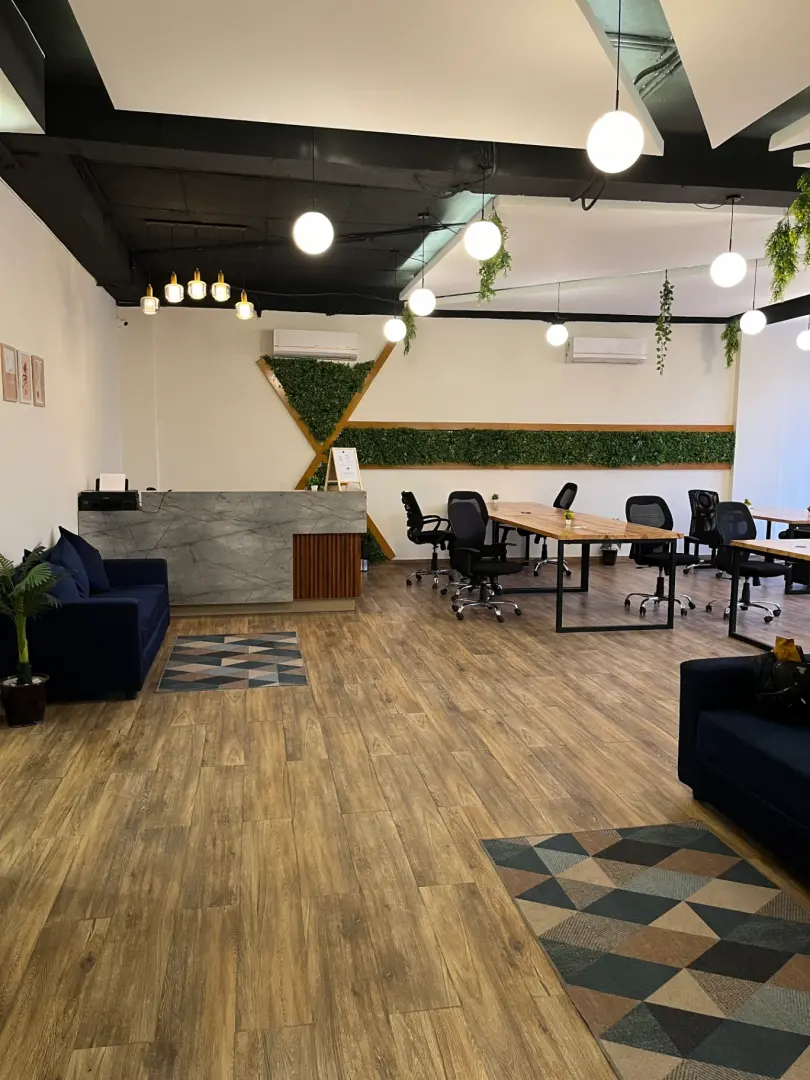
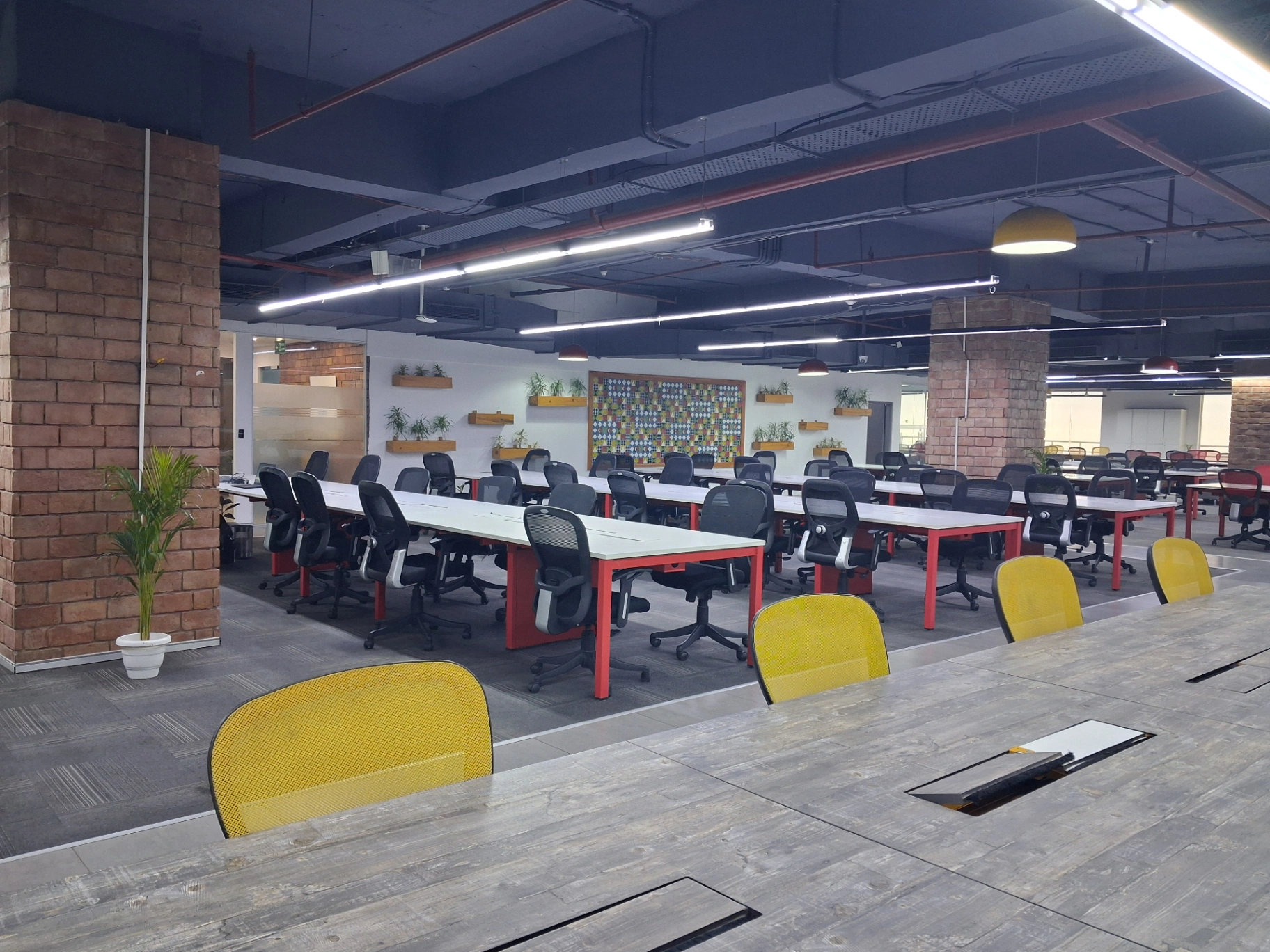
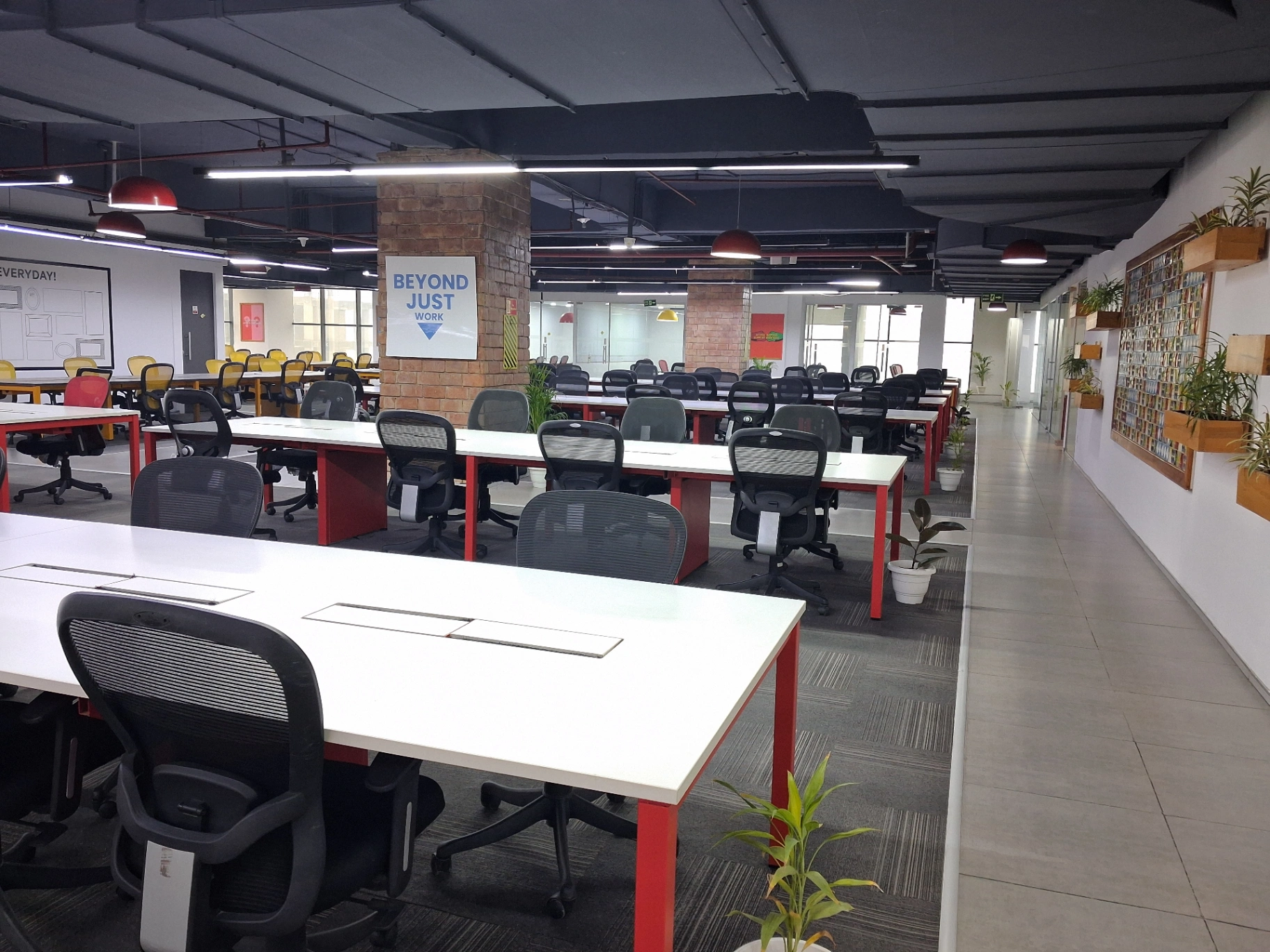
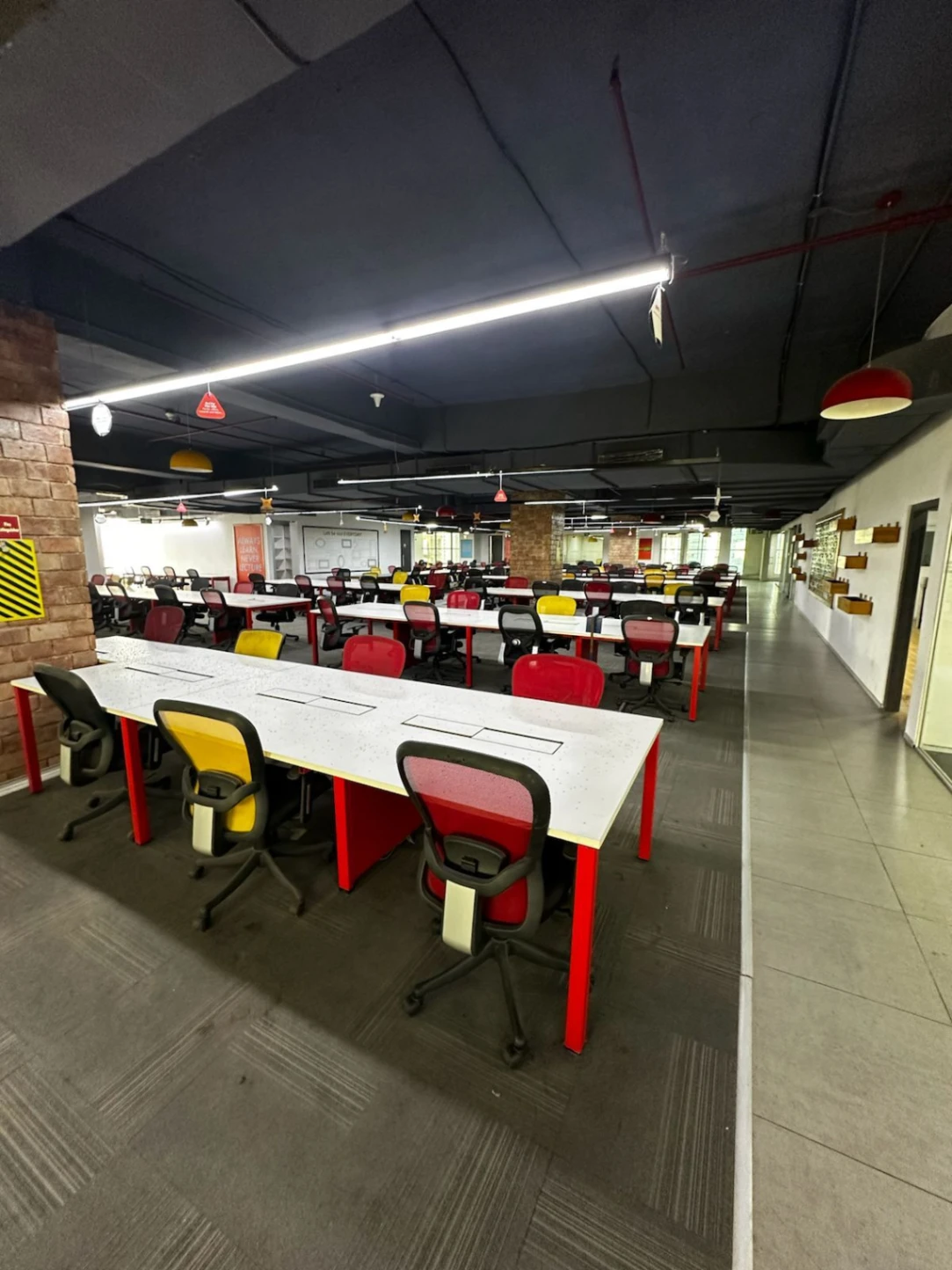
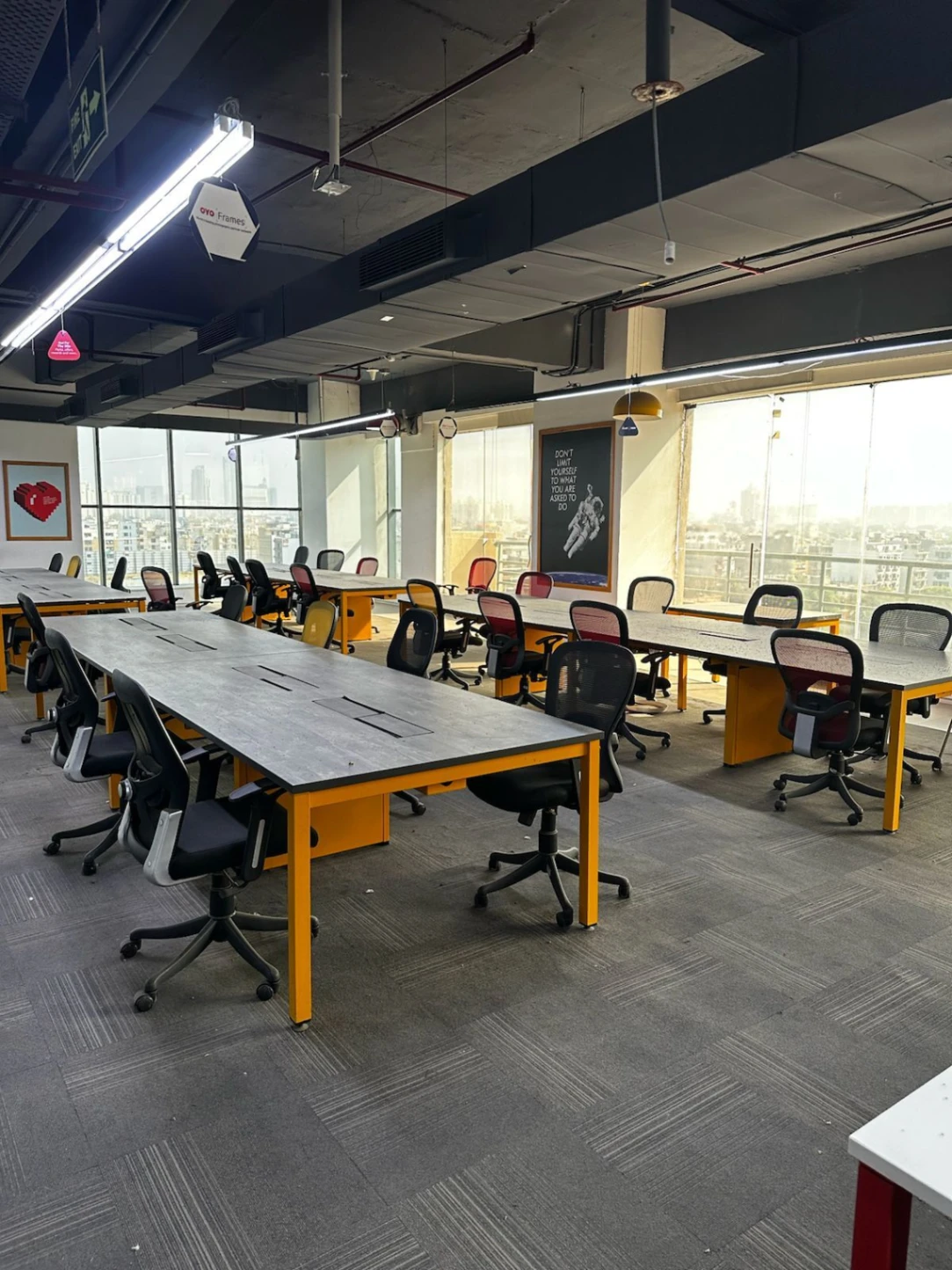
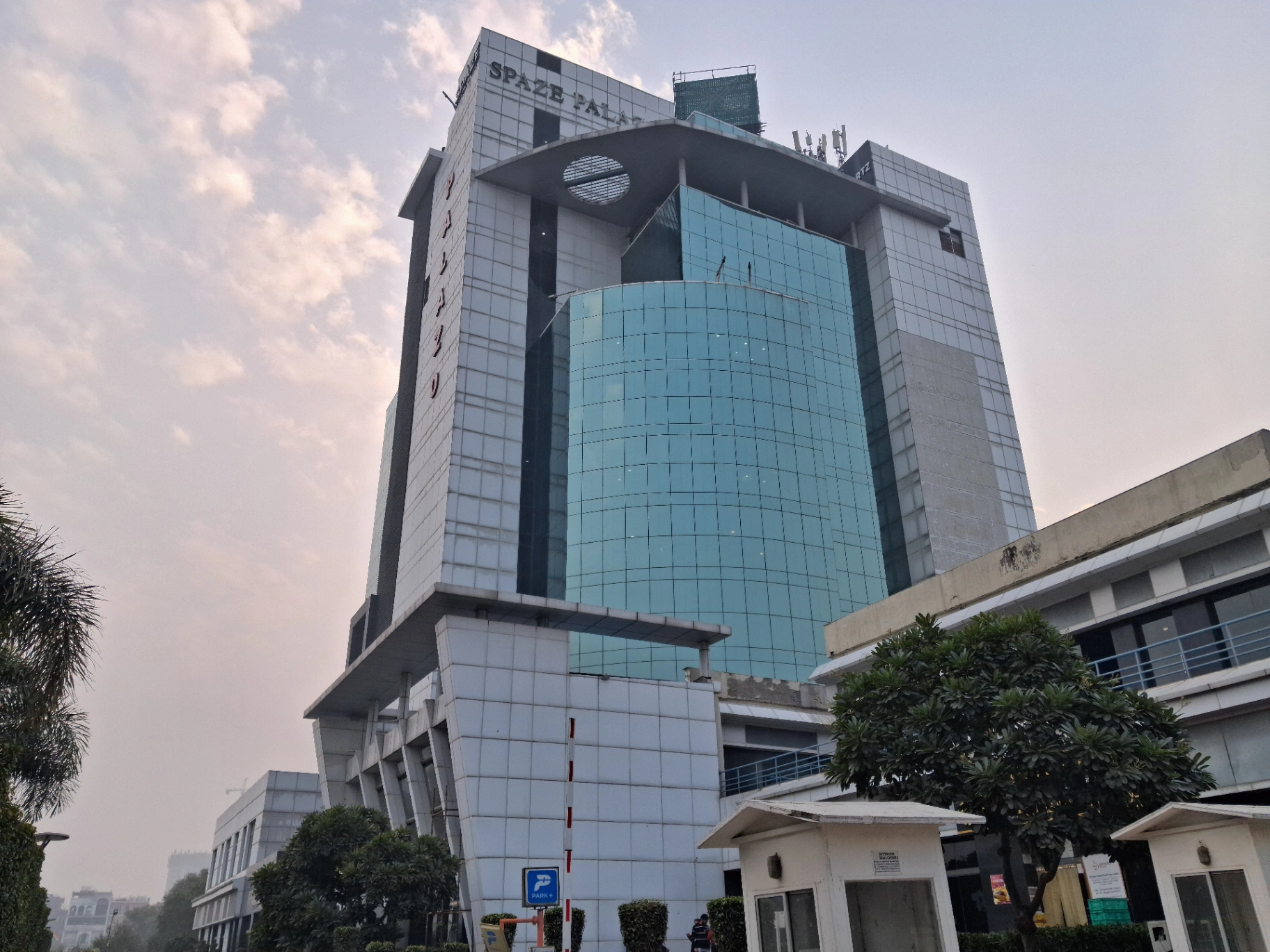
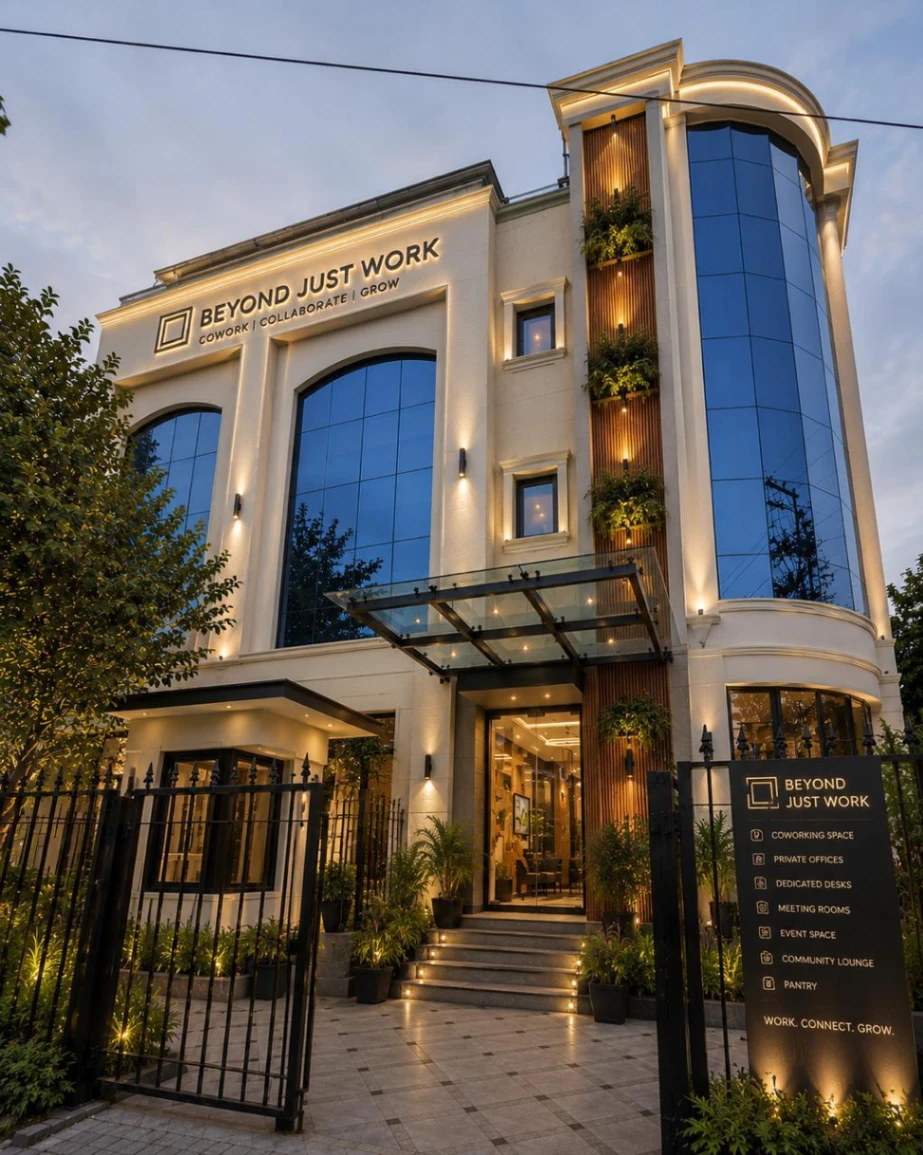
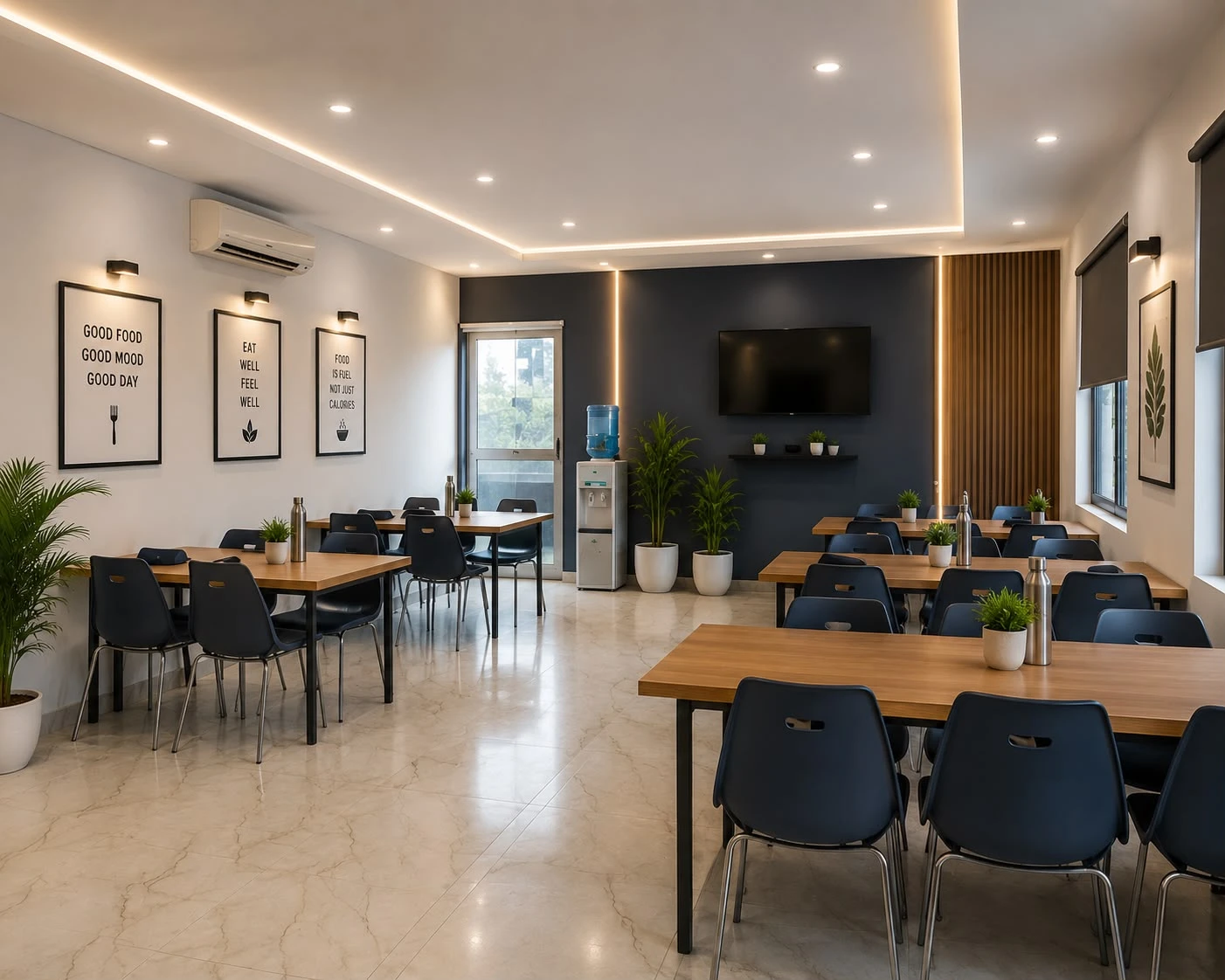
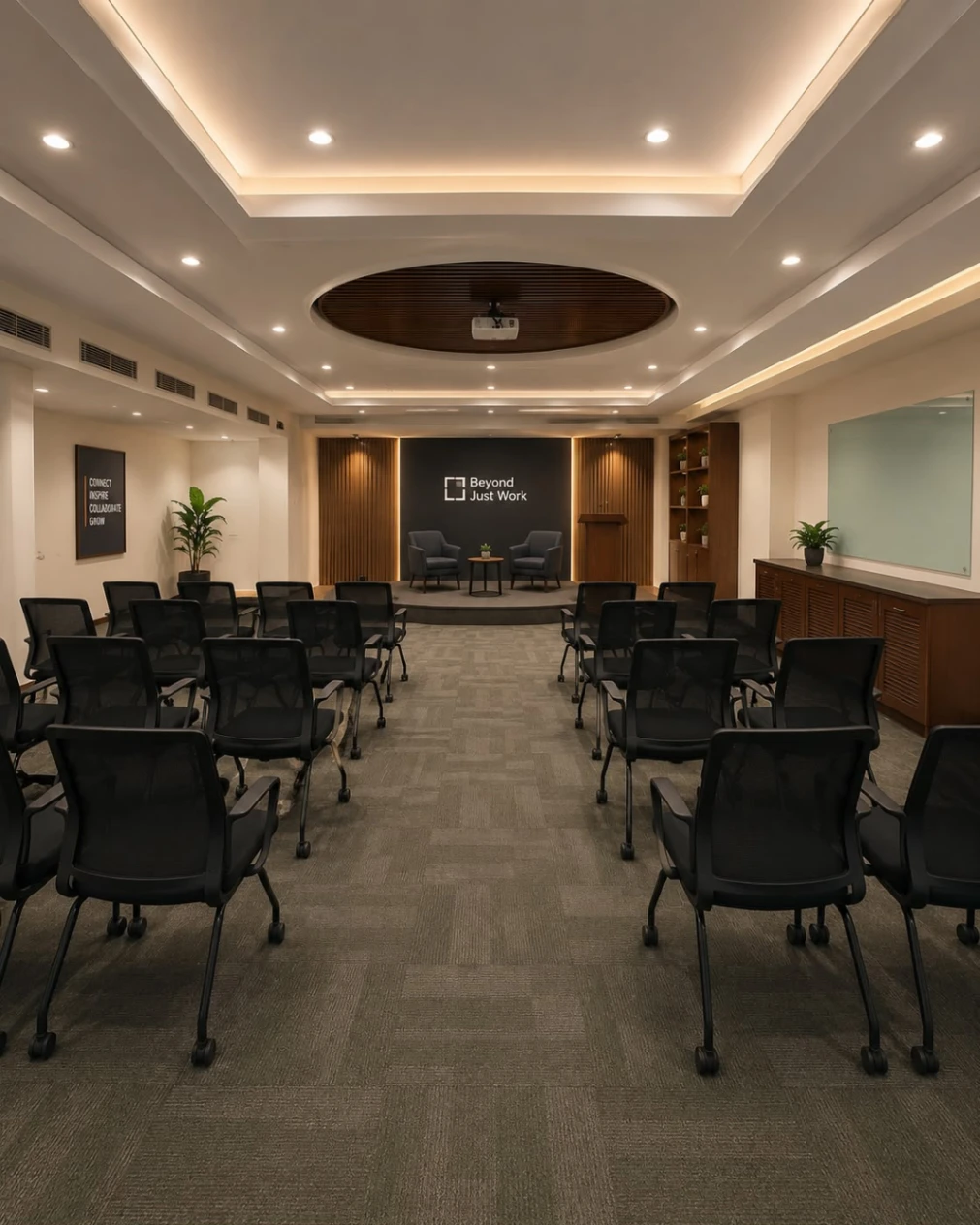
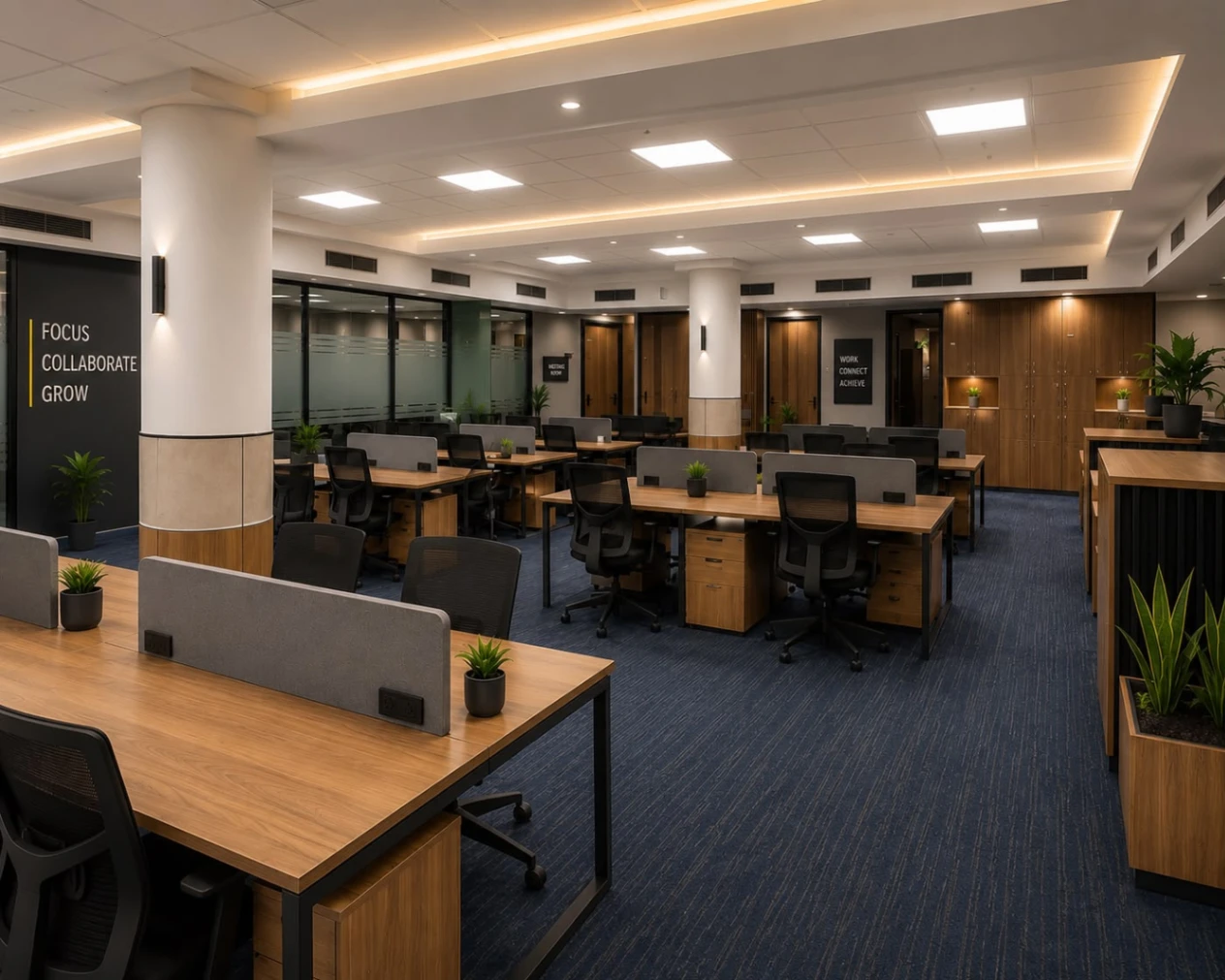
The podcast studio in Dwarka offers a dedicated recording environment for content creators, entrepreneurs, professionals, and businesses looking to produce engaging audio and video content. With a focus on organised recording sessions, the studio is suitable for solo podcasts, guest interviews, business discussions, and creative projects. Whether you're preparing a new episode or developing a regular content series, the space provides a professional setting to bring your ideas to life. Beyond Just Work supports creators with a dedicated place to plan conversations, record meaningful stories, and develop content for their digital audiences.
Open Hours
Available 24 hours - Monday to Sunday
Amenities
 Wifi
Wifi Coffee
 Parking
 Projector
 Printer
 LED
LED Power Backup
 Pet Friendly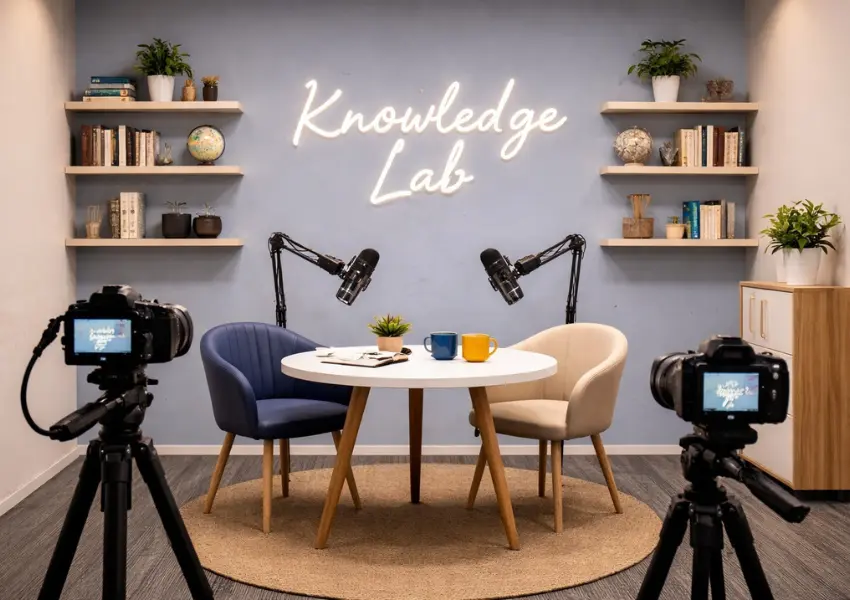
Book Premium Podcast Studio Near you
Spotlight on Our Featured Spaces
Discover our featured spaces, designed for flexibility and equipped with top amenities to boost productivity.
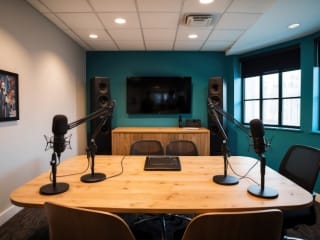
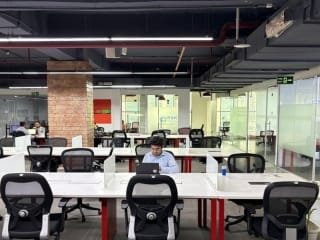
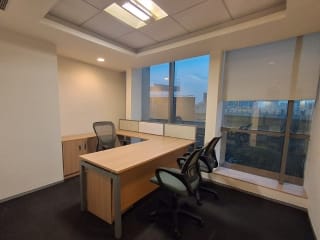

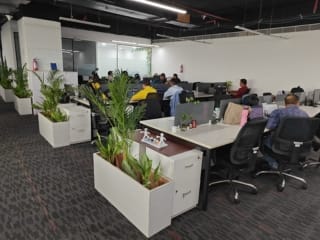
Expanding Near You—Explore Nearby Spaces
Coworking spaces that are flexible for meetings, gatherings, and work—always in desirable places.


Trusted by Professionals Like You

Amazing place to work. Best workspace in Gurgaon. Elegant and modern work spaces, private rooms and good working environment. A lot of companies work there and the place gives you a good vibe. The staff and other people are really helpful. and specially there cummunity manager is very coperative and helpful.

Very vibrant space.I have been working here since one month in sector 14 location.Amazing experience. Community Manager Liza maintains very classy enviornment.She is professional.

Perfect space for a quick office setup. The environment is great for work, there is no disturbance unlike other co-working spaces. It's priced reasonably and offers all required facilities. The managers (Liza & Manish) and the staff are also very cooperative. Great place to work!

The space has a welcoming and productive atmosphere. Mala is so cooperative and supportive. The staff is friendly, responsive and always eager to help . highly recommend this co -working.

Loved how they provide just a hygienic and comfortable environment at such affordable pricing. The ambience is amazing as well!

I started going to beyond just work in gurugram around 2 months back and I can say for sure that it's really makes you so productive and efficienct! Totally recommended!

Working Space is clean and the environment is really pleasant to work in. Very spacious at affordable prices. Solid choice for anyone looking for office space.
Smart work starts with smart answers!
Explore clear, helpful insights designed to make your workspace experience smooth and stress-free.
How Can Better Planning Change Your Podcast Recording Experience in Dwarka?
Planning can make a major difference when booking a 𝗽𝗼𝗱𝗰𝗮𝘀𝘁 𝘀𝘁𝘂𝗱𝗶𝗼 𝗶𝗻 𝗗𝘄𝗮𝗿𝗸𝗮, especially when you want to make the most of your recording time. Before arriving, decide the episode topic, prepare key questions, confirm guest availability, and estimate how long the discussion will take. This gives the session a clear direction without making the conversation feel scripted. It also helps you identify the equipment required for audio or video recording. When these details are settled in advance, you can spend less time managing last-minute arrangements and more time creating an engaging episode.
Another important part of planning is checking the studio setup, technical assistance, and guest arrangements before the recording date. Microphone levels, camera framing, lighting, and seating should be reviewed before the main conversation begins. Sharing your requirements with the production team beforehand can help them prepare a suitable setup for your format. Guest coordination also matters because late arrivals or unclear discussion topics can affect the session schedule. If you plan to record multiple episodes in one visit, organising the topics, guest timings and breaks can help you use the booked hours more efficiently. A well-managed recording environment allows you to focus on the conversation rather than repeatedly stopping to resolve avoidable issues.
Planning should also cover what happens after recording. Decide whether you need audio cleanup, a full-length video edit, captions, promotional clips, Instagram Reels, or YouTube Shorts. Confirming these requirements early helps you understand the expected deliverables, editing costs, and delivery timelines. A reliable 𝗽𝗼𝗱𝗰𝗮𝘀𝘁 𝗿𝗲𝗰𝗼𝗿𝗱𝗶𝗻𝗴 𝘀𝗽𝗮𝗰𝗲 𝗶𝗻 𝗗𝘄𝗮𝗿𝗸𝗮 can support this process by providing a prepared environment for recording, with technical assistance based on your needs. With a clear plan covering preparation, recording, and post-production, each session can become easier to manage while giving you more opportunities to turn one conversation into useful content for multiple platforms.
What Should You Prepare Before Booking a Podcast Studio in Dwarka?
Before booking a recording session, take some time to understand what you want to achieve with your podcast. Are you starting a new show, recording an expert interview, creating business content, or producing videos for your personal brand? Your goal will help you decide whether you need audio recording, video recording, or both. Prepare a rough outline of your episode, note down the main discussion points, and estimate how much time you will need. You do not have to write every sentence in advance, but having a clear direction can help you stay focused during the session. For beginners, this preparation also makes it easier to feel confident in front of the microphone or camera.
When comparing options for a 𝗣𝗼𝗱𝗰𝗮𝘀𝘁 𝗦𝘁𝘂𝗱𝗶𝗼 𝗶𝗻 𝗗𝘄𝗮𝗿𝗸𝗮, consider the practical requirements of your recording rather than choosing a space based on appearance alone. Check whether the studio offers suitable microphones, cameras, lighting, comfortable seating, and technical assistance for your format. If you plan to record with a guest, account for introductions, the main conversation, and possible retakes when estimating your session duration. It is also worth clarifying whether you need only the raw recordings or additional editing, captions, and short-form clips afterwards. A well-planned 𝗽𝗼𝗱𝗰𝗮𝘀𝘁 𝘀𝘁𝘂𝗱𝗶𝗼 𝗯𝗼𝗼𝗸𝗶𝗻𝗴 starts with knowing these requirements in advance, helping you compare services more accurately and avoid last-minute confusion on recording day.
How Does a Clear Episode Plan Help You Use Recording Time Better?
A clear episode plan helps you spend more time having meaningful conversations and less time figuring out what to say next. Before entering the studio, prepare a list of questions, arrange your main talking points, and identify the key message you want your audience to take away. If you are recording an interview, share the broad topics with your guest so they can prepare their thoughts without rehearsing every answer. This approach is especially useful when discussing several subjects in one episode, as it helps prevent repetition and keeps the conversation moving naturally. Effective 𝗽𝗼𝗱𝗰𝗮𝘀𝘁 𝘀𝗲𝘀𝘀𝗶𝗼𝗻 𝗽𝗹𝗮𝗻𝗻𝗶𝗻𝗴 gives you direction while still leaving room for spontaneous questions, personal stories, and interesting follow-up discussions.
Your plan should also account for the complete 𝗽𝗼𝗱𝗰𝗮𝘀𝘁 𝗿𝗲𝗰𝗼𝗿𝗱𝗶𝗻𝗴 𝗽𝗿𝗼𝗰𝗲𝘀𝘀, from the opening introduction to the final closing remarks. Decide which topics need more discussion, which segments can be shorter, and where you may need a brief pause or retake. You do not need to follow a strict script throughout the session. Instead, treat your outline as a guide that keeps the episode organised without making the speakers sound rehearsed. This balance becomes particularly valuable when recording within a fixed booking period, because you can maintain the quality of the discussion without spending unnecessary time rearranging topics or repeating sections.
A simple preparation routine can make your recording session more productive:
-
Prepare key questions and topics: Write down the essential questions, supporting points, and examples you want to cover. Keep a few additional questions ready in case the conversation moves in an unexpected direction.
-
Arrange the segments in a logical order: Plan the introduction, main discussion points, and conclusion so the episode flows naturally from one topic to the next.
-
Allow time for introductions and retakes: Include a little extra time for microphone checks, opening remarks, recording interruptions, and closing statements instead of scheduling every minute too tightly.
Why Should You Check the Studio Setup Before Your Recording Day?
A quick studio check before your recording date can save valuable time during the actual session. Poor microphone levels, awkward camera angles, or unsuitable lighting may force you to pause repeatedly, affecting the flow of your conversation. Before booking, ask the studio about its available equipment. Explain whether you are recording a solo episode, a guest interview, or a multi-person discussion. This helps the team prepare a suitable arrangement before you arrive. A reliable 𝗽𝗿𝗼𝗳𝗲𝘀𝘀𝗶𝗼𝗻𝗮𝗹 𝗽𝗼𝗱𝗰𝗮𝘀𝘁 𝘀𝘁𝘂𝗱𝗶𝗼 𝗶𝗻 𝗗𝘄𝗮𝗿𝗸𝗮 should provide a recording environment that supports your content format, rather than leaving you to figure out technical details at the last minute.
Pay attention to the room itself, not just the equipment. Background noise, uncomfortable seating, or distracting lighting can affect both the recording quality and the speakers' confidence. If you plan to record video, confirm how the cameras will frame each participant. For audio sessions, ask how sound levels are checked before recording begins. It is also worth confirming whether technical assistance will be available if something goes wrong. Reviewing these details beforehand makes your 𝗽𝗼𝗱𝗰𝗮𝘀𝘁 𝗿𝗲𝗰𝗼𝗿𝗱𝗶𝗻𝗴 𝘀𝗲𝘁𝘂𝗽 easier to manage, leaving you more time to focus on the episode itself.
Use this checklist before confirming your booking:
-
Microphones and audio equipment: Confirm the number of microphones available, recording quality, headphone access, and suitability for your session.
-
Cameras and lighting: Check camera availability, framing options, and lighting arrangements if you plan to create video content.
-
Seating arrangements: Make sure the space comfortably accommodates the host, guests, or additional participants.
-
Sound quality and technical support: Ask about background noise control, pre-session equipment checks, and assistance during recording.
How Can Guest Coordination Make Podcast Recording More Efficient?
A well-organised guest interview begins before anyone enters the studio. Share the episode topic with your guest beforehand so they can prepare relevant examples, experiences, or talking points. You do not need to send a complete script. A short outline is enough to help them understand the conversation's direction. When booking a 𝗽𝗼𝗱𝗰𝗮𝘀𝘁 𝗶𝗻𝘁𝗲𝗿𝘃𝗶𝗲𝘄 𝘀𝘁𝘂𝗱𝗶𝗼 𝗶𝗻 𝗗𝘄𝗮𝗿𝗸𝗮, confirm the recording date early. Share the studio location, travel details, and expected arrival time. This preparation reduces confusion, helping the host begin the session without unnecessary delays.
Guest comfort also affects the quality of an interview. Some guests may need time to settle in, understand the microphone position, or feel comfortable speaking on camera. Ask about their preferences before the recording day. If the session involves multiple guests, confirm everyone's schedule to avoid gaps between recordings. For a smooth 𝗴𝘂𝗲𝘀𝘁 𝗽𝗼𝗱𝗰𝗮𝘀𝘁 𝗿𝗲𝗰𝗼𝗿𝗱𝗶𝗻𝗴, communicate any special requirements to the studio in advance, such as extra seating, individual microphones, or a particular video arrangement. Small preparations can prevent interruptions while helping everyone focus on the discussion.
Can Better Time Management Help You Record More in One Session?
A realistic recording schedule helps you make better use of studio hours without rushing through important conversations. Before booking, estimate the length of each episode, the number of participants, plus the time needed for setup. If you plan to record several episodes in one visit, organise the topics beforehand. This approach makes 𝗽𝗼𝗱𝗰𝗮𝘀𝘁 𝘀𝘁𝘂𝗱𝗶𝗼 𝗵𝗼𝘂𝗿𝗹𝘆 𝗯𝗼𝗼𝗸𝗶𝗻𝗴 𝗶𝗻 𝗗𝘄𝗮𝗿𝗸𝗮 easier to plan because you know how much time your content requires. A packed schedule may look productive on paper, but leaving no room for breaks or retakes can affect the final recording quality.
-
Set a realistic duration for each episode: Estimate the time required for the introduction, main discussion plus closing remarks. Avoid setting targets that force you to rush.
-
Prioritise your topics: Cover the most important questions first. Keep optional discussion points for any extra time.
-
Group related episodes together: Batch recording can help you maintain a consistent setup while producing several episodes in one visit.
-
Schedule breaks plus technical checks: Allow time to adjust microphones, review camera framing, or take a short break between episodes.
-
Keep a buffer for unexpected delays: Reserve a few extra minutes for retakes, longer conversations, or minor equipment issues.
Good time management is not about fitting as much content as possible into every hour. It is about creating enough space for thoughtful conversations while keeping the session organised. A well-planned 𝗽𝗼𝗱𝗰𝗮𝘀𝘁 𝗿𝗲𝗰𝗼𝗿𝗱𝗶𝗻𝗴 𝘀𝗲𝘀𝘀𝗶𝗼𝗻 gives hosts the flexibility to explore useful ideas without losing track of time. When your schedule reflects your actual recording needs, you can work more comfortably, reduce avoidable delays, and leave the studio with content that meets your expectations.
What Role Does Technical Support Play During a Podcast Session?
Technical issues can interrupt a good conversation at the worst possible moment. A microphone may pick up background noise, audio levels may fluctuate, or a camera may stop recording without warning. With 𝗽𝗼𝗱𝗰𝗮𝘀𝘁 𝘁𝗲𝗰𝗵𝗻𝗶𝗰𝗮𝗹 𝘀𝘂𝗽𝗽𝗼𝗿𝘁 available, these problems can be identified before they affect too much of the session. Audio monitoring helps maintain consistent sound levels, while camera checks ensure the framing stays suitable throughout the episode. This allows hosts to focus on their guests rather than constantly checking equipment.
Technical assistance becomes especially useful for first-time creators who may not know how to adjust microphones, manage recording software, or troubleshoot equipment. A support person can help with initial setup, test the audio before recording begins, check lighting levels, or resolve minor issues during the session. For creators using a 𝗽𝗼𝗱𝗰𝗮𝘀𝘁 𝗿𝗲𝗰𝗼𝗿𝗱𝗶𝗻𝗴 𝘀𝗲𝗿𝘃𝗶𝗰𝗲 𝗶𝗻 𝗗𝘄𝗮𝗿𝗸𝗮, this assistance can make the experience less stressful. Instead of losing valuable minutes trying to understand unfamiliar controls, they can concentrate on asking better questions, sharing ideas, or guiding the discussion naturally.
File management is another important part of the recording workflow. After a session, recordings need to be checked, saved properly, and organised so they remain accessible for editing. Missing files, incomplete recordings, or unclear file names can create unnecessary problems during post-production. Having technical assistance helps creators verify that their audio or video files have been saved correctly before leaving the studio. It also makes it easier to identify recording issues early, when they may still be resolved. Reliable support cannot guarantee a flawless session, but it can reduce avoidable interruptions while helping creators leave with greater confidence in their recorded material.
How Can a Comfortable Recording Environment Improve Conversations?
A comfortable studio can make a noticeable difference in how a podcast conversation unfolds. Suitable seating helps hosts and guests remain relaxed during longer sessions, while balanced lighting creates a pleasant atmosphere for video recording. Background noise also deserves attention because unwanted sounds can interrupt speech, distract participants or affect audio clarity. A well-arranged 𝗽𝗼𝗱𝗰𝗮𝘀𝘁 𝗿𝗲𝗰𝗼𝗿𝗱𝗶𝗻𝗴 𝘀𝗽𝗮𝗰𝗲 𝗶𝗻 𝗗𝘄𝗮𝗿𝗸𝗮 should provide an environment where creators can concentrate on the discussion rather than deal with avoidable distractions. When the setup feels organised, hosts can maintain their flow without constantly adjusting their surroundings.
Guest comfort matters just as much as the technical setup. Some guests may feel nervous in front of cameras, especially during their first podcast appearance. A welcoming atmosphere, comfortable seating, and thoughtful microphone placement can help them settle in before recording begins. Fewer distractions allow guests to listen carefully, respond naturally, and share their experiences without feeling rushed. This often leads to more engaging discussions, with better follow-up questions and less need to repeat interrupted answers. For interview-based shows, choosing a studio that considers both the host’s needs and the guest’s experience can improve the overall quality of the session.
Location convenience is another practical factor when planning a recording day in Dwarka. A 𝗽𝗼𝗱𝗰𝗮𝘀𝘁 𝘀𝘁𝘂𝗱𝗶𝗼 𝗻𝗲𝗮𝗿 𝗗𝘄𝗮𝗿𝗸𝗮 𝗠𝗲𝘁𝗿𝗼 may be worth considering if hosts or guests prefer metro connectivity when travelling to the session. Checking the studio’s exact location, walking distance from the station, and available transport options beforehand can make planning easier. This is particularly useful when coordinating with multiple guests who may be coming from different parts of Delhi. With the right balance of comfort, sound control, lighting, and convenient access, the recording environment can help everyone focus on having a meaningful conversation.
What Should You Confirm About Editing Before Booking a Podcast Studio?
Post-production requirements should be discussed before the recording date, not after the session ends. Raw recordings may need audio cleanup to reduce unwanted noise, balance sound levels or remove awkward pauses. Video episodes may require cuts, colour correction, title screens or adjustments to improve the final presentation. If you plan to publish across multiple platforms, ask whether 𝗽𝗼𝗱𝗰𝗮𝘀𝘁 𝗲𝗱𝗶𝘁𝗶𝗻𝗴 𝘀𝗲𝗿𝘃𝗶𝗰𝗲𝘀 𝗶𝗻 𝗗𝘄𝗮𝗿𝗸𝗮 include captions, vertical clips or promotional edits. These requirements can affect the editing workload, final cost, and time needed for delivery. Clear expectations help you choose a service that fits your content goals.
It is also important to understand what the quoted 𝗽𝗼𝗱𝗰𝗮𝘀𝘁 𝘀𝘁𝘂𝗱𝗶𝗼 𝗰𝗵𝗮𝗿𝗴𝗲𝘀 actually cover. A recording package may include studio access plus basic technical support, while editing or short-form content may be charged separately. Confirm the number of revisions available, expected delivery dates, file formats, and whether you will receive raw files alongside edited versions. These details make budgeting easier, particularly when you have a publishing schedule to maintain. Rather than assuming every service comes with the booking, request a clear list of deliverables before confirming your session.
Editing checklist before booking:
-
Audio cleanup: Confirm whether noise reduction, sound balancing, pause removal and final audio files are included.
-
Full-length video editing: Clarify the editing style, camera angles, opening titles, colour correction and final video format required.
-
Reels, Shorts and promotional clips: Check how many clips are included, whether captions are provided, plus the required vertical formats.
-
Charges, timelines and file delivery: Confirm separate editing fees, expected turnaround time, revision limits and delivery formats.
How Can One Well-Planned Recording Create Content for Multiple Platforms?
A single podcast episode can provide content for several platforms when the recording is planned with repurposing in mind. Instead of treating the session as a one-time production, creators can structure the discussion to produce a full-length YouTube episode, an audio version for podcast platforms, plus shorter clips for social media. During planning, identify the main topics, useful insights, memorable stories, and questions likely to generate engaging responses. This approach makes 𝗽𝗼𝗱𝗰𝗮𝘀𝘁 𝗰𝗼𝗻𝘁𝗲𝗻𝘁 𝗰𝗿𝗲𝗮𝘁𝗶𝗼𝗻 𝗶𝗻 𝗗𝘄𝗮𝗿𝗸𝗮 more purposeful because every part of the conversation can serve a clear content goal.
Each platform has different viewing habits, so the same recording may need several edits. A full-length episode can give YouTube viewers the complete discussion, while the audio version suits listeners who prefer consuming content during their daily routines. Instagram Reels and YouTube Shorts can highlight a strong opinion, a practical tip, a surprising answer or a brief exchange between the host and guest. Promotional clips can introduce the episode before publication, helping audiences understand why the conversation is worth watching. Effective 𝗽𝗼𝗱𝗰𝗮𝘀𝘁 𝘃𝗶𝗱𝗲𝗼 𝗽𝗿𝗼𝗱𝘂𝗰𝘁𝗶𝗼𝗻 considers these formats early, including camera framing, clear speech, suitable pauses, and moments that can stand alone as short clips.
The best results come when these deliverables are discussed before the recording begins. Prepare a rough episode outline, mark questions that may lead to useful highlights, then share your publishing plans with the production team. Confirm how many short clips you need, whether captions are required, which aspect ratios will be delivered, plus whether promotional edits are included in the package. This preparation helps the editor identify suitable moments without searching blindly through the entire recording. Over time, one organised session can support a regular publishing schedule, extend the value of each episode and reduce the pressure to create entirely new material for every platform.
How Can You Turn Better Planning into a Smoother Podcast Workflow?
A smooth podcast workflow begins before anyone enters the studio. Preparing an episode outline, confirming the recording duration, checking equipment requirements, and coordinating with guests can prevent avoidable delays. A studio setup check helps identify issues with microphones, lighting, or camera framing before recording starts. During the session, technical assistance allows hosts to focus on the conversation rather than managing every detail themselves. Planning post-production requirements in advance also makes it easier to organise editing, final files, and short-form content. Each step supports a more organised experience, particularly for creators who want consistent quality across multiple episodes.
Choosing the right 𝗽𝗼𝗱𝗰𝗮𝘀𝘁 𝘀𝘁𝘂𝗱𝗶𝗼 𝗶𝗻 𝗗𝘄𝗮𝗿𝗸𝗮 means looking beyond equipment alone. Consider the recording environment, available technical support, guest comfort, and editing options before confirming your booking. Vroxe Productions offers a prepared podcast recording environment for creators who need audio or video recording support. Discussing your requirements beforehand can help you understand the available setup, production assistance, and deliverables. For creators exploring 𝗽𝗼𝗱𝗰𝗮𝘀𝘁 𝗽𝗿𝗼𝗱𝘂𝗰𝘁𝗶𝗼𝗻 𝘀𝗲𝗿𝘃𝗶𝗰𝗲𝘀 𝗶𝗻 𝗗𝘄𝗮𝗿𝗸𝗮, this preparation helps set realistic expectations for the session.
Conclusion
Better planning helps you use recording time wisely, keep conversations focused, and prepare content for publication with fewer surprises. A clear workflow makes each session easier to manage, from the initial setup to final delivery.
Ready to plan your next recording? Call or WhatsApp Vroxe Productions at +91 79827 10204 to discuss your requirements and confirm your session.
Frequently Asked Questions
1. What should I prepare before booking a podcast studio in Dwarka?
Prepare an episode outline, discussion topics, guest details, and an estimated recording duration. Confirm the required equipment, recording format, technical support, and editing services before booking.
2. How can planning improve the podcast recording process?
Planning helps reduce setup delays, keeps discussions focused, and makes better use of studio time. It also helps hosts coordinate with guests, identify technical requirements, and organise post-production.
3. Is technical support important during a podcast recording session?
Yes, technical support helps manage microphone levels, camera settings, lighting checks, and recording issues. This allows hosts to concentrate on the conversation instead of troubleshooting equipment.
4. What should I check before booking podcast editing services in Dwarka?
Confirm whether the package includes audio cleanup, full-length video editing, captions, Reels, Shorts or promotional clips. Ask about additional charges, delivery timelines, revision limits, and final file formats.
5. Can one podcast recording be used for multiple platforms?
Yes, one recording can be repurposed into a full-length YouTube episode, an audio podcast, Instagram Reels, YouTube Shorts, and promotional clips. Planning these formats before recording helps identify useful highlights and clarify editing requirements.
 Khushi
 Beyond Just Work