
𝗽𝗼𝗱𝗰𝗮𝘀𝘁 𝗶𝗻𝘁𝗲𝗿𝘃𝗶𝗲𝘄 𝘀𝘁𝘂𝗱𝗶𝗼 𝗶𝗻 𝗗𝘄𝗮𝗿𝗸𝗮


About the center
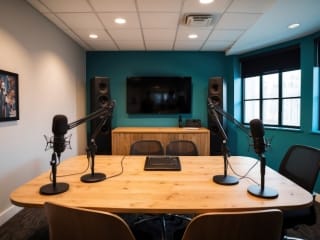
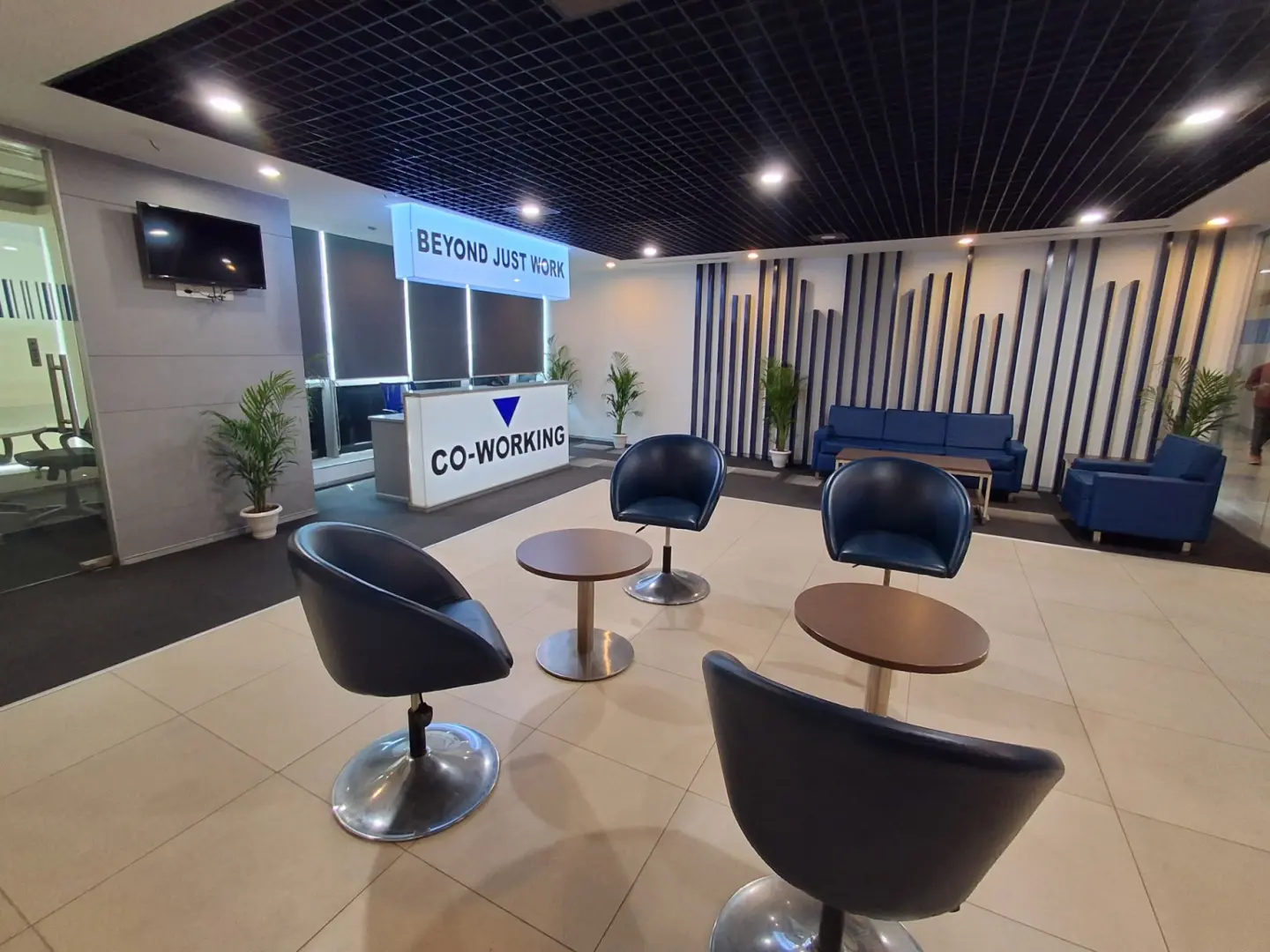
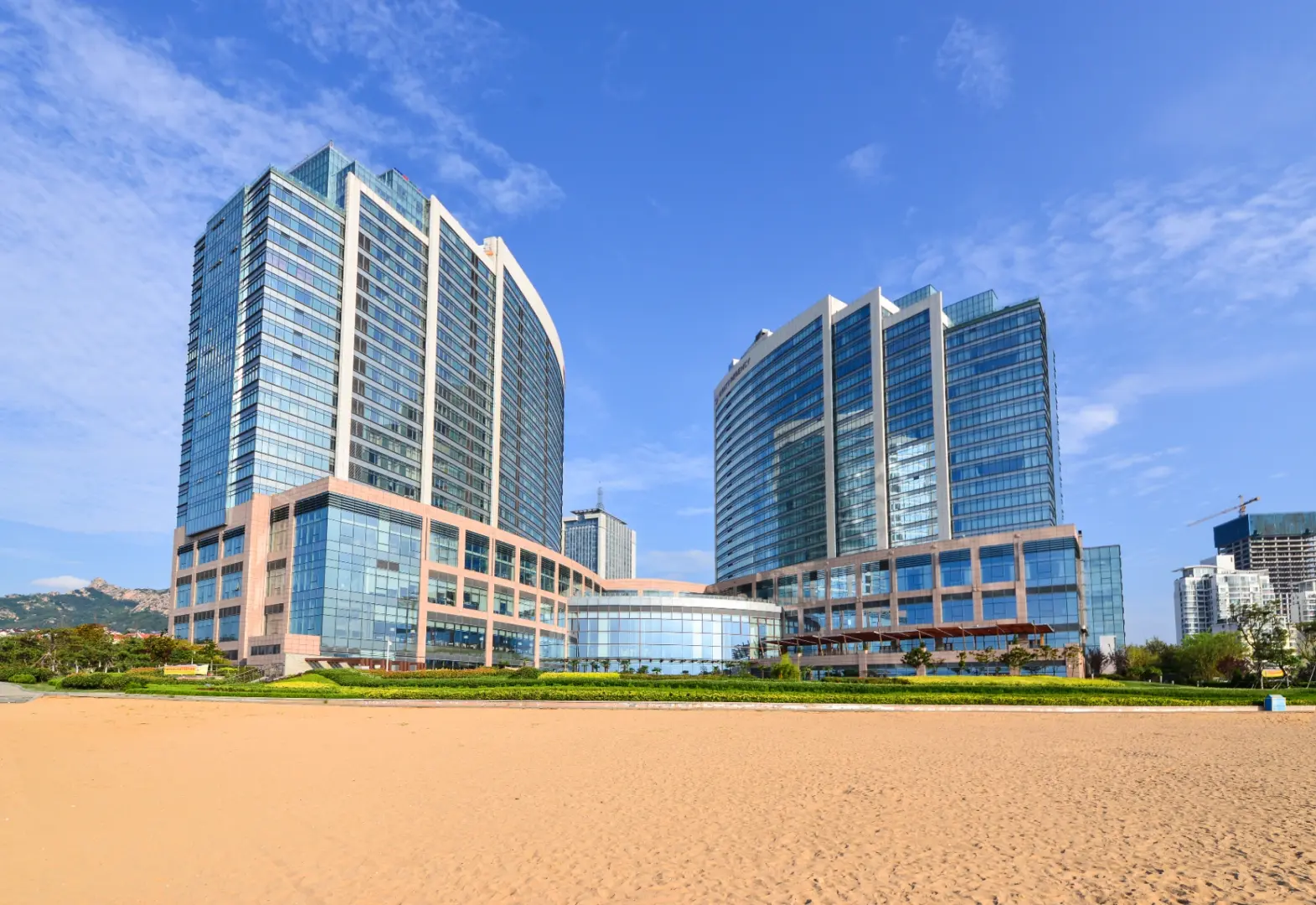
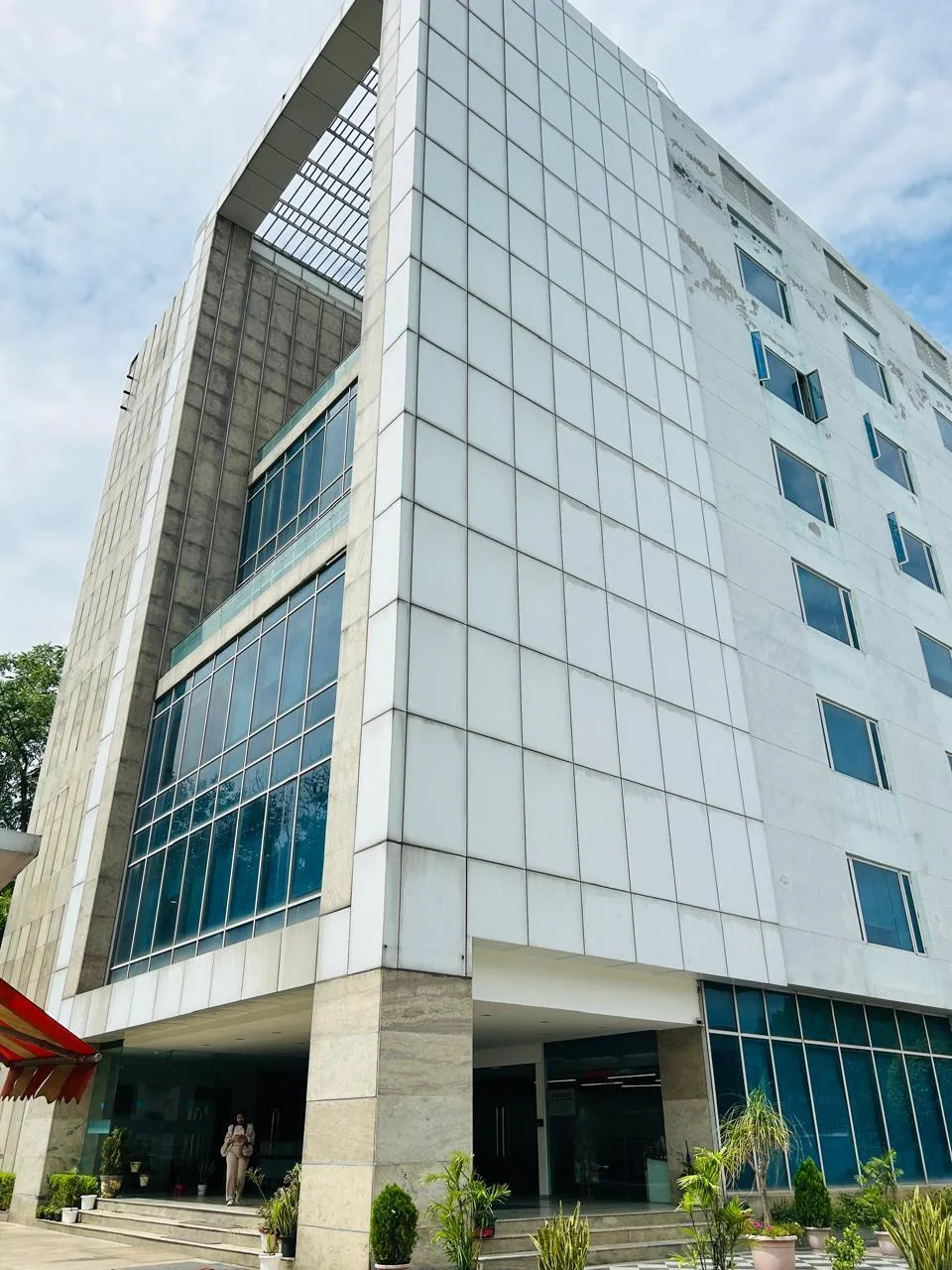
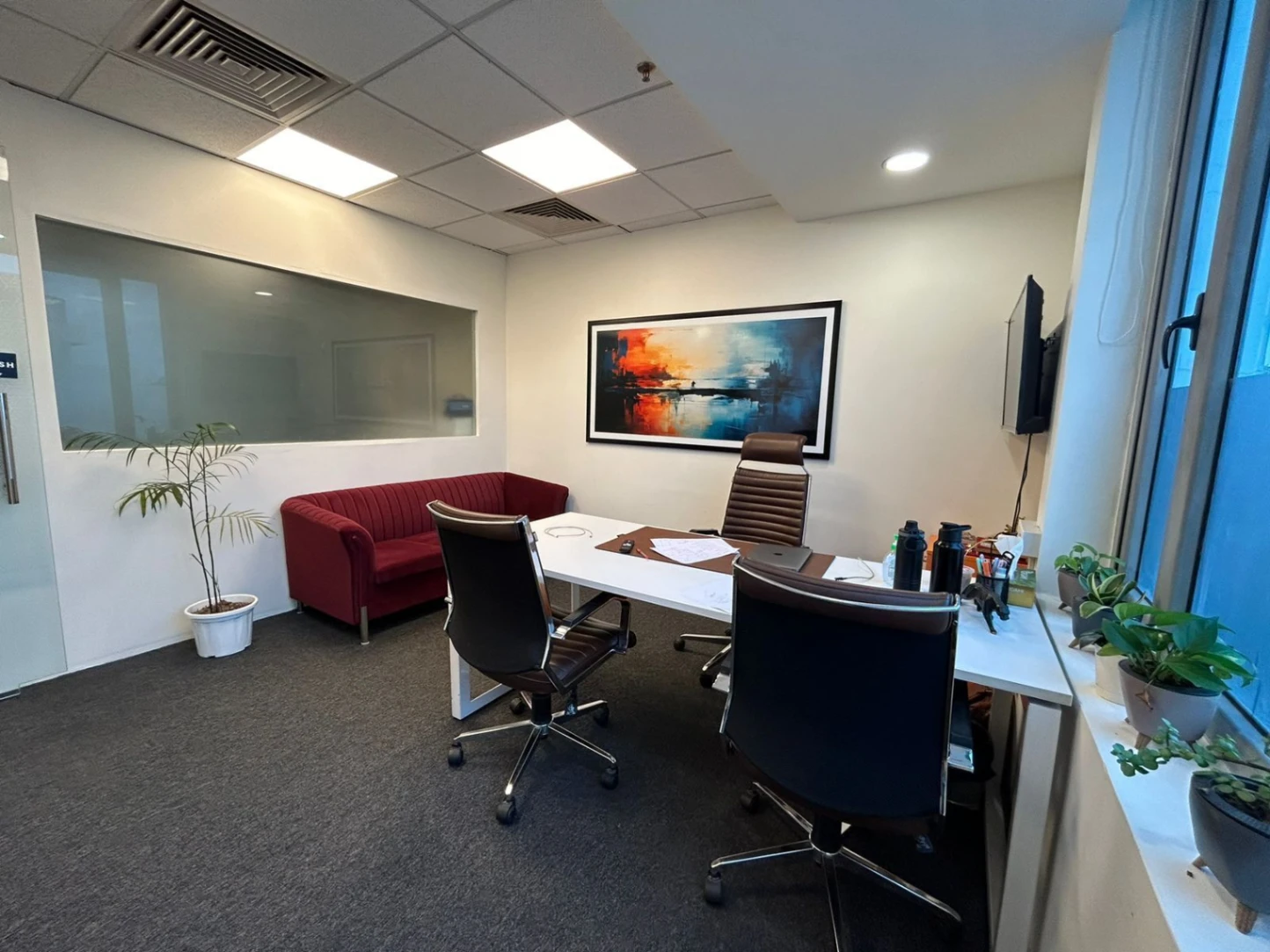
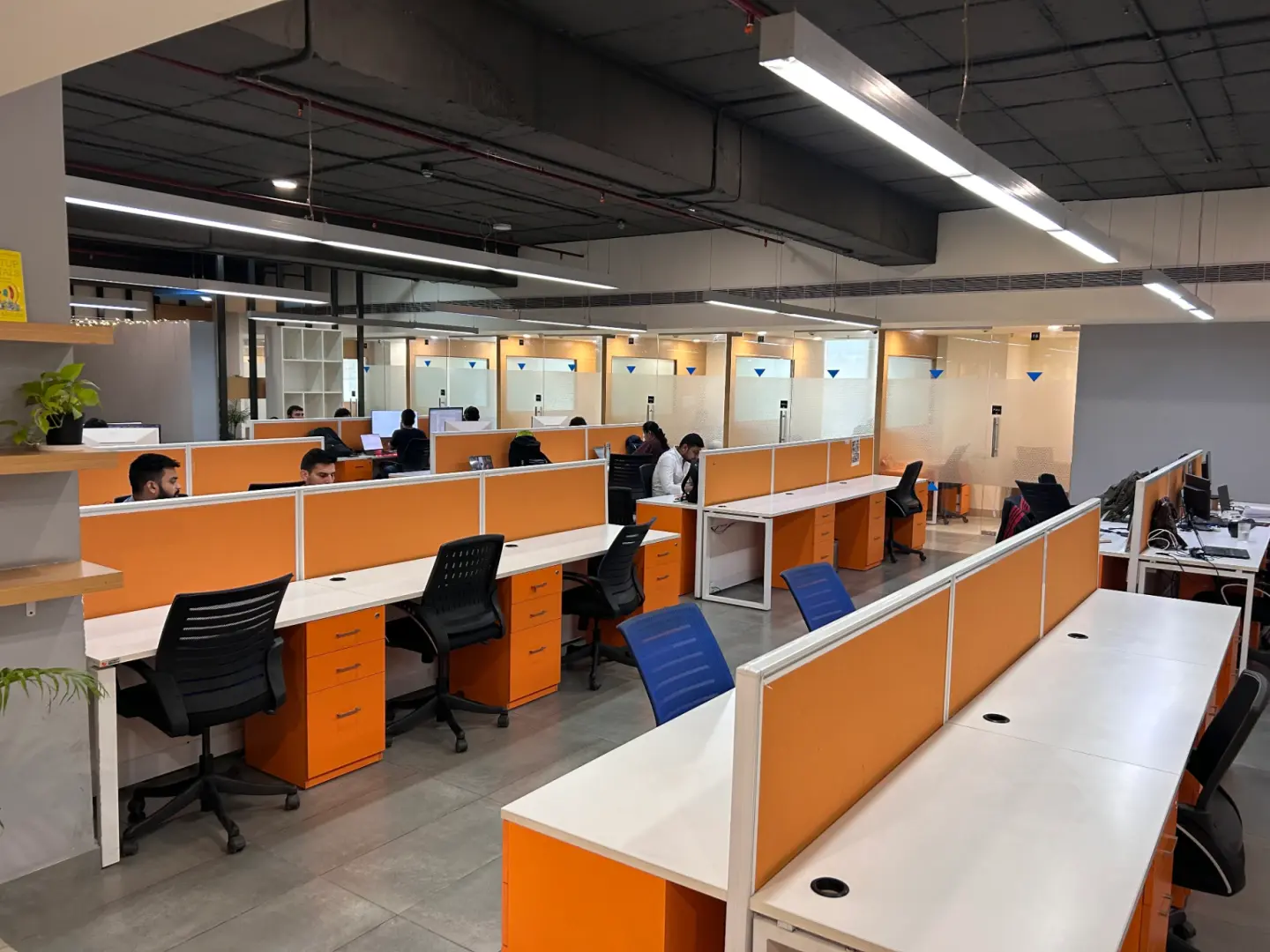
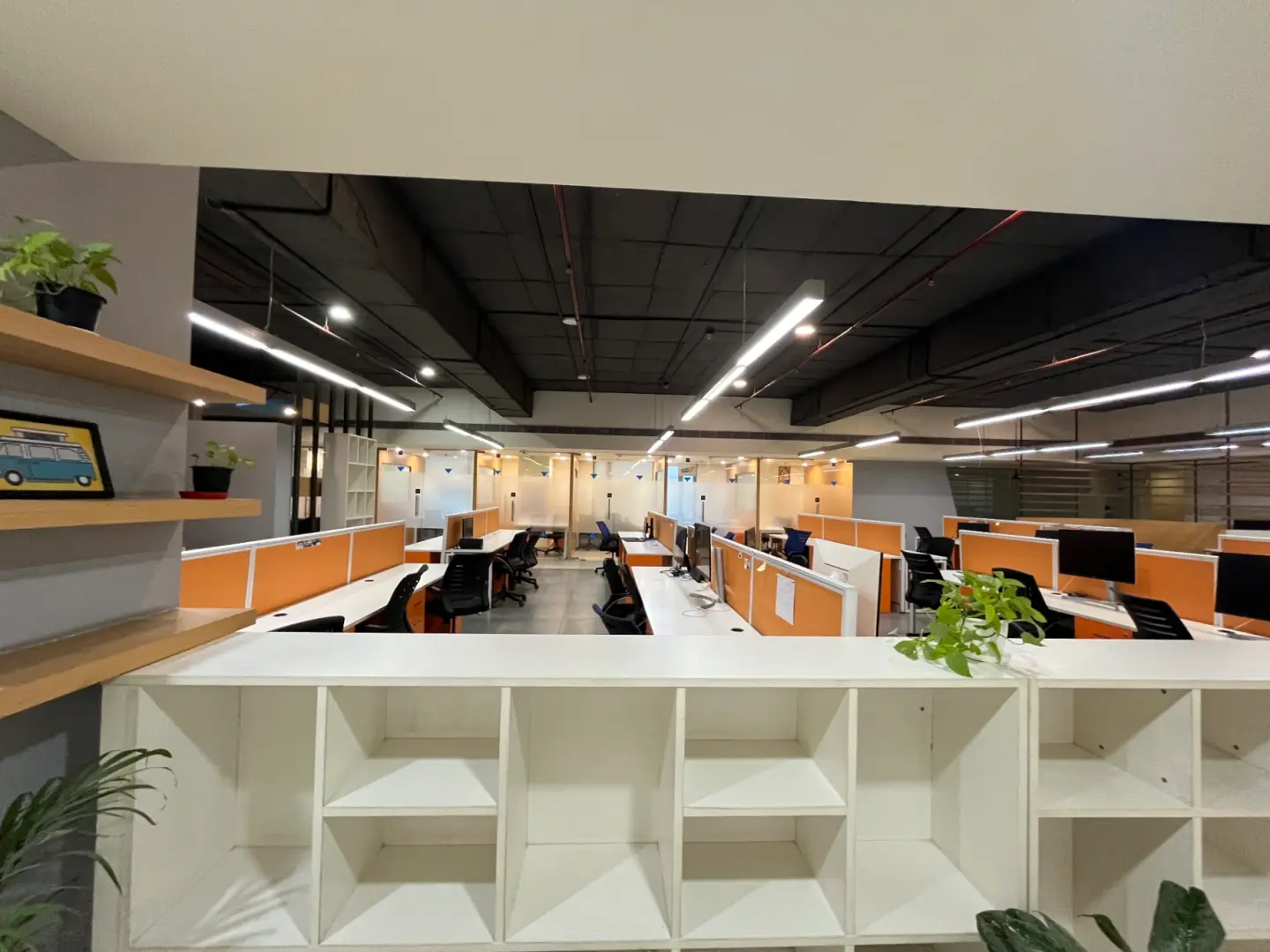
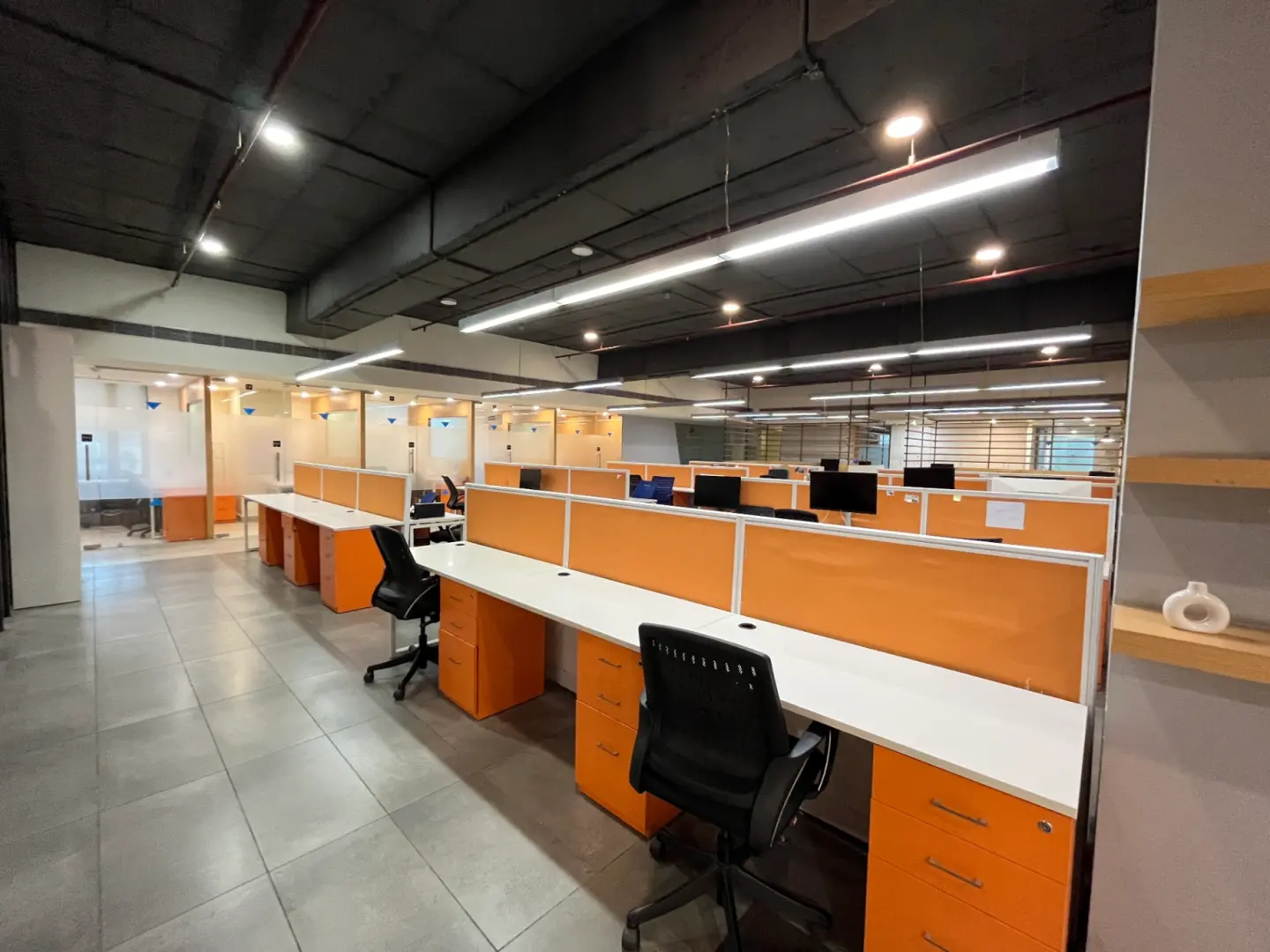
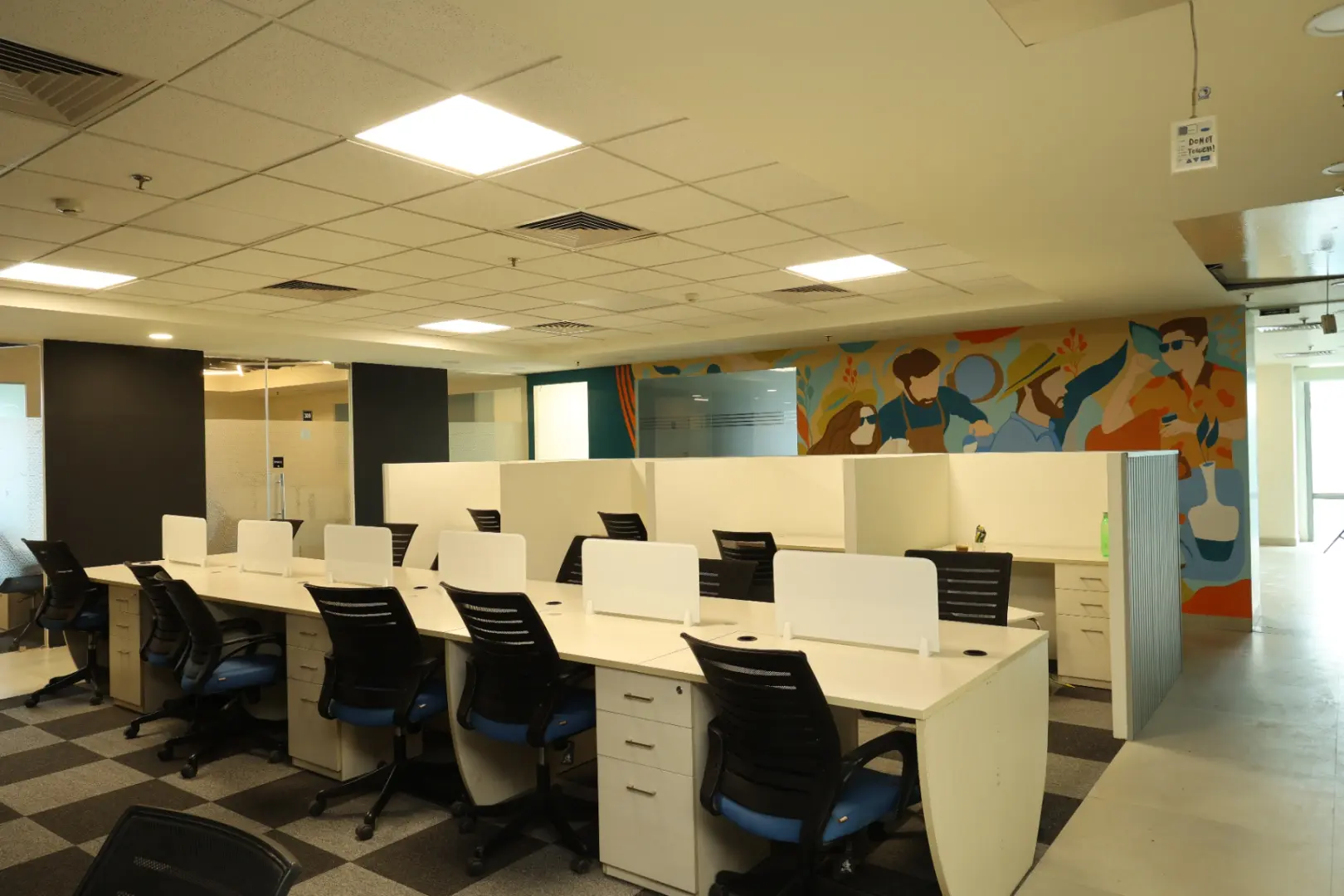
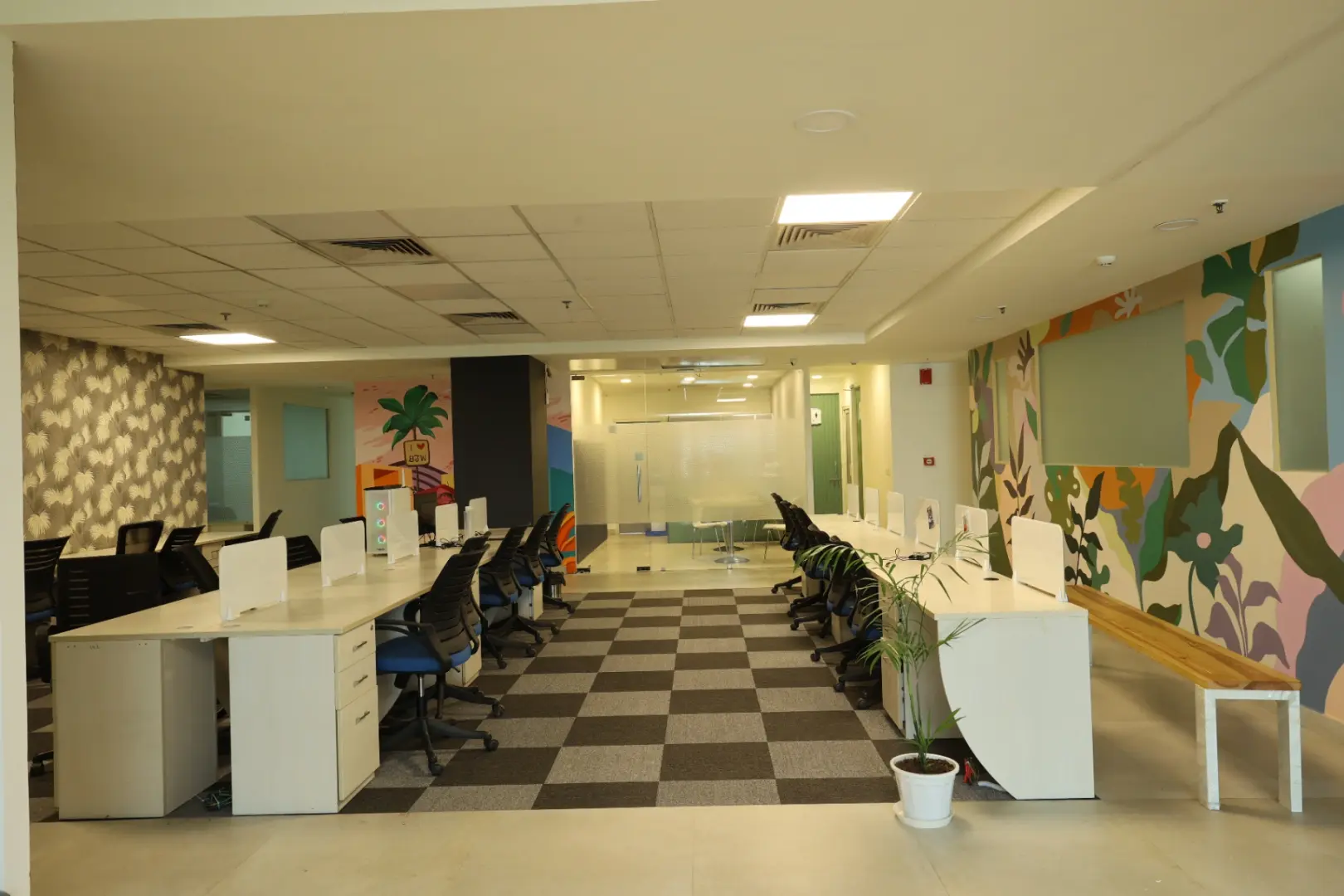
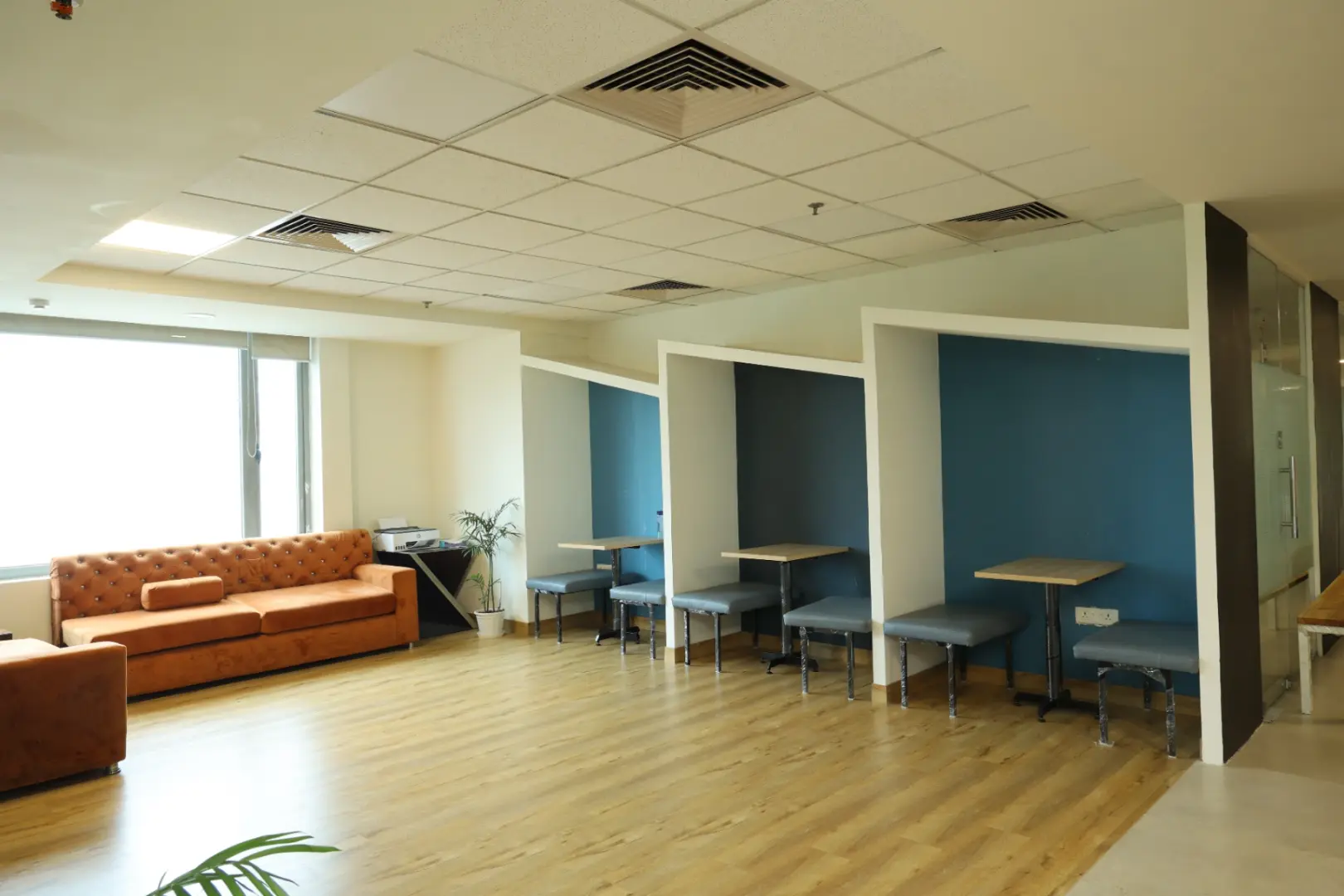
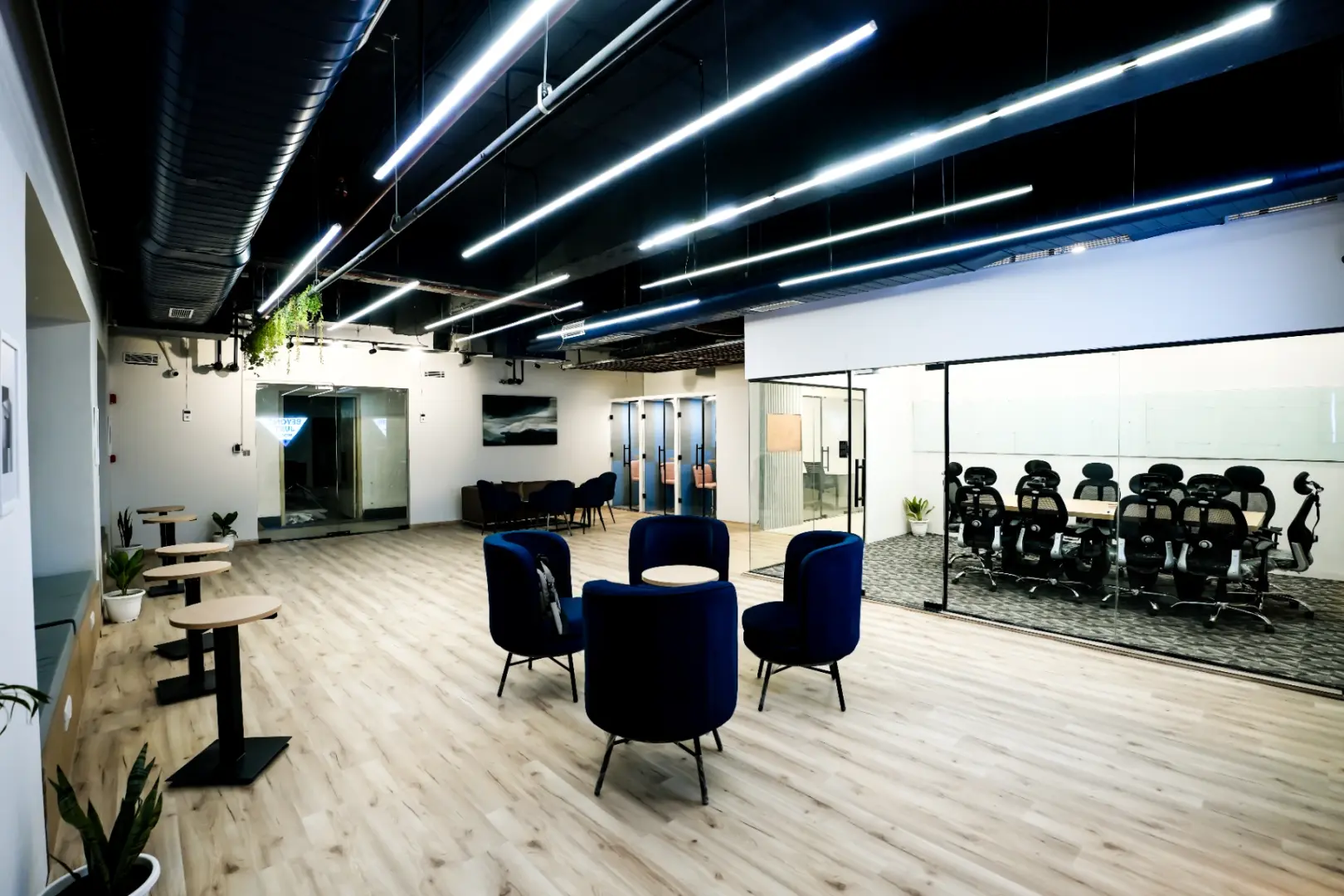
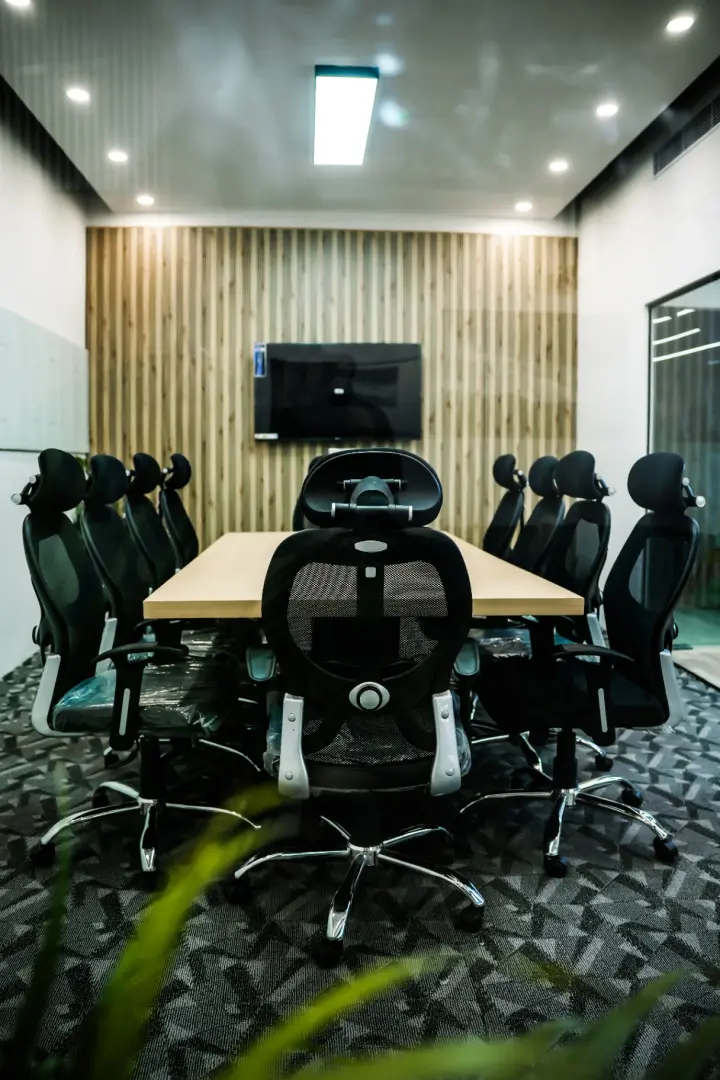
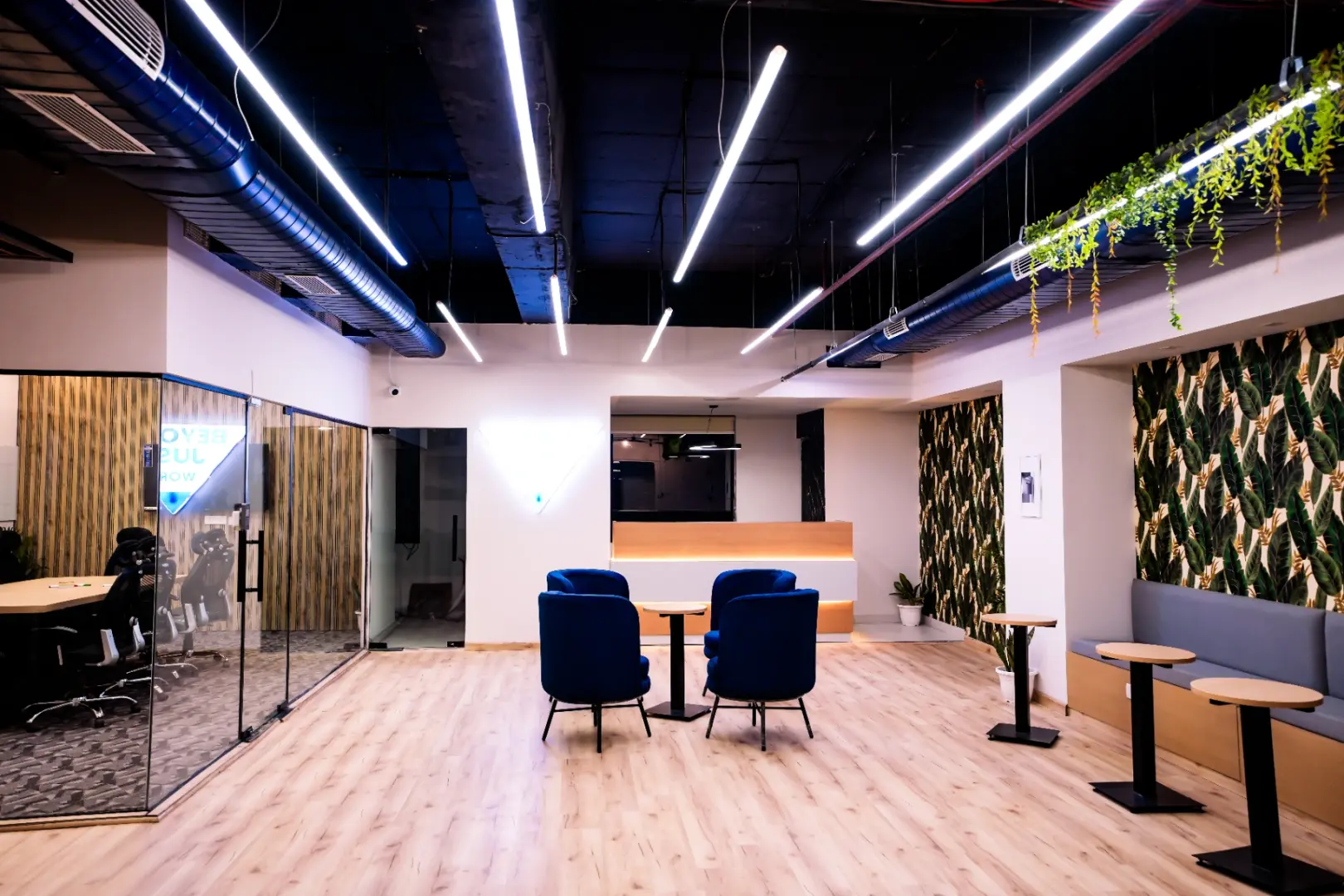
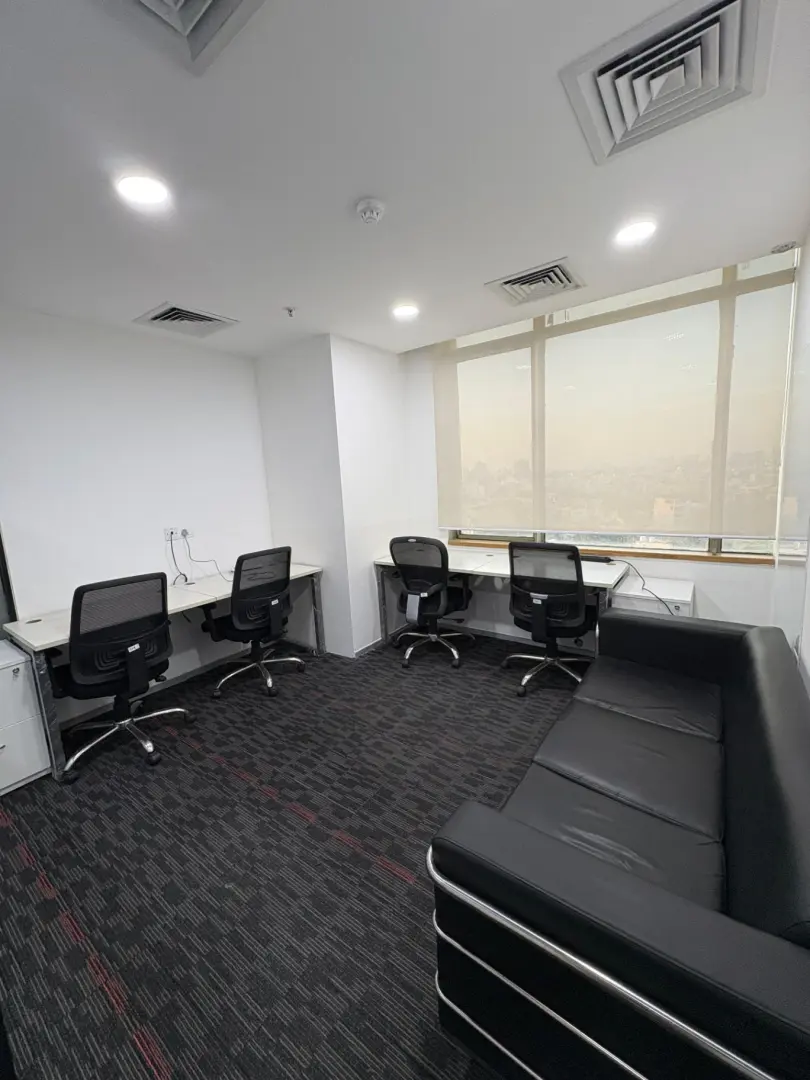
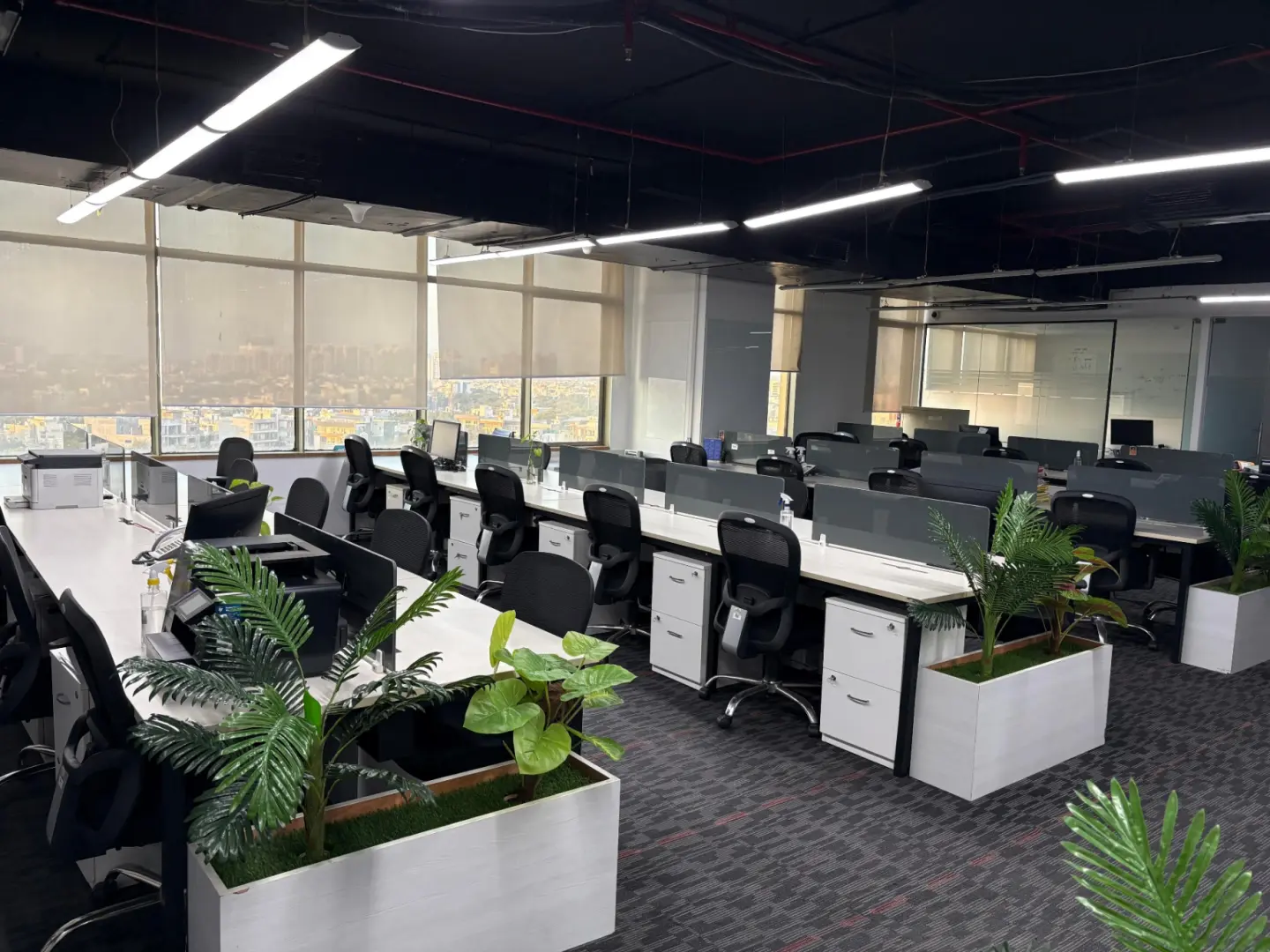
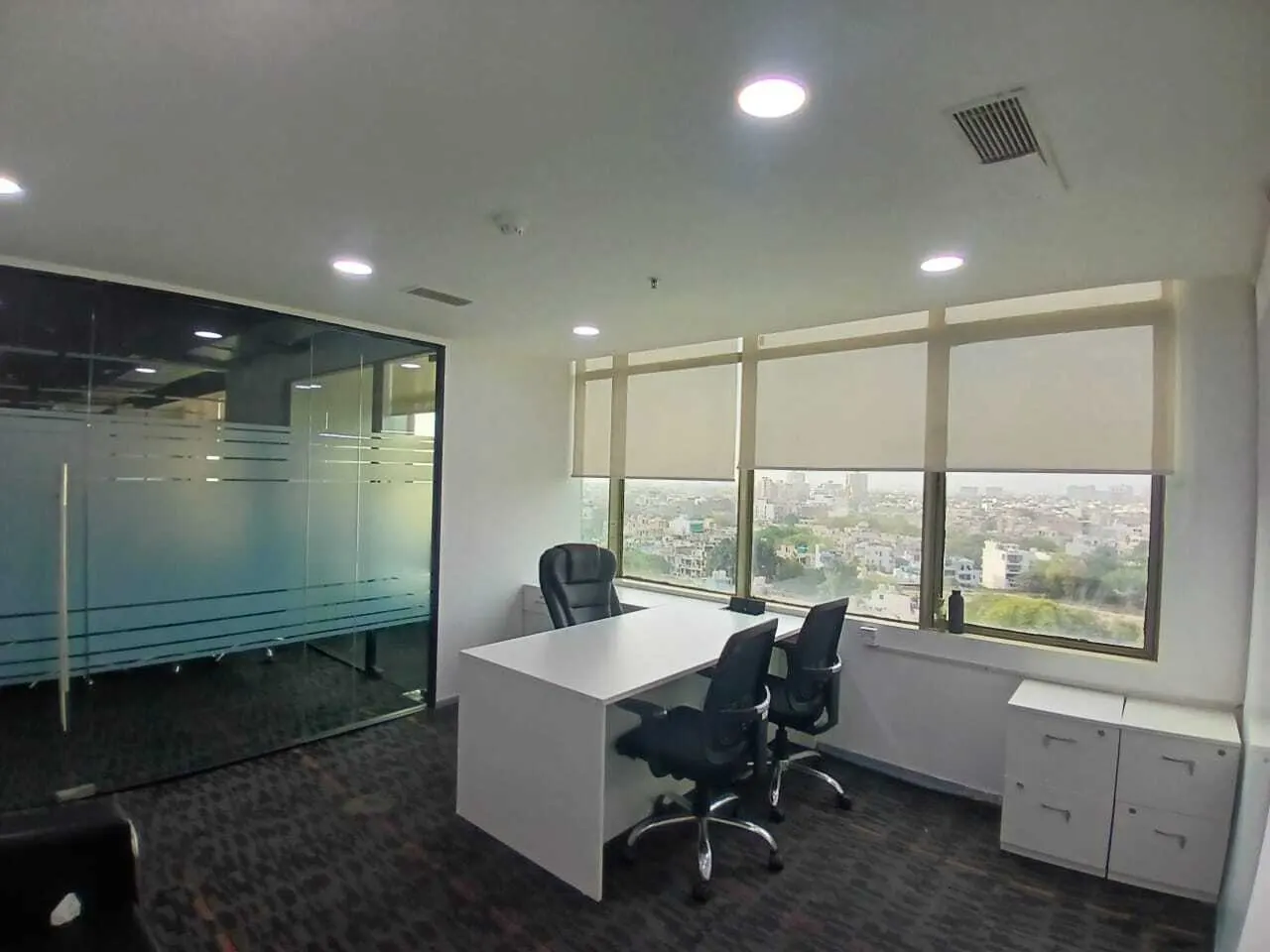
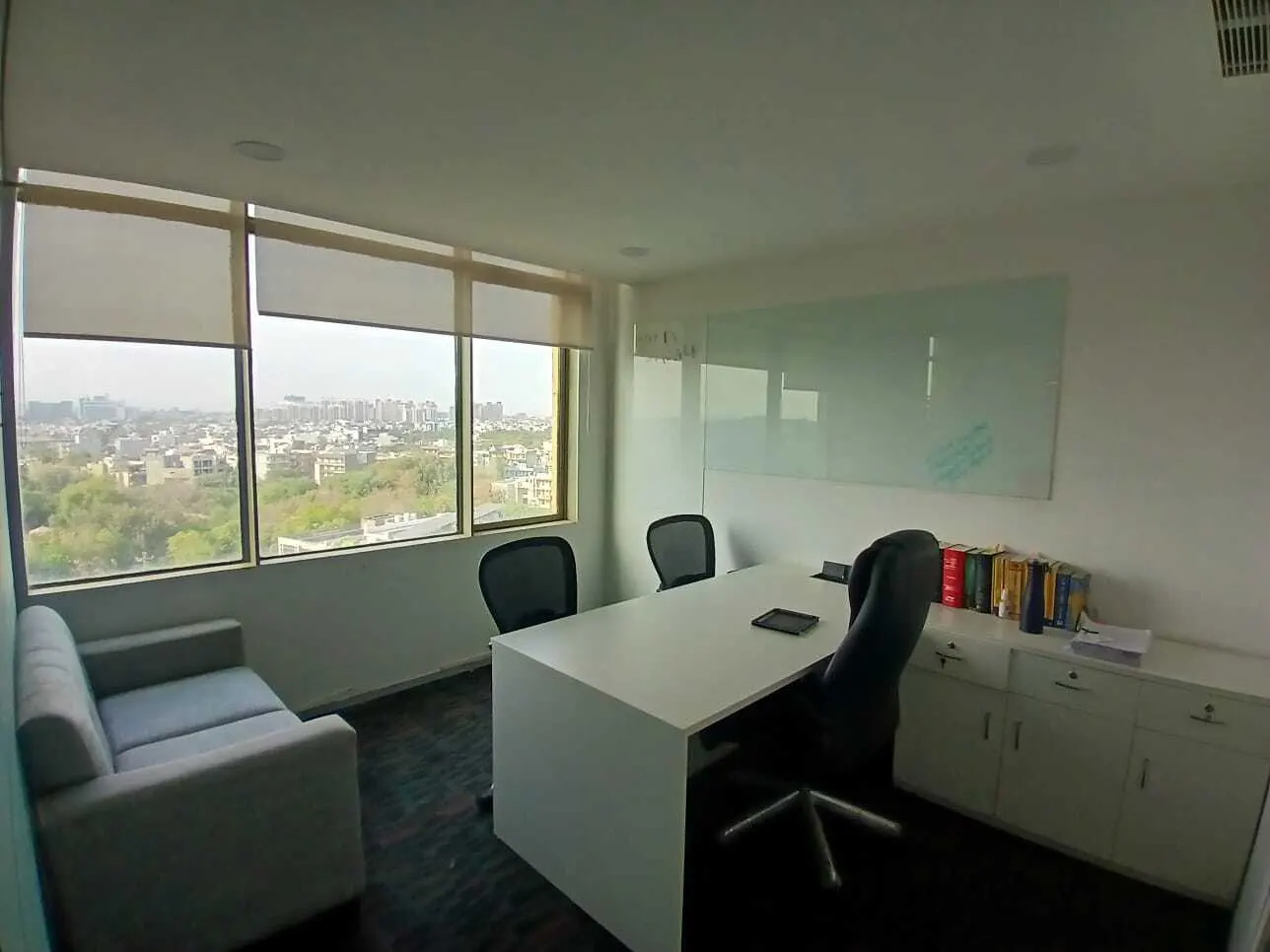
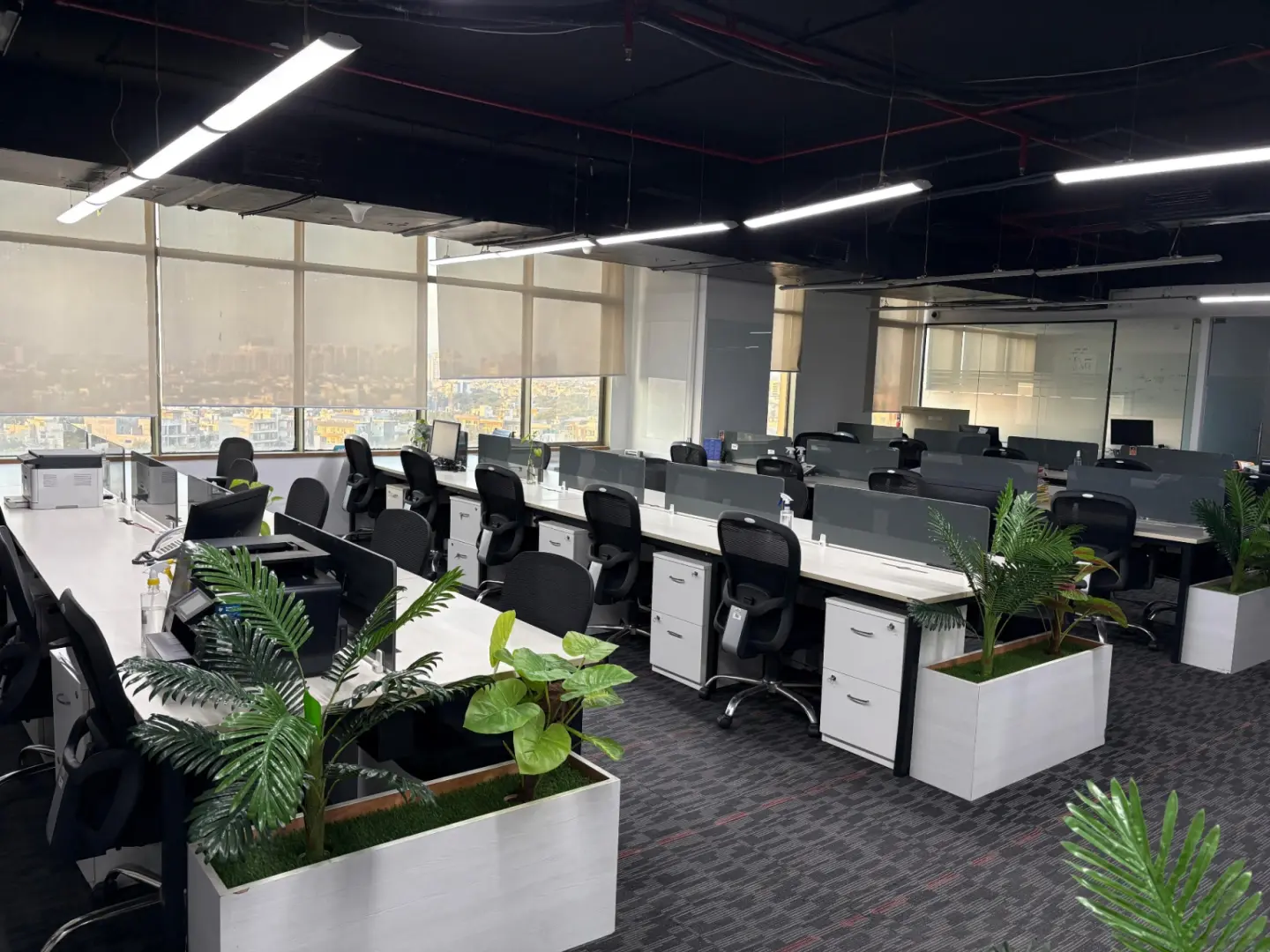
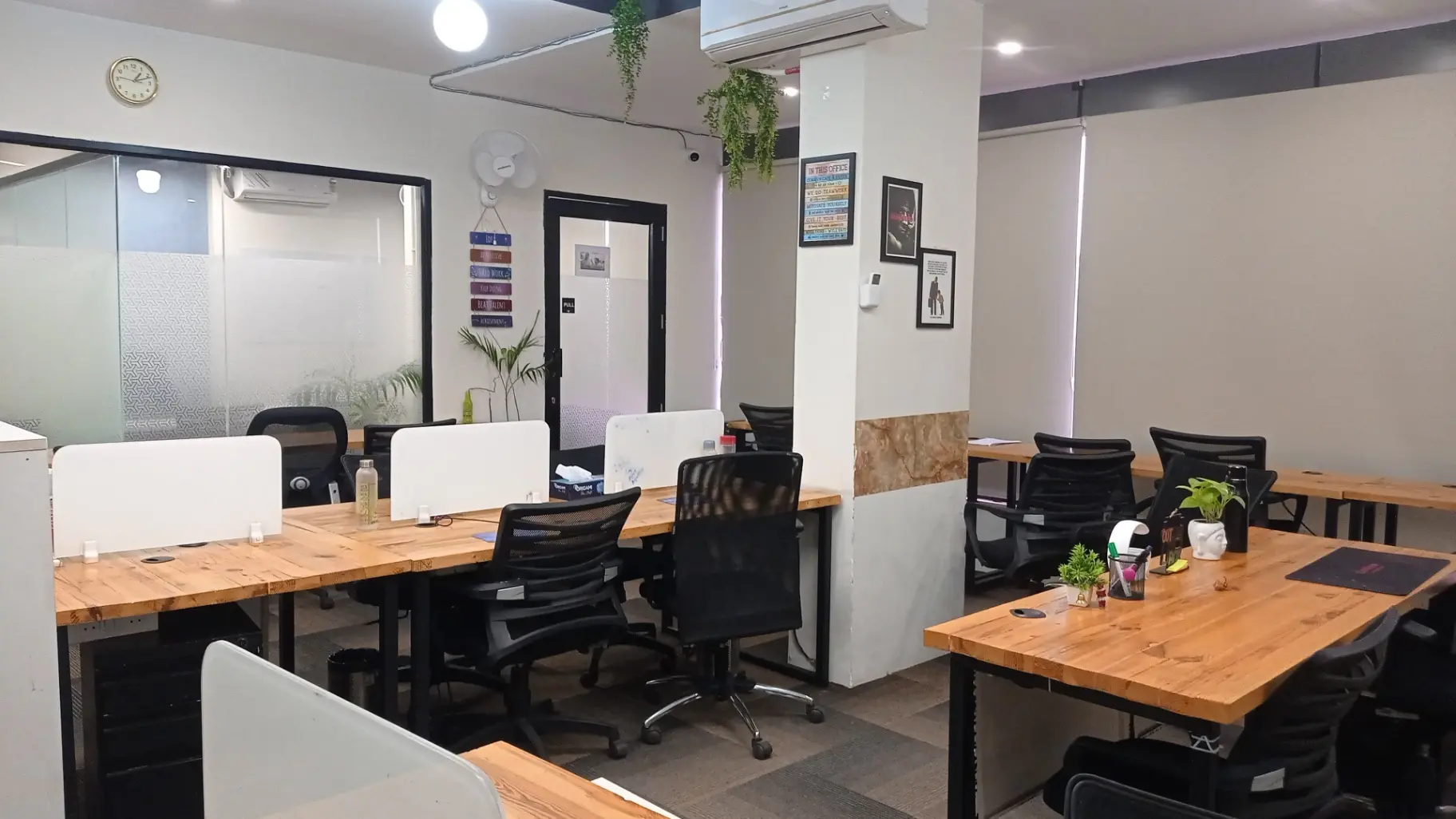
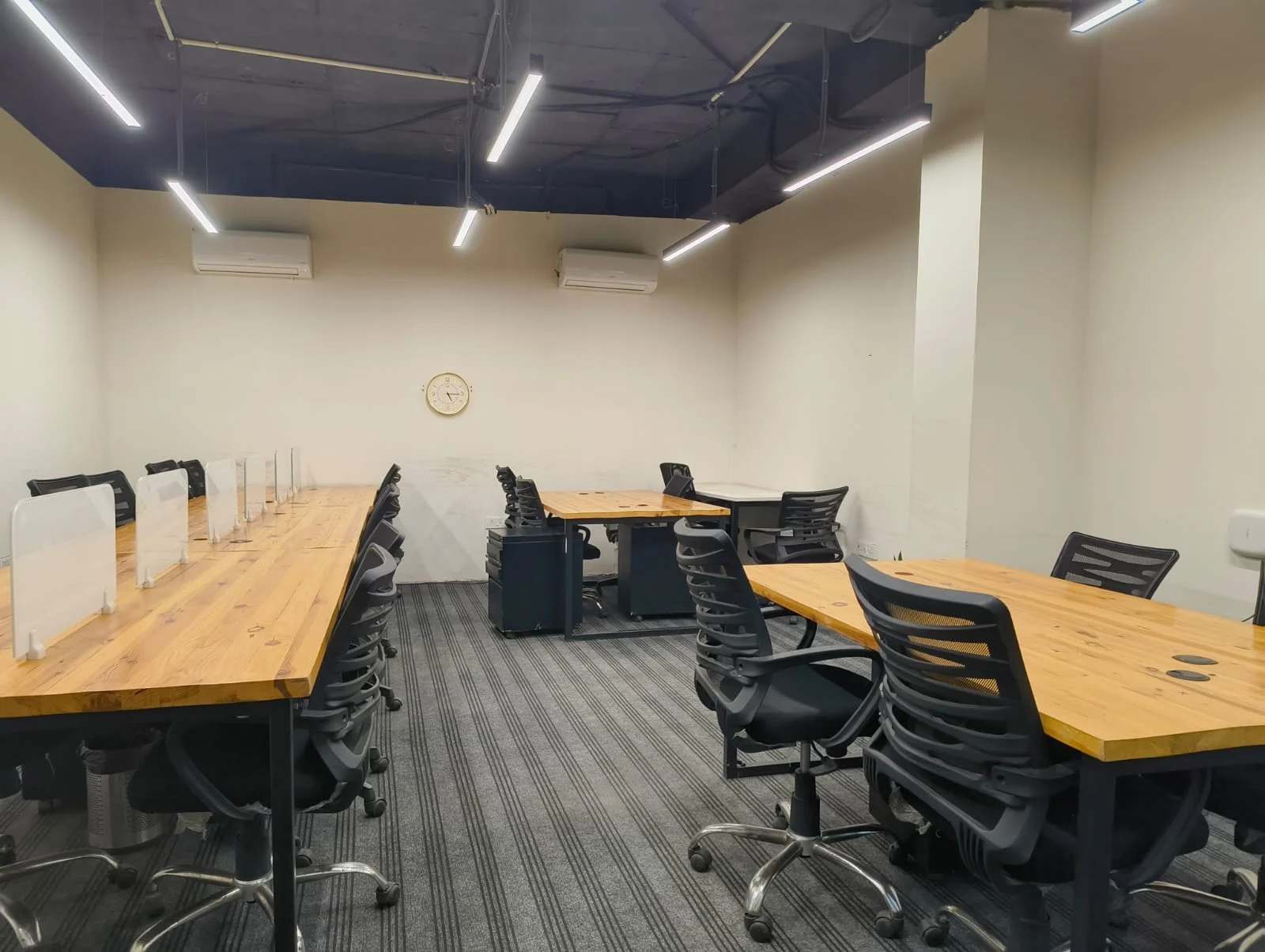
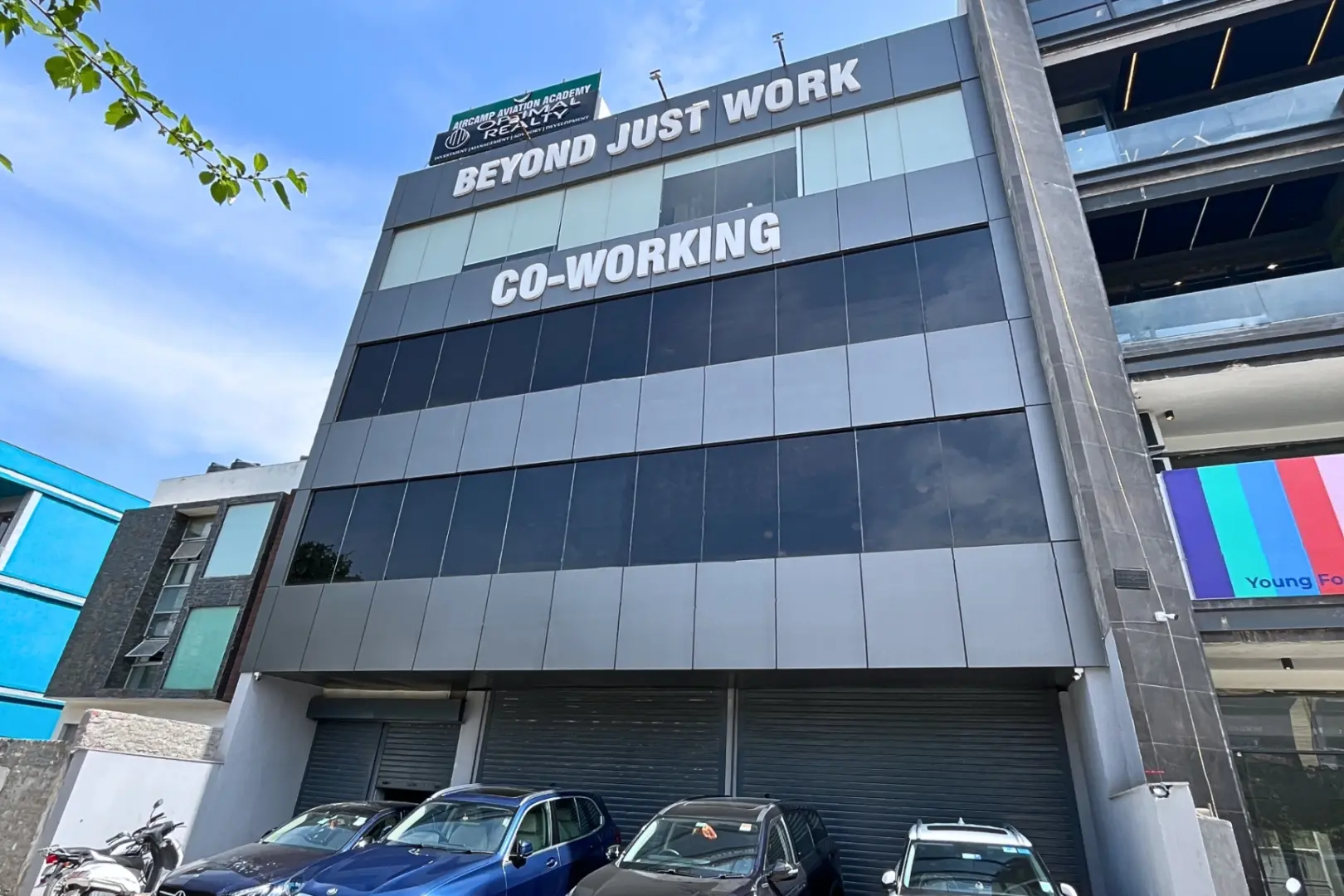
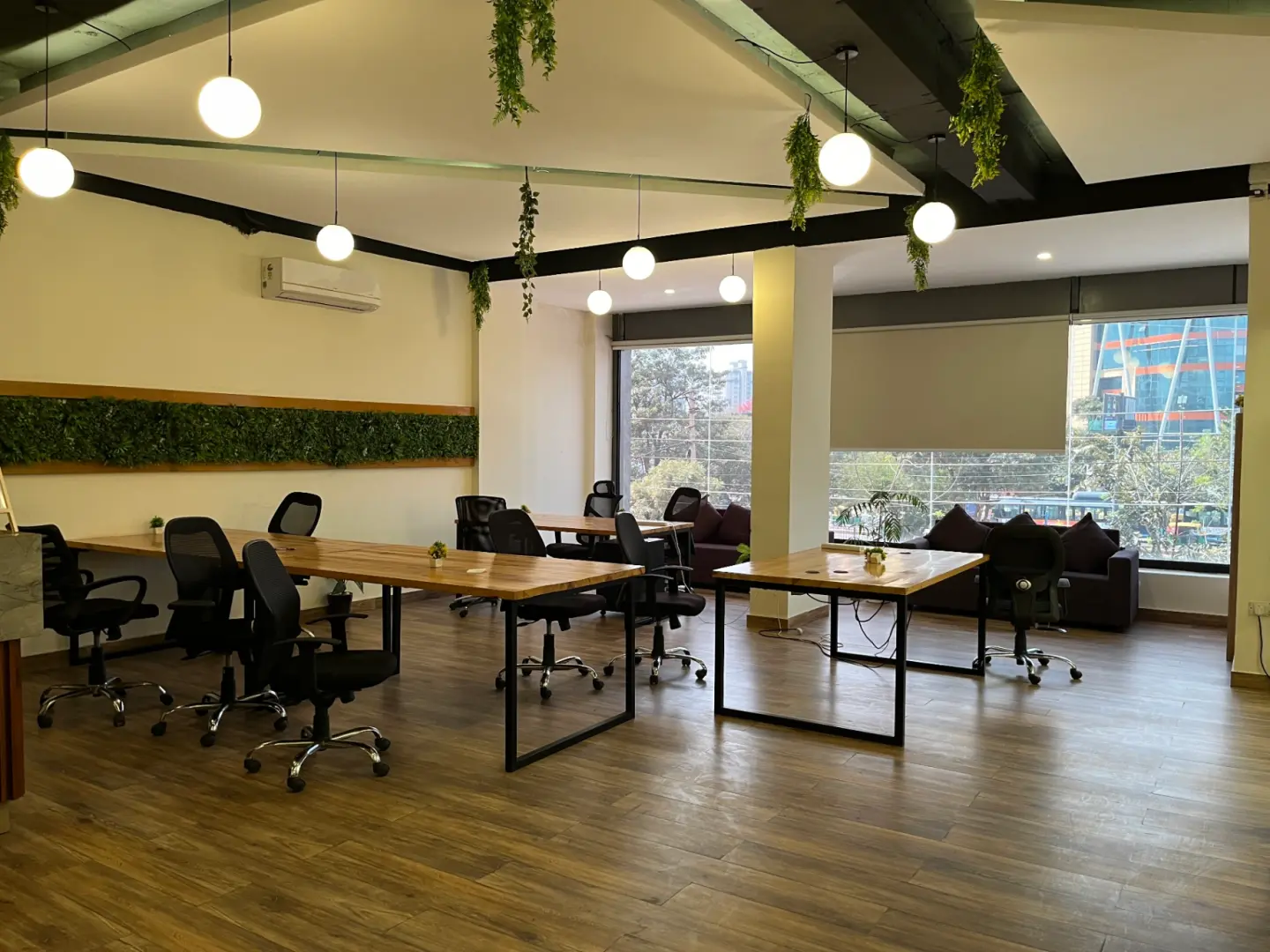
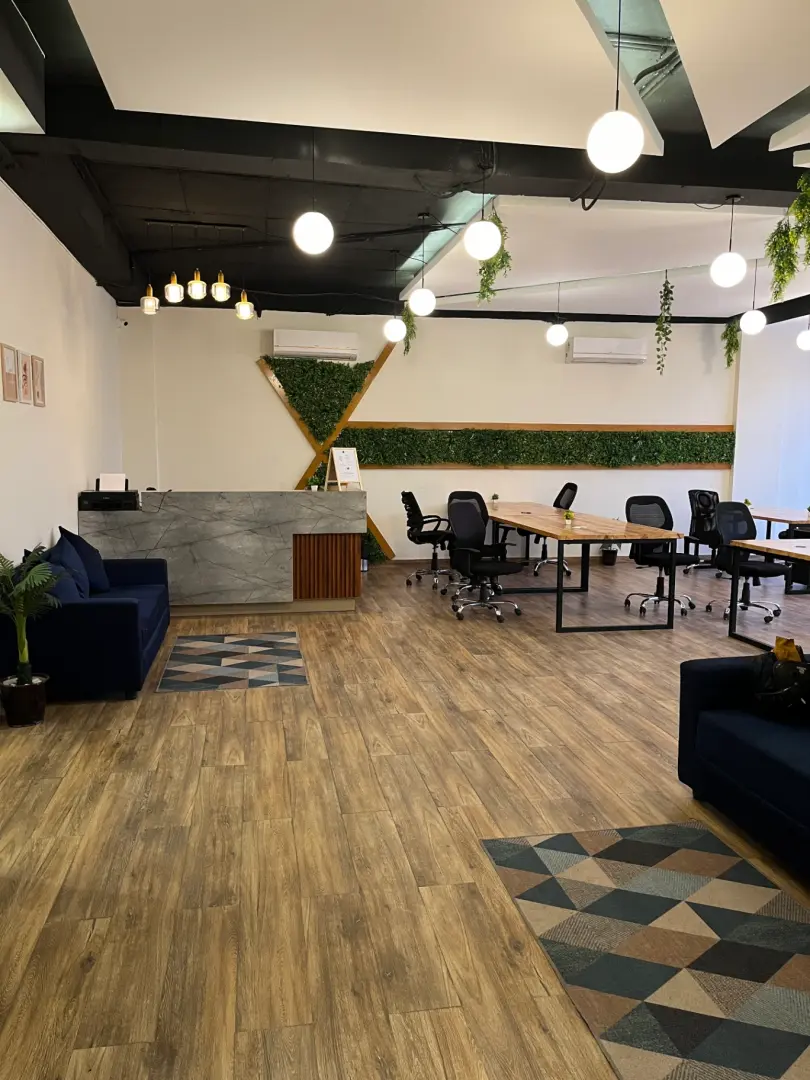
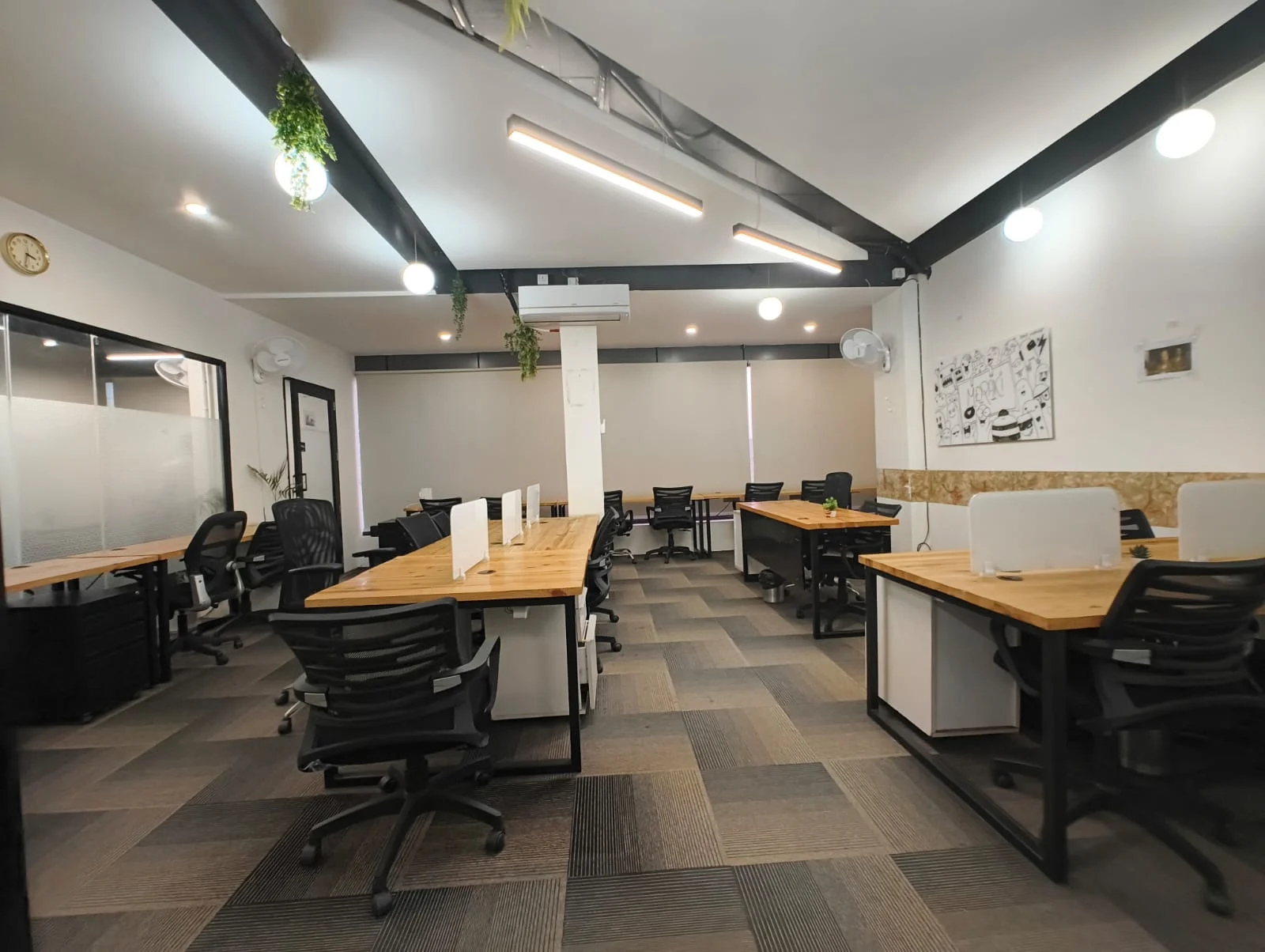
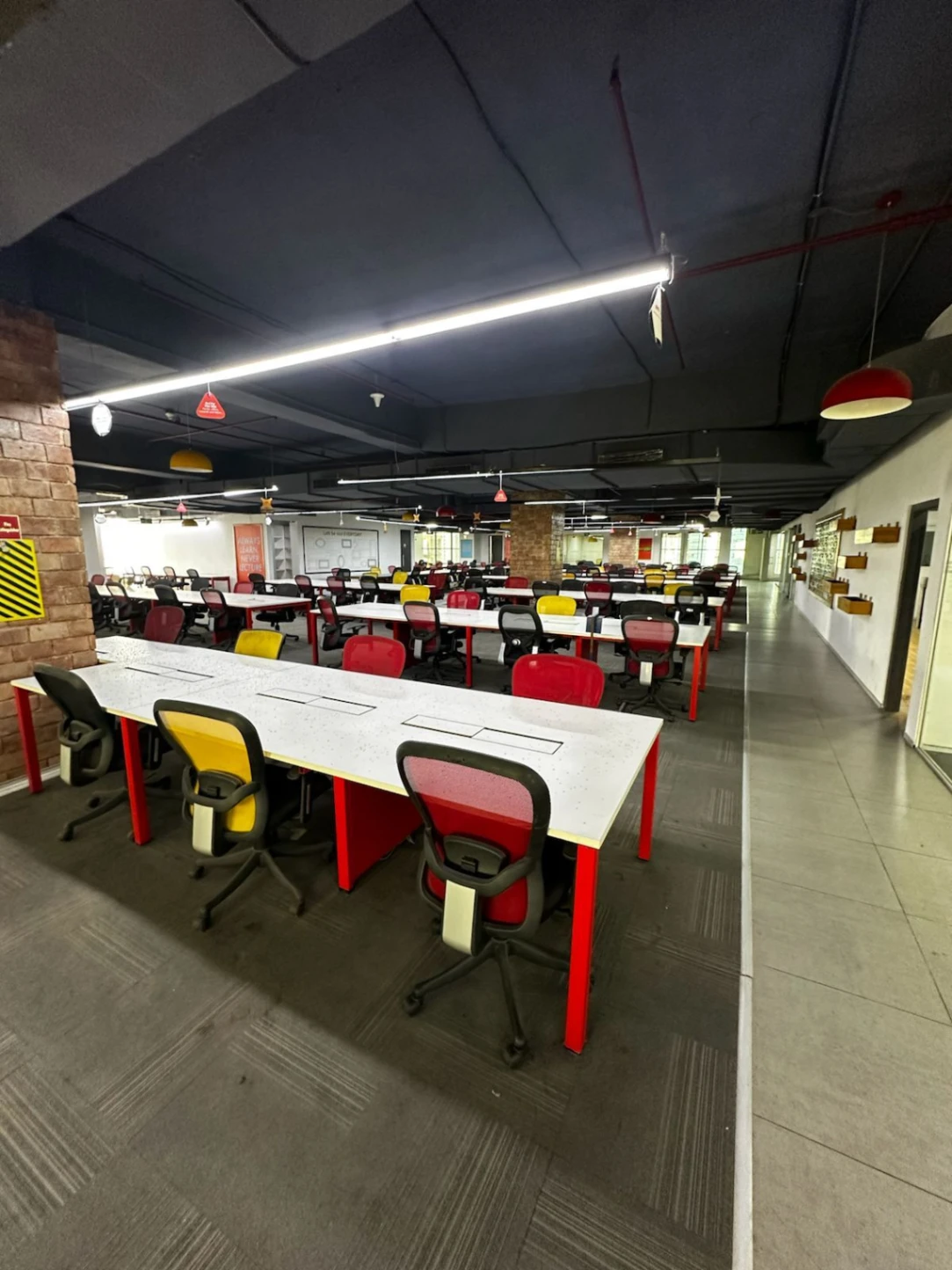
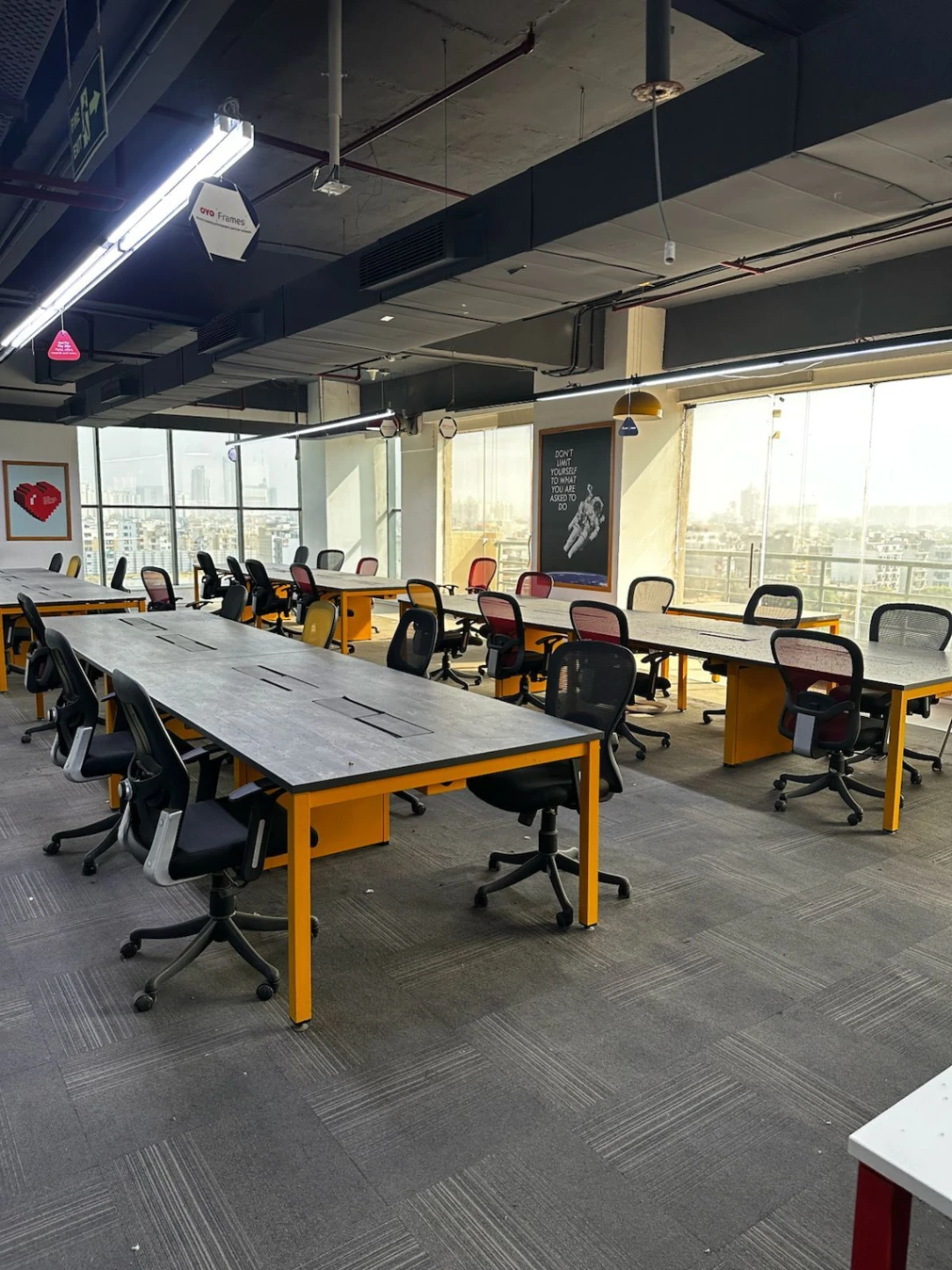
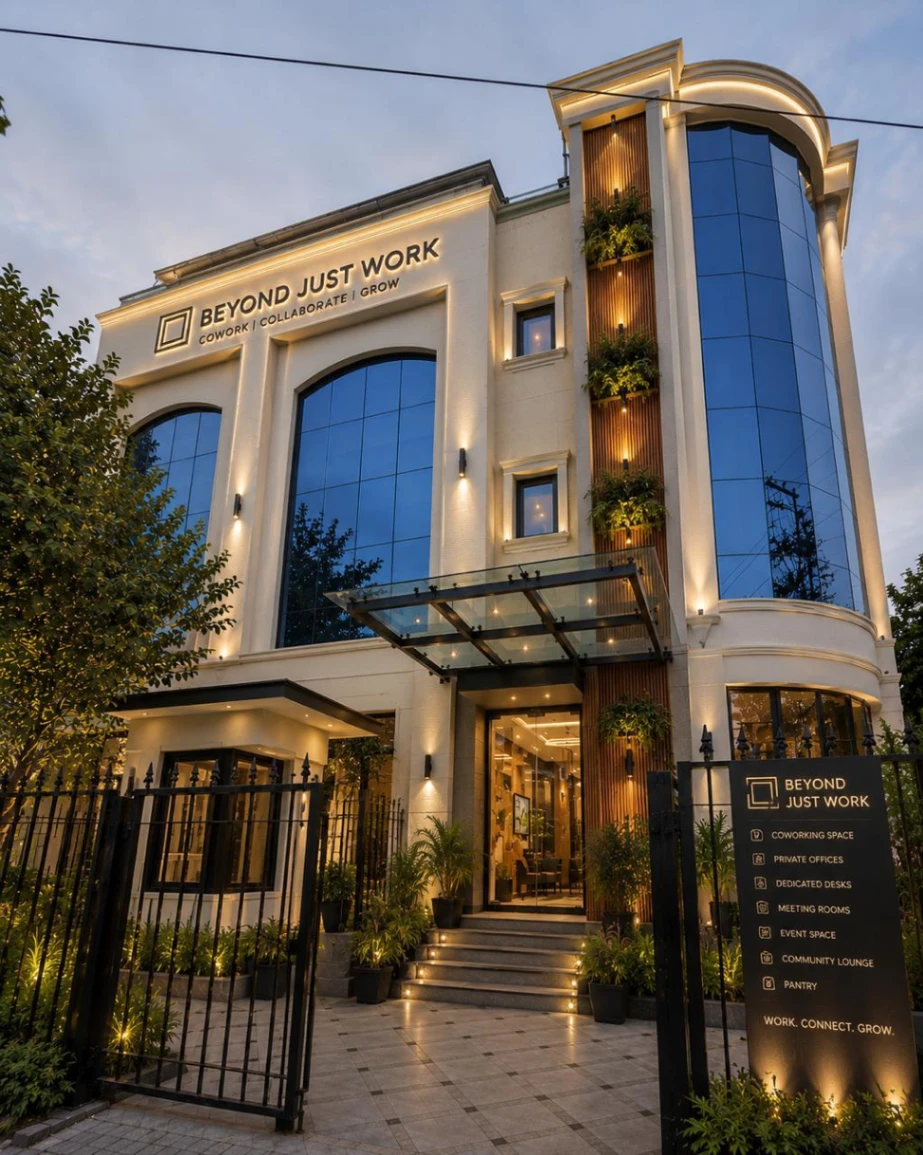
Beyond Just Work offers a dedicated podcast recording environment in Dwarka for creators, entrepreneurs, professionals, and businesses that want to produce high-quality audio and video content. The studio offers a suitable setting for interviews, solo episodes, guest conversations, and business podcasts. With an organised recording setup and a comfortable atmosphere, creators can focus on their discussions instead of worrying about production arrangements. Whether you are recording your first episode or managing a regular podcast series, Beyond Just Work supports a smoother recording experience and helps turn your ideas into engaging content.
Open Hours
Available 24 hours - Monday to Sunday
Amenities
 Wifi
 Coffee
 Parking
 Projector
 Printer
 LED
 Power Backup
 Pet Friendly
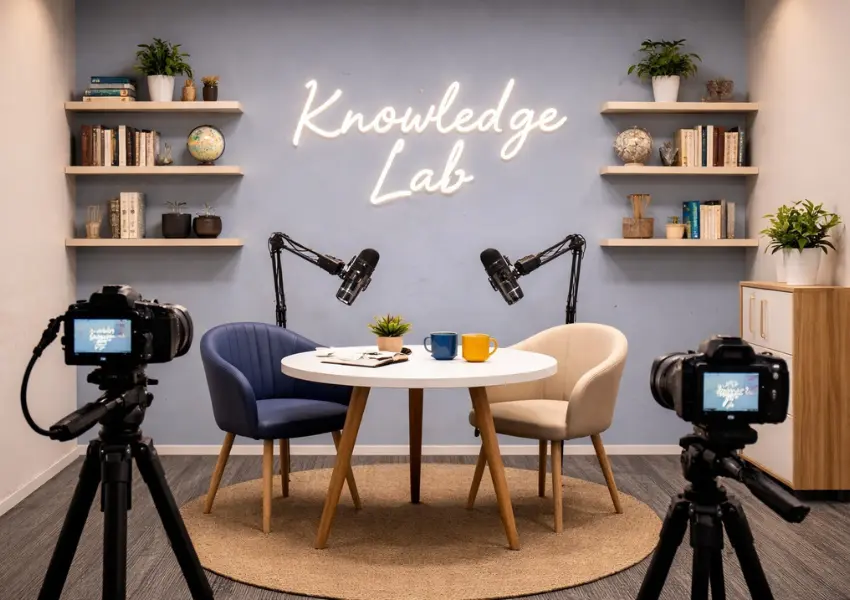
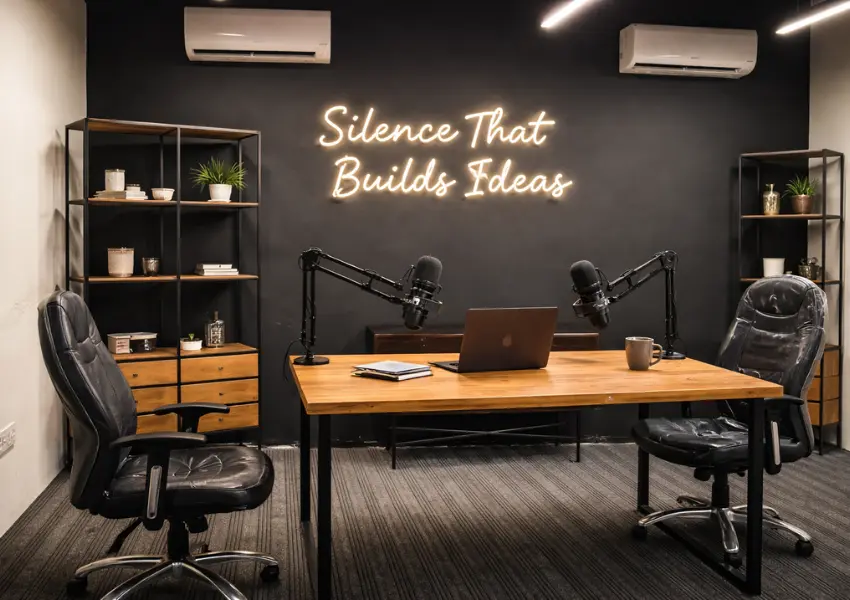
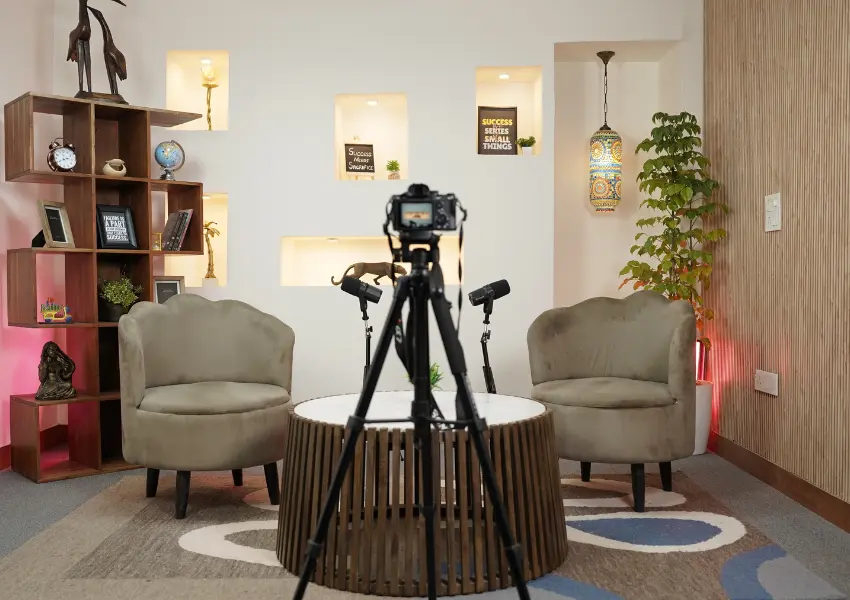
Book Premium Podcast Studio Near you
Spotlight on Our Featured Spaces
Discover our featured spaces, designed for flexibility and equipped with top amenities to boost productivity.
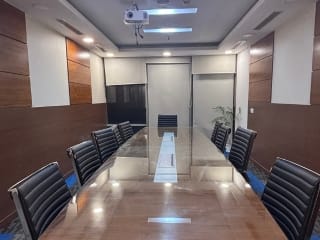

Expanding Near You—Explore Nearby Spaces
Coworking spaces that are flexible for meetings, gatherings, and work—always in desirable places.
Trusted by Professionals Like You

Amazing place to work. Best workspace in Gurgaon. Elegant and modern work spaces, private rooms and good working environment. A lot of companies work there and the place gives you a good vibe. The staff and other people are really helpful. and specially there cummunity manager is very coperative and helpful.

Very vibrant space.I have been working here since one month in sector 14 location.Amazing experience. Community Manager Liza maintains very classy enviornment.She is professional.

Perfect space for a quick office setup. The environment is great for work, there is no disturbance unlike other co-working spaces. It's priced reasonably and offers all required facilities. The managers (Liza & Manish) and the staff are also very cooperative. Great place to work!

The space has a welcoming and productive atmosphere. Mala is so cooperative and supportive. The staff is friendly, responsive and always eager to help . highly recommend this co -working.

Loved how they provide just a hygienic and comfortable environment at such affordable pricing. The ambience is amazing as well!

I started going to beyond just work in gurugram around 2 months back and I can say for sure that it's really makes you so productive and efficienct! Totally recommended!

Working Space is clean and the environment is really pleasant to work in. Very spacious at affordable prices. Solid choice for anyone looking for office space.
Smart work starts with smart answers!
Explore clear, helpful insights designed to make your workspace experience smooth and stress-free.
How Can You Make Podcast Recording in Dwarka More Efficient?
Efficient podcast recording begins with good preparation, not just booking a studio for a few hours. Before your session, decide the episode's purpose, prepare the main discussion points, and confirm the number of guests. Estimate the time required for the conversation, including introductions, follow-up questions, and closing remarks. If you are planning a business interview, a solo episode, or a video podcast, your recording requirements may differ. A 𝗽𝗼𝗱𝗰𝗮𝘀𝘁 𝘀𝘁𝘂𝗱𝗶𝗼 𝗶𝗻 𝗗𝘄𝗮𝗿𝗸𝗮 should match your content format, budget, and expected production quality. Check the available microphones, cameras, lighting, and seating before confirming your booking. Sharing these details with the studio team in advance helps them prepare the space according to your needs. A clear plan also reduces last-minute decisions, so you can focus on the conversation.
The studio environment plays an important role in keeping your recording session on schedule. Before starting, test the microphones, check audio levels, and review camera framing. A short test recording can reveal background noise, uneven lighting, or other issues before they affect the main episode. Guest coordination matters just as much. Share the studio address, confirm arrival times, and provide a brief overview of the discussion so everyone arrives prepared. When recording in Dwarka, check the studio's exact location along with nearby transport options to plan your journey comfortably. Technical assistance can also help resolve equipment problems without interrupting the conversation for too long. Choosing a suitable 𝗽𝗿𝗼𝗳𝗲𝘀𝘀𝗶𝗼𝗻𝗮𝗹 𝗽𝗼𝗱𝗰𝗮𝘀𝘁 𝘀𝘁𝘂𝗱𝗶𝗼 𝗶𝗻 𝗗𝘄𝗮𝗿𝗸𝗮 means looking beyond the room's appearance. Sound quality, equipment readiness, guest comfort, and available support deserve equal attention.
Efficiency also depends on what happens after the recording ends. Before your session, decide whether you need audio cleanup, a full-length YouTube episode, captions, Instagram Reels, YouTube Shorts, or promotional clips. Confirm the editing charges, delivery timelines, revision limits, and final file formats to avoid confusion later. If you plan to publish regularly, consider recording multiple episodes during one visit, provided your schedule allows enough time for breaks and setup changes. One well-organised session can provide several pieces of content, helping you maintain a consistent publishing routine without arranging a new recording for every platform. Vroxe Productions offers a prepared recording environment for creators seeking audio or video podcast support. With a clear episode plan, suitable studio facilities, and defined editing requirements, you can use your booked hours more effectively while creating content that is ready for the next stage of production.
What Should You Prepare Before Booking a Podcast Studio in Dwarka?
Before booking a studio, be clear about the purpose of your episode. Decide whether you are recording a solo discussion, a business interview, or a video podcast featuring multiple guests. Prepare the main topic, note down important questions, and estimate the recording duration. These details help you identify a 𝗽𝗼𝗱𝗰𝗮𝘀𝘁 𝘀𝘁𝘂𝗱𝗶𝗼 𝗶𝗻 𝗗𝘄𝗮𝗿𝗸𝗮 that matches your requirements. Consider the equipment you will need, including microphones, cameras, lighting, and suitable seating. Audio-only episodes may require a simpler setup than video interviews. Sharing your requirements before the visit gives the studio team a clearer idea of how to prepare the space. It also reduces the chances of last-minute adjustments eating into your recording time.
Your budget, guest schedule, and expected deliverables should be settled before confirming a 𝗽𝗼𝗱𝗰𝗮𝘀𝘁 𝘀𝘁𝘂𝗱𝗶𝗼 𝗯𝗼𝗼𝗸𝗶𝗻𝗴 𝗶𝗻 𝗗𝘄𝗮𝗿𝗸𝗮. Check the hourly rate, available recording time, technical assistance, and any additional editing charges. If guests are attending, confirm their availability in advance. Share the studio location with them, allowing enough time for travel. It is also worth asking whether the booking includes raw file delivery, audio cleanup, or short-form clips. These details help you compare studios based on practical value rather than price alone. With your episode plan, equipment needs, and budget decided early, you can arrive prepared and focus on creating a quality recording.
How Can a Clear Episode Plan Help You Record Without Wasting Studio Time?
A clear episode plan gives your recording session direction from the start. Prepare a short introduction, arrange the main questions in a logical order, then decide how you want to close the discussion. This helps you cover important topics without spending too much time deciding what to ask next. During 𝗽𝗼𝗱𝗰𝗮𝘀𝘁 𝘀𝗲𝘀𝘀𝗶𝗼𝗻 𝗽𝗹𝗮𝗻𝗻𝗶𝗻𝗴, estimate the time required for each section. Give priority to questions that support your episode's main purpose. This simple step helps you make better use of your booked studio hours, particularly when working with a guest or recording multiple episodes in one visit.
A plan should guide the conversation, not control every response. Interesting answers may introduce new topics worth exploring, so leave room for follow-up questions. For 𝗽𝗼𝗱𝗰𝗮𝘀𝘁 𝗿𝗲𝗰𝗼𝗿𝗱𝗶𝗻𝗴 𝗶𝗻 𝗗𝘄𝗮𝗿𝗸𝗮, this preparation can help creators maintain a natural flow while staying within the session schedule. Keep your notes brief enough to scan during recording. Mark the essential questions clearly, especially those you cannot afford to skip. A prepared outline reduces repeated questions, avoids unnecessary detours, and helps you end the episode without rushing the final discussion.
Three practical steps to prepare your outline:
-
Plan the opening: Write a short introduction, establish the topic, then prepare a strong first question.
-
Prioritise key questions: Arrange topics by importance. Set a rough time limit for each section to keep the discussion focused.
-
Prepare a natural closing: Note your final question, key takeaway, or closing message. Leave enough room for an interesting last-minute insight.
Which Studio Facilities Matter Most for Podcast Recording in Dwarka?
The right studio facilities can directly affect how your podcast sounds, looks, and feels. Microphones should capture speech clearly, while cameras need to suit your preferred recording format. Proper lighting helps keep faces visible without harsh shadows. Acoustic treatment is equally important because echoes, outside noise, or distracting sounds can reduce audio clarity. When choosing a 𝗽𝗿𝗼𝗳𝗲𝘀𝘀𝗶𝗼𝗻𝗮𝗹 𝗽𝗼𝗱𝗰𝗮𝘀𝘁 𝘀𝘁𝘂𝗱𝗶𝗼 𝗶𝗻 𝗗𝘄𝗮𝗿𝗸𝗮, look beyond stylish interiors. Check whether the equipment supports your episode goals, guest count, and expected recording quality.
Your ideal setup depends on the kind of podcast you want to produce. A solo audio show may need fewer cameras, while a guest interview could benefit from multiple camera angles. Comfortable seating helps participants remain relaxed during longer sessions. Check whether the studio provides headphones, recording equipment, lighting adjustments, and technical assistance. Reviewing these 𝗽𝗼𝗱𝗰𝗮𝘀𝘁 𝘀𝘁𝘂𝗱𝗶𝗼 𝗳𝗮𝗰𝗶𝗹𝗶𝘁𝗶𝗲𝘀 before booking helps you compare studios based on practical needs rather than appearance alone. Ask which items are included in the quoted price to avoid unexpected expenses.
Studio facilities checklist:
-
Microphones and audio: Check microphone quality, headphone monitoring, background noise control, and sound clarity.
-
Cameras and lighting: Confirm camera availability, video quality, lighting options, and suitable framing for your episode.
-
Acoustics and seating: Look for echo control, comfortable chairs, and enough space for every participant.
-
Equipment support: Ask whether setup assistance, recording checks, and troubleshooting are included in the booking.
What Should You Test Before the Cameras Start Rolling?
Before recording begins, check whether every microphone captures speech clearly. Speak at a normal volume, listen through headphones, then adjust the microphone position if needed. Pay attention to background noise from air conditioning, nearby conversations, or equipment. Uneven volume can also affect the final audio, especially when multiple guests speak from different distances. A quick sound check helps identify these issues before the actual discussion starts. During a 𝗽𝗼𝗱𝗰𝗮𝘀𝘁 𝗿𝗲𝗰𝗼𝗿𝗱𝗶𝗻𝗴 𝘀𝗲𝘁𝘂𝗽 𝗶𝗻 𝗗𝘄𝗮𝗿𝗸𝗮, these small checks can prevent interruptions that might otherwise require lengthy retakes.
Lighting deserves attention before the cameras begin capturing the episode. Check whether every participant's face is clearly visible, with balanced exposure and minimal harsh shadows. Review the camera framing from each seat to ensure everyone appears comfortably within the shot. Keep the background tidy, check that the camera angle looks natural, then confirm the recording resolution matches your requirements. When choosing a 𝘃𝗶𝗱𝗲𝗼 𝗽𝗼𝗱𝗰𝗮𝘀𝘁 𝘀𝘁𝘂𝗱𝗶𝗼 𝗶𝗻 𝗗𝘄𝗮𝗿𝗸𝗮, remember that good-looking equipment alone does not guarantee usable footage. The positioning of lights, cameras and microphones matters just as much.
Record a short test clip before starting the main conversation. Ask each participant to speak briefly, then review the footage to check audio clarity, lighting, framing and overall recording quality. Confirm that the recording software captures both audio and video correctly. Check the playback for missing sound, distracting noise or unexpected interruptions. Fixing these problems early helps protect your booked studio time, particularly when guests have tight schedules. Once the test recording looks good, you can begin the discussion with greater confidence, knowing the basic setup is ready.
How Can You Coordinate Guests for a Smoother Recording Session?
Good guest coordination starts before the recording date. Confirm the guest’s availability, share the session timing, and provide the studio address well in advance. If you are booking a 𝗽𝗼𝗱𝗰𝗮𝘀𝘁 𝗶𝗻𝘁𝗲𝗿𝘃𝗶𝗲𝘄 𝘀𝘁𝘂𝗱𝗶𝗼 𝗶𝗻 𝗗𝘄𝗮𝗿𝗸𝗮, allow enough time for travel, arrival, and a short introduction before recording begins. Share directions with your guest so they can plan their journey without confusion. It also helps to confirm the expected episode length, especially when guests have work commitments or other appointments. A little preparation keeps the schedule organised, leaving more time for the actual conversation.
Sharing a brief topic outline helps guests understand the purpose of the episode without making them feel overprepared. Send the main discussion points, a few key questions and any background information they may need. Avoid giving them a rigid script. During 𝗴𝘂𝗲𝘀𝘁 𝗽𝗼𝗱𝗰𝗮𝘀𝘁 𝗿𝗲𝗰𝗼𝗿𝗱𝗶𝗻𝗴, natural responses often lead to more interesting follow-up questions. Let guests know what to expect from the recording setup, particularly if they have never appeared on camera before. When everyone understands the plan, guests can feel more comfortable sharing their thoughts while hosts can guide the discussion with greater confidence.
Three practical steps for guest coordination:
-
Confirm the schedule: Share the recording date, start time, and expected duration. Ask guests to notify you early if their availability changes.
-
Send a topic brief: Provide the episode theme, key questions, and relevant background details. Keep the outline flexible to allow spontaneous discussion.
-
Plan the arrival: Share the studio location, useful travel directions, and a suggested arrival time. Reserve a few minutes for introductions before recording starts.
How Much Studio Time Should You Book for a Podcast in Dwarka?
The right booking duration depends on your episode length, recording format, and preparation needs. A 30-minute episode may require 45 to 60 minutes in the studio once you include setup checks, introductions, and retakes. Longer interviews may need additional time, especially when several guests are involved. When considering 𝗽𝗼𝗱𝗰𝗮𝘀𝘁 𝘀𝘁𝘂𝗱𝗶𝗼 𝗵𝗼𝘂𝗿𝗹𝘆 𝗯𝗼𝗼𝗸𝗶𝗻𝗴 𝗶𝗻 𝗗𝘄𝗮𝗿𝗸𝗮, estimate the complete session rather than just the final episode length. This helps you plan your schedule without rushing important parts of the conversation.
-
Episode duration: Estimate the time needed for the actual discussion. Add a small buffer for detailed answers, follow-up questions or unexpected pauses.
-
Setup checks: Reserve time for microphone testing, camera framing, lighting adjustments, and a short test recording before the main session.
-
Guest introductions and retakes: Allow a few extra minutes for introductions, repeated answers, or brief breaks. Multiple participants may need more preparation time.
-
Recording multiple episodes: Plan separate outlines for each episode. Recording several episodes in one visit can make better use of studio time, provided the booking allows enough time for breaks and setup changes.
Before finalising your booking, compare the available time slots with your recording plan. Ask what the 𝗽𝗼𝗱𝗰𝗮𝘀𝘁 𝘀𝘁𝘂𝗱𝗶𝗼 𝗰𝗵𝗮𝗿𝗴𝗲𝘀 𝗶𝗻 𝗗𝘄𝗮𝗿𝗸𝗮 cover, including equipment access, technical assistance, and any additional fees for extending the session. A realistic time estimate helps you stay within budget while leaving enough room for a comfortable recording experience.
How Can Technical Support Reduce Recording Delays?
Technical issues can interrupt a podcast session when equipment is not checked properly. Microphones may need adjustments, audio levels can fluctuate, and camera framing might require correction. 𝗽𝗼𝗱𝗰𝗮𝘀𝘁 𝘁𝗲𝗰𝗵𝗻𝗶𝗰𝗮𝗹 𝘀𝘂𝗽𝗽𝗼𝗿𝘁 helps identify these problems before they waste valuable recording time. A quick sound check, headphone monitoring, and camera review can prevent avoidable interruptions. If background noise appears or a microphone stops working correctly, timely assistance helps resolve the issue before the conversation loses its flow.
Technical assistance is particularly useful for beginners, interview hosts, and creators unfamiliar with studio equipment. Instead of struggling with recording software or camera settings, hosts can focus on asking questions and listening to their guests. During a session, a technical assistant can monitor audio levels, check camera angles, and help troubleshoot minor recording problems. For creators seeking 𝗽𝗼𝗱𝗰𝗮𝘀𝘁 𝗽𝗿𝗼𝗱𝘂𝗰𝘁𝗶𝗼𝗻 𝘀𝘂𝗽𝗽𝗼𝗿𝘁 𝗶𝗻 𝗗𝘄𝗮𝗿𝗸𝗮, this assistance can make the workflow more manageable, especially when recording multiple guests or working within a fixed booking slot.
File handling is another important part of the process. Before leaving the studio, confirm that the audio and video recordings have been saved correctly. Play a short portion of each file to check sound clarity, picture quality, and recording continuity. Organised file names also make the editing process easier later. Discovering a missing file after leaving the studio can lead to unnecessary delays, particularly when an episode has a scheduled release date. A final file check helps protect your recorded material, giving you greater confidence as you move into post-production.
What Editing Services Should You Confirm Before Recording?
Editing requirements should be discussed before booking because raw recordings often need further work before publication. Audio cleanup can reduce background noise, balance volume levels, and remove awkward pauses. Full-length video editing may involve camera cuts, colour correction, title screens, or other visual adjustments. If you plan to publish across social platforms, consider whether captions, subtitles, or short promotional clips are required. When comparing 𝗽𝗼𝗱𝗰𝗮𝘀𝘁 𝗲𝗱𝗶𝘁𝗶𝗻𝗴 𝘀𝗲𝗿𝘃𝗶𝗰𝗲𝘀 𝗶𝗻 𝗗𝘄𝗮𝗿𝗸𝗮, check which tasks are included in the package. Studio recording fees do not necessarily cover every post-production requirement, so request a clear breakdown before confirming your booking.
Delivery timelines deserve equal attention. Ask how long editing usually takes, how many revisions are included, and which file formats you will receive. Confirm whether raw audio and video files are provided alongside the finished episode. If you follow a regular publishing schedule, late delivery could affect your content calendar. Clarifying these details when arranging 𝗽𝗼𝗱𝗰𝗮𝘀𝘁 𝗽𝗼𝘀𝘁-𝗽𝗿𝗼𝗱𝘂𝗰𝘁𝗶𝗼𝗻 𝗶𝗻 𝗗𝘄𝗮𝗿𝗸𝗮 helps you understand the scope of work, expected costs and delivery dates. A written list of deliverables makes budgeting easier while reducing confusion after the session.
Editing checklist before booking:
-
Audio cleanup: Confirm noise reduction, volume balancing, pause removal, plus delivery of the final audio file.
-
Full-length video editing: Check camera cuts, colour correction, title graphics, and the final video format.
-
Captions and short clips: Specify the number of Reels, Shorts or promotional clips required. Confirm caption availability plus suitable aspect ratios.
-
Revisions, charges and delivery: Ask about extra editing fees, revision limits, turnaround time and access to raw files.
How Can One Podcast Recording Create Content for Multiple Platforms?
A single podcast recording can provide content for several platforms when the session is planned with repurposing in mind. A full-length episode can be published on YouTube, while its audio version can reach listeners through podcast platforms. Short, engaging moments from the discussion can become Instagram Reels or YouTube Shorts. Strong opinions, useful tips, personal stories, and memorable guest responses often work well as standalone clips. For creators focused on 𝗽𝗼𝗱𝗰𝗮𝘀𝘁 𝗰𝗼𝗻𝘁𝗲𝗻𝘁 𝗰𝗿𝗲𝗮𝘁𝗶𝗼𝗻 𝗶𝗻 𝗗𝘄𝗮𝗿𝗸𝗮, this approach helps extend the value of each recording without planning a separate production for every platform.
The process starts with identifying potential highlights before recording begins. Prepare questions that encourage detailed answers, practical advice or interesting personal experiences. Mark important topics that could produce short clips, but leave room for unexpected moments during the conversation. Camera framing also deserves attention, especially when footage will be adapted for both horizontal videos and vertical formats. Effective 𝗽𝗼𝗱𝗰𝗮𝘀𝘁 𝘃𝗶𝗱𝗲𝗼 𝗽𝗿𝗼𝗱𝘂𝗰𝘁𝗶𝗼𝗻 𝗶𝗻 𝗗𝘄𝗮𝗿𝗸𝗮 considers these requirements early, making it easier to select useful footage during editing. Promotional clips can also be prepared to build interest before the full episode goes live.
Before the session, confirm the exact content you expect from post-production. Decide whether you need a complete YouTube episode, a separate audio file, captioned short clips, or promotional videos. Specify the number of clips, preferred formats, and expected delivery dates. This gives the editing team a clear direction while helping you manage costs. Over time, repurposing podcast recordings can support a consistent publishing schedule, keep your channels active between full episodes, and help each conversation reach different audiences. A little planning before recording can turn one productive session into a useful library of content.
How Do You Choose a Podcast Studio That Fits Your Needs in Dwarka?
Choosing the right studio starts with understanding what your podcast requires. Consider whether you need audio-only recording, a video interview setup, or a space for multiple guests. Check the microphone quality, camera options, lighting, acoustic treatment, and seating before making a booking. Clear sound matters more than an attractive room, so ask whether you can test the audio before recording begins. A reliable 𝗽𝗼𝗱𝗰𝗮𝘀𝘁 𝗿𝗲𝗰𝗼𝗿𝗱𝗶𝗻𝗴 𝘀𝘁𝘂𝗱𝗶𝗼 𝗶𝗻 𝗗𝘄𝗮𝗿𝗸𝗮 should match your production needs, budget, and expected recording quality. Also confirm whether technical assistance is available for microphone adjustments, camera framing, or recording issues. These details help you compare studios based on practical value rather than appearance alone.
Booking duration, guest comfort, location convenience, and editing options deserve equal attention. Estimate the time needed for your discussion, setup checks, and possible retakes. Check the studio's exact address before booking, especially when guests plan to travel by metro. A 𝗽𝗼𝗱𝗰𝗮𝘀𝘁 𝘀𝘁𝘂𝗱𝗶𝗼 𝗻𝗲𝗮𝗿 𝗗𝘄𝗮𝗿𝗸𝗮 𝗠𝗲𝘁𝗿𝗼 may be worth considering for easier arrival planning, depending on the station and final destination. Confirm whether the quoted price covers editing, captions, short clips, or raw file delivery. Vroxe Productions offers a prepared recording environment for creators who need audio or video podcast support. Discussing your requirements beforehand helps establish what the session includes.
The best studio is one that fits your format, schedule, and content goals without unnecessary costs. Call or WhatsApp Vroxe Productions at +91 79827 10204 to discuss your requirements and confirm your session.
Frequently Asked Questions
1. How can I make podcast recording in Dwarka more efficient?
Prepare your episode outline, confirm guest timings, and check the studio equipment before recording. Allow time for setup checks, introductions, and retakes. This helps you make better use of your booked hours.
2. What should I check before booking a podcast studio in Dwarka?
Check microphone quality, camera options, lighting, acoustic treatment, and seating. Confirm technical assistance, booking duration, studio charges, and editing options before making your decision.
3. How much time should I book for a podcast recording session?
The required time depends on your episode length, guest count, and recording format. A 30-minute episode may need 45 to 60 minutes in the studio to allow for setup, introductions, and retakes.
4. Can technical support help reduce podcast recording delays?
Yes. Technical assistance can help with microphone adjustments, audio monitoring, camera framing, and recording issues. Testing the setup before the session can prevent avoidable interruptions.
5. Can one podcast recording create content for multiple platforms?
Yes. One recording can be repurposed into a full-length YouTube episode, audio content, Instagram Reels, YouTube Shorts, and promotional clips. Planning the required formats before recording makes post-production more organised.
 Khushi
 Beyond Just Work