
𝗳𝗶𝗿𝘀𝘁 𝗽𝗼𝗱𝗰𝗮𝘀𝘁 𝘀𝘁𝘂𝗱𝗶𝗼 𝗯𝗼𝗼𝗸𝗶𝗻𝗴 𝗶𝗻 𝗗𝘄𝗮𝗿𝗸𝗮


About the center
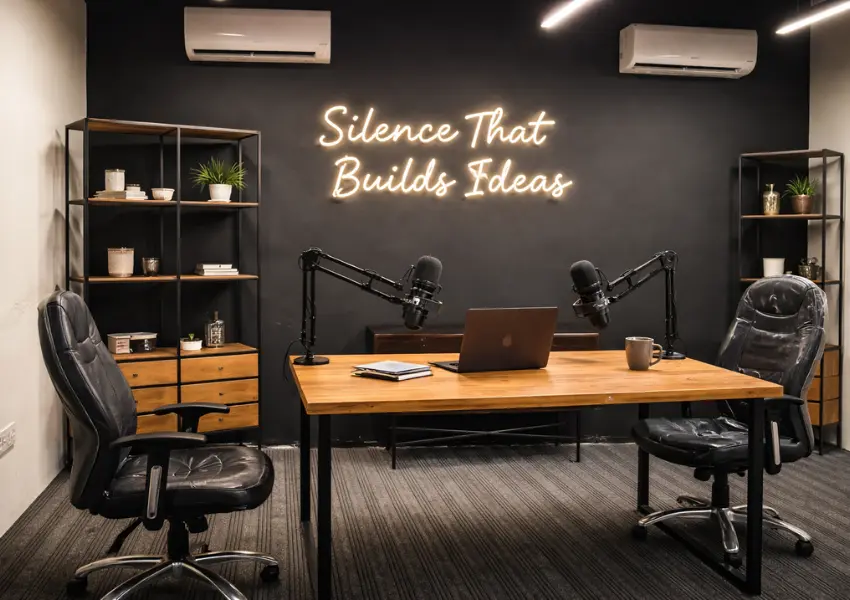
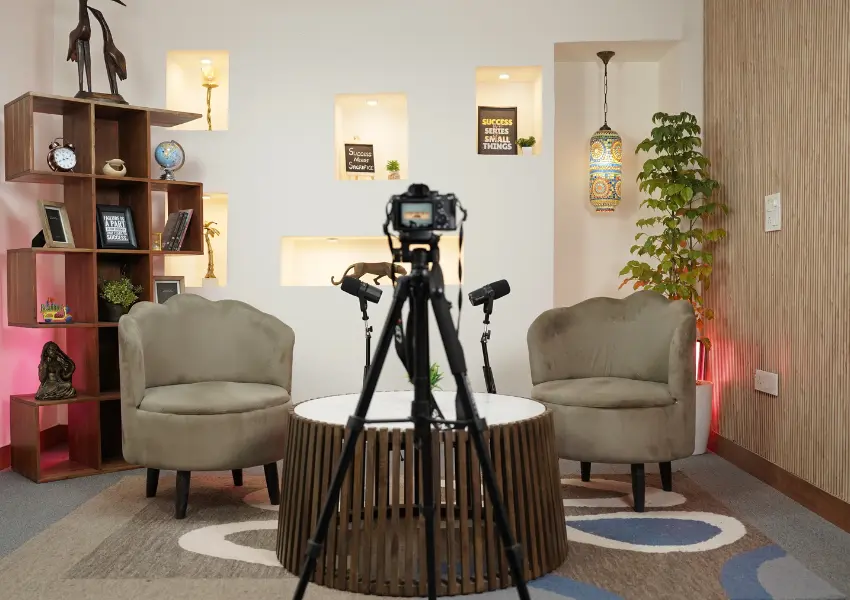
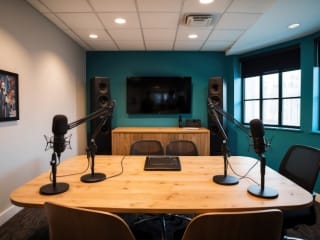
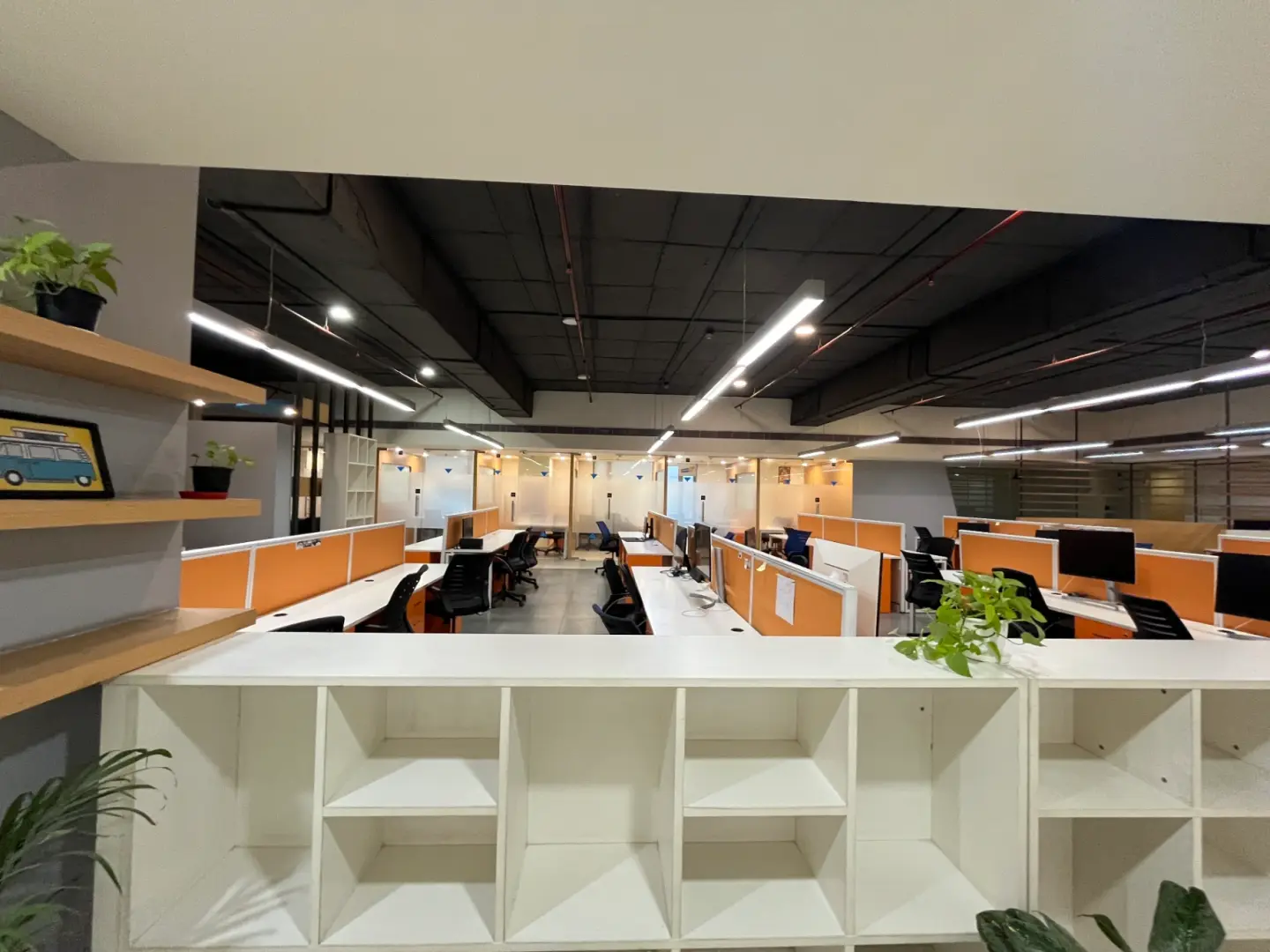
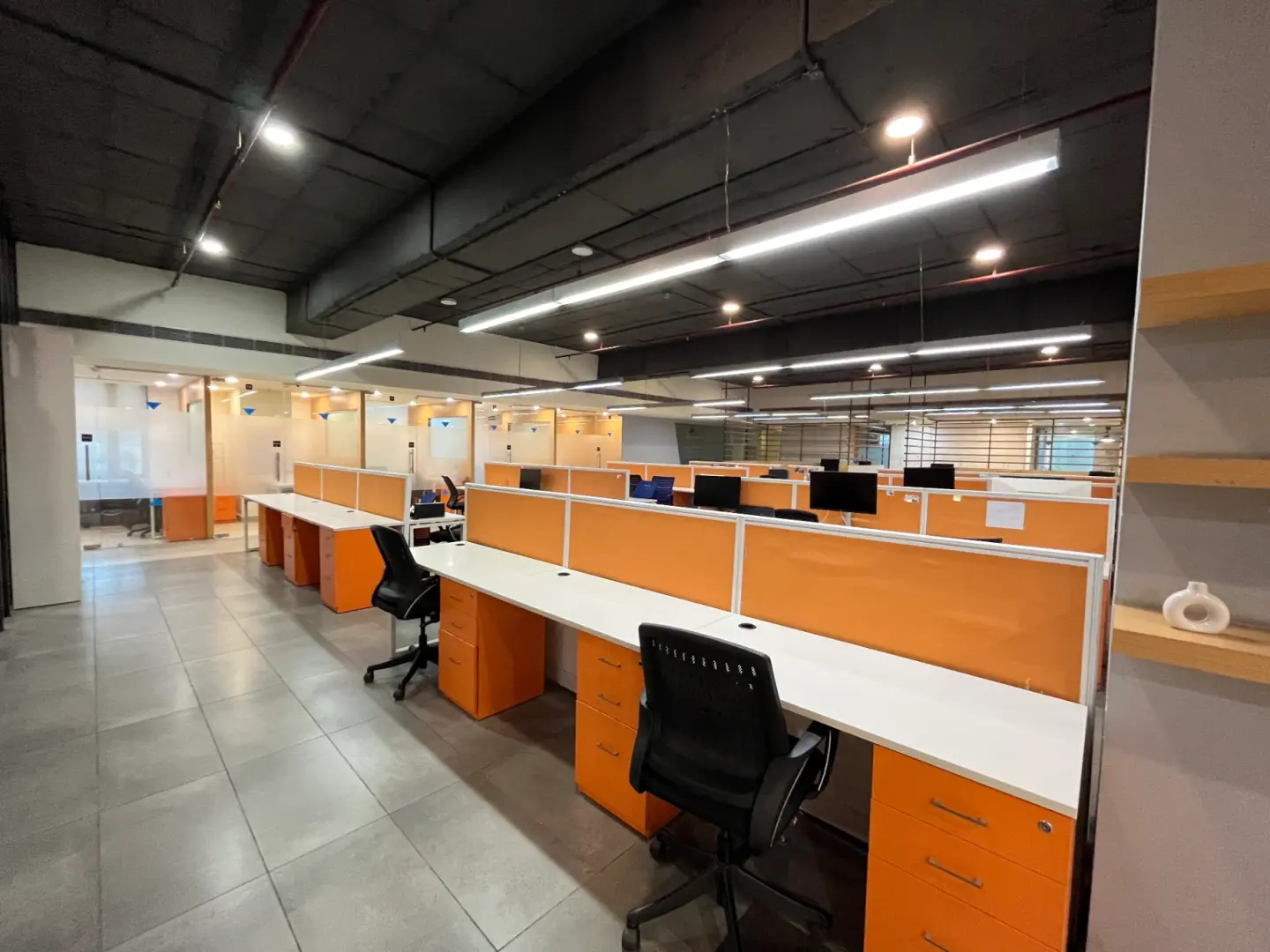
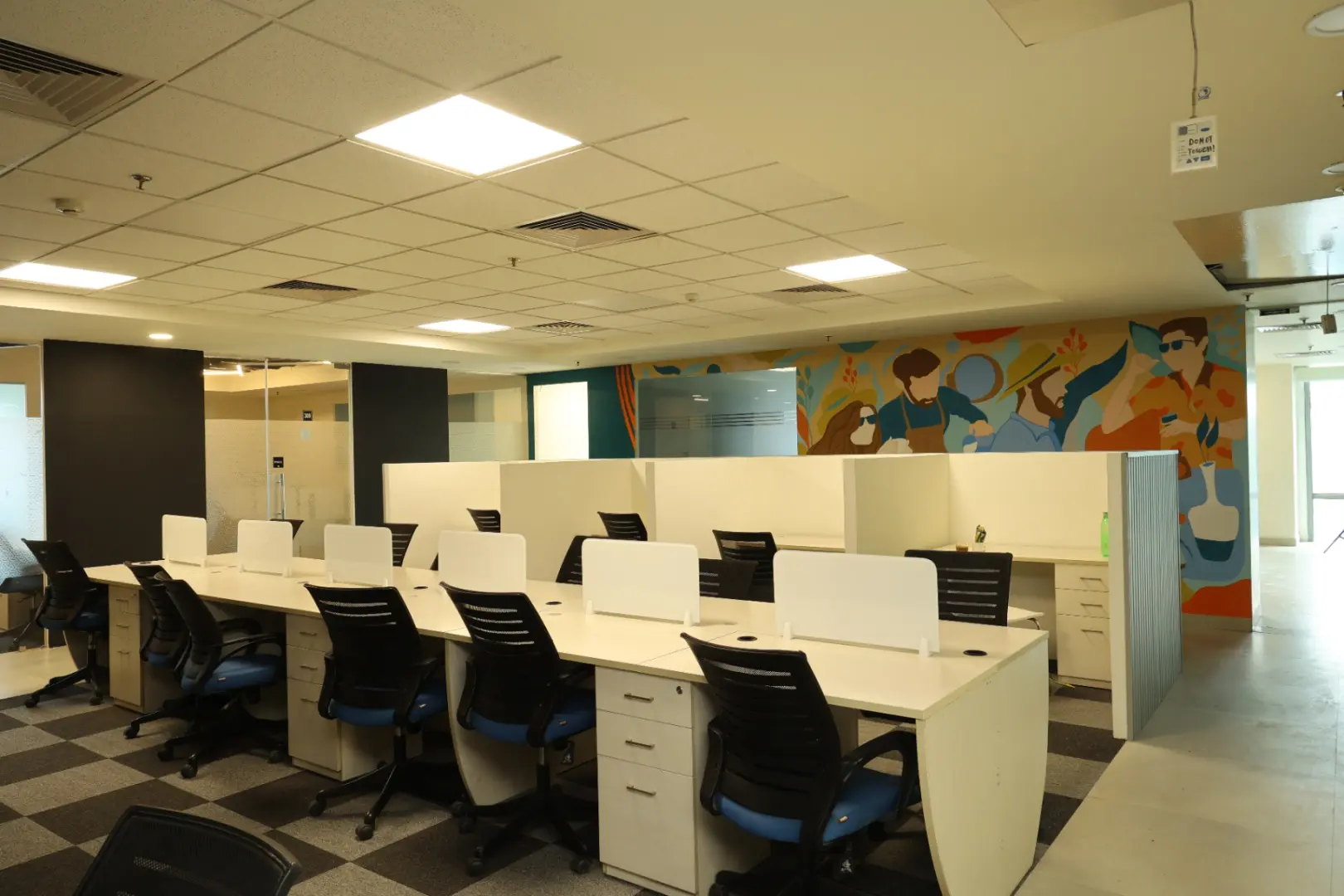
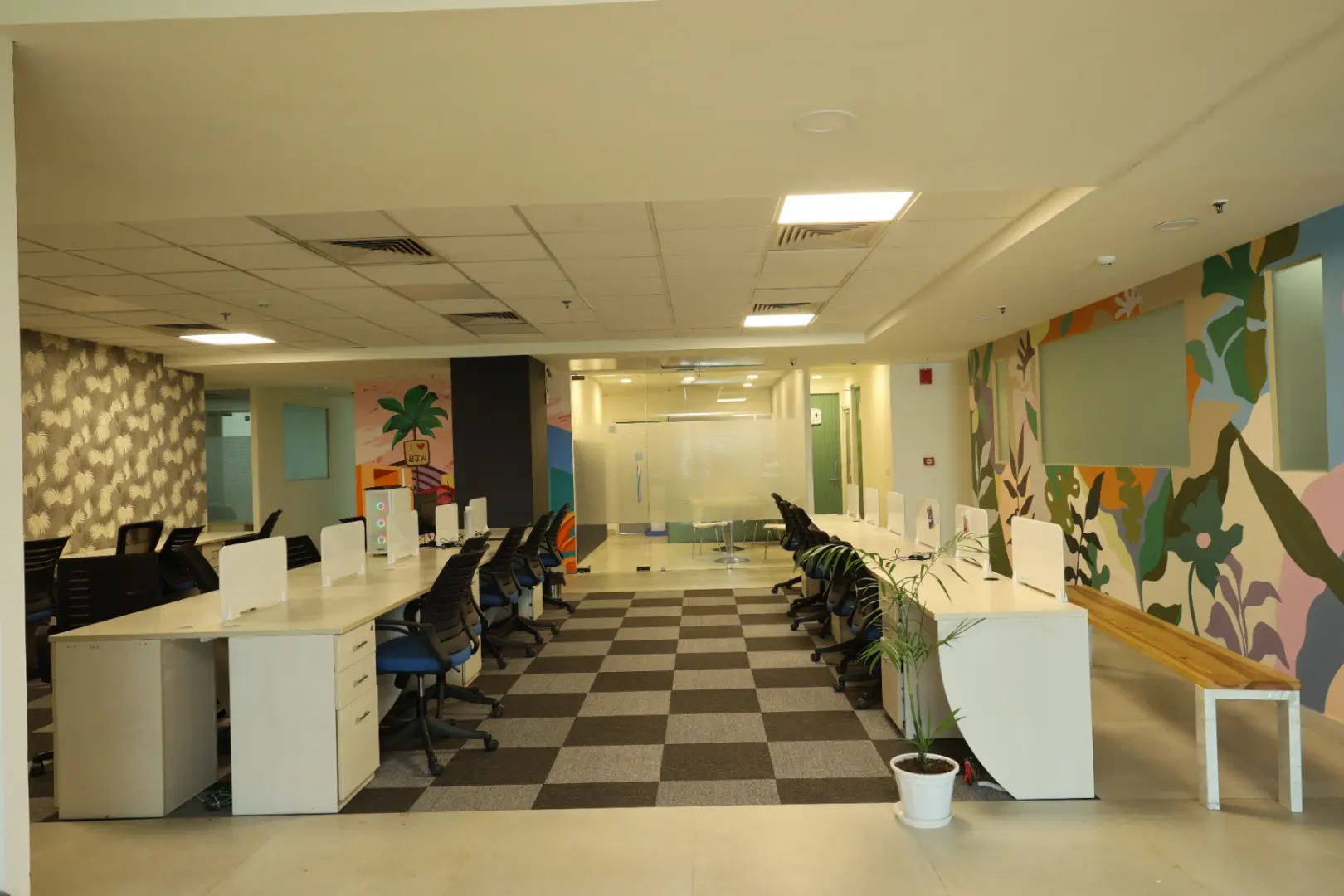
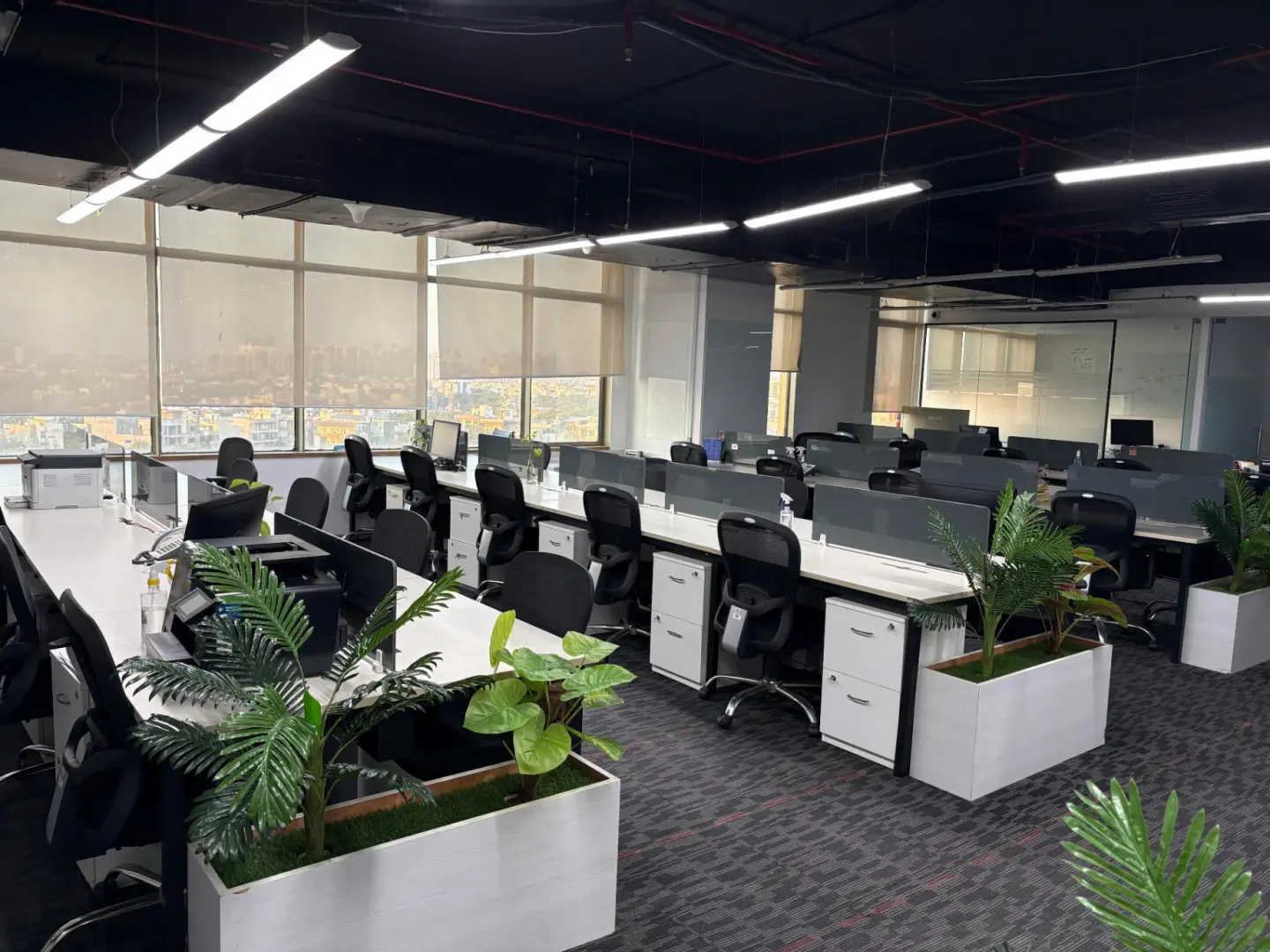
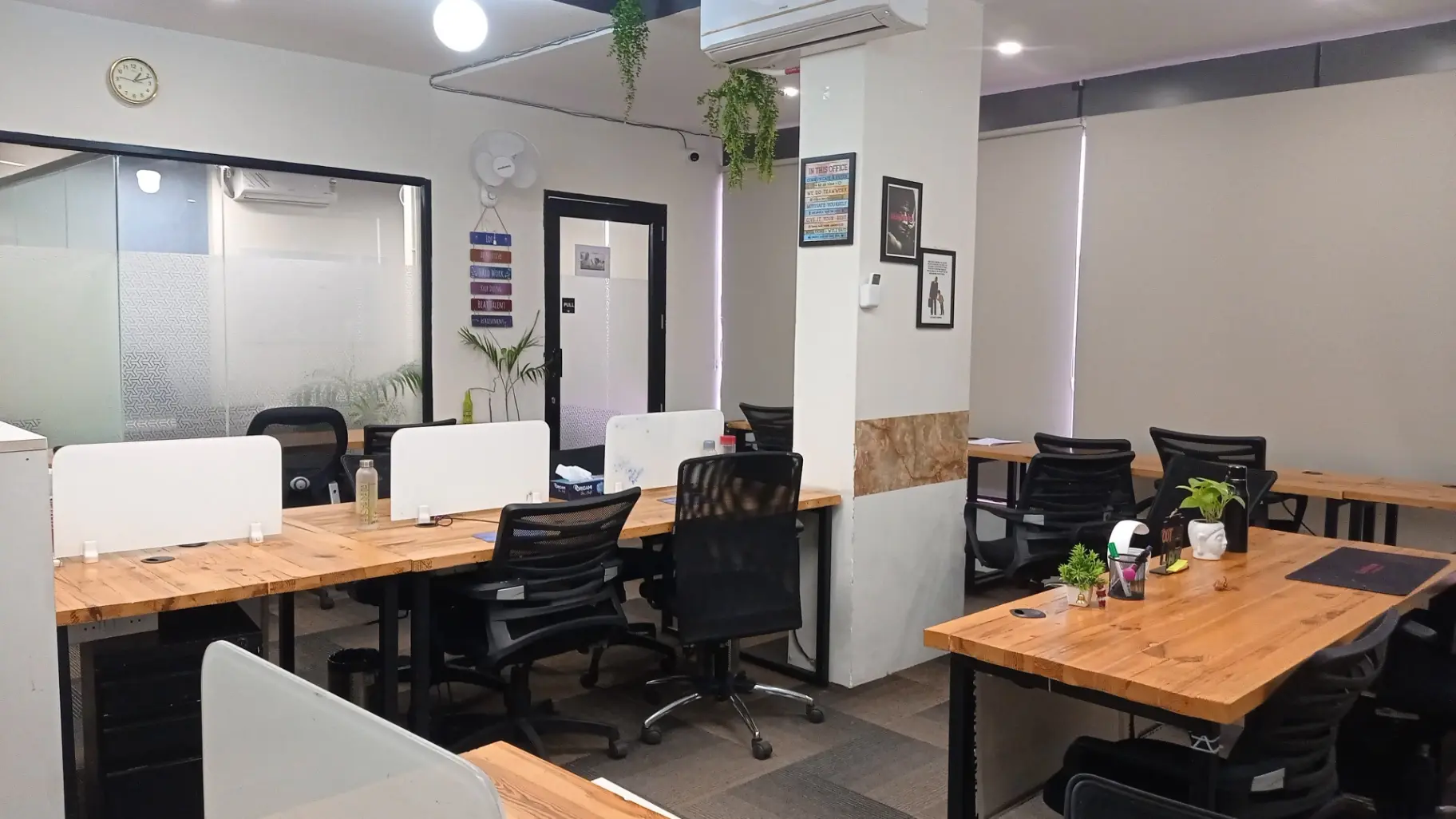
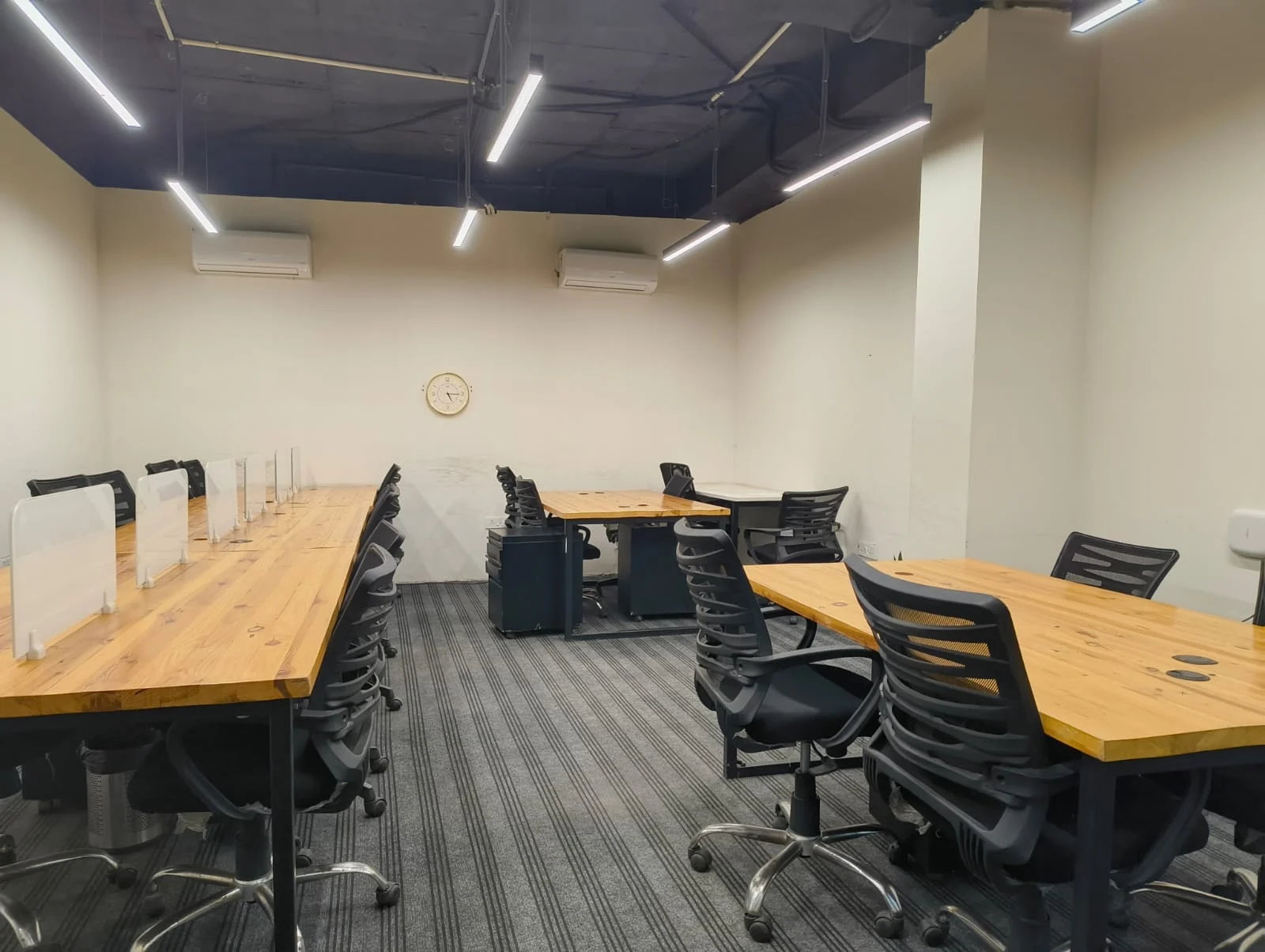
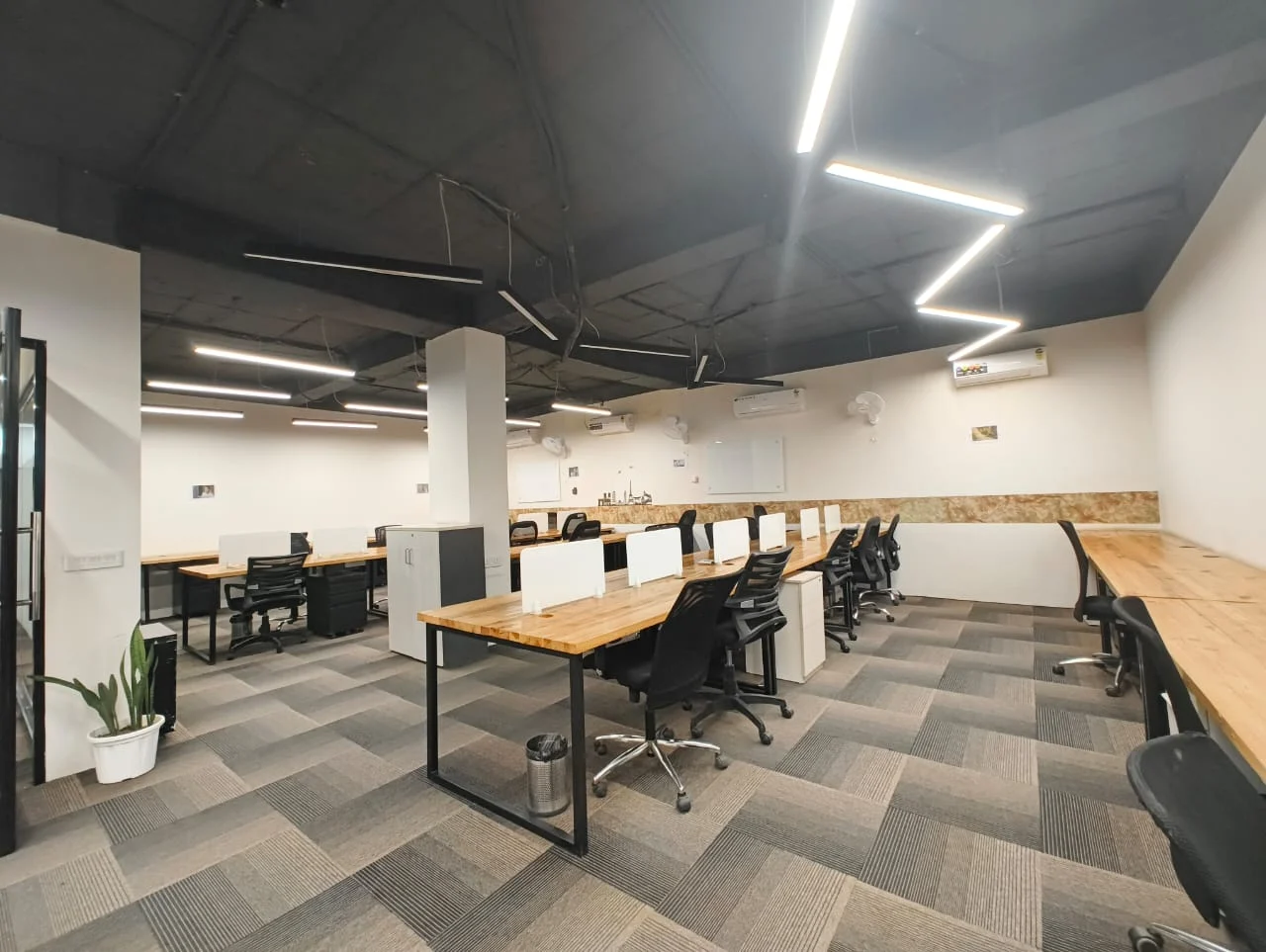
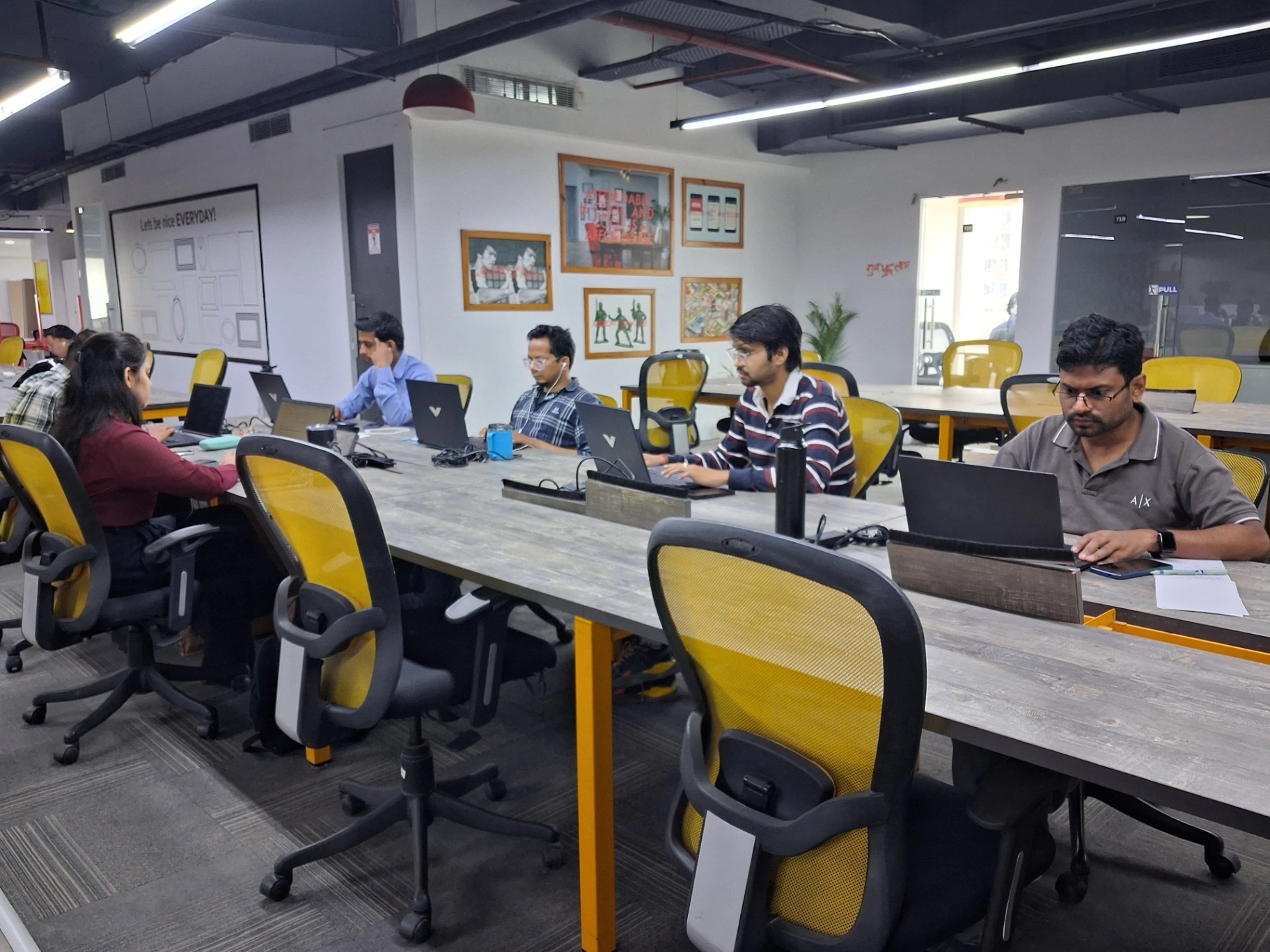
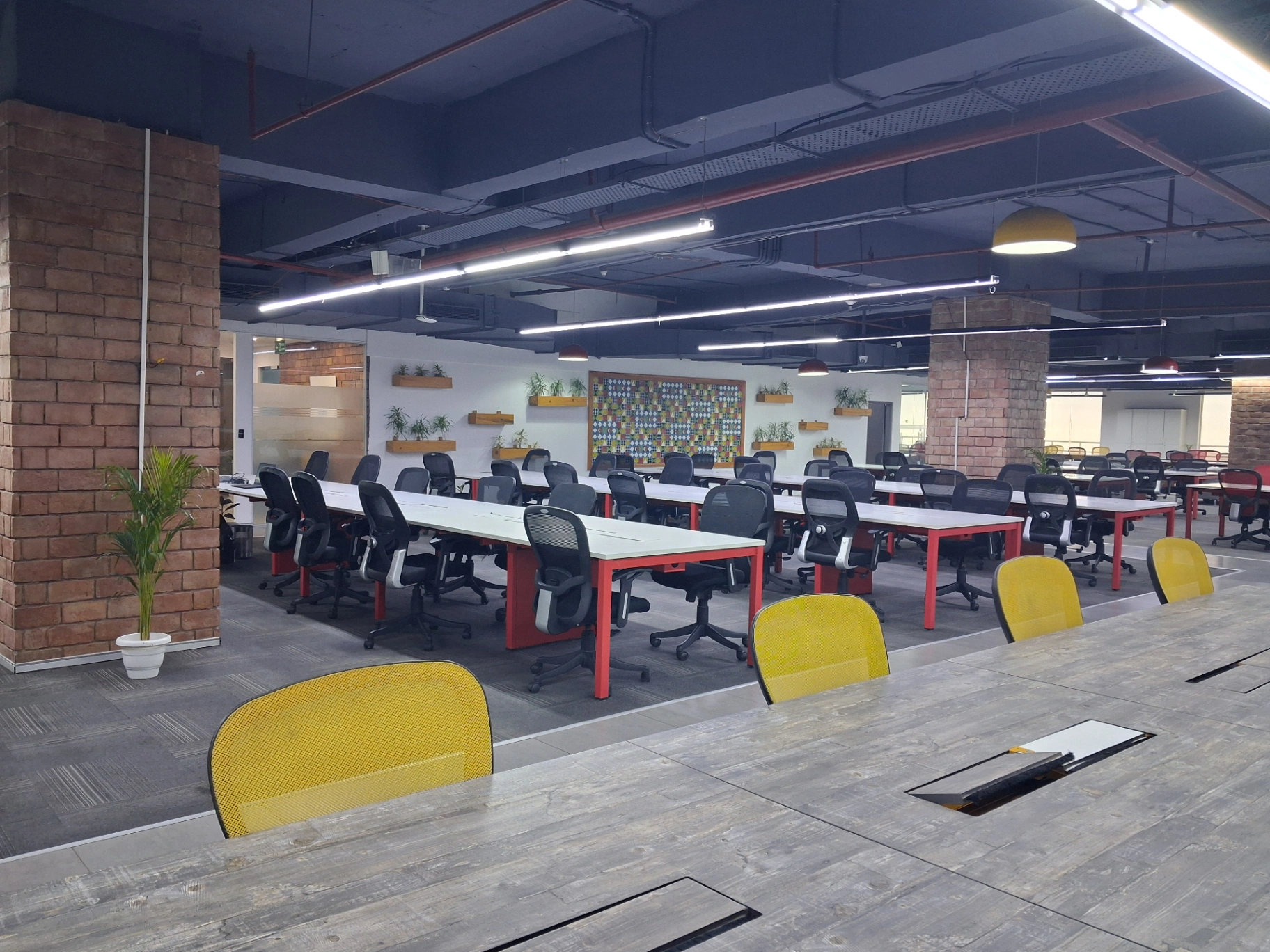
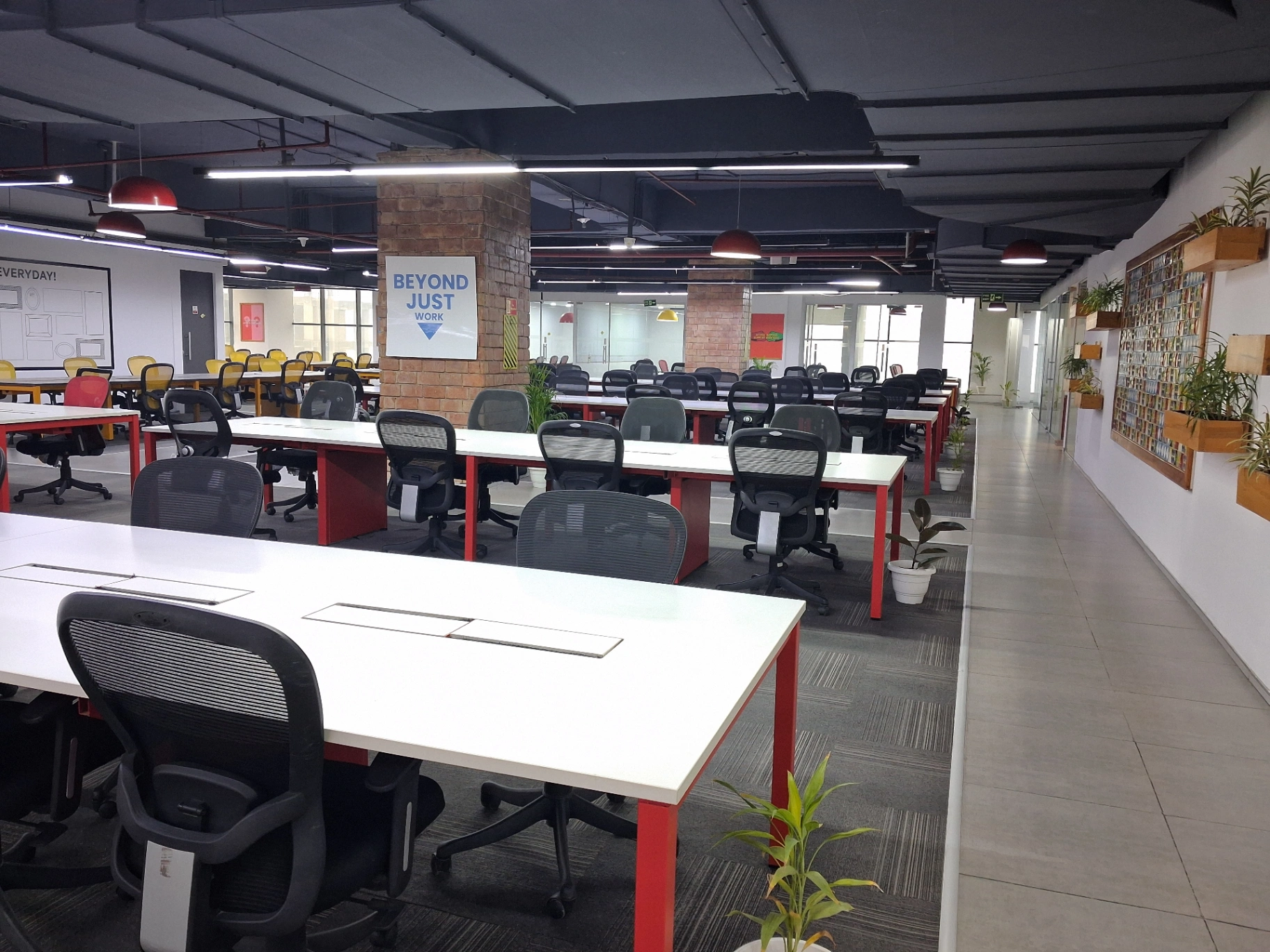
Starting a podcast becomes easier when you have a suitable space to bring your ideas to life. A Podcast Studio in Dwarka provides content creators, beginners, entrepreneurs, and businesses with a dedicated environment for recording interviews, solo episodes, and discussions. From preparing your content to capturing clear audio and creating engaging episodes, a professional recording setup can help streamline the process. Whether you're launching your first show or developing a regular content series, the right studio environment helps you focus on storytelling and delivering your message effectively.
Open Hours
Available 24 hours - Monday to Sunday
Amenities
 Wifi
Wifi Coffee
 Parking
 Projector
 Printer
 LED
LED Power Backup
 Pet Friendly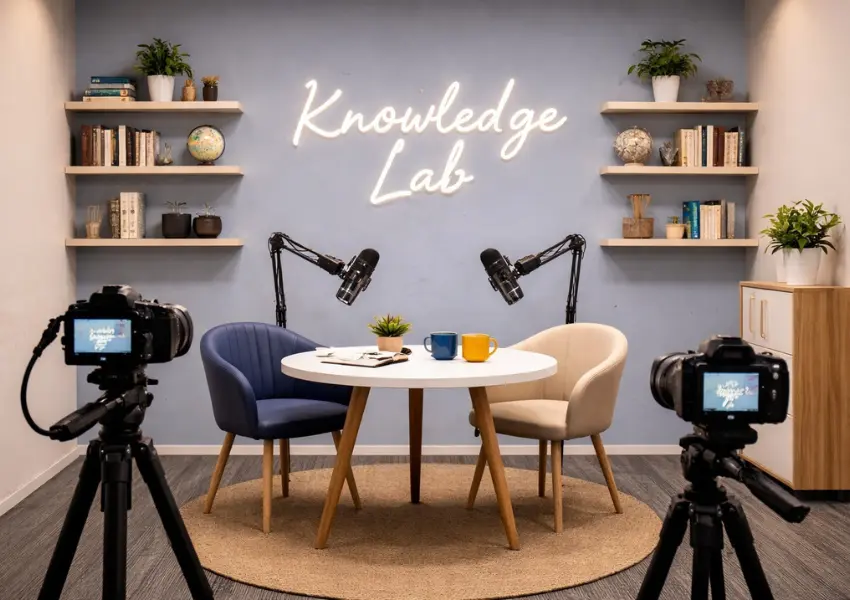
Book Premium Podcast Studio Near you
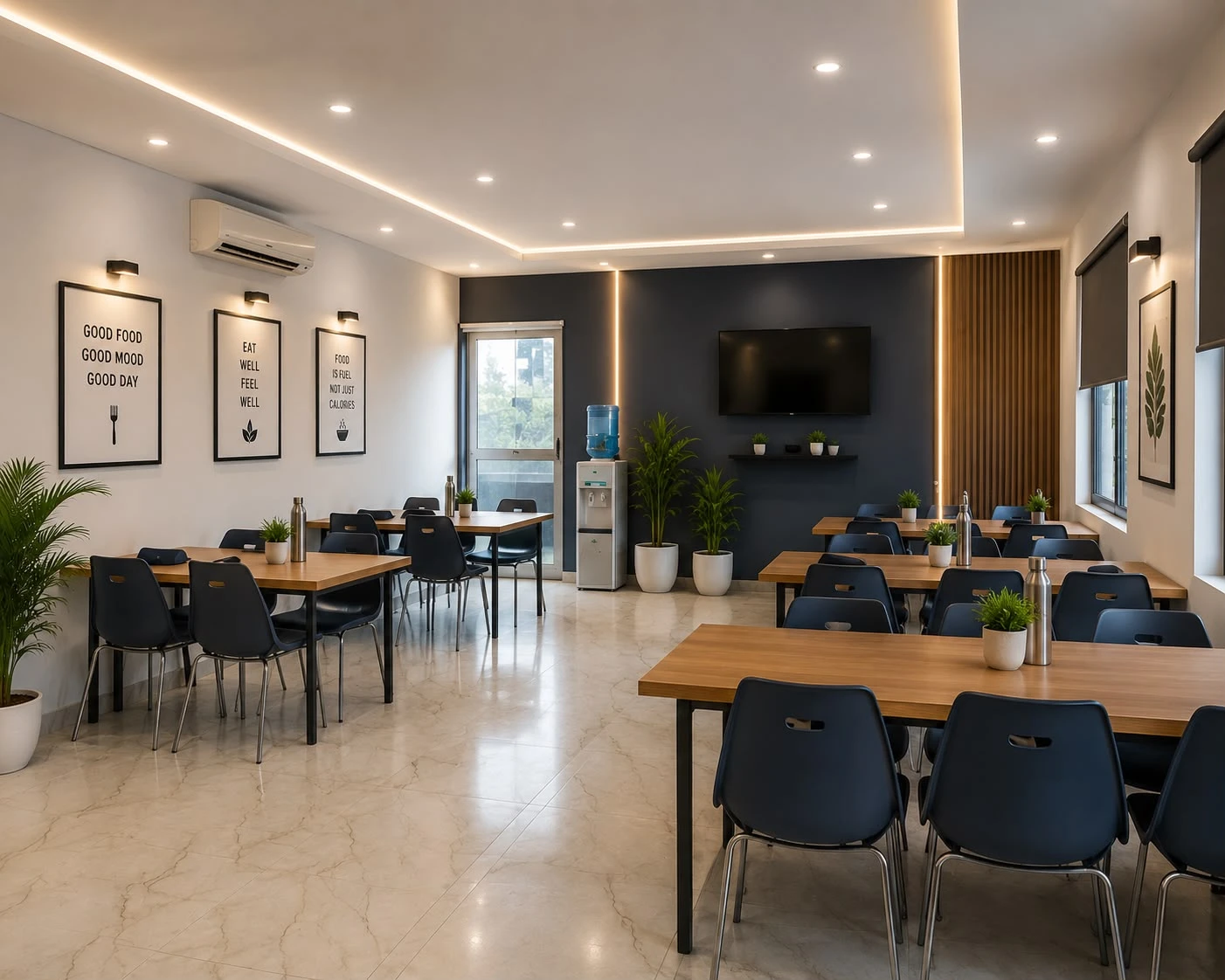
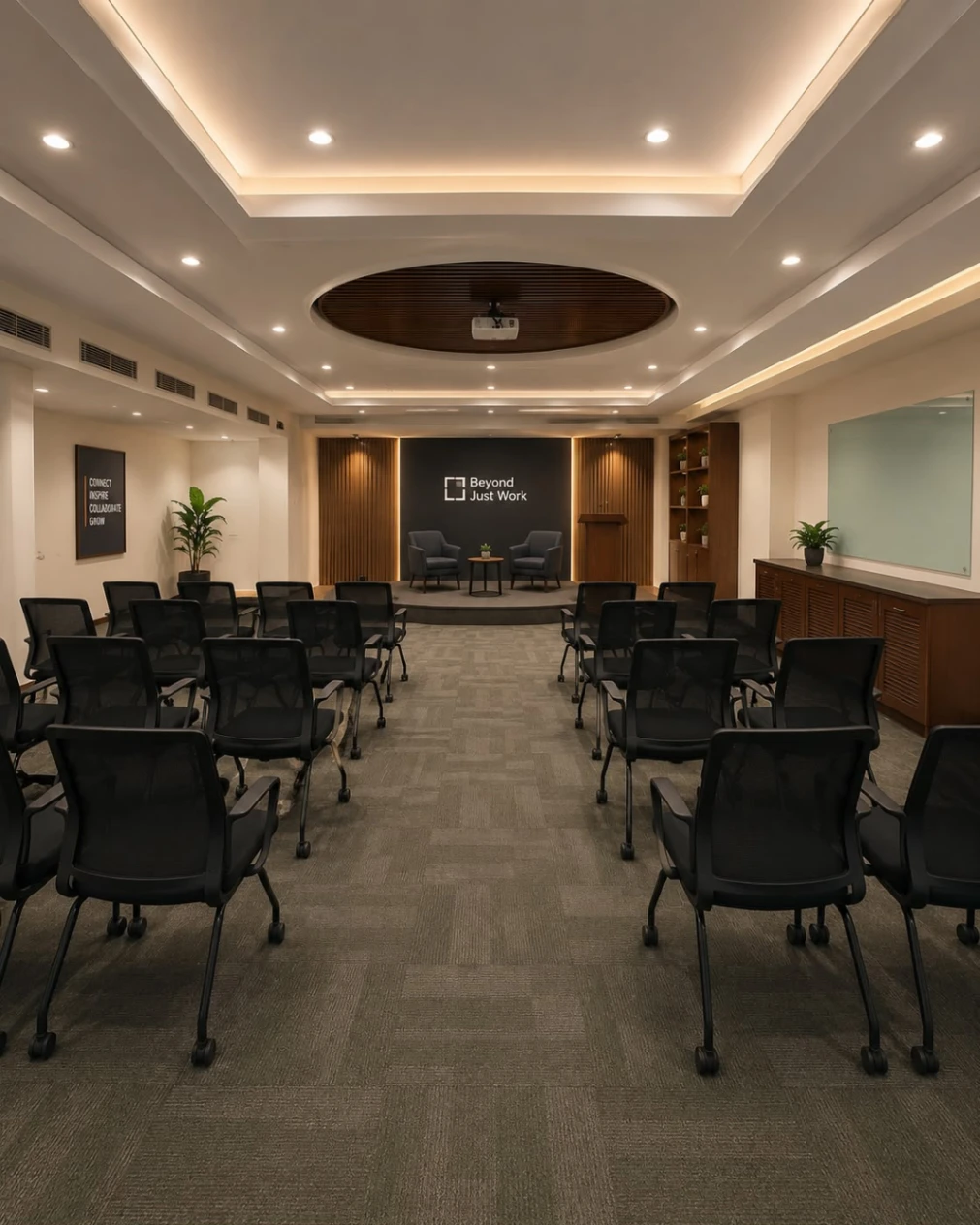
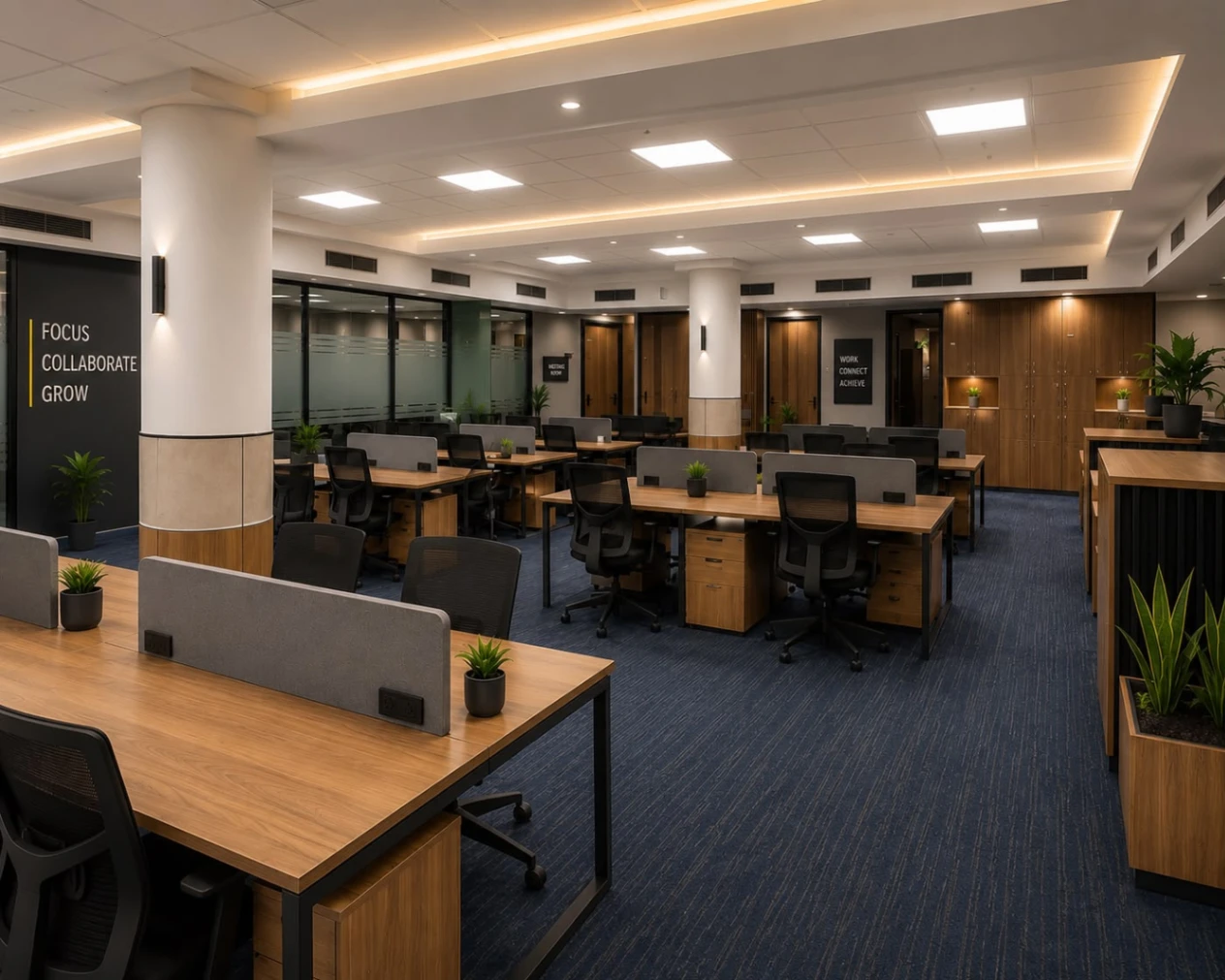
Spotlight on Our Featured Spaces
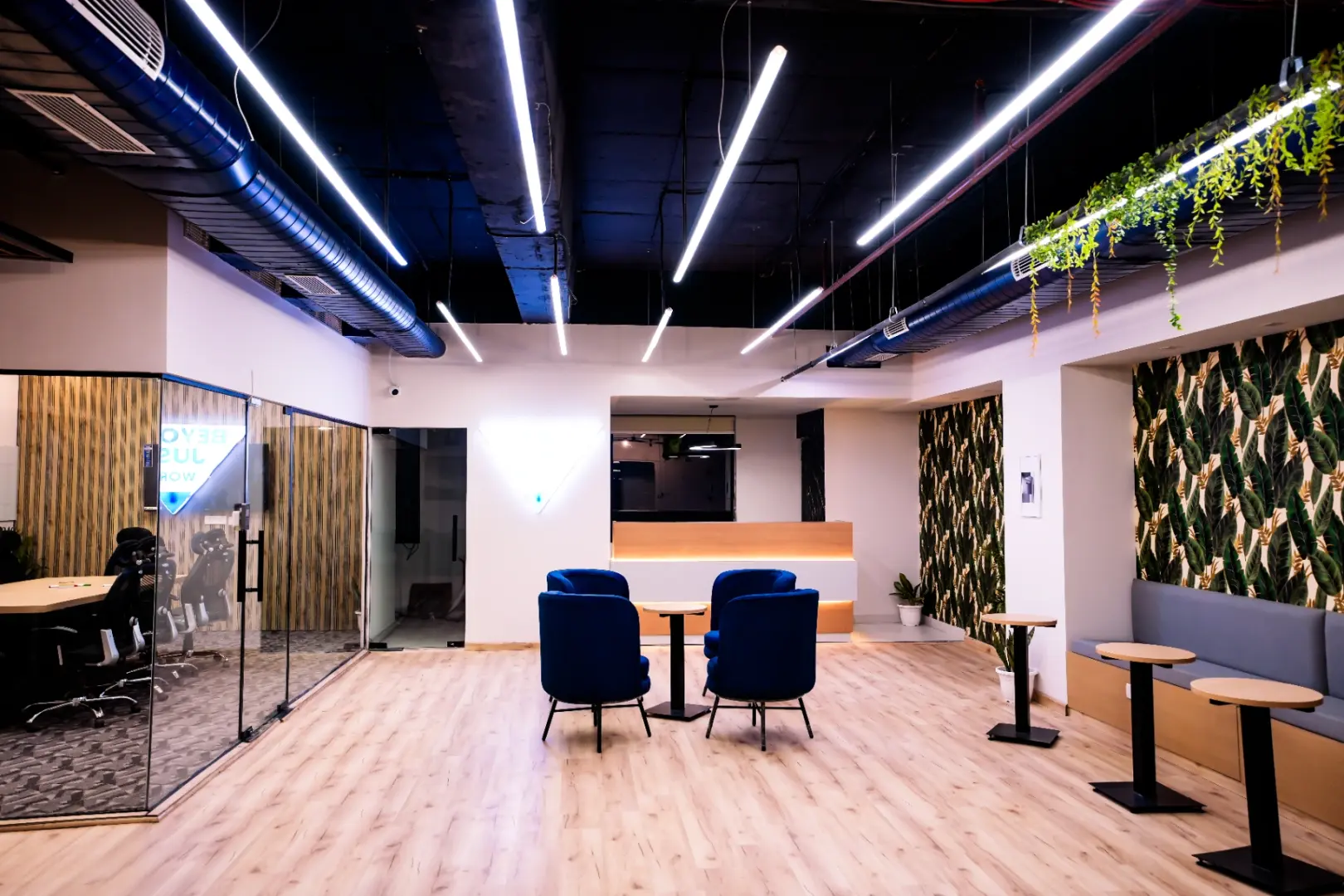
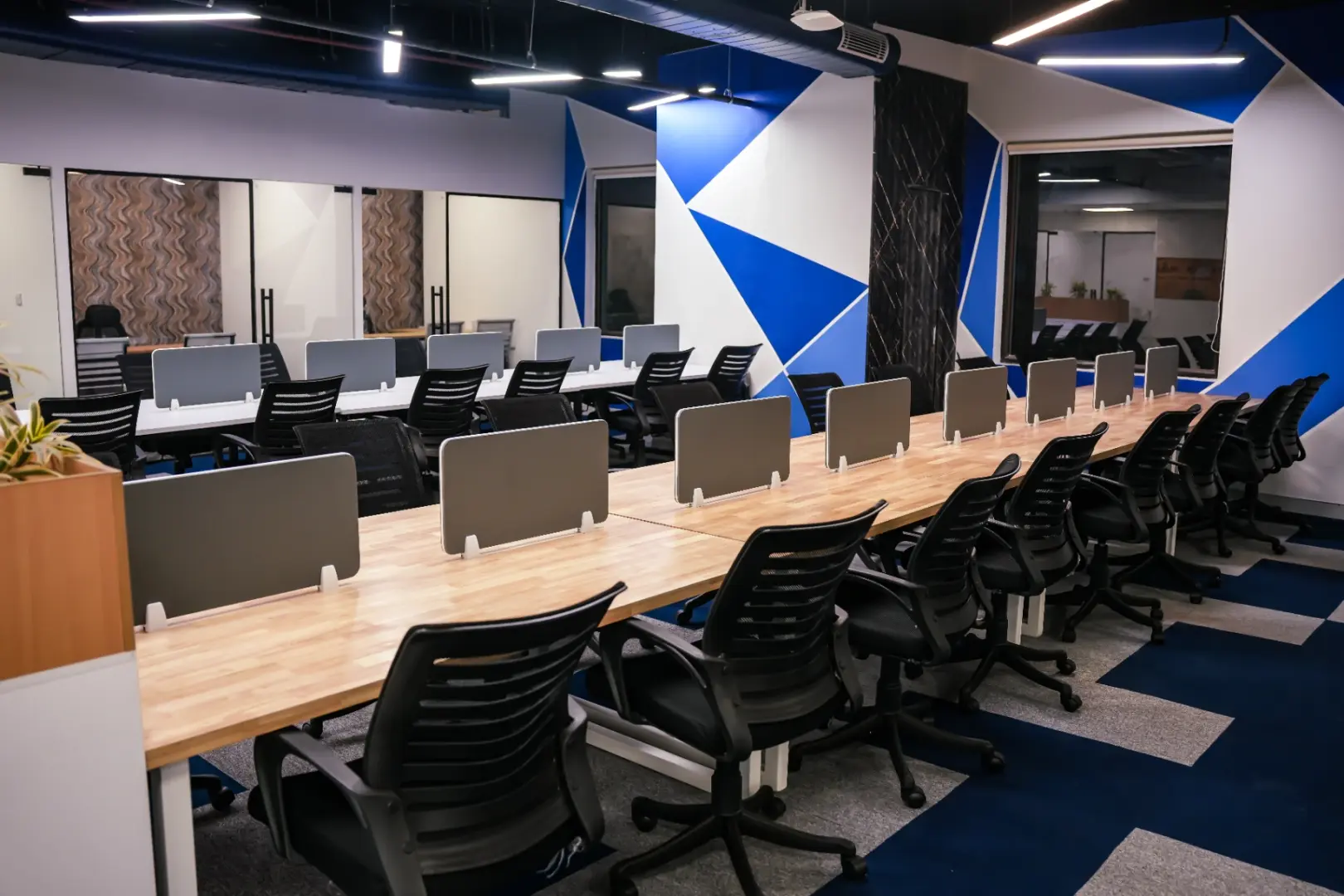
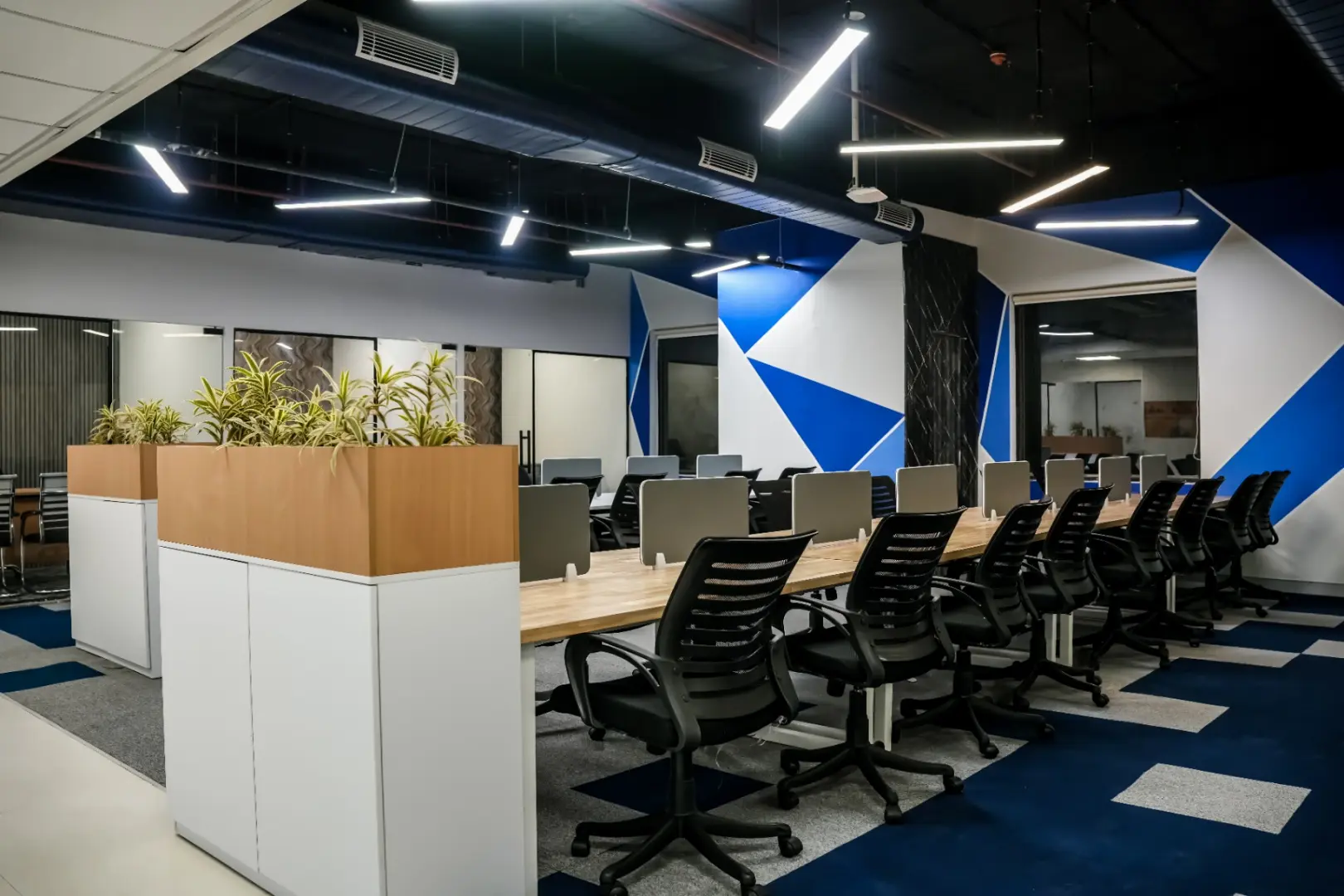
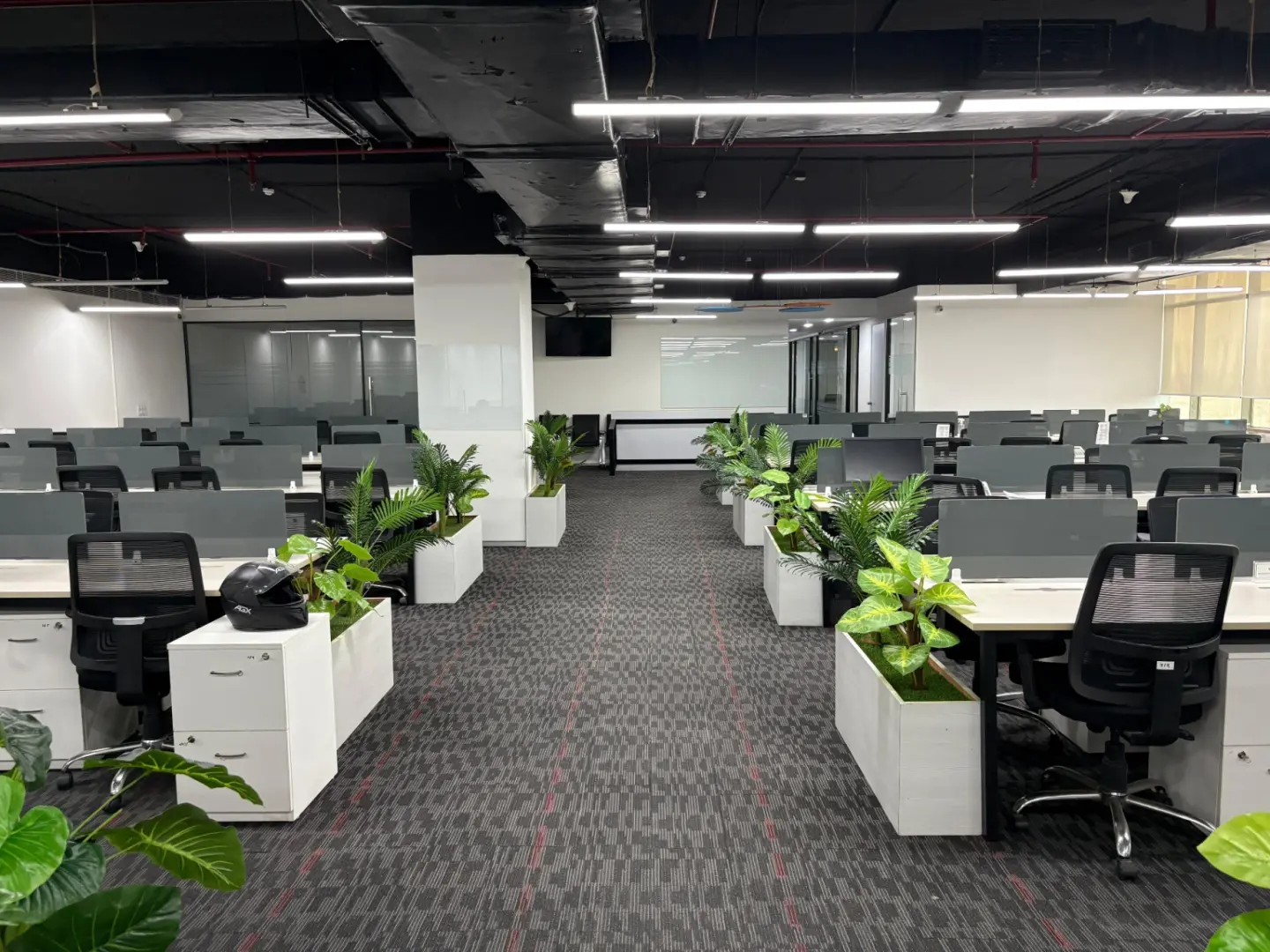
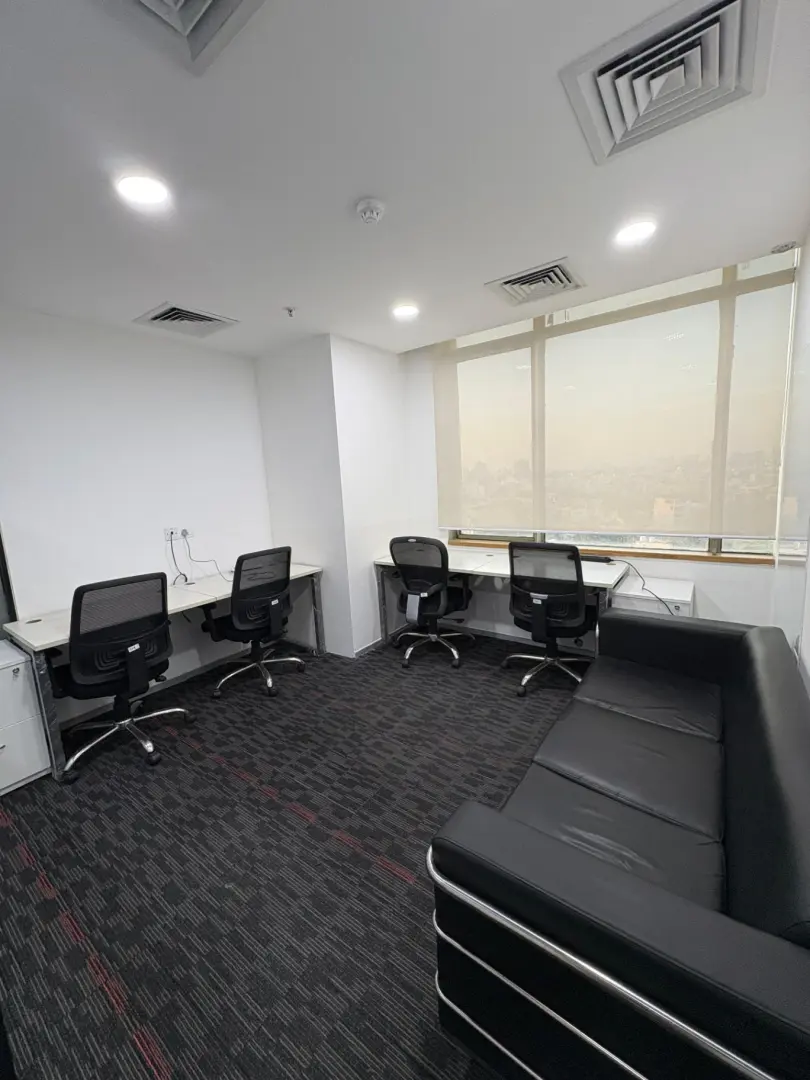
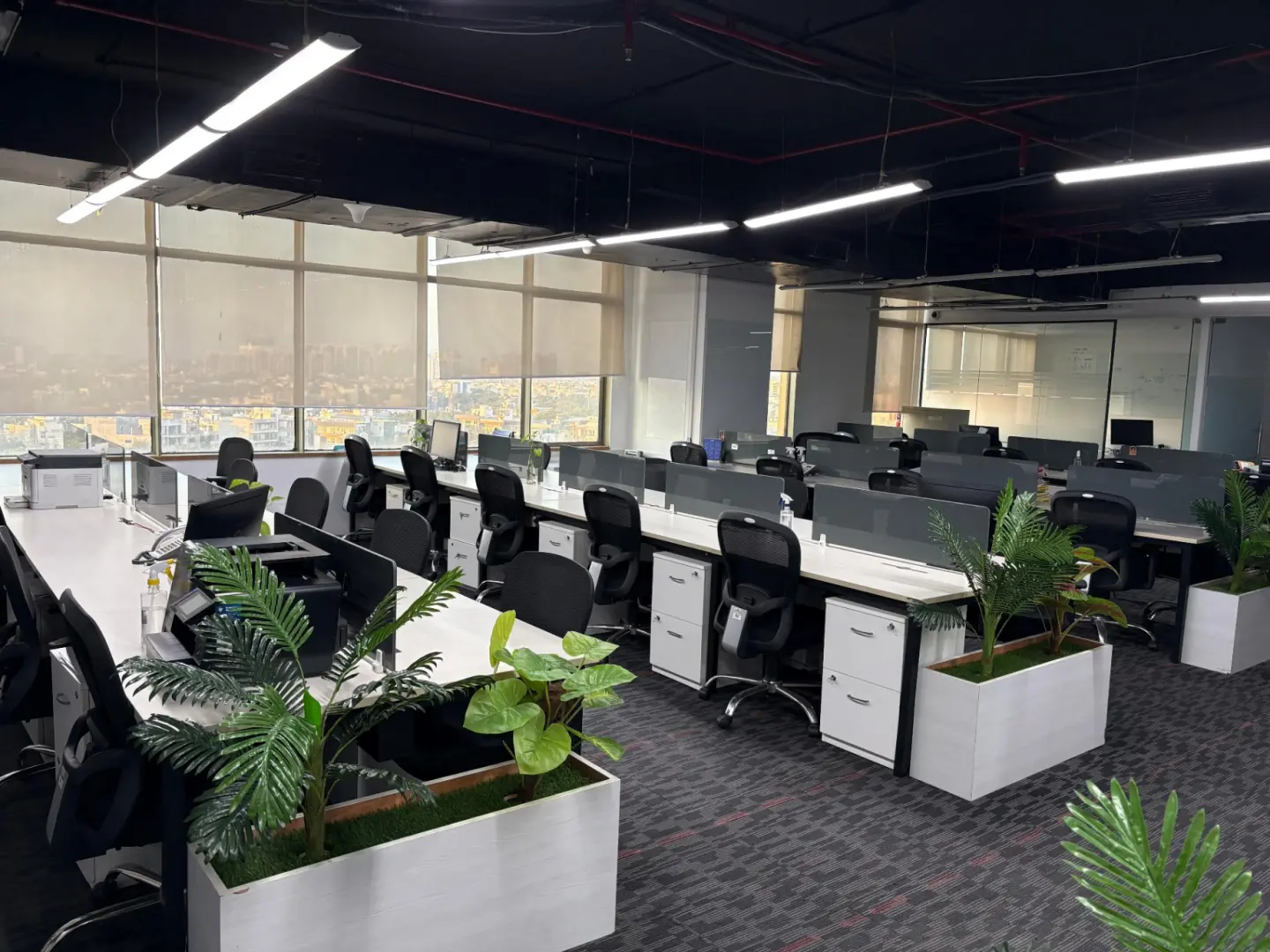
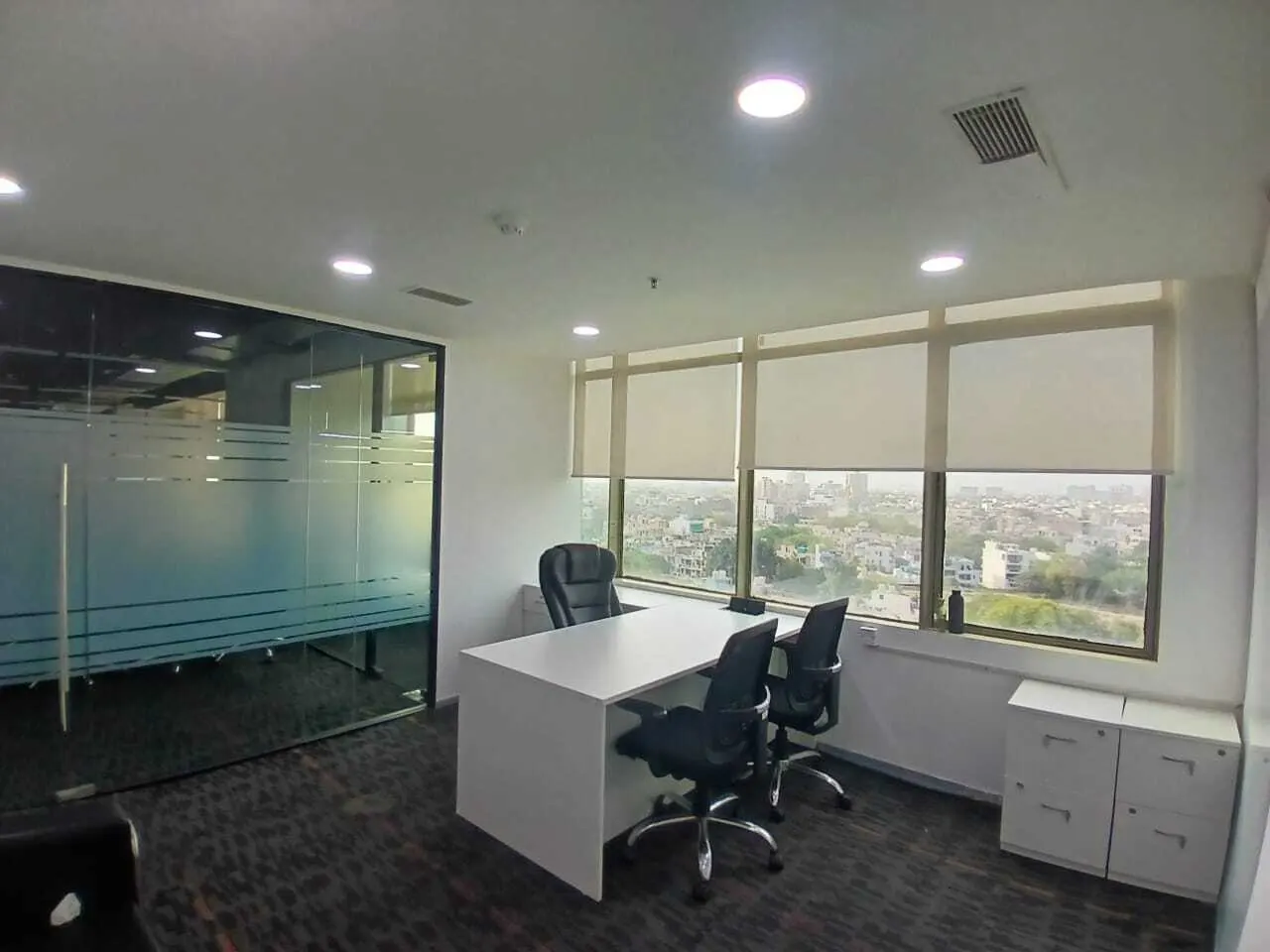
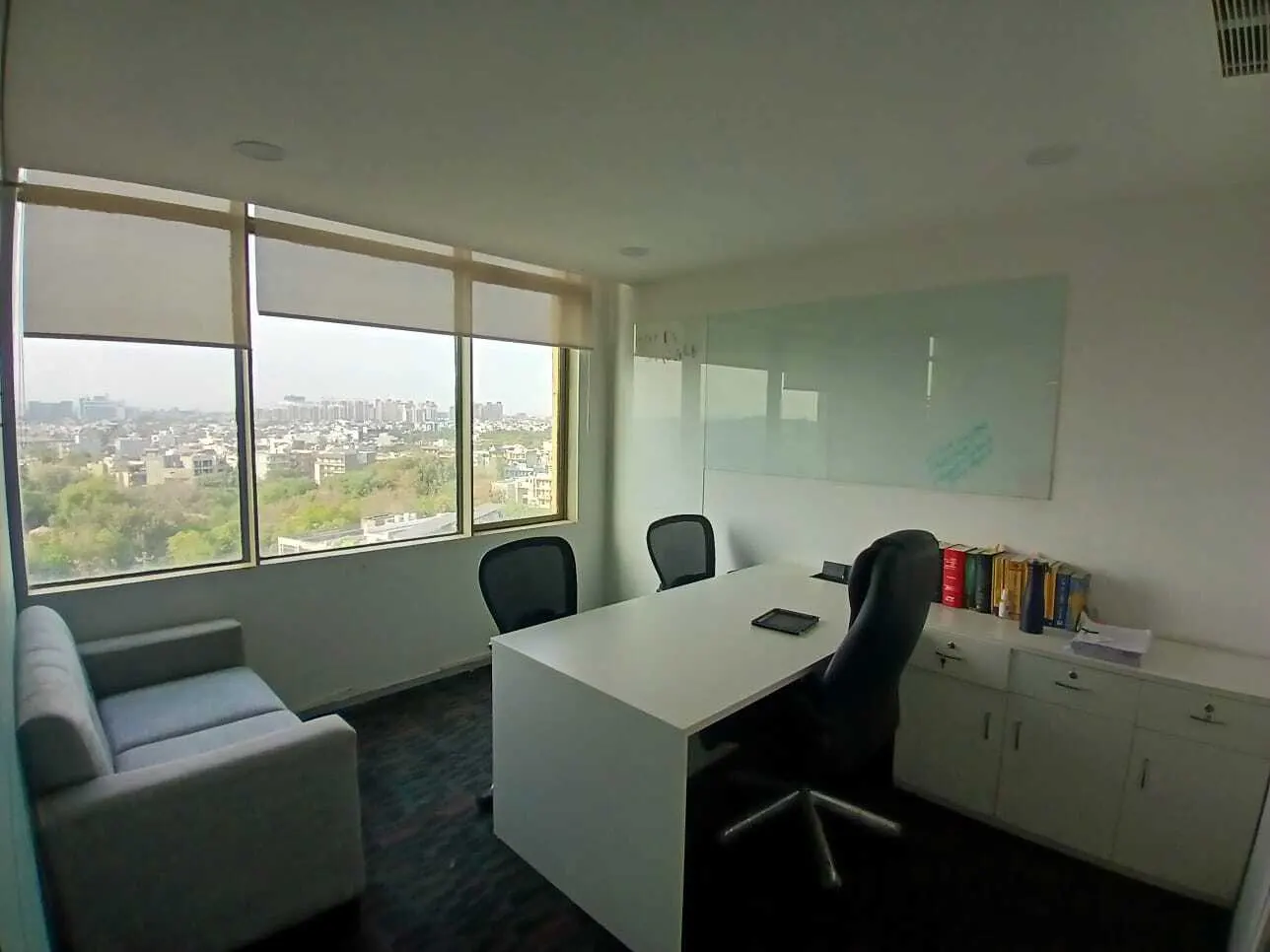
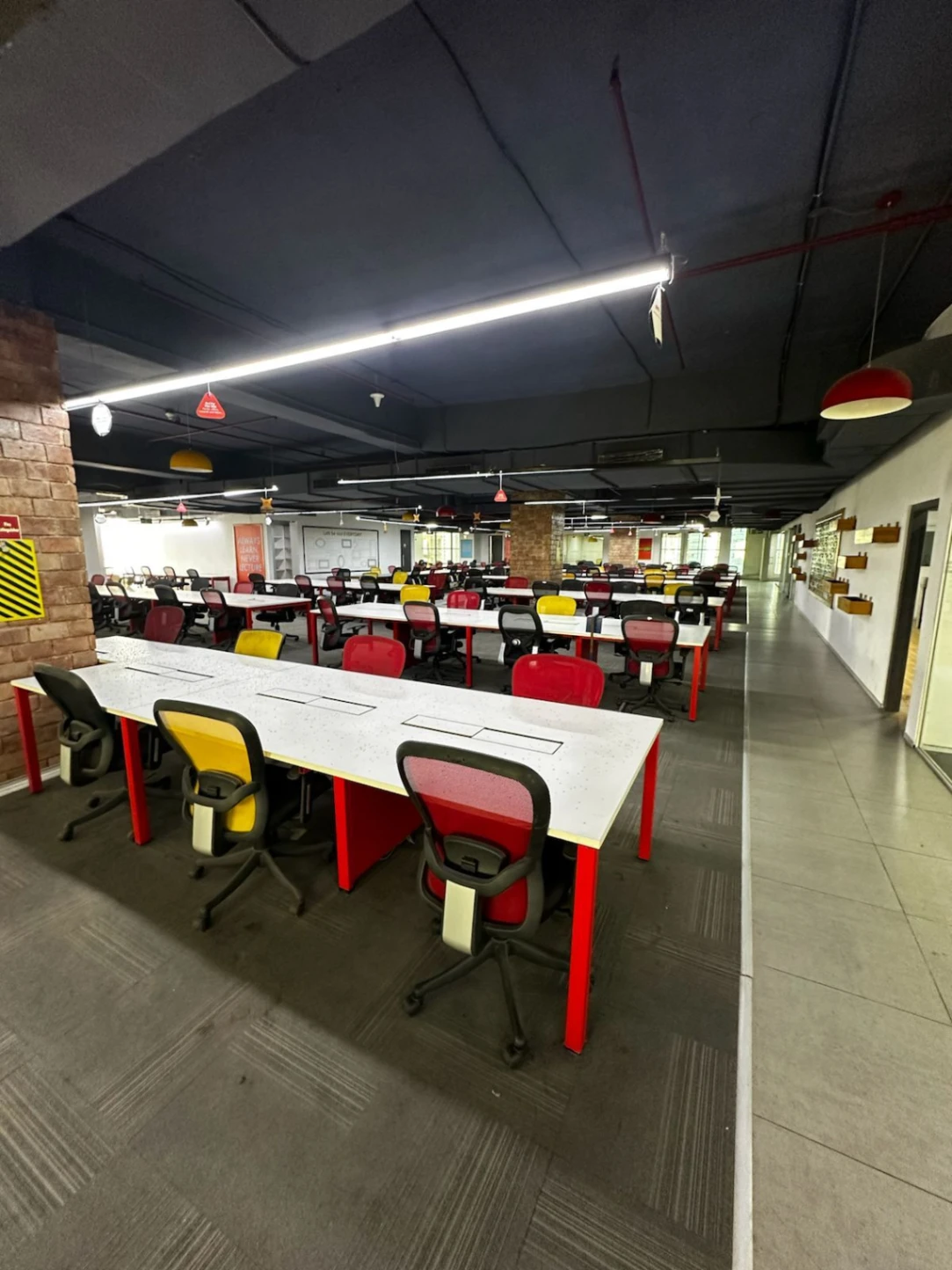
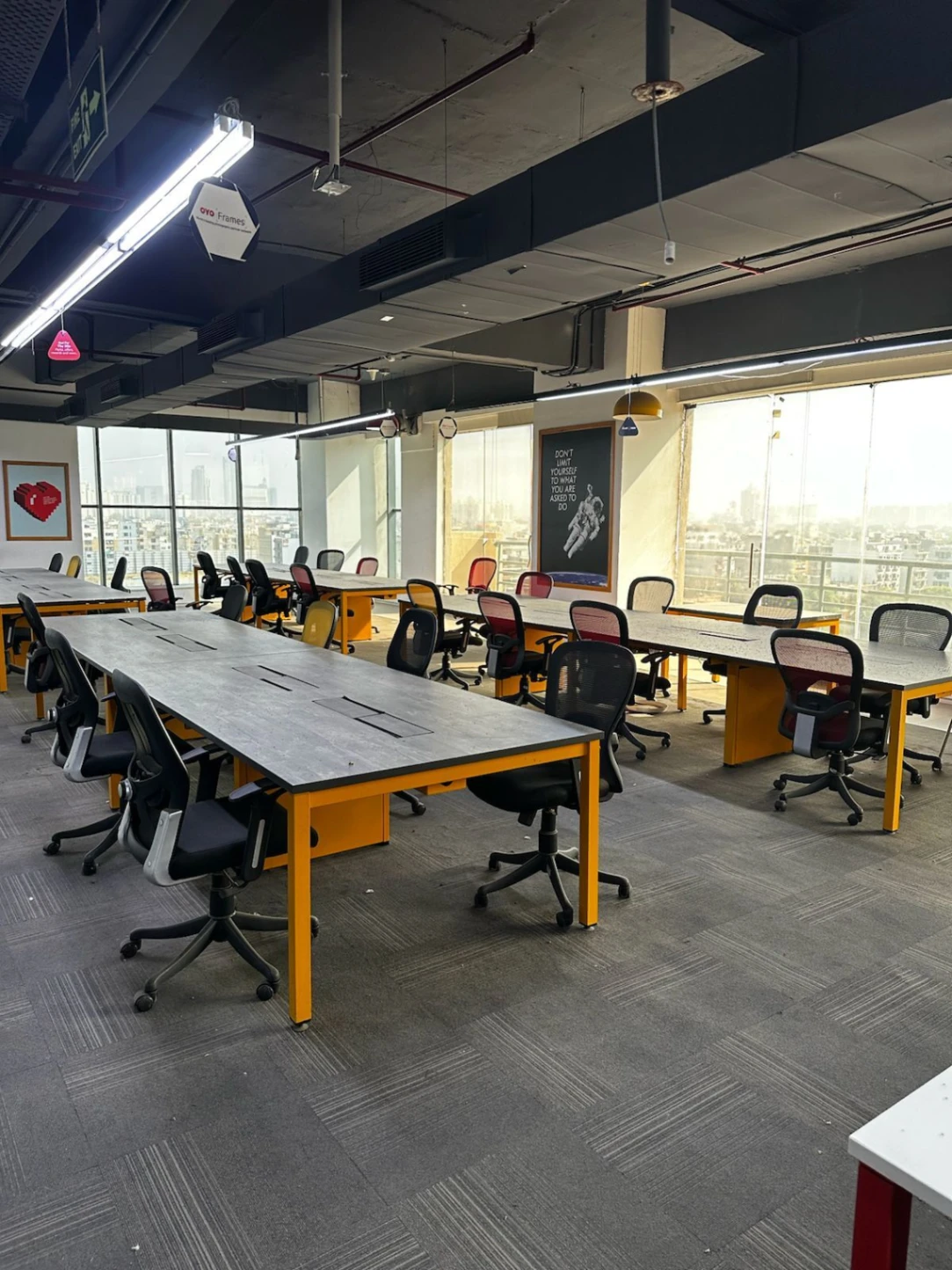
Discover our featured spaces, designed for flexibility and equipped with top amenities to boost productivity.

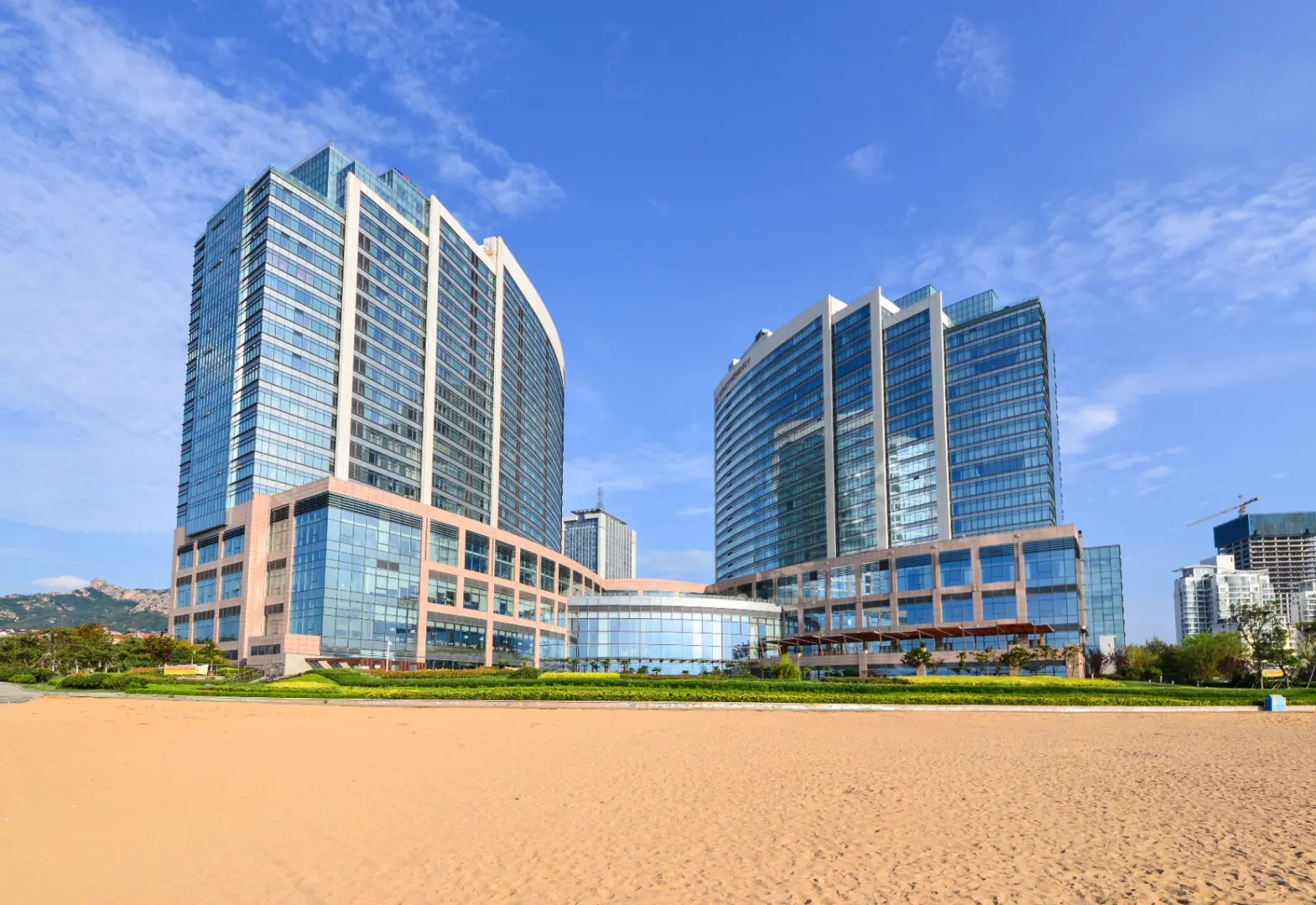
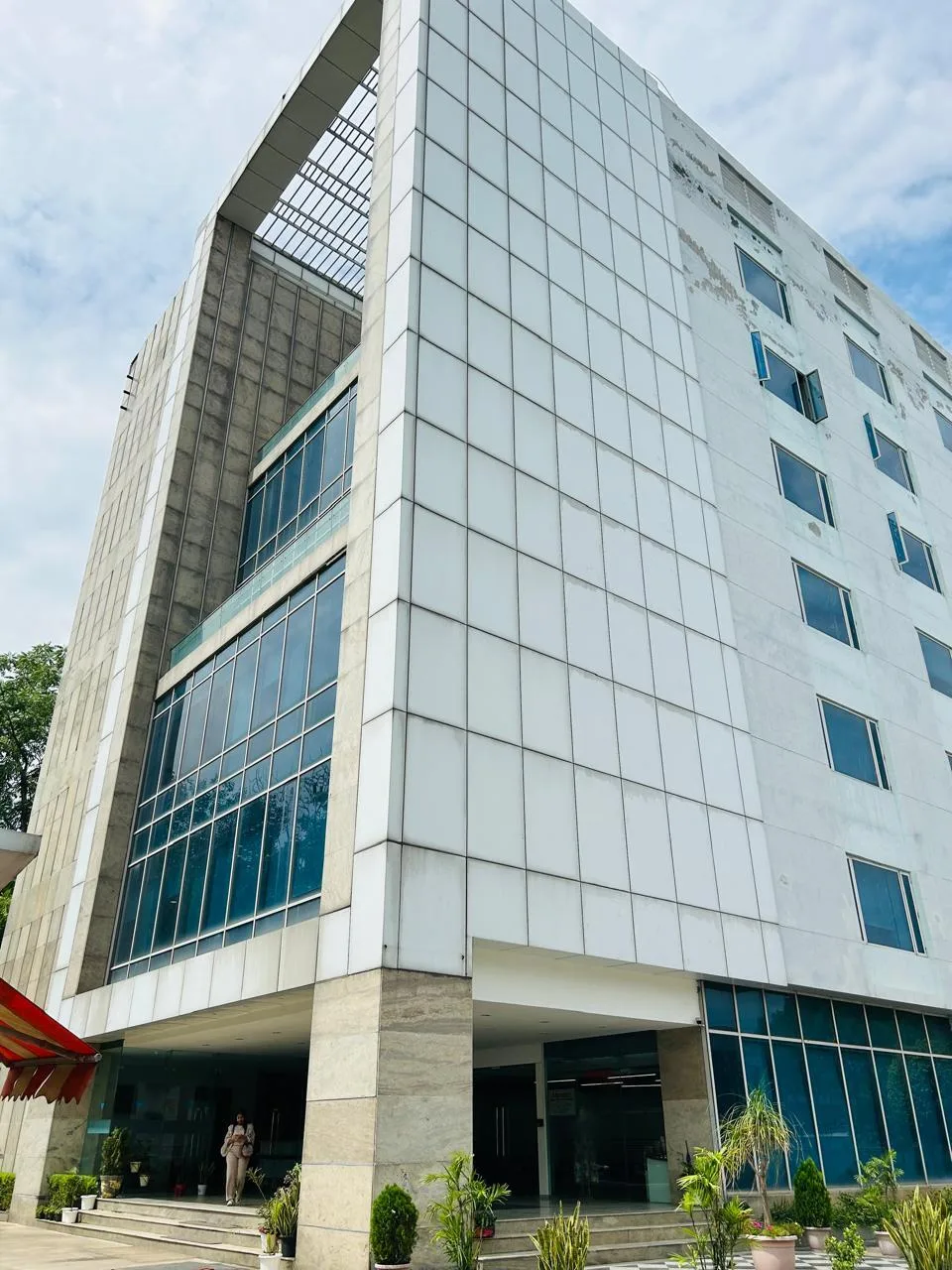
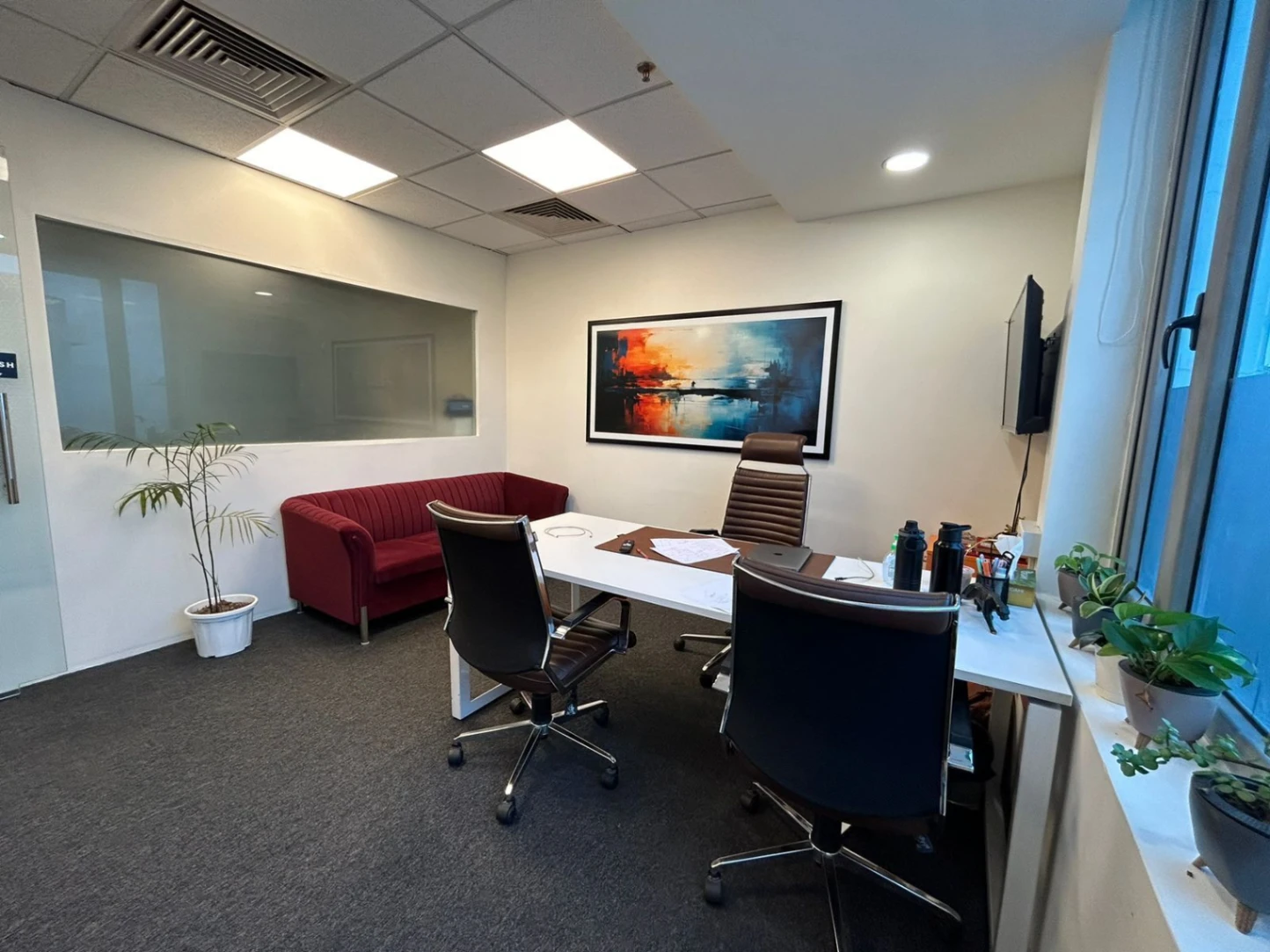
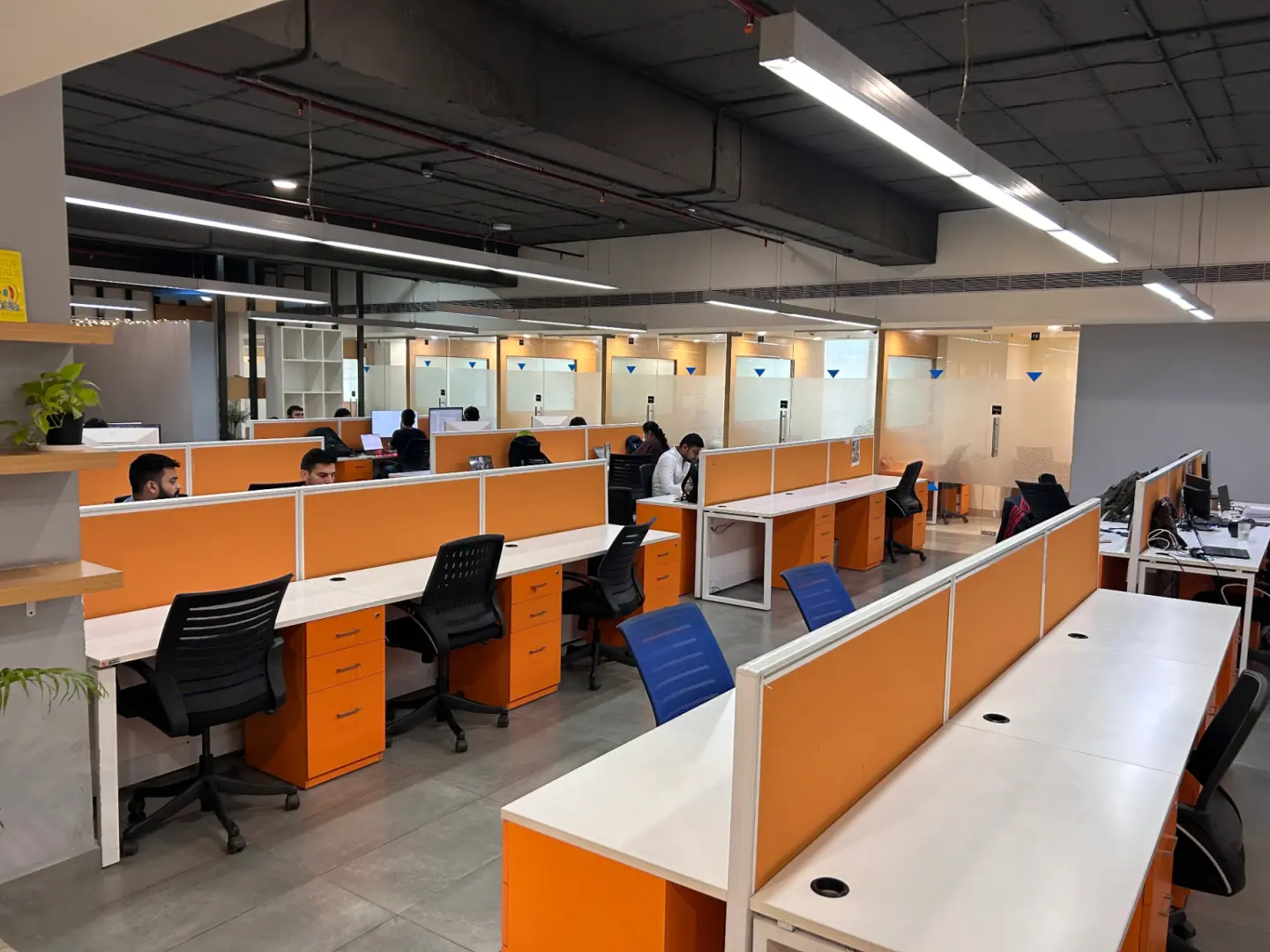
Expanding Near You—Explore Nearby Spaces
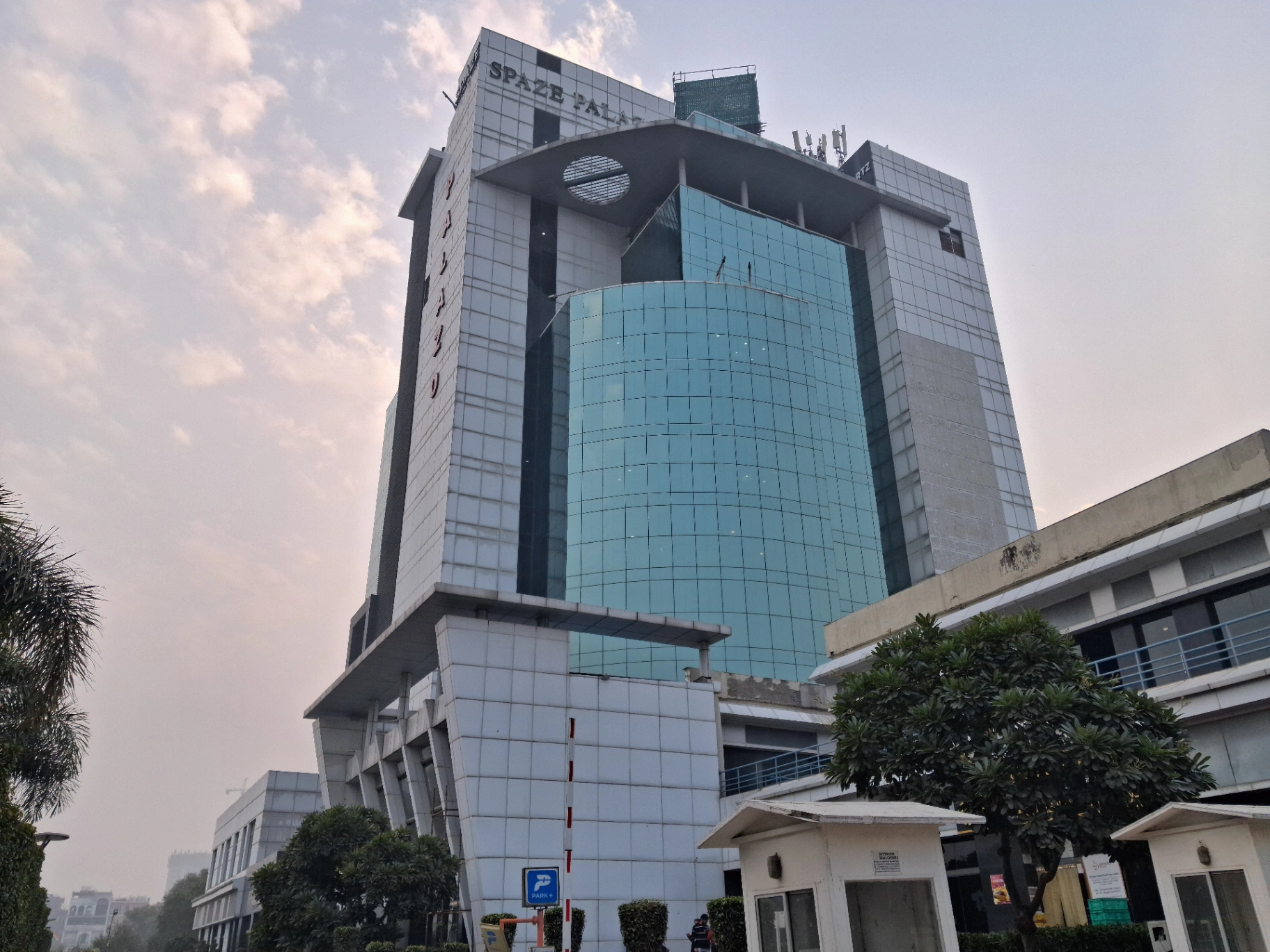
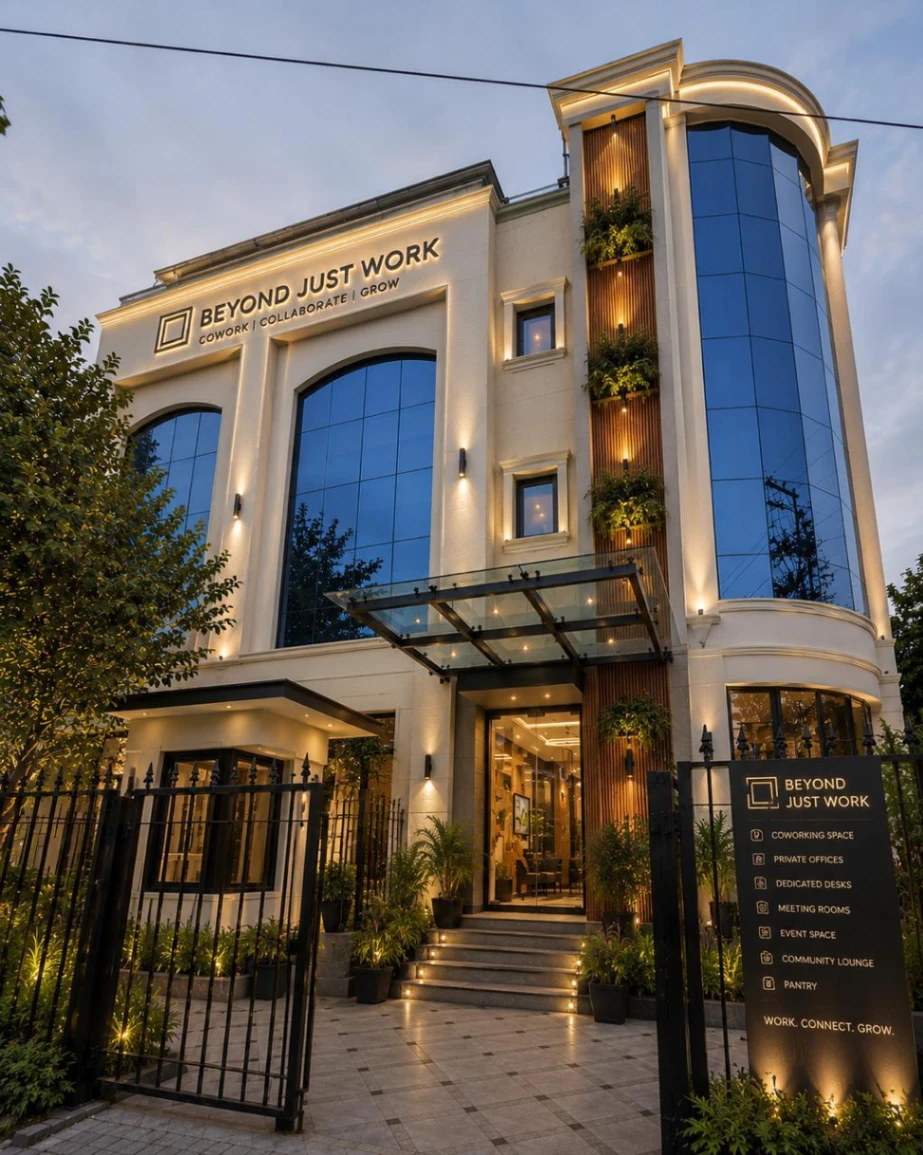
Coworking spaces that are flexible for meetings, gatherings, and work—always in desirable places.
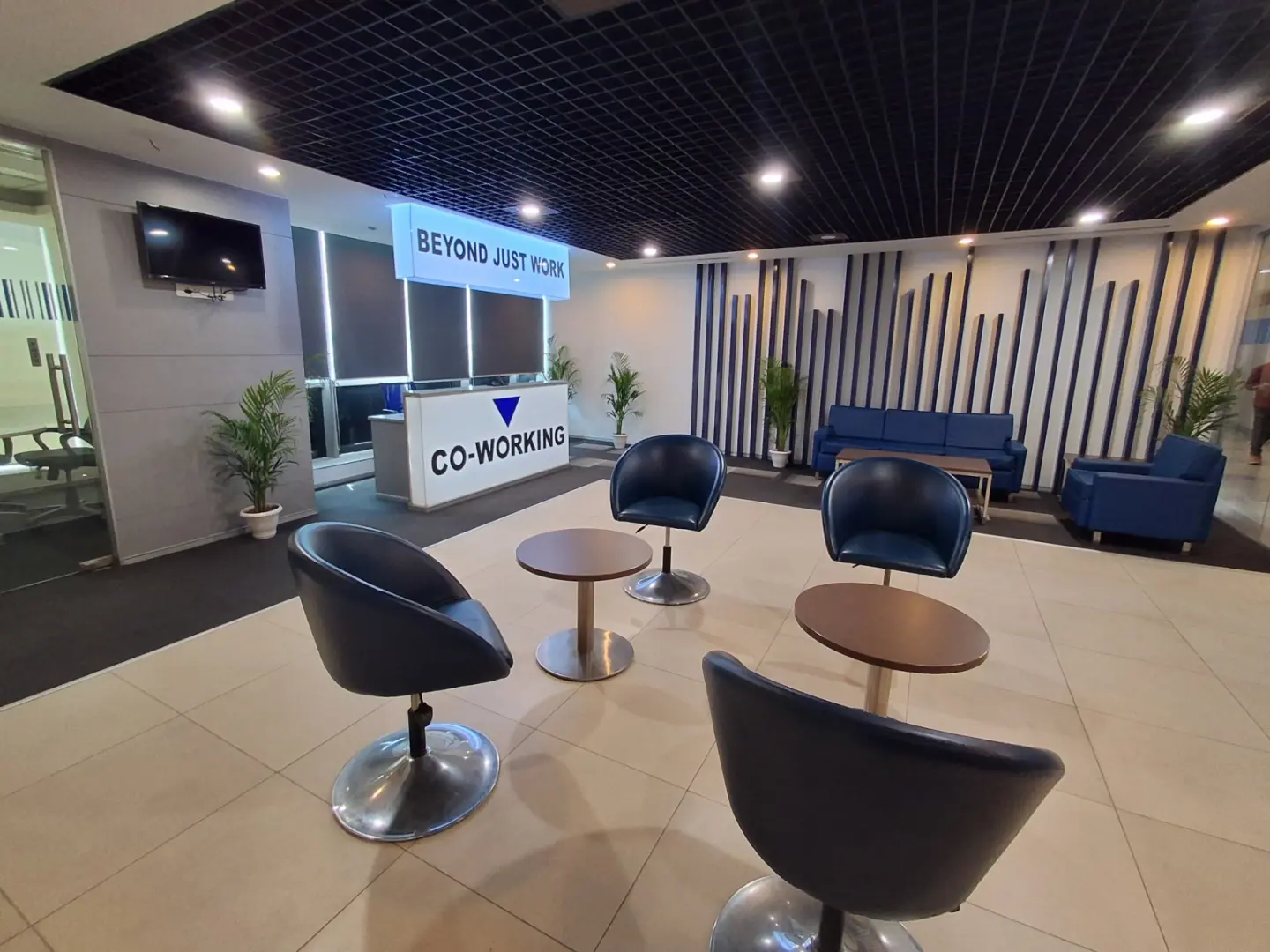
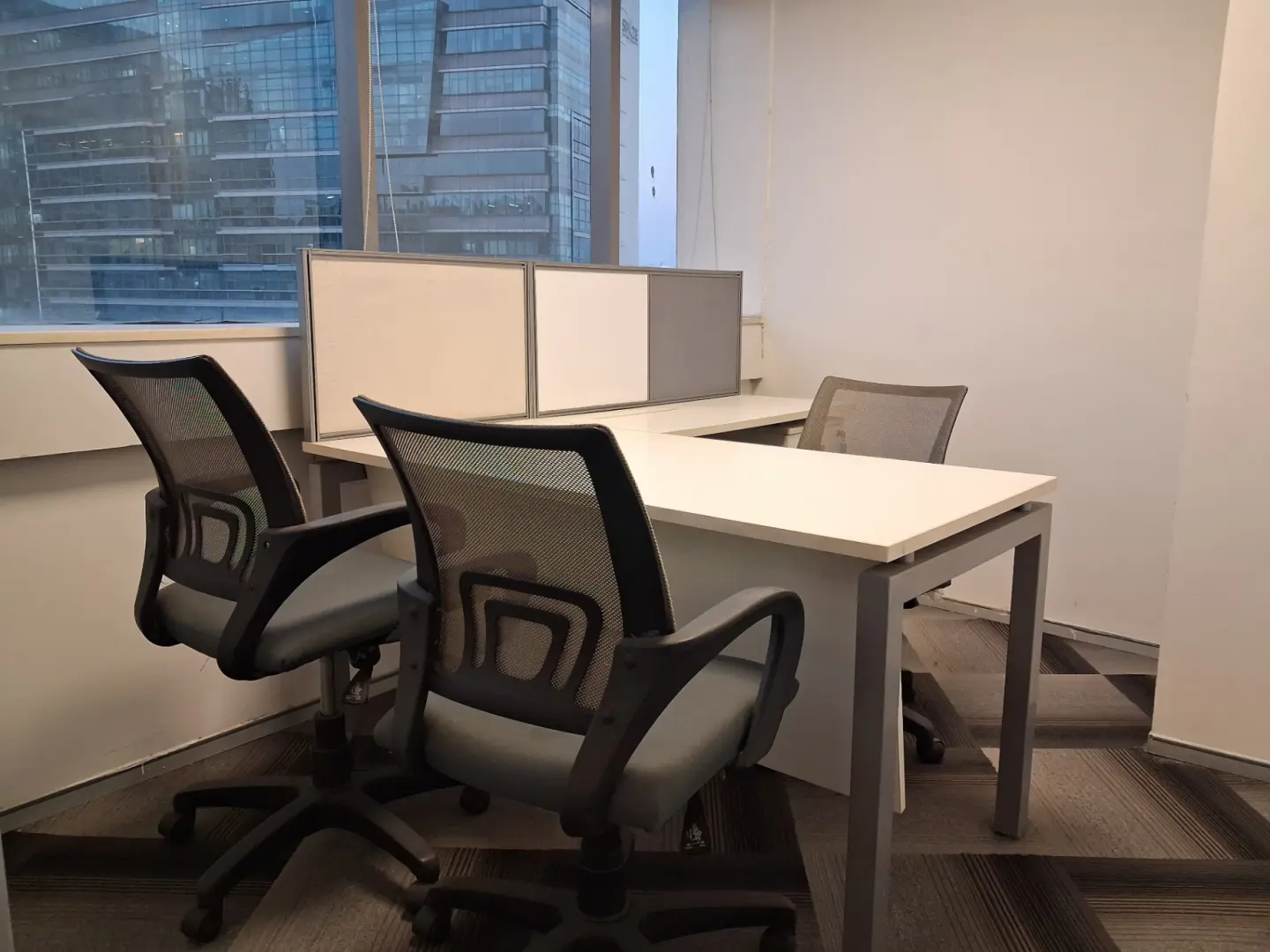
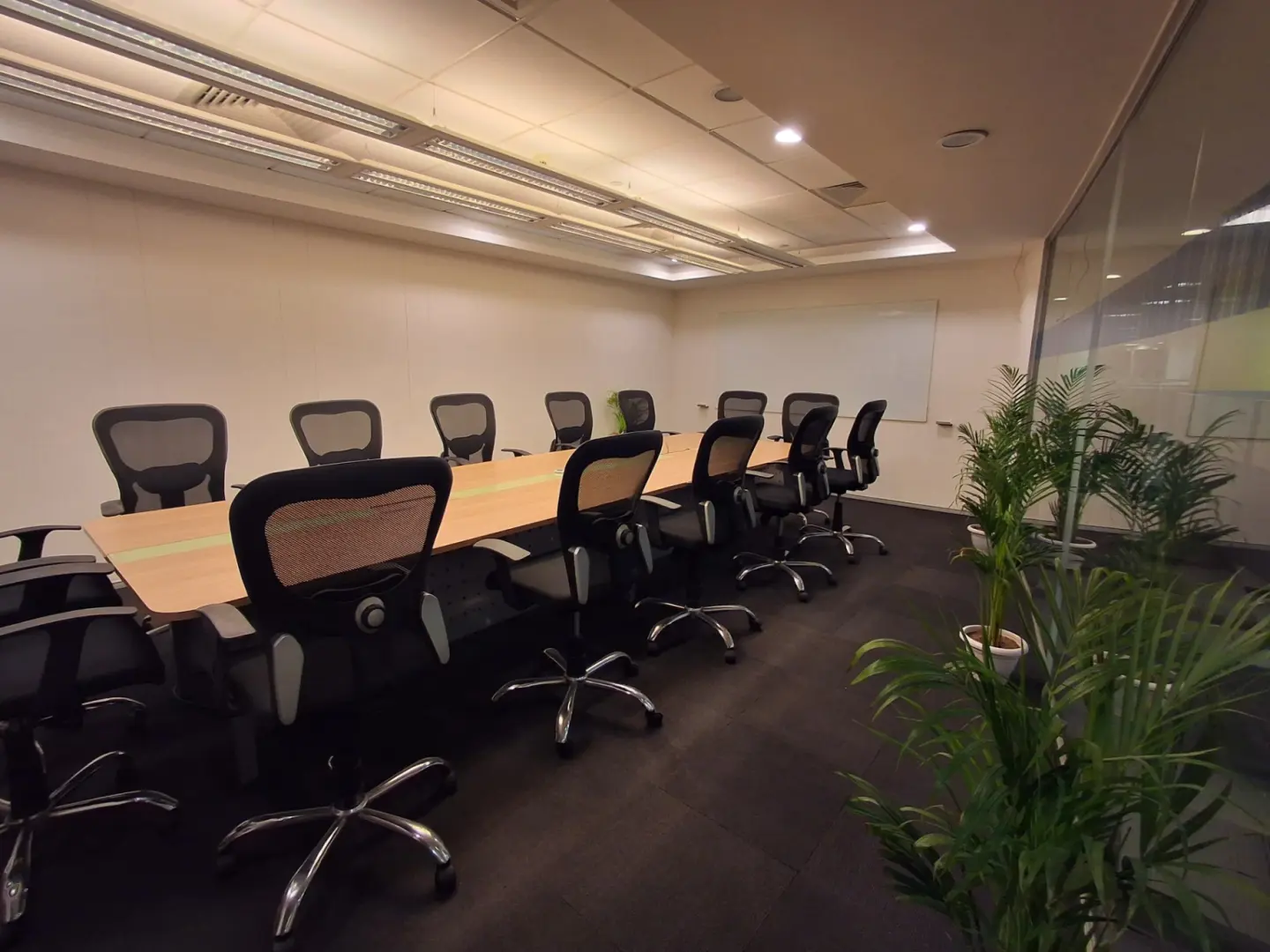
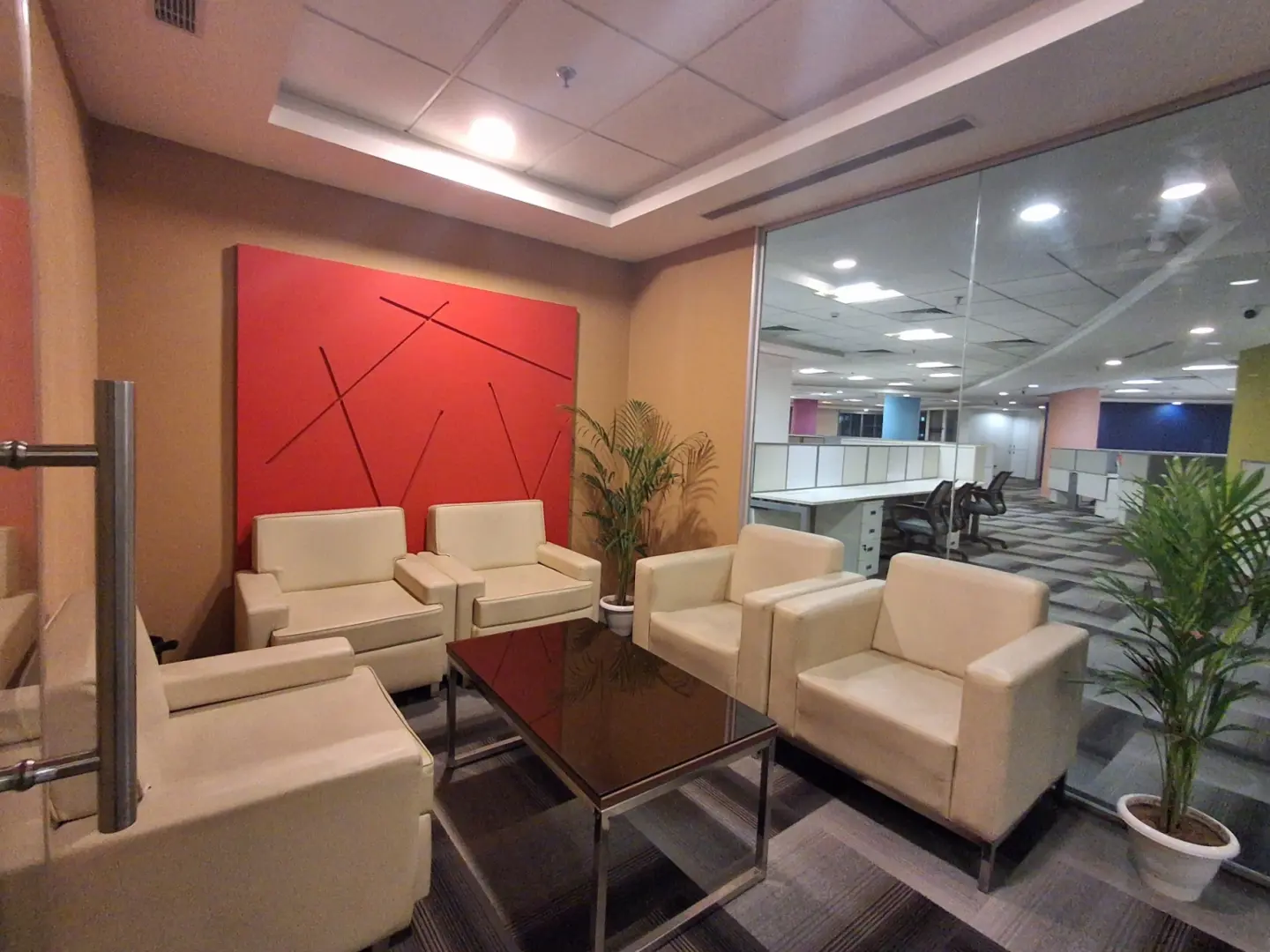
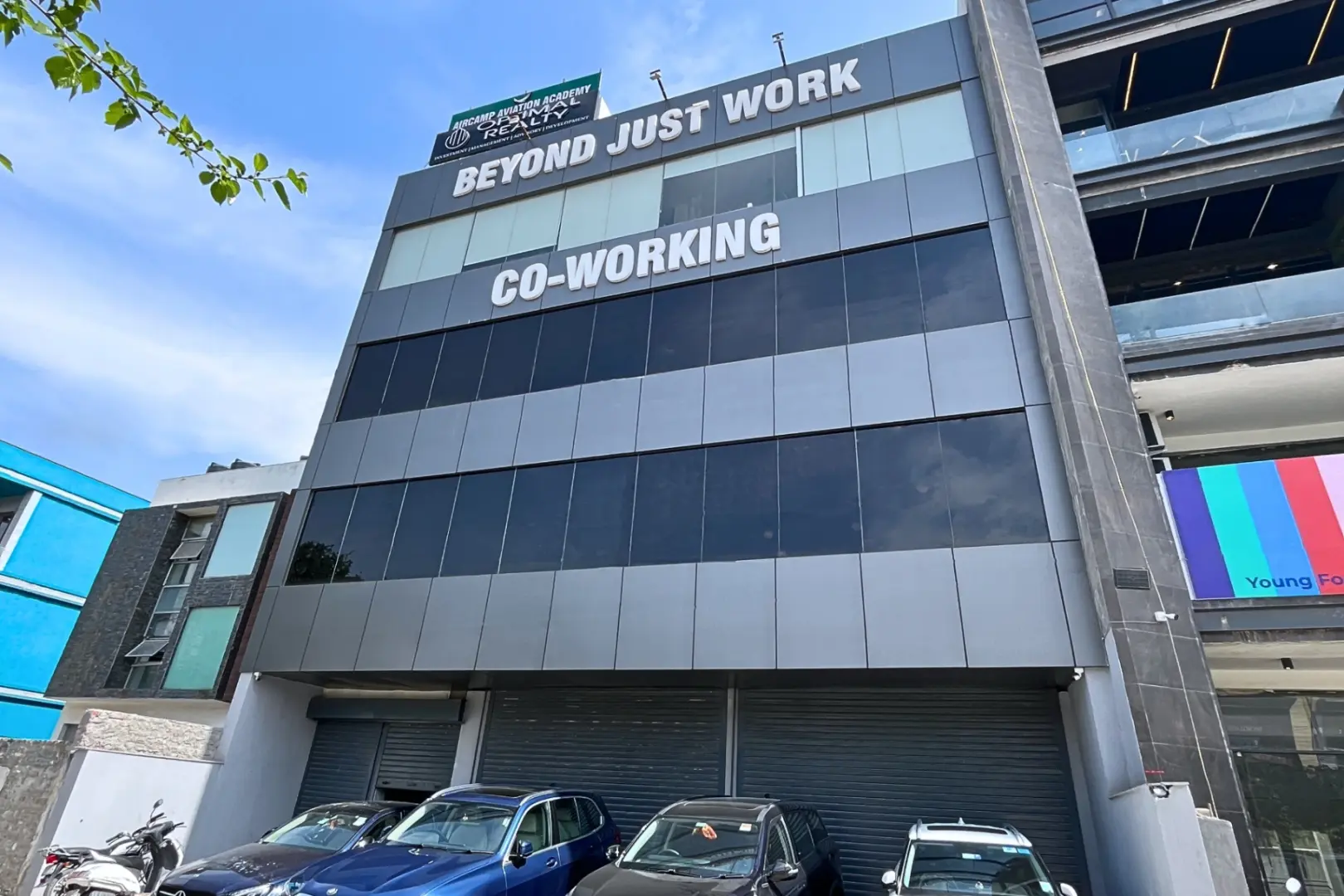
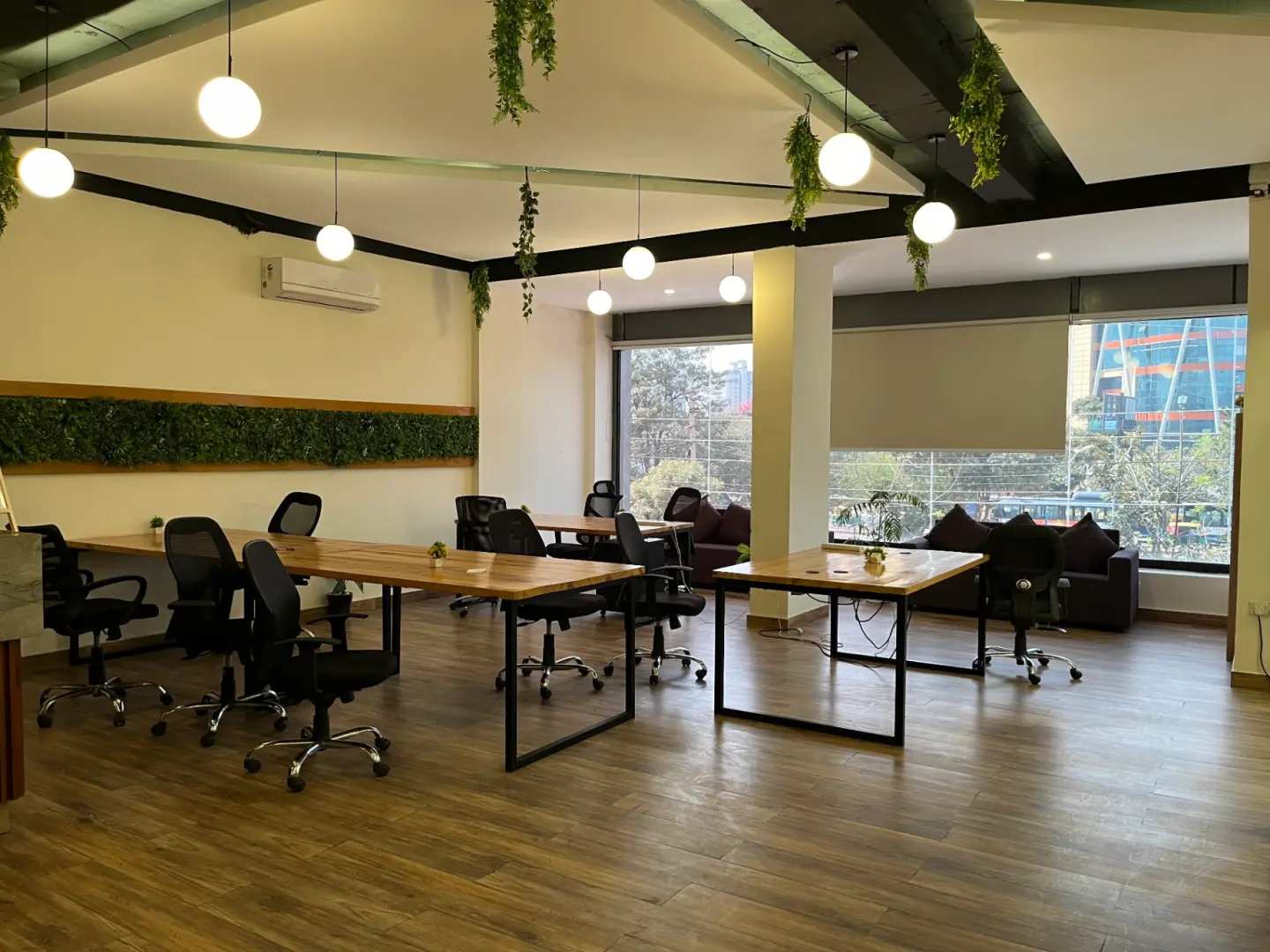
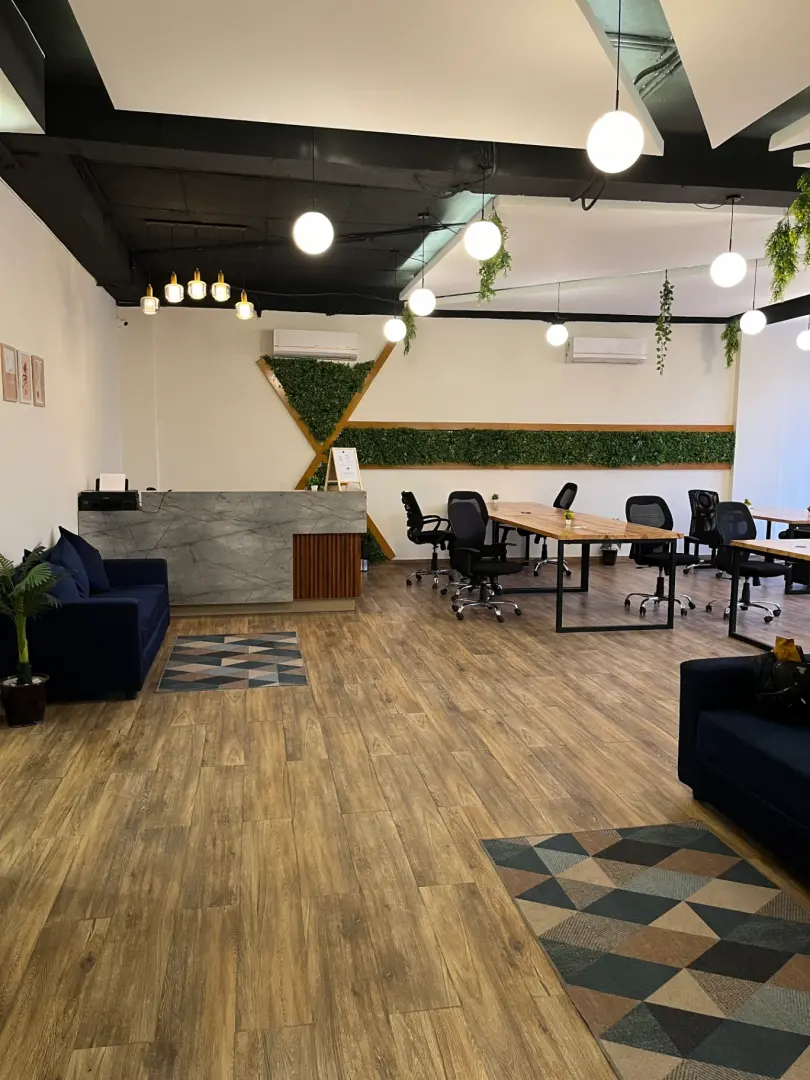
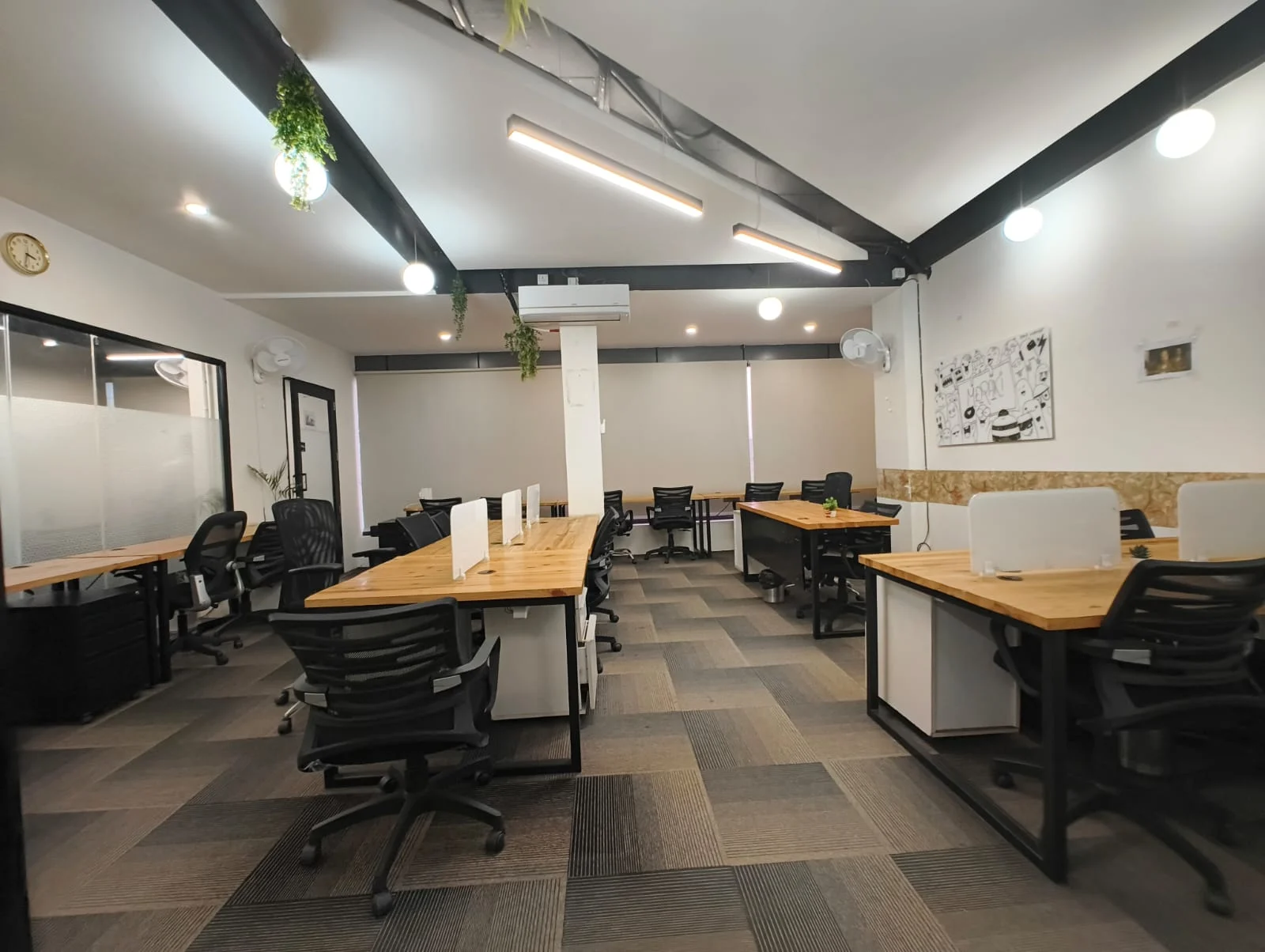
Trusted by Professionals Like You

Amazing place to work. Best workspace in Gurgaon. Elegant and modern work spaces, private rooms and good working environment. A lot of companies work there and the place gives you a good vibe. The staff and other people are really helpful. and specially there cummunity manager is very coperative and helpful.

Very vibrant space.I have been working here since one month in sector 14 location.Amazing experience. Community Manager Liza maintains very classy enviornment.She is professional.

Perfect space for a quick office setup. The environment is great for work, there is no disturbance unlike other co-working spaces. It's priced reasonably and offers all required facilities. The managers (Liza & Manish) and the staff are also very cooperative. Great place to work!

The space has a welcoming and productive atmosphere. Mala is so cooperative and supportive. The staff is friendly, responsive and always eager to help . highly recommend this co -working.

Loved how they provide just a hygienic and comfortable environment at such affordable pricing. The ambience is amazing as well!

I started going to beyond just work in gurugram around 2 months back and I can say for sure that it's really makes you so productive and efficienct! Totally recommended!

Working Space is clean and the environment is really pleasant to work in. Very spacious at affordable prices. Solid choice for anyone looking for office space.
Smart work starts with smart answers!
Explore clear, helpful insights designed to make your workspace experience smooth and stress-free.
What Should First-Time Creators Know About Podcast Studios in Dwarka?
Starting your podcast becomes easier when you know what to expect from a professional recording environment. Before booking one of the Podcast Studios in Dwarka, decide the type of content you want to create, the number of people joining the session, and the approximate episode length. Beginners should check the microphones, camera setup, lighting, seating, and acoustic conditions before confirming a studio. Clear audio matters because even an interesting conversation can lose its impact when voices sound uneven, or background noise distracts listeners. A prepared recording space can reduce common technical difficulties, helping first-time creators focus on their topic instead of struggling with unfamiliar equipment. Planning a basic episode outline also helps you stay organised without making the conversation feel scripted.
Studio selection involves more than checking the equipment list or hourly rate. Ask what the booking includes, whether technical assistance is available, how much setup time you receive, and whether raw recordings are provided after the session. Some packages may include basic recording support, while audio cleanup, full-length video editing, captions, Reels, and Shorts may require additional payment. Confirm the total price, extra-hour charges, file delivery timelines, and revision limits before making a payment. If you are inviting a guest, share the episode theme, a few discussion points, and the studio address in advance. Arriving a little early gives everyone time to settle in, check the setup, and discuss the recording plan. These small steps can prevent delays while making the first session feel more comfortable.
A successful first episode also needs a plan for what happens after recording. One session can become a full-length YouTube video, an audio podcast, short highlights for Instagram Reels, YouTube Shorts, and promotional clips for upcoming episodes. Think about these formats before recording so the camera framing, audio quality, and editing requirements match your publishing goals. Beginners who prefer a prepared recording environment with production support can explore options such as Vroxe Productions. By checking the available services, understanding the package details, and preparing the episode outline, you can make better use of your studio time. The aim is not to make your first recording perfect, but to build a reliable process that helps you create useful content with greater confidence in future sessions.
What Should You Decide Before Booking a Podcast Studio in Dwarka?
Start by deciding what you want your first podcast episode to achieve. Choose a format that suits your idea: a solo talk, a guest interview, a business discussion, or a video podcast. Note the main topic, prepare a few questions, and estimate the number of participants. These details help you understand what kind of recording space you need. When planning your 𝗳𝗶𝗿𝘀𝘁 𝗽𝗼𝗱𝗰𝗮𝘀𝘁 𝘀𝘁𝘂𝗱𝗶𝗼 𝗯𝗼𝗼𝗸𝗶𝗻𝗴 𝗶𝗻 𝗗𝘄𝗮𝗿𝗸𝗮, check the available microphones, cameras, lighting, and seating. Audio-only episodes may need a simple setup, while video interviews require suitable camera framing plus balanced lighting. Share these requirements with the studio team before confirming your date. This helps avoid last-minute confusion while keeping your first recording organised.
Set a realistic budget before finalising your 𝗯𝗲𝗴𝗶𝗻𝗻𝗲𝗿 𝗽𝗼𝗱𝗰𝗮𝘀𝘁 𝗿𝗲𝗰𝗼𝗿𝗱𝗶𝗻𝗴 𝗽𝗹𝗮𝗻 𝗶𝗻 𝗗𝘄𝗮𝗿𝗸𝗮. Check the hourly rate, expected session duration, and available technical assistance. Leave extra time for microphone testing, guest introductions, and brief retakes. If someone is joining your episode, confirm their availability early. Share the studio address so they can plan their journey. Ask what the quoted price covers, including equipment access, raw file delivery, and editing services. Some studios charge separately for post-production, so confirm these details before paying. A clear plan helps first-time creators manage costs, arrive prepared, and feel more confident during their first studio session.
Which Equipment Does a Beginner Need for Their First Podcast?
Starting a podcast does not require buying every piece of recording equipment straight away. For a solo audio episode, a good microphone, headphones plus a quiet recording environment may be enough. Guest interviews need suitable microphones for each speaker, with enough space to sit comfortably. Video podcasts require extra attention to cameras, lighting, and framing. A 𝗯𝗲𝗴𝗶𝗻𝗻𝗲𝗿 𝗽𝗼𝗱𝗰𝗮𝘀𝘁 𝗲𝗾𝘂𝗶𝗽𝗺𝗲𝗻𝘁 𝘀𝗲𝘁𝘂𝗽 𝗶𝗻 𝗗𝘄𝗮𝗿𝗸𝗮 should match your episode format rather than include equipment you may never use. Clear audio deserves priority because viewers may tolerate a simple background more easily than difficult-to-hear speech.
Before purchasing equipment, check what your chosen studio already provides. A studio may offer microphones, headphones, cameras, lighting, and comfortable seating within its booking package. Ask whether technical help is available for setup checks. This can save beginners from spending money on equipment before understanding their actual needs. When reviewing the 𝗳𝗶𝗿𝘀𝘁 𝗲𝗽𝗶𝘀𝗼𝗱𝗲 𝗿𝗲𝗰𝗼𝗿𝗱𝗶𝗻𝗴 𝗴𝗲𝗮𝗿 𝗶𝗻 𝗗𝘄𝗮𝗿𝗸𝗮, compare the included facilities with your recording plan. Confirm any extra equipment charges before booking. Once you have recorded a few episodes, you will have a clearer idea of which tools are worth buying for your own setup.
Beginner equipment checklist:
-
Microphone: Choose a microphone suited to your voice, recording space, and number of speakers.
-
Headphones: Use them to monitor sound, identify background noise, and catch audio issues before recording.
-
Camera and lighting: For video podcasts, check camera quality, face lighting, and suitable framing.
-
Seating and studio support: Confirm comfortable chairs, adequate space, and equipment setup assistance. Check which facilities are included in the booking fee.
How Can You Check the Audio Quality of a Podcast Studio?
Start by testing the microphone before recording your first episode. Speak at your normal volume, then listen through headphones to check whether your voice sounds clear. Watch for muffled speech, sudden volume changes, or unwanted buzzing. Try speaking from your actual seating position because microphone distance can affect the sound. A 𝗳𝗶𝗿𝘀𝘁 𝗽𝗼𝗱𝗰𝗮𝘀𝘁 𝗿𝗼𝗼𝗺 𝘀𝗼𝘂𝗻𝗱 𝗰𝗵𝗲𝗰𝗸 𝗶𝗻 𝗗𝘄𝗮𝗿𝗸𝗮 helps beginners understand how the equipment performs before the main session begins. Ask the studio team to adjust the microphone if your voice sounds too quiet or distorted.
Background noise deserves equal attention. Listen for sounds from air conditioning, nearby conversations, traffic, or other equipment. Check whether your voice produces a noticeable echo when you speak. Suitable acoustic treatment can reduce unwanted reflections, making speech easier to understand. During a 𝗽𝗼𝗱𝗰𝗮𝘀𝘁 𝗮𝘂𝗱𝗶𝗼 𝘁𝗲𝘀𝘁𝗶𝗻𝗴 𝘀𝗲𝘀𝘀𝗶𝗼𝗻 𝗶𝗻 𝗗𝘄𝗮𝗿𝗸𝗮, use headphones to monitor the sound carefully. A quiet room may still have audio problems, so listen closely rather than judging the space by appearance alone.
Before starting the actual episode, record a short test clip. Speak for 20 to 30 seconds, listen to the playback, then check for background noise, uneven volume, or echo. If several guests are present, test each microphone separately to confirm that every voice sounds clear. Make any necessary adjustments before recording the full discussion. This simple step helps beginners catch problems early, reducing avoidable retakes while protecting booked studio time. Once the test recording sounds clear, you can begin the episode with greater confidence.
What Should First-Time Creators Expect During a Studio Session?
Your first studio visit may feel unfamiliar, but knowing what happens at each stage can make the experience easier. When you arrive, the studio team may show you the recording area, explain the available equipment, and help you settle into your seat. During a 𝗳𝗶𝗿𝘀𝘁 𝘁𝗶𝗺𝗲 𝗽𝗼𝗱𝗰𝗮𝘀𝘁 𝘀𝘁𝘂𝗱𝗶𝗼 𝘃𝗶𝘀𝗶𝘁 𝗶𝗻 𝗗𝘄𝗮𝗿𝗸𝗮, use the initial few minutes to review your episode outline, arrange your notes, and discuss any questions about the setup. You do not need to know how every piece of equipment works. The main goal is to understand the process before recording begins.
Next comes equipment setup. Microphones are positioned according to your seating arrangement, audio levels are checked, and cameras are framed for the recording format. A short test recording gives you a chance to hear your voice through headphones, check the lighting, and review the camera view. This is a good time to mention any concerns about sound or positioning. Proper 𝗽𝗼𝗱𝗰𝗮𝘀𝘁 𝘀𝘁𝘂𝗱𝗶𝗼 𝗼𝗿𝗶𝗲𝗻𝘁𝗮𝘁𝗶𝗼𝗻 𝗳𝗼𝗿 𝗯𝗲𝗴𝗶𝗻𝗻𝗲𝗿𝘀 𝗶𝗻 𝗗𝘄𝗮𝗿𝗸𝗮 can help first-time creators understand the equipment without feeling pressured to manage everything themselves. Technical assistance is especially useful when you are unfamiliar with recording software or camera settings.
Once the basic checks are complete, the main discussion can begin. Keep your episode outline nearby, speak naturally, and follow the conversation rather than worrying about every small detail. Brief pauses are normal. If you lose your train of thought, take a breath before continuing. The technical team can help address equipment issues if they arise. After recording, confirm that the files have been saved correctly before leaving the studio. Understanding these steps beforehand helps reduce nervousness, making your first session feel more manageable while giving you a clearer idea of how future recordings will work.
How Much Studio Time Should You Book for Your First Podcast?
For your first podcast, book enough studio time to settle into the setup without rushing the conversation. A 30-minute episode may require 45 to 60 minutes in the studio, depending on the number of guests, equipment checks, and retakes. Beginners often need extra time to understand microphone placement, review camera framing, or practise their opening lines. Planning your 𝗳𝗶𝗿𝘀𝘁 𝗽𝗼𝗱𝗰𝗮𝘀𝘁 𝘀𝗲𝘀𝘀𝗶𝗼𝗻 𝗱𝘂𝗿𝗮𝘁𝗶𝗼𝗻 𝗶𝗻 𝗗𝘄𝗮𝗿𝗸𝗮 carefully helps you avoid paying for unused time or rushing through important parts of the episode.
-
Episode length: Estimate the actual discussion time first. A 30-minute episode may need a 45 to 60-minute booking, while longer interviews may require additional time.
-
Equipment setup: Reserve 10 to 15 minutes for microphone checks, camera framing, and lighting adjustments. Confirm whether setup time falls within your booked slot.
-
Introductions and retakes: Allow a little extra time to settle in, practise the opening, and repeat sections if needed. First-time creators may need more flexibility.
-
Hourly budget: Before arranging 𝗵𝗼𝘂𝗿𝗹𝘆 𝗽𝗼𝗱𝗰𝗮𝘀𝘁 𝗿𝗼𝗼𝗺 𝗿𝗲𝗻𝘁𝗮𝗹 𝗳𝗼𝗿 𝗯𝗲𝗴𝗶𝗻𝗻𝗲𝗿𝘀 𝗶𝗻 𝗗𝘄𝗮𝗿𝗸𝗮, confirm the hourly rate, minimum booking period, and extra-time charges. Calculate the total using the expected session duration.
Before confirming your slot, share your episode plan with the studio team. They can help you estimate the time required for your format. Keep a small buffer for unexpected delays, especially during your first recording. A realistic booking gives you time to settle in, speak naturally, and review your recording without pressure.
What Technical Help Should You Look for When Choosing a Studio?
Your first podcast session can feel unfamiliar when you are working with professional equipment for the first time. A studio should offer more than microphones, cameras, and lights. Look for someone who can help adjust microphone distance, set suitable audio levels, check headphone output, and explain basic controls. Good 𝗽𝗼𝗱𝗰𝗮𝘀𝘁 𝗲𝗾𝘂𝗶𝗽𝗺𝗲𝗻𝘁 𝗴𝘂𝗶𝗱𝗮𝗻𝗰𝗲 𝗳𝗼𝗿 𝗻𝗲𝘄 𝗰𝗿𝗲𝗮𝘁𝗼𝗿𝘀 𝗶𝗻 𝗗𝘄𝗮𝗿𝗸𝗮 helps beginners understand the setup without feeling pressured to learn every technical detail before recording. You can focus on your topic while someone experienced makes sure the equipment is ready.
Camera setup deserves equal attention, especially if you plan to publish video episodes. Ask whether the studio team can check framing, lighting, camera angles, recording software, and storage settings before the session begins. Software support matters because a recording may appear to be running while the audio input is incorrectly selected or a camera feed is missing. A short test recording helps identify these issues early. The team should also explain how files are saved, where the recordings are stored, and which deliverables you can expect after the session.
Reliable 𝗯𝗲𝗴𝗶𝗻𝗻𝗲𝗿 𝗽𝗼𝗱𝗰𝗮𝘀𝘁 𝘁𝗲𝗰𝗵𝗻𝗶𝗰𝗮𝗹 𝗮𝘀𝘀𝗶𝘀𝘁𝗮𝗻𝗰𝗲 𝗶𝗻 𝗗𝘄𝗮𝗿𝗸𝗮 becomes especially valuable when an unexpected problem occurs. A microphone may pick up unwanted noise, a recording level may become too high, or software may stop responding. Having someone available to troubleshoot these issues can prevent unnecessary retakes, save booked studio time, and reduce recording-day stress. Beginners should feel comfortable asking questions rather than worrying about damaging equipment or interrupting the session. When technical support is accessible, the recording process feels easier to manage, allowing you to speak naturally, stay engaged with your guest, and build confidence with every episode.
How Can You Prepare for Your First Podcast Guest Interview?
A successful guest interview starts well before the recording begins. Good 𝗳𝗶𝗿𝘀𝘁 𝗽𝗼𝗱𝗰𝗮𝘀𝘁 𝗴𝘂𝗲𝘀𝘁 𝗶𝗻𝘁𝗲𝗿𝘃𝗶𝗲𝘄 𝗽𝗿𝗲𝗽𝗮𝗿𝗮𝘁𝗶𝗼𝗻 𝗶𝗻 𝗗𝘄𝗮𝗿𝗸𝗮 begins with a clear invitation explaining the episode topic, its purpose, the expected duration, and the planned recording date. Give your guest a short topic brief with a few key themes, sample questions, and relevant background information. This helps them understand the conversation without memorising answers or rehearsing every response. The goal is to create a natural discussion where both host and guest can share ideas comfortably.
Practical arrangements matter just as much as the discussion itself. Share the studio address, nearby landmarks, parking details, or metro directions well before the session. Ask your guest to arrive around 10 to 15 minutes early, allowing time to settle in, check the setup, and review the episode plan. Thoughtful 𝗻𝗲𝘄 𝗽𝗼𝗱𝗰𝗮𝘀𝘁 𝗵𝗼𝘀𝘁 𝗴𝘂𝗲𝘀𝘁 𝗽𝗹𝗮𝗻𝗻𝗶𝗻𝗴 𝗶𝗻 𝗗𝘄𝗮𝗿𝗸𝗮 also means confirming names, job titles, pronunciation, and any topics the guest prefers to avoid. A relaxed guest is more likely to share meaningful stories, respond naturally, and contribute to a stronger episode.
-
Send a short topic brief: Include the episode theme, key discussion points, and a few sample questions. Encourage genuine answers rather than scripted responses.
-
Confirm the schedule: Share the recording date, start time, expected duration, and studio address. Request early arrival for a calm setup.
-
Keep communication open: Confirm the guest's preferred name, role, and any special requirements. Share a contact number for last-minute directions or schedule changes.
What Is Included in a Podcast Studio Booking in Dwarka?
Before paying for a 𝗽𝗼𝗱𝗰𝗮𝘀𝘁 𝘀𝘁𝘂𝗱𝗶𝗼 𝗽𝗮𝗰𝗸𝗮𝗴𝗲 𝗱𝗲𝘁𝗮𝗶𝗹𝘀 𝗶𝗻 𝗗𝘄𝗮𝗿𝗸𝗮, check exactly what your booking covers. Some packages may include studio access, microphones, cameras, lighting, and basic technical assistance. Other services, such as video editing, audio cleanup, and short-form clips, may cost extra. Vroxe Productions' previously shared studio rate was ₹4,999 per hour, so confirm the current price before booking. Ask whether setup time counts towards your session, whether extra minutes incur additional charges, and whether taxes apply to the quoted amount. Clear pricing helps first-time creators plan their budget without unexpected expenses.
Raw recordings deserve particular attention because you may need them for future editing, backups, and social media clips. Confirm how the files will be delivered, which formats are available, and when you can expect them. If editing is offered separately, ask about the cost, delivery timeline, revisions, and final output formats. A 𝗳𝗶𝗿𝘀𝘁 𝗽𝗼𝗱𝗰𝗮𝘀𝘁 𝗯𝗼𝗼𝗸𝗶𝗻𝗴 𝗰𝗼𝘀𝘁 𝗰𝗵𝗲𝗰𝗸𝗹𝗶𝘀𝘁 𝗶𝗻 𝗗𝘄𝗮𝗿𝗸𝗮 makes it easier to compare studios on actual value rather than hourly price alone. Get the package details in writing before making payment, particularly if you need both audio recordings plus edited video content.
Before confirming your booking, check these four details:
-
Studio access and equipment: Confirm the room duration, microphones, cameras, lighting, seating, and setup time included in the package.
-
Technical assistance: Ask whether someone will help with equipment setup, audio checks, recording software, and troubleshooting during the session.
-
Raw files and editing: Confirm access to original recordings, file delivery method, editing options, revision limits, and expected turnaround time.
-
Complete pricing: Verify the hourly rate, minimum booking duration, extra-hour charges, editing fees, applicable taxes, and payment terms before paying.
Should You Plan Podcast Editing Before Your First Recording?
Your first podcast recording is only one part of the publishing process. Before entering a studio, decide how you want the final episode to look, sound, and feel across your chosen platforms. A 𝗳𝗶𝗿𝘀𝘁 𝗽𝗼𝗱𝗰𝗮𝘀𝘁 𝗲𝗱𝗶𝘁𝗶𝗻𝗴 𝗽𝗹𝗮𝗻 𝗶𝗻 𝗗𝘄𝗮𝗿𝗸𝗮 helps you identify the post-production work needed after filming. This might include removing unwanted pauses, reducing background noise, balancing voice levels, improving video cuts, and adding an opening title. If you plan to publish on YouTube, a full-length edited video may be your priority. Audio-only creators may need a cleaned-up episode ready for podcast platforms. Planning these requirements early helps you choose a suitable package instead of arranging everything after the session.
Short-form content also deserves attention before recording day. Useful moments from a conversation can become Instagram Reels, YouTube Shorts, teaser clips, captioned highlights. Tell the editing team about your preferred video dimensions, caption style, branding, and file formats. When checking 𝗻𝗲𝘄 𝗽𝗼𝗱𝗰𝗮𝘀𝘁 𝗲𝗽𝗶𝘀𝗼𝗱𝗲 𝗱𝗲𝗹𝗶𝘃𝗲𝗿𝗮𝗯𝗹𝗲𝘀 𝗶𝗻 𝗗𝘄𝗮𝗿𝗸𝗮, confirm what the quoted price actually includes. Basic recording may not cover detailed editing, subtitles, multiple short clips, or advanced audio restoration. Ask about delivery timelines, revision limits, and additional charges before booking. Knowing what you need in advance makes budgeting easier while helping the final content match your publishing plan.
Before confirming post-production services, check these four points:
-
Audio cleanup: Confirm whether noise reduction, voice-level balancing, removal of long pauses, and final audio exports are included.
-
Full-length video editing: Ask about cuts, colour correction, opening titles, branding, background music, and final video format.
-
Captions and short clips: Check the number of Reels or Shorts included, caption options, clip duration, vertical video formats. Extra clips may cost more.
-
Delivery terms and revisions: Confirm turnaround time, file formats, revision limits, additional editing fees. Request a written list of final deliverables before recording.
How Can You Turn Your First Podcast Recording Into Content for Multiple Platforms?
Your first podcast recording can provide much more than a single published episode. With a clear 𝗳𝗶𝗿𝘀𝘁 𝗽𝗼𝗱𝗰𝗮𝘀𝘁 𝗰𝗼𝗻𝘁𝗲𝗻𝘁 𝗿𝗲𝗽𝘂𝗿𝗽𝗼𝘀𝗶𝗻𝗴 𝗽𝗹𝗮𝗻 𝗶𝗻 𝗗𝘄𝗮𝗿𝗸𝗮, one session can produce a full-length YouTube video, an audio podcast, Instagram Reels, YouTube Shorts, and promotional clips. Each format serves a different purpose. The full episode lets viewers follow the entire conversation, while shorter clips introduce useful insights to people who may not have time for the complete discussion. Planning these outputs before recording helps you capture valuable moments without needing a separate session for every platform.
Start by identifying moments worth sharing. A guest's personal story, a practical tip, a surprising opinion, or a thoughtful answer can each become a short clip. Note the timestamps during recording, or ask the editing team to identify strong highlights afterwards. Camera framing also matters. Keep speakers positioned clearly within the shot, maintain consistent lighting, and check that faces remain visible when footage is cropped into vertical formats. Clear audio is equally important because short clips lose impact when speech is difficult to understand. These small production choices make it easier to create content that feels natural across different platforms.
Effective 𝗺𝘂𝗹𝘁𝗶-𝗽𝗹𝗮𝘁𝗳𝗼𝗿𝗺 𝗽𝗼𝗱𝗰𝗮𝘀𝘁 𝗽𝘂𝗯𝗹𝗶𝘀𝗵𝗶𝗻𝗴 𝗳𝗼𝗿 𝗻𝗲𝘄 𝗰𝗿𝗲𝗮𝘁𝗼𝗿𝘀 also depends on choosing the right post-production services. A full YouTube episode may need clean cuts, colour correction, titles, and audio balancing. Reels or Shorts may require vertical cropping, captions, concise openings, and branded elements. Promotional clips can highlight an upcoming episode or introduce a guest before publication. Beginners should confirm how many edited clips are included, which file formats they will receive, and whether captions or revisions cost extra. Vroxe Productions offers a prepared recording environment with production assistance, giving first-time creators a practical starting point for planning their recording workflow.
One well-planned recording can become a collection of useful content rather than a single upload. Decide your target platforms early, identify likely highlights, and discuss editing requirements before your session.
Call or WhatsApp Vroxe Productions at +91 79827 10204 to discuss your requirements and confirm your session.
Frequently Asked Questions
1. What should first-time creators know before booking a podcast studio in Dwarka?
First-time creators should check the studio equipment, recording duration, technical assistance, pricing, and file delivery options before booking. Preparing an episode outline helps make the session smoother, while confirming package details prevents unexpected charges.
2. What equipment should a beginner look for in a podcast recording studio in Dwarka?
Beginners should look for quality microphones, cameras, suitable lighting, comfortable seating, and proper acoustic treatment. A studio with technical support can also help with microphone adjustments, audio checks, and camera framing.
3. Does a podcast studio booking in Dwarka include technical assistance and editing?
Inclusions vary by studio package. Some bookings cover recording equipment plus basic technical assistance, while audio cleanup, full-length video editing, captions, and Reels may cost extra. Confirm the deliverables, revision limits, and additional fees before paying.
4. How can beginners turn one podcast recording into YouTube videos, Reels, Shorts?
One recording can be repurposed into a full-length YouTube episode, an audio podcast, Instagram Reels, YouTube Shorts, and promotional clips. Select engaging moments, plan camera framing carefully, and confirm editing requirements to make each format suitable for its platform.
5. What should you check before booking podcast recording services in Dwarka?
Check the hourly rate, session duration, equipment access, technical assistance, raw file delivery, and editing options. Ask about extra charges, file formats, delivery timelines, and revision limits so you can plan your budget with confidence.
 Khushi
 Beyond Just Work